


A360 Login Avatar Panel
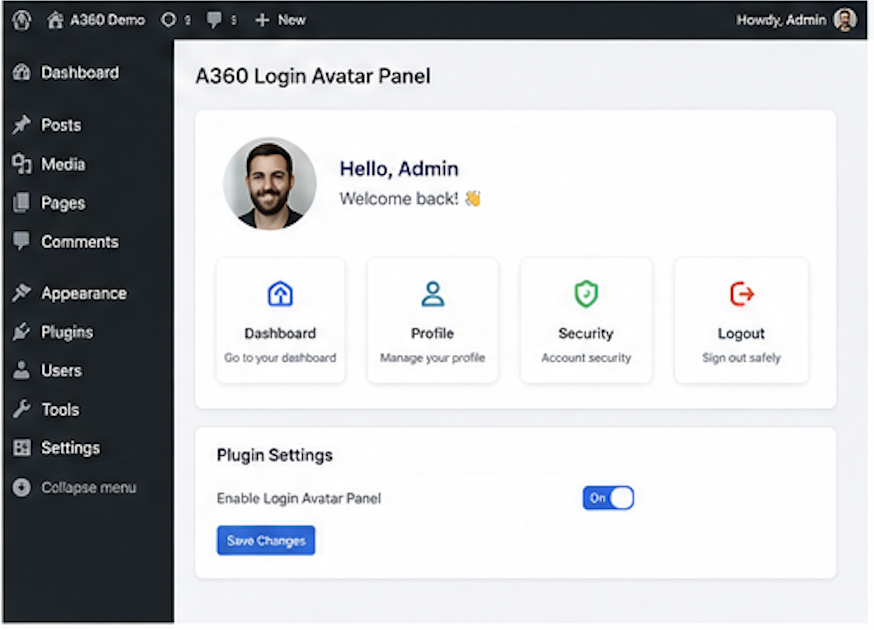
A360 Login Avatar Panel adds a simple visual verification step to the WordPress login form.
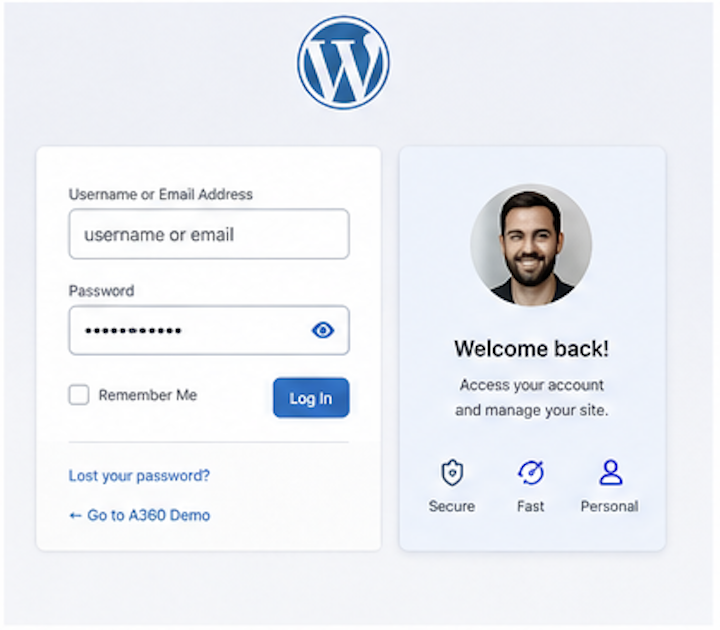
Administrators can enable the panel globally and assign one required avatar to each user. During login, the user enters the normal WordPress username and password, then selects the assigned avatar from a randomized icon grid.
The avatar selection is checked only after WordPress has already validated the username and password. This avoids exposing whether a username exists through the avatar step.
This plugin is intended as an additional login barrier. It is not a replacement for a proper two-factor authentication plugin.
Features:
- Enable or disable the login avatar panel.
- Assign required avatars per user.
- Randomize the avatar order on every login page load.
- Keep normal WordPress login and password handling unchanged.
- Validate the avatar only after successful password authentication.
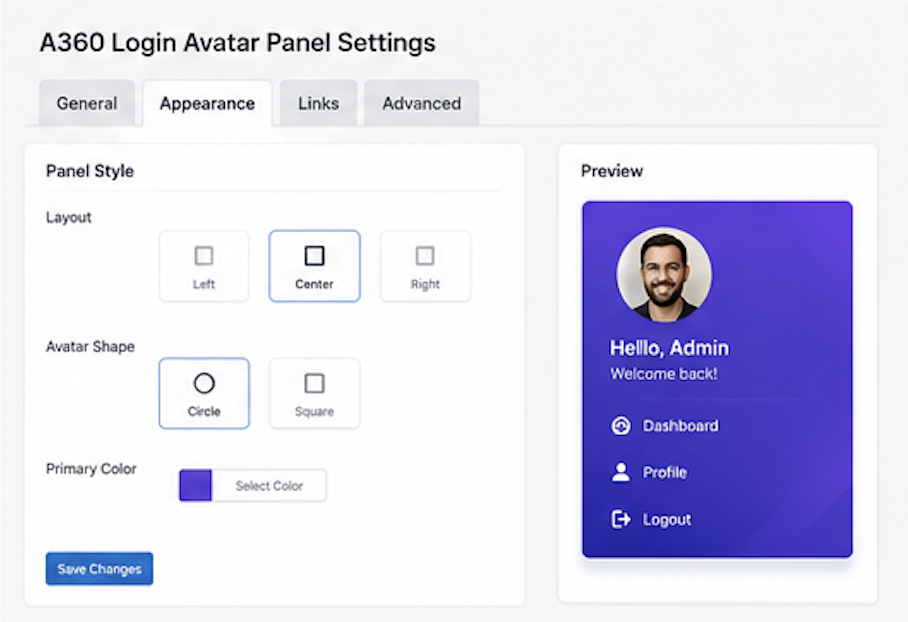
- Customize the login page background color and background image.
- Track failed and successful login activity.
- Temporarily block IP addresses after repeated failed login attempts.
- Send an administrator email when failed attempts from one IP exceed the configured threshold.
- Optionally block XML-RPC requests when remote publishing or Jetpack is not needed.
- Show a login security dashboard widget and security report in plugin settings.
- Save safelist and denylist entries for IP addresses/ranges and usernames.
- Reset the lockout counter from the security settings tab.
Privacy
A360 Login Avatar Panel stores plugin settings and login activity data in WordPress options. Successful login counters store timestamps only. Failed login details store timestamp, IP address, attempted username, failure reason, and browser user agent for security monitoring, temporary IP blocking, and administrator email alerts. Safelist and denylist values are stored only when an administrator enters them in the Security tab.
Details
Related plugins
Plugins that also contain the tag admin
Redux Framework

Loginizer

LightStart – Maintenance Mode, Coming Soon and Landing Page Builder

Admin Menu Editor

White Label CMS

InfiniteWP Client


About
Plugin for that tries to help you find the WordPress plugin you are looking for.
| Please enjoy an image of Crush (this awesome turtle) and have a lovely day! |  |
We do not own any plugin listed on this site and do not work for or work with WordPress.com or it's associated companies. We simply provide a searchable list of the available WordPress plugins.