


Ace Products Filters
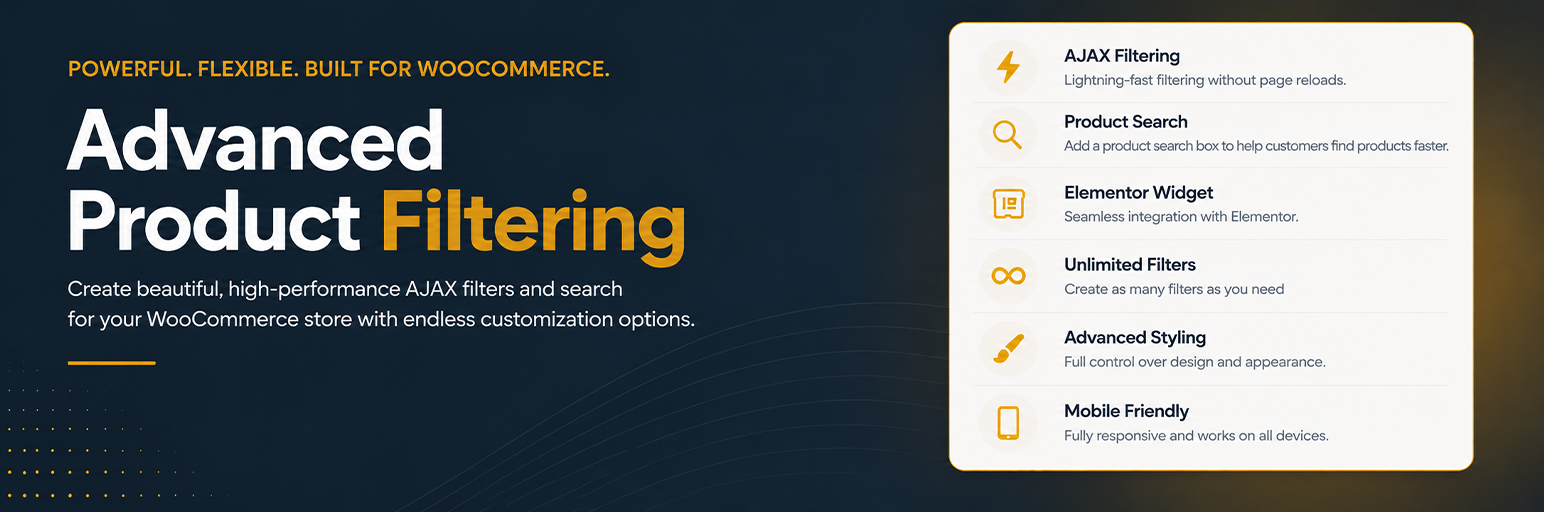
Ace Products Filters gives you a practical way to build WooCommerce filters once and reuse them across your storefront.
Create saved filter sets for categories, global attributes, and price ranges, style them to match your store, and place them individually or inside reusable filter panels. Whether you are building a shop sidebar, a top bar, or a custom Elementor layout, you can keep the filtering experience consistent without rebuilding the same setup for every page.
The free plugin already includes:
- Unlimited saved category, attribute, and price filter sets
- Saved filter panels for sidebars, top bars, and grouped storefront layouts
- AJAX filtering with a shared results selector
- Price range filtering with optional Min / Max inputs
- Single-select and multi-select filter behavior
- Product counts, labels, headings, and empty-results messaging controls
- Styling controls for filters and panels, including responsive and mobile presentation settings
- Mobile panel toggle and close button controls
- Elementor widget support plus shortcode placement
- Reusable output for shop pages, category archives, Elementor templates, and custom storefront sections
Use one saved filter when you need a focused control, or combine multiple saved filters into a panel for a complete storefront filtering experience.
Placement options:
- Elementor widget for saved filters and saved panels
- [acewpf_filter id=”your-filter-id”]
- [acewpf_filter_panel id=”your-panel-id”]
Usage
- Create a filter set and choose whether it should use categories, attributes, or price.
- Configure the behavior, labels, counts, layout direction, and design settings.
- Enable AJAX when you want in-place product updates and set one shared results selector.
- Place the saved filter directly, or create a filter panel and combine multiple saved filters into one reusable block.
- Insert the result through the Elementor widget or shortcode wherever your storefront layout needs it.
External services
Ace Products Filters can load Google Fonts stylesheets for the plugin’s built-in brand typography and for optional typography choices used in filter designs.
These requests can happen on Ace Products Filters admin pages and on frontend pages where Ace Products Filters output is rendered.
Service provider:
- Google Fonts API: https://fonts.googleapis.com/
- Google Fonts static files: https://fonts.gstatic.com/
What may be sent:
- The site visitor or admin user’s IP address
- Browser and device information
- The requesting site URL through normal HTTP request metadata
Service terms and policies:
- Privacy Policy: https://policies.google.com/privacy
- Terms of Service: https://policies.google.com/terms
Details


Related plugins
Plugins that also contain the tag ajax-filtering
SiteEase Smart AJAX Product Filter


About
Plugin for that tries to help you find the WordPress plugin you are looking for.
| Please enjoy an image of Crush (this awesome turtle) and have a lovely day! |  |
We do not own any plugin listed on this site and do not work for or work with WordPress.com or it's associated companies. We simply provide a searchable list of the available WordPress plugins.