

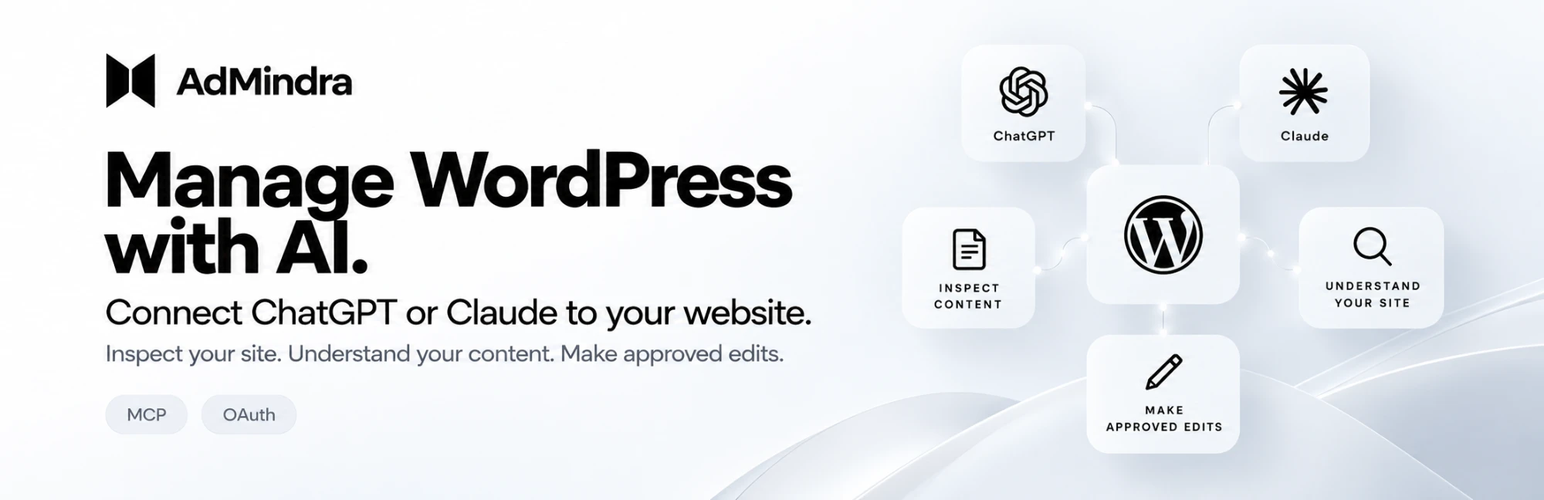

AdMindra MCP – AI Connector for ChatGPT & Claude
Ask ChatGPT or Claude about your site — and let it fix the text.
AdMindra MCP turns your site into a secure MCP server for the AI assistant you
already use. Connect ChatGPT, Claude or Claude Code in a minute, sign in with
OAuth (no passwords, no API keys), and ask in plain language:
- “Which plugins need updating, and is anything inactive?”
- “Why does the registration page show a raw shortcode?”
- “Rewrite the introduction on the About page, shorter.”
- “What does this template file actually do?”
Reads by default, edits content when you allow it
Out of the box the assistant only reads. Switch content edits on under
Tools AdMindra MCP and it can also change the title, text and excerpt of a
post or page, and the site title and tagline. The text from before each
change is kept as a revision, so it can be undone in the editor (unless
revisions are switched off in wp-config.php).
The assistant never installs, updates, activates, deactivates or deletes a
plugin or theme, writes a file, publishes or deletes a post, or touches users
and other settings. There is no switch that allows any of that.
- Administrators only. Other roles are refused at the consent screen, and
every tool checks themanage_optionscapability on every call. - You approve each assistant on a consent screen that names it, and can
disconnect it at any time. - No overwrites unseen. An edit must name the version of the post it
read; if somebody changed it in wp-admin meanwhile, the edit is refused. - Only files of installed plugins and themes can be read.
wp-config.php,
hidden files, symbolic links, and files whose names suggest secrets,
credentials or backups are refused.
What the assistant can do
- Read the site status: WordPress and PHP version, and whether MCP is ready.
- List the installed plugins and themes, with versions and which are active.
- List the updates that WordPress’s own update check last found, with the
installed and offered version and whether each fits your WordPress and PHP,
so it can tell you which to run now and which to wait with. You run them
on WordPress’s Updates screen; the assistant gives you the link. - Check published pages for shortcodes that are not registered.
- Find and read posts and pages, and read one source file of an installed
plugin or theme (up to 128 KiB). - With content edits on: edit a post or page, and the site title and tagline.
Fixing plugins and themes too
AdMindra MCP Maintenance is a separate add-on that lets the same assistant
also replace plugin and theme files and run updates, with an encrypted
backup, a health check and automatic rollback. It is free with an AdMindra
account and is downloaded there, not from WordPress.org. AdMindra MCP works
fully without it.
100% free
No account, no paid tier, nothing locked. AdMindra MCP sends nothing to
AdMindra. Built on the official MCP Adapter.
Made by AdMindra
AdMindra MCP is developed by Viktor Grahn at
3on Reklambyrå & Webbyrå AB, a Swedish web and advertising
agency, and the team behind AdMindra.
- Documentation: admindra.com/wordpress-plugin
- Support: admindra.com/support
External services
This plugin connects to the AI service that a site administrator chooses to
connect (ChatGPT by OpenAI, or Claude by Anthropic). Nothing is contacted
until an administrator starts connecting one of them. The plugin sends
nothing to AdMindra or to 3on Reklambyrå & Webbyrå AB.
ChatGPT and Codex (OpenAI)
ChatGPT is an AI assistant by OpenAI, and Codex is OpenAI’s coding agent. The plugin uses it as the MCP client
that reads the site, at the administrator’s request.
- When ChatGPT or Codex connects, the plugin downloads its public OAuth
client metadata document fromhttps://chatgpt.com/oauth/client.jsonor
https://chatgpt.com/oauth/codex/client.json (or
the connection-specifichttps://chatgpt.com/oauth/…/client.jsonan
administrator saved under Tools AdMindra MCP), to verify that the client
asking for access is ChatGPT. The request contains no data about the site
beyond what any web request carries (the server’s IP address and
WordPress’s user agent, which includes the site’s address). The document
is cached and fetched again only when the cache expires. - After an administrator approves the consent screen, ChatGPT receives
the results of the tools it calls, and only those: the WordPress and PHP
versions and the site’s address, the installed plugins and themes with
their versions, the updates WordPress last found, the titles, addresses
and shortcodes of the pages it checks, the posts and pages it finds or
reads, and the contents of the source files it reads.
Terms of use: https://openai.com/policies/terms-of-use/
Privacy policy: https://openai.com/policies/privacy-policy/
Claude (Anthropic)
Claude is an AI assistant by Anthropic. The plugin uses it as the MCP client
that reads the site, at the administrator’s request.
- When Claude or Claude Code connects, the plugin downloads Claude’s
public OAuth client metadata document from
https://claude.ai/oauth/mcp-oauth-client-metadata (Claude) or
https://claude.ai/oauth/claude-code-client-metadata (Claude Code), to
verify that the client asking for access is Claude. The request contains
no data about the site beyond what any web request carries (the server’s
IP address and WordPress’s user agent, which includes the site’s address).
The document is cached and fetched again only when the cache expires. - After an administrator approves the consent screen, Claude receives
the results of the tools it calls, and only those — the same list as for
ChatGPT above.
Terms of service: https://www.anthropic.com/legal/consumer-terms
Privacy policy: https://www.anthropic.com/legal/privacy
Your own site
The bundled OAuth library adds a Site Health test that loads the site’s own
/.well-known/oauth-protected-resource and
/.well-known/oauth-authorization-server documents, when an administrator
opens Tools Site Health. That request goes from the server to the site
itself and nowhere else.
The plugin itself never contacts WordPress.org: the “Available updates” tool
reads what WordPress’s own update check has already stored, and the Install
MCP Adapter button opens WordPress’s own install screen, where WordPress
downloads MCP Adapter from WordPress.org as it does for any plugin.
Privacy
The plugin stores, in your own database, the content edits switch and a
ChatGPT client URL if you saved one. Content edits are kept by WordPress as
revisions. The bundled OAuth library stores a signing secret and creates one
Application Password per connected client, listed under Users Profile.
Deleting the plugin removes its own options, including any that version
1.0.0 or earlier left behind (its edit switch, audit log and file backups).
AdMindra’s privacy policy, which says the same: https://admindra.com/privacy/
Source and bundled code
Everything in the plugin is plain PHP source. It bundles
wp-media/mcp-oauth 2.0
(GPL-2.0-or-later) and
wp-media/apply-filters-typed
1.2 (GPL-3.0-or-later) by WP Media in vendor/, installed with
composer install –no-dev from composer.lock; their licences are beside
them. Because one bundled library is GPLv3, the plugin as distributed is
covered by GPLv3; AdMindra’s own code is GPLv2 or later. The OAuth library is a WP Media project, not an
official WordPress component. Three local changes to it — negotiating the
public-client method for ChatGPT’s metadata, stricter token time and scope
checks, and binding codes and refresh tokens to the client that asked for
them — are recorded in patches/oauth-2.0-chatgpt-and-claims.patch.
Details


Related plugins
Plugins that also contain the tag ai
SEOPress – On-site SEO & Analytics

AI Engine – The Chatbot, AI Framework & MCP for WordPress

GetGenie – AI Content Writer with Keyword Research & SEO Tracking Tools

SEO Plugin by Squirrly SEO

Website LLMs.txt

Smartsupp – live chat, AI shopping assistant and chatbots


About
Plugin for that tries to help you find the WordPress plugin you are looking for.
| Please enjoy an image of Crush (this awesome turtle) and have a lovely day! |  |
We do not own any plugin listed on this site and do not work for or work with WordPress.com or it's associated companies. We simply provide a searchable list of the available WordPress plugins.