

Advanced Custom CSS for Elementor
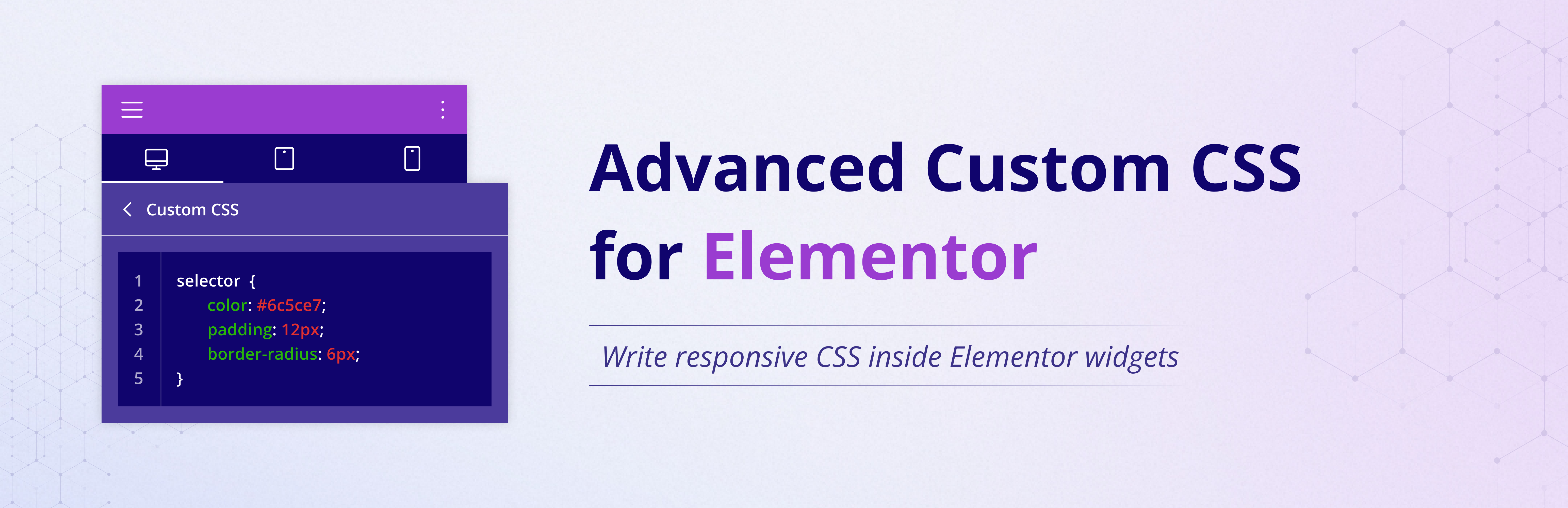
Advanced Custom CSS for Elementor (ACCE) adds a dedicated Custom CSS section to the Advanced tab of every Elementor widget.
It lets you write clean, widget-scoped CSS using the selector keyword and provides separate fields for Desktop, Tablet, and Mobile styling.
No premium version required — works with both Elementor Free and Elementor Pro.
Perfect for users and developers who need fast, responsive CSS control directly inside the Elementor editor.
Features
- Adds a Custom CSS panel to all Elementor widgets.
- Separate CSS fields for Desktop, Tablet, and Mobile.
- Supports the
selectorkeyword for precise widget-only CSS. - Uses Elementor’s live preview for instant visual updates.
- Breakpoints can be customized with a simple filter.
- Lightweight, fast, and requires no additional settings.
Usage
In Elementor editor:
- Select any widget.
- Open the Advanced tab.
- Scroll down to ACCE Custom CSS.
- Add your CSS using the
selectorkeyword.
Example:
selector {
background: #f3f3f3;
border-radius: 8px;
}
Developer Notes
You can override the default breakpoints (Tablet: 768px, Mobile: 425px) using this filter:
add_filter(‘ACCE_custom_css_breakpoints’, function($defaults) {
return [
‘tablet’ => 900,
‘mobile’ => 600,
];
});
License
This plugin is licensed under the GPLv2 or later.
Details


About
Plugin for that tries to help you find the WordPress plugin you are looking for.
| Please enjoy an image of Crush (this awesome turtle) and have a lovely day! |  |
We do not own any plugin listed on this site and do not work for or work with WordPress.com or it's associated companies. We simply provide a searchable list of the available WordPress plugins.