


The AI Assistant for the WPadmin
🤖 WPadmin.AI — Your Smart AI Assistant Inside WordPress
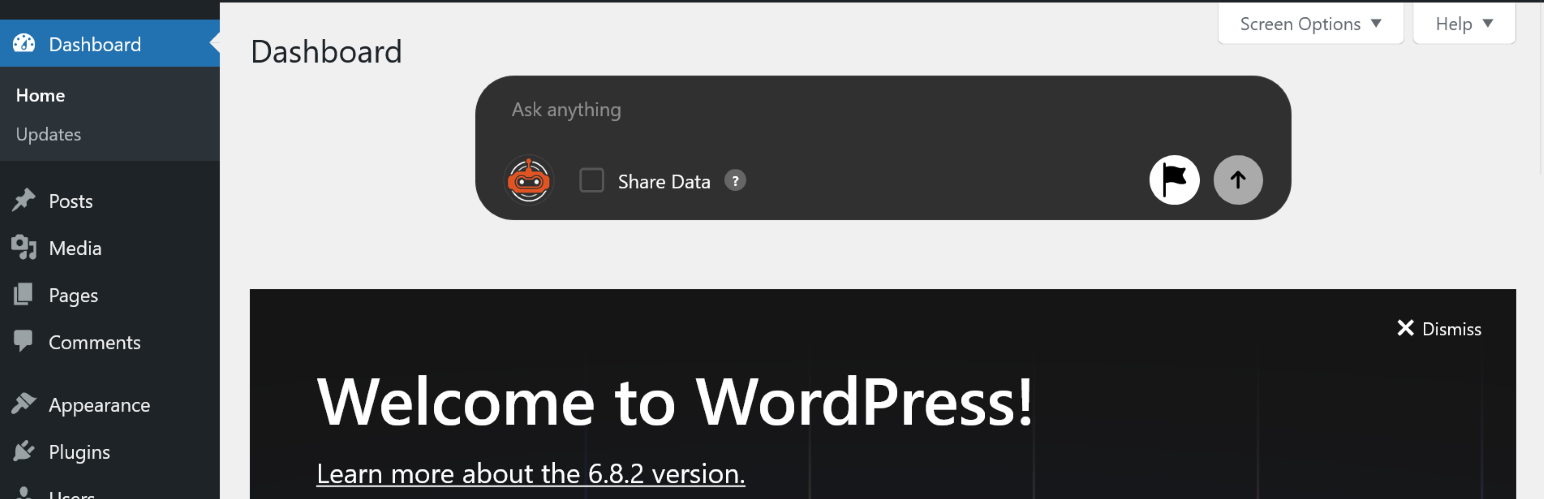
Stop switching between tabs, forums, and search engines. WPadmin.AI brings a powerful AI chatbot directly into your WordPress admin dashboard, giving you instant, site-aware answers tailored to your exact setup — your plugins, your theme, your content.
Whether you’re a beginner trying to fix an error or a seasoned developer looking for quick answers, WPadmin.AI saves you time by delivering expert-level guidance in seconds.
🔑 Key Features
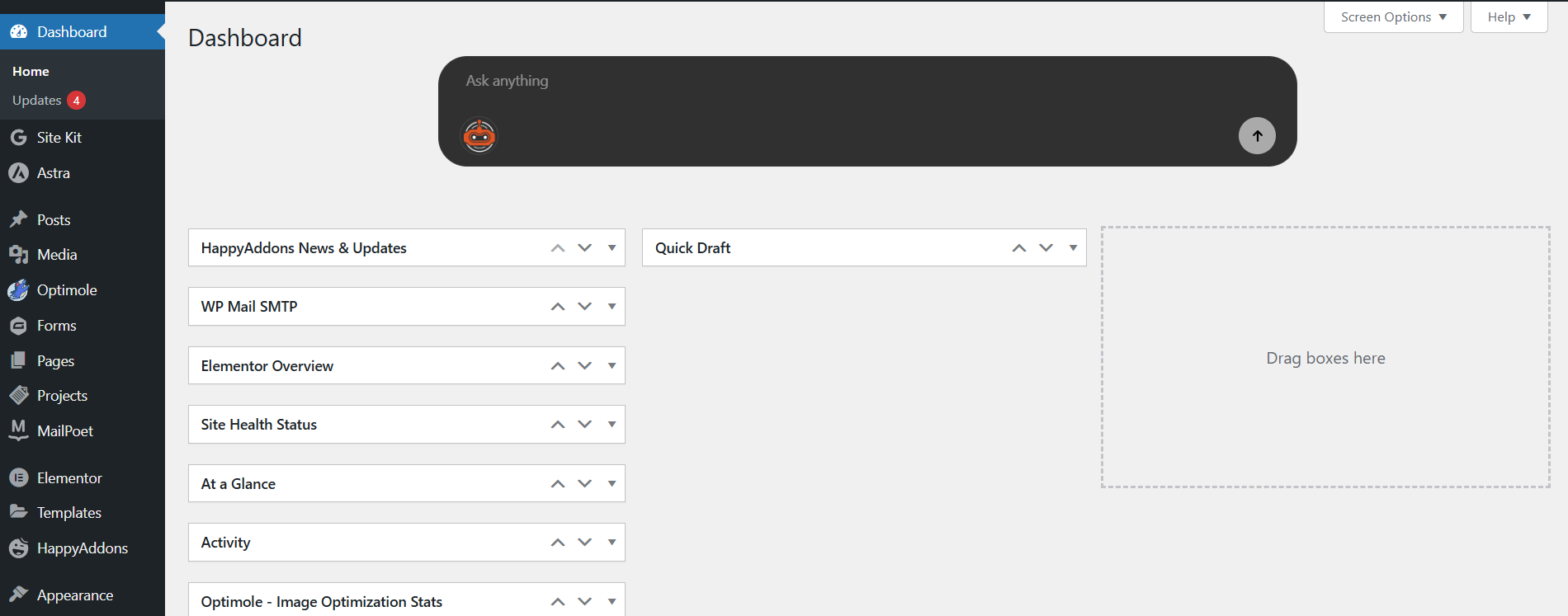
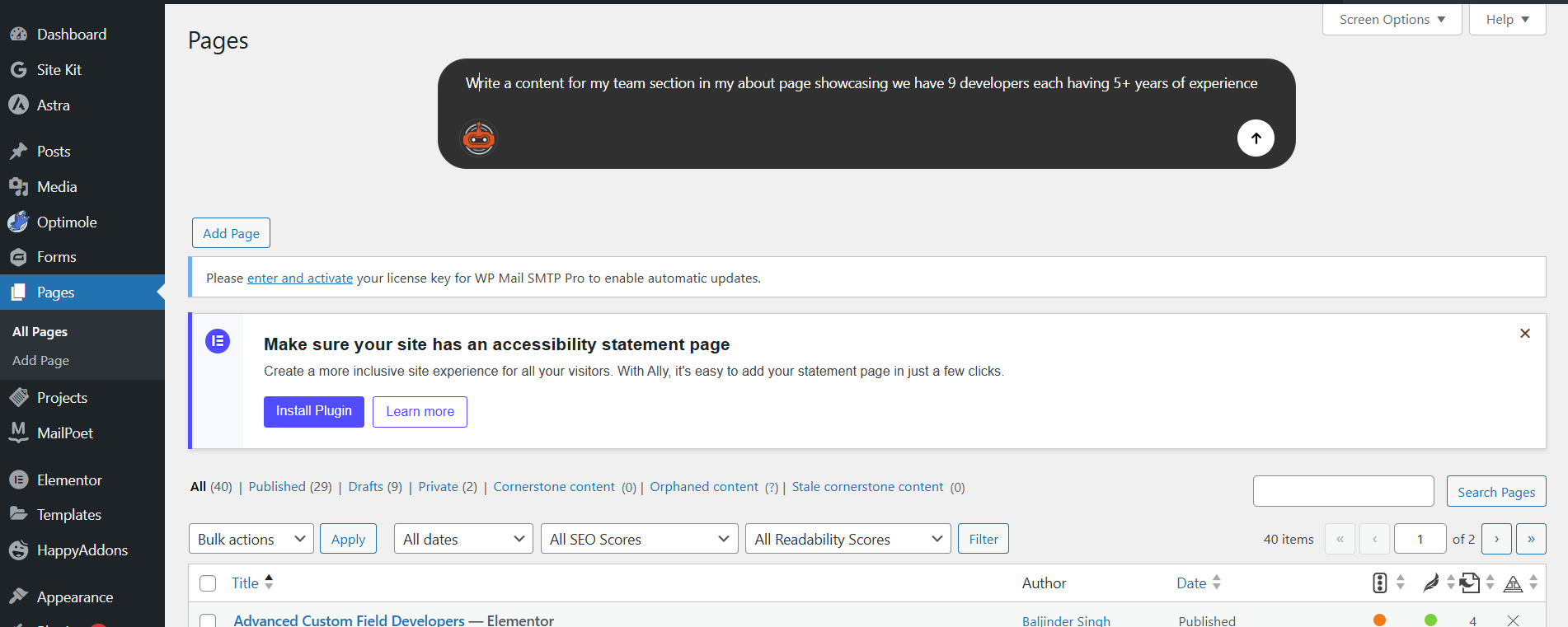
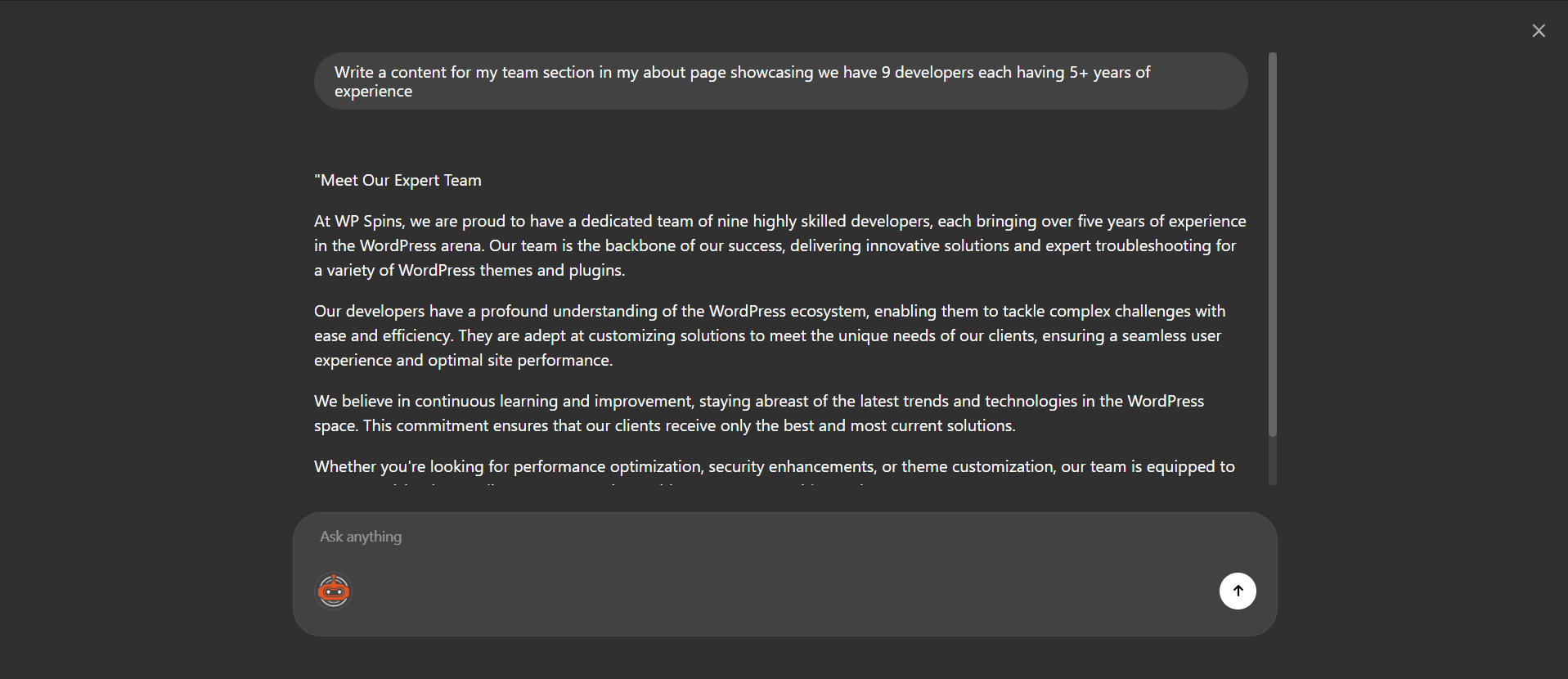
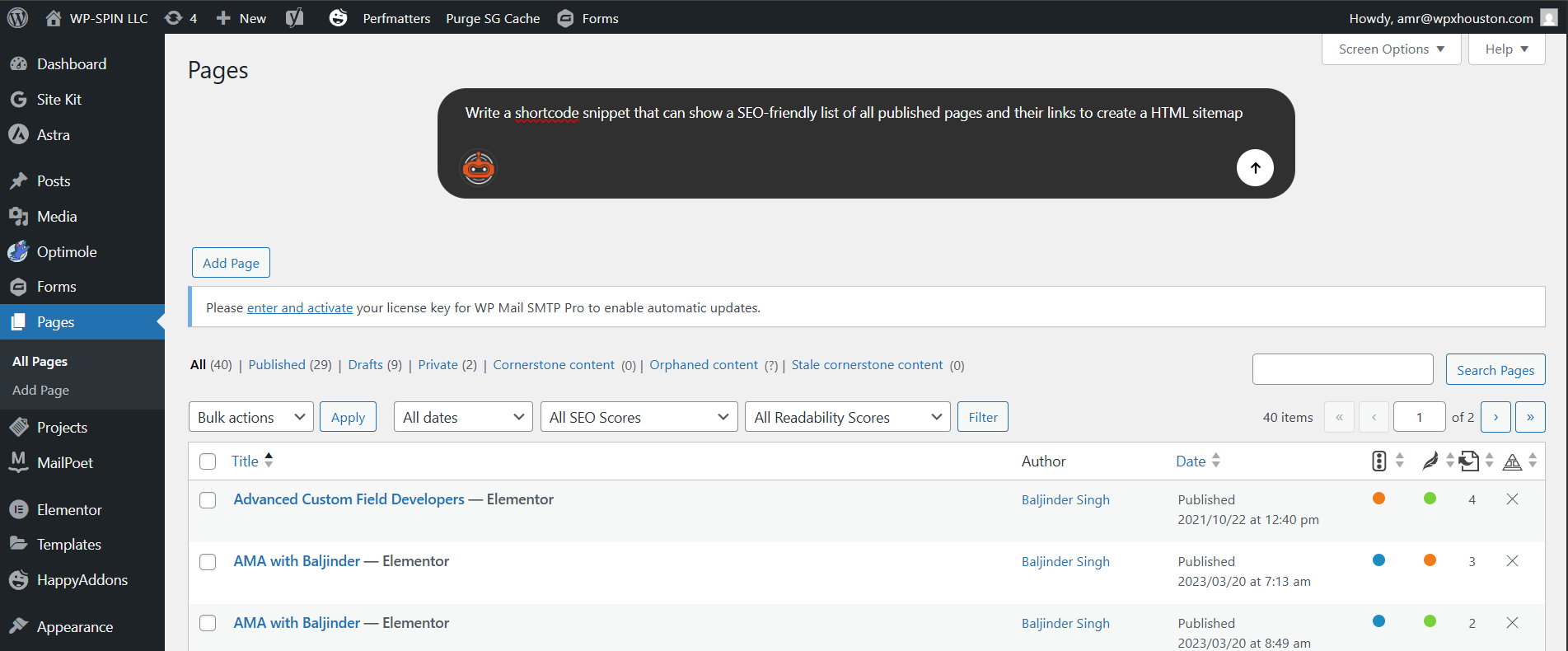
- 💬 AI Chatbox in Your Dashboard — Ask questions in plain English and get instant, context-aware answers right inside wp-admin.
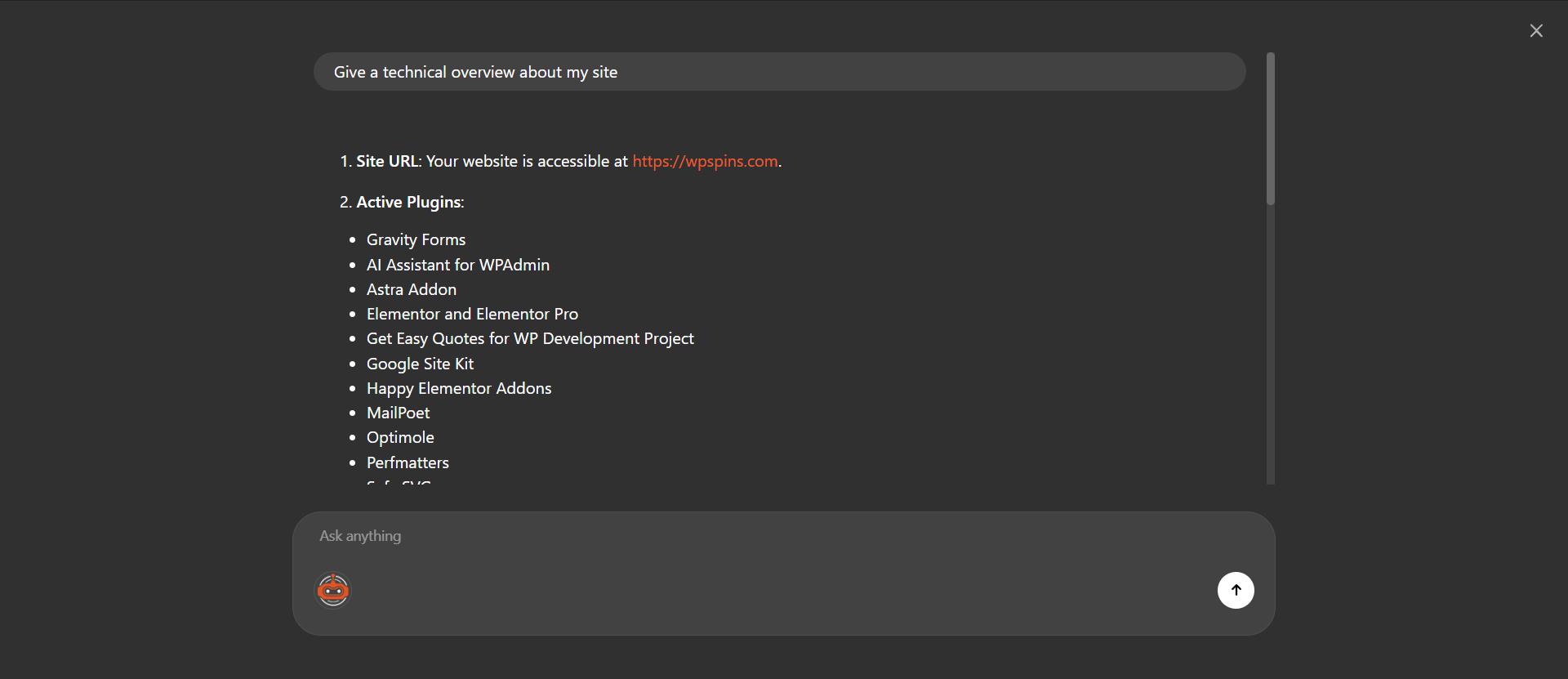
- 🔍 Site-Aware Responses — The AI knows your active plugins, theme, and site structure to give relevant, personalized answers.
- 🔌 Smart Plugin Recommendations — Get plugin suggestions that actually match your setup and business needs.
- 📊 Data Analysis (Premium) — Share your page, post, or WooCommerce order data with the AI for deeper insights and reports.
- 🛠️ Step-by-Step Troubleshooting — Fix common WordPress issues with guided instructions tailored to your environment.
- 🔒 Privacy First — All data is deleted from our servers after 2 hours of inactivity. No personal data stored long-term.
- ⚡ Zero Performance Impact — All AI processing happens on our external servers. Your site stays fast.
📋 Use Cases — What Can You Ask WPadmin.AI?
-
🐛 Troubleshoot WordPress Errors
“How do I fix a 500 internal server error?” — Get step-by-step guidance specific to your site’s plugins and configuration. -
🔌 Get Plugin Recommendations
“What’s the best SEO plugin for my setup?” — Receive suggestions that are compatible with your current theme and plugin stack. -
🛒 Manage WooCommerce (Premium)
“What were my total sales last month?” — Get instant sales summaries and order insights directly in your dashboard. -
📝 Content Insights (Premium)
“How many blog posts have I published this year?” — Quick content counts, recent updates, and publishing stats. -
📊 Analyze Form Submissions (Premium)
“How many contact form submissions did I get this week?” — Real-time form stats without navigating away from your dashboard. -
🎨 Theme & Design Help
“How do I change the header color in my theme?” — Get CSS snippets and customization guidance tailored to your active theme. -
🔐 Security Guidance
“Is my site secure? What should I improve?” — Receive security best practices based on your current setup. -
⚙️ WordPress Configuration
“How do I set up a custom permalink structure?” — Step-by-step instructions for common WordPress settings. -
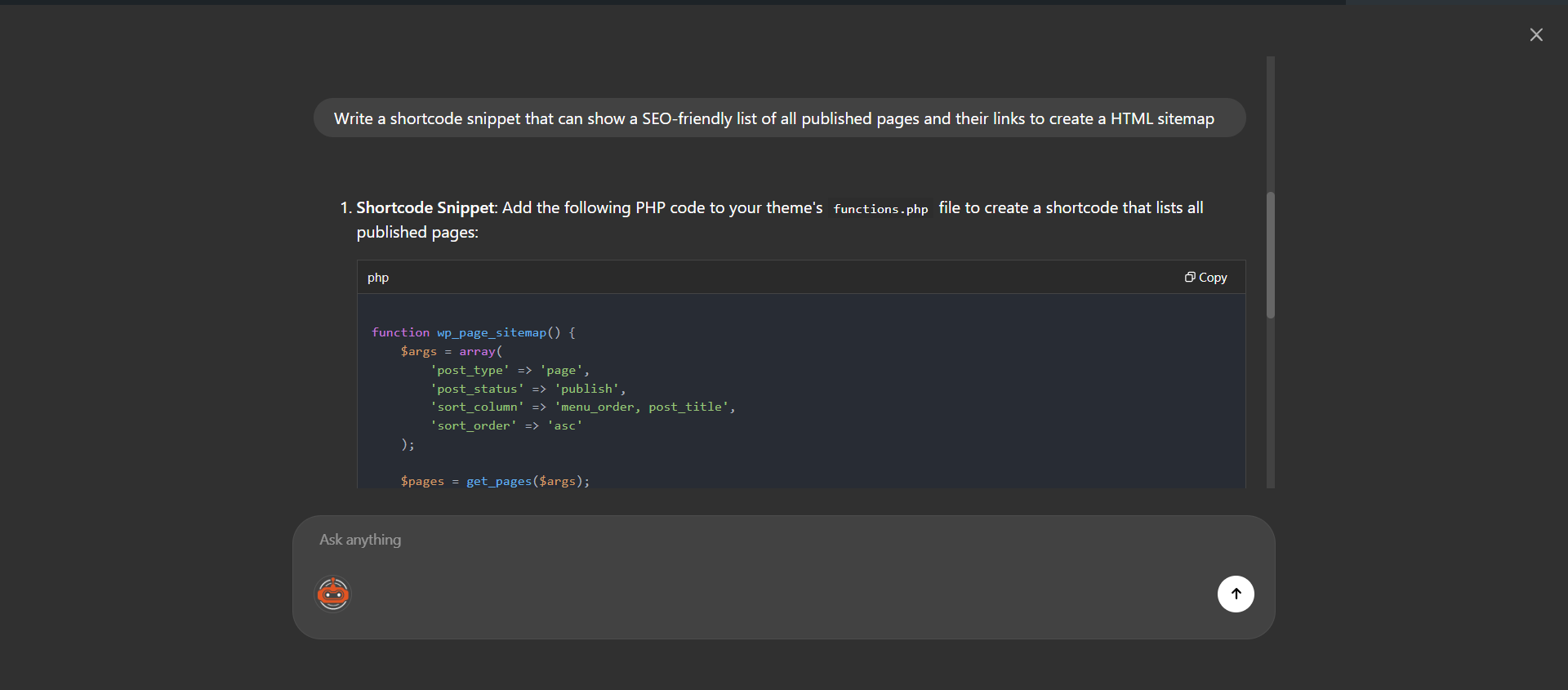
💡 Code Snippet Generation
“Give me a code snippet to disable comments on all pages.” — Get ready-to-use PHP, CSS, or JavaScript snippets. -
🚀 Performance Optimization
“How can I speed up my website?” — Get actionable recommendations based on your plugins and hosting setup. -
📧 Email & Notification Setup
“How do I configure SMTP for WordPress?” — Guided setup for email deliverability with plugin suggestions. -
🌐 Multisite Support (Premium)
“How do I manage plugins across my multisite network?” — Expert guidance for WordPress Multisite configurations.
🔧 Works Great With These Popular Plugins
WPadmin.AI is designed to understand and work alongside the plugins you already use:
- 🛒 WooCommerce — Sales reports, order management, product questions
- 📋 Gravity Forms — Form submissions, field insights, troubleshooting
- 🧩 Advanced Custom Fields (ACF) — Field setup, template integration, data queries
- 🎨 Elementor — Design questions, widget help, layout troubleshooting
- 📈 Yoast SEO — SEO configuration, meta data analysis, optimization tips
- 🛡️ Wordfence — Security configuration questions and best practices
- 📬 Contact Form 7 — Form setup, email issues, submission management
- 📦 WP All Import / WP All Export — Import/export guidance and troubleshooting
- 🔄 UpdraftPlus — Backup configuration and restore assistance
- 📊 MonsterInsights — Analytics setup and data interpretation
- 🧱 Beaver Builder — Page builder questions and layout help
- 🛍️ Easy Digital Downloads — Digital product management and sales queries
…and many more! The AI adapts to whatever plugins and themes you have installed.
📦 Plans & Pricing
WPadmin.AI offers both Free and Premium plans. Visit wpadmin.ai to view pricing and choose the plan that fits your needs.
Privacy
This plugin sends prompt text and your site URL to the WPAdmin.AI API for response generation and license checks. No personal or sensitive data is shared.
Privacy Policy: https://members.wpadmin.ai/privacy-policy
Terms of Service: https://members.wpadmin.ai/terms-of-service
External Services
This plugin connects to WPAdmin.AI servers to provide AI responses.
- Data Sent: Prompt text and site URL
- When: On plugin activation and when prompts are submitted
- Service: WPAdmin.AI (https://members.wpadmin.ai/)
Details

Related plugins
Plugins that also contain the tag admin-helper
Keyboard Navigation WP


About
Plugin for that tries to help you find the WordPress plugin you are looking for.
| Please enjoy an image of Crush (this awesome turtle) and have a lovely day! |  |
We do not own any plugin listed on this site and do not work for or work with WordPress.com or it's associated companies. We simply provide a searchable list of the available WordPress plugins.