



AJO Animate
AJO Animate is a lightweight, performance-optimized WordPress plugin that allows you to animate elements simply by adding CSS classes.
Instead of loading heavy libraries like jQuery or full animate.css files, this plugin uses the modern browser IntersectionObserver API to keep your site lightning fast. Animations trigger only once when the element enters the viewport (15% threshold), saving browser resources.
It uses a unique ajoanim- prefix for all classes, functions, and files to ensure zero conflicts with other themes or plugins.
Available Animations
- Slide:
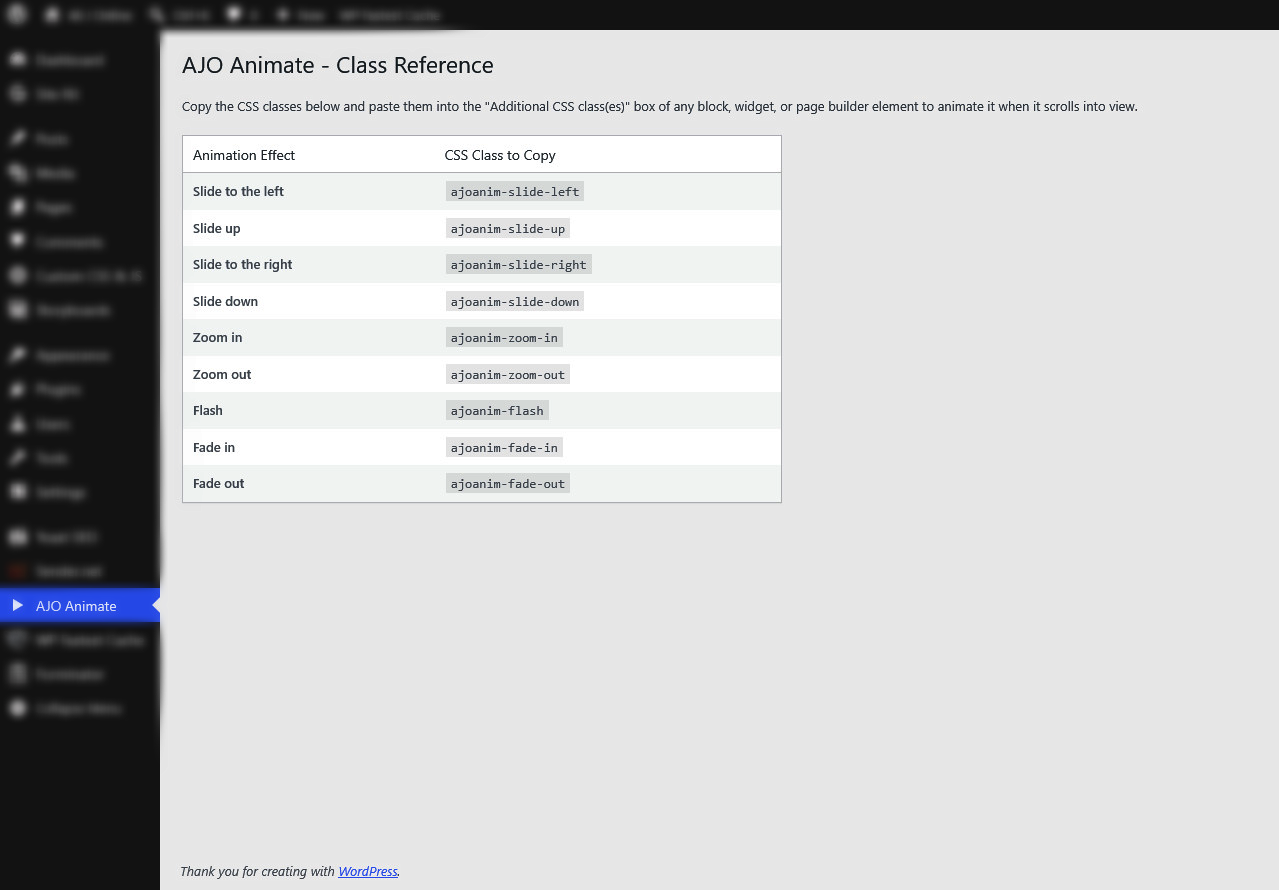
ajoanim-slide-left,ajoanim-slide-right,ajoanim-slide-up,ajoanim-slide-down - Zoom:
ajoanim-zoom-in,ajoanim-zoom-out - Fade:
ajoanim-fade-in,ajoanim-fade-out - Misc:
ajoanim-flash
How to Use
- Go to AJO Animate in your WordPress admin menu to see the full class reference.
- Edit any page or post.
- Select a block (e.g., a Group, Paragraph, Image, or Heading block).
- Under the block settings panel (typically in the Advanced section), paste the desired animation class (e.g.,
ajoanim-fade-in) into the “Additional CSS class(es)” field. - Save and preview your page!
Details
Related plugins
Plugins that also contain the tag animate-on-scroll
RA Widgets Animate

ACF Flexible Columns


About
Plugin for that tries to help you find the WordPress plugin you are looking for.
| Please enjoy an image of Crush (this awesome turtle) and have a lovely day! |  |
We do not own any plugin listed on this site and do not work for or work with WordPress.com or it's associated companies. We simply provide a searchable list of the available WordPress plugins.