



Allaxi Timeline Slider Creator
Allaxi turns ordinary images and video into interactive, drag-to-reveal visual stories — right inside WordPress, with no coding. Build a widget in a live editor, style it to match your site, and drop a shortcode into any post or page.
Three modes
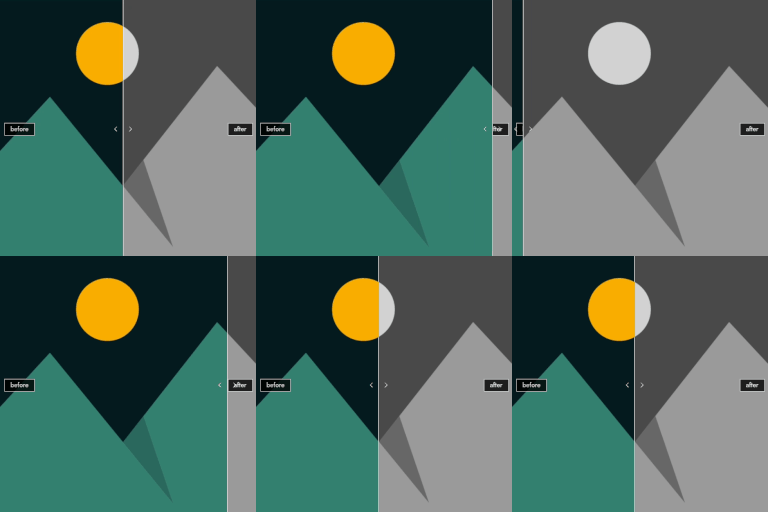
Before / After
A classic two-image reveal. Drag a handle to wipe between a “before” and an “after” image — great for restorations, renovations, retouching, and any change worth showing off. Crossfading labels, a fully styleable reveal line and handle, an optional background box, and title + info captions.
Timeline (Pro)
A multi-frame scrub. Add a sequence — steps in a recipe, stages of a build, years of a changing view — and let visitors scrub along a styleable track with dated or labelled markers. Panel or pop-up bubble captions, horizontal or vertical layout, floating or docked controllers, and full control over track, nodes and labels.
Video — Storyboard to Clip (Pro)
Pair a hand-drawn storyboard sketch with a short video clip. As the visitor drags the handle, the sketch is revealed into the finished footage AND the video scrubs in sync, so a concept visibly becomes its final form. Set a “match point” so the drawing lines up with the matching video frame, add an optional “fade sketch out” dissolve, and drop transparent PNG overlays (e.g. director’s notes) over the sketch or the clip. Use a local video upload (smooth, frame-accurate) or a YouTube link.
Free vs Pro
Free
- Before / After mode (horizontal), with all the styling controls.
Pro
- Timeline mode.
- Video mode (Storyboard to Clip; local upload + YouTube).
- Vertical orientation.
- Per-frame PNG overlays.
- Hide the “Made with Allaxi” credit line.
Uninstall
Allaxi cleans up after itself. When you delete the plugin from the Plugins screen — and only if you have enabled “Remove data on uninstall” in Settings — it removes everything it created: its settings and options, its install date, and every Before/After, Timeline and Video widget you built (stored as its own hidden post type). On a multisite network the same clean-up runs for each site. Deactivating keeps everything; only deleting runs the clean-up, and it runs only when you have opted in. Your Media Library images are never touched — Allaxi only references them, so your originals always stay in place.
Details


Related plugins
Plugins that also contain the tag before-after
Ultimate Before After Image Slider & Gallery – BEAF

WP Before After Image Slider – Advanced Image and Video Comparison Plugin for WordPress

Advanced WpBakery Page Builder Addons

Before After Slider for WooCommerce – eBEAF

Simple Before After Image Slider
Medical Before After Gallery


About
Plugin for that tries to help you find the WordPress plugin you are looking for.
| Please enjoy an image of Crush (this awesome turtle) and have a lovely day! |  |
We do not own any plugin listed on this site and do not work for or work with WordPress.com or it's associated companies. We simply provide a searchable list of the available WordPress plugins.