



Animicro
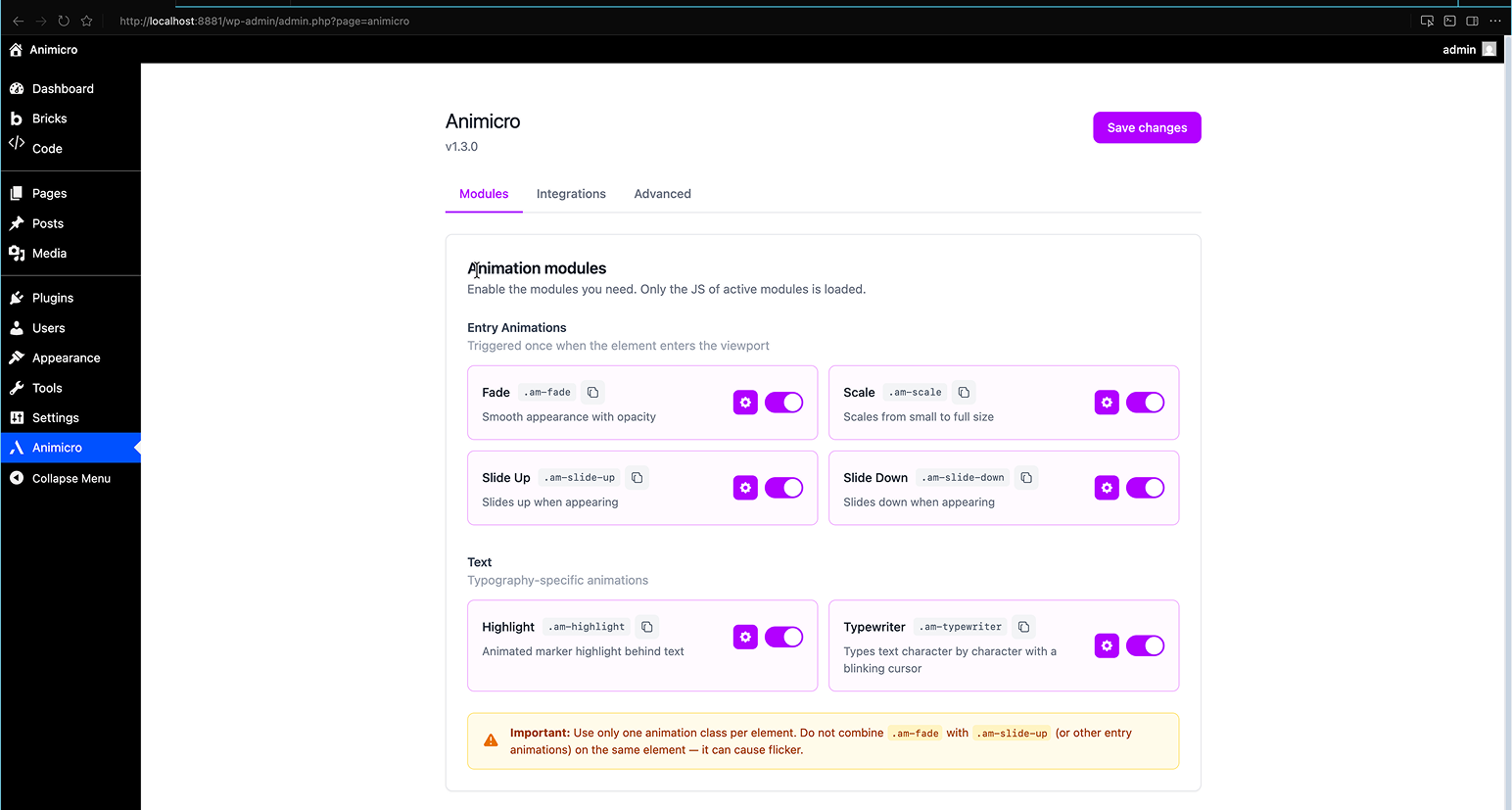
Animicro lets you add high-end animations (Awwwards-style) with minimal performance impact. Enable modules in the panel, apply classes like .am-fade, .am-scale, or .am-slide-up in your Page Builder, and you’re done.
Philosophy: Utility-first. No complex interfaces, no timelines. Just classes and data-am-* attributes.
Free modules
- Fade (
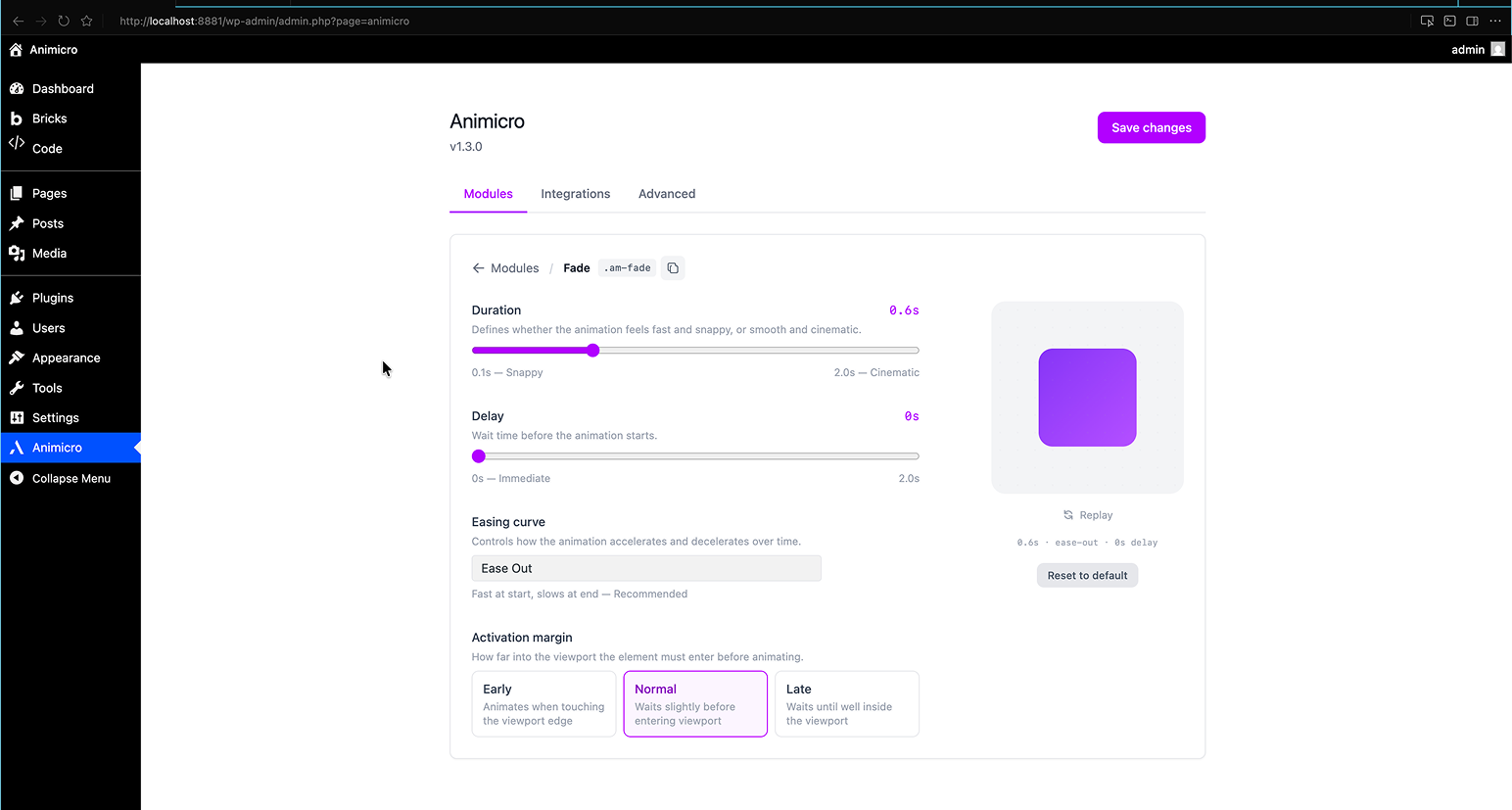
.am-fade) — Smooth appearance with opacity - Scale (
.am-scale) — Scales from small to full size - Slide Up (
.am-slide-up) — Slides up when appearing - Slide Down (
.am-slide-down) — Slides down when appearing - Highlight (
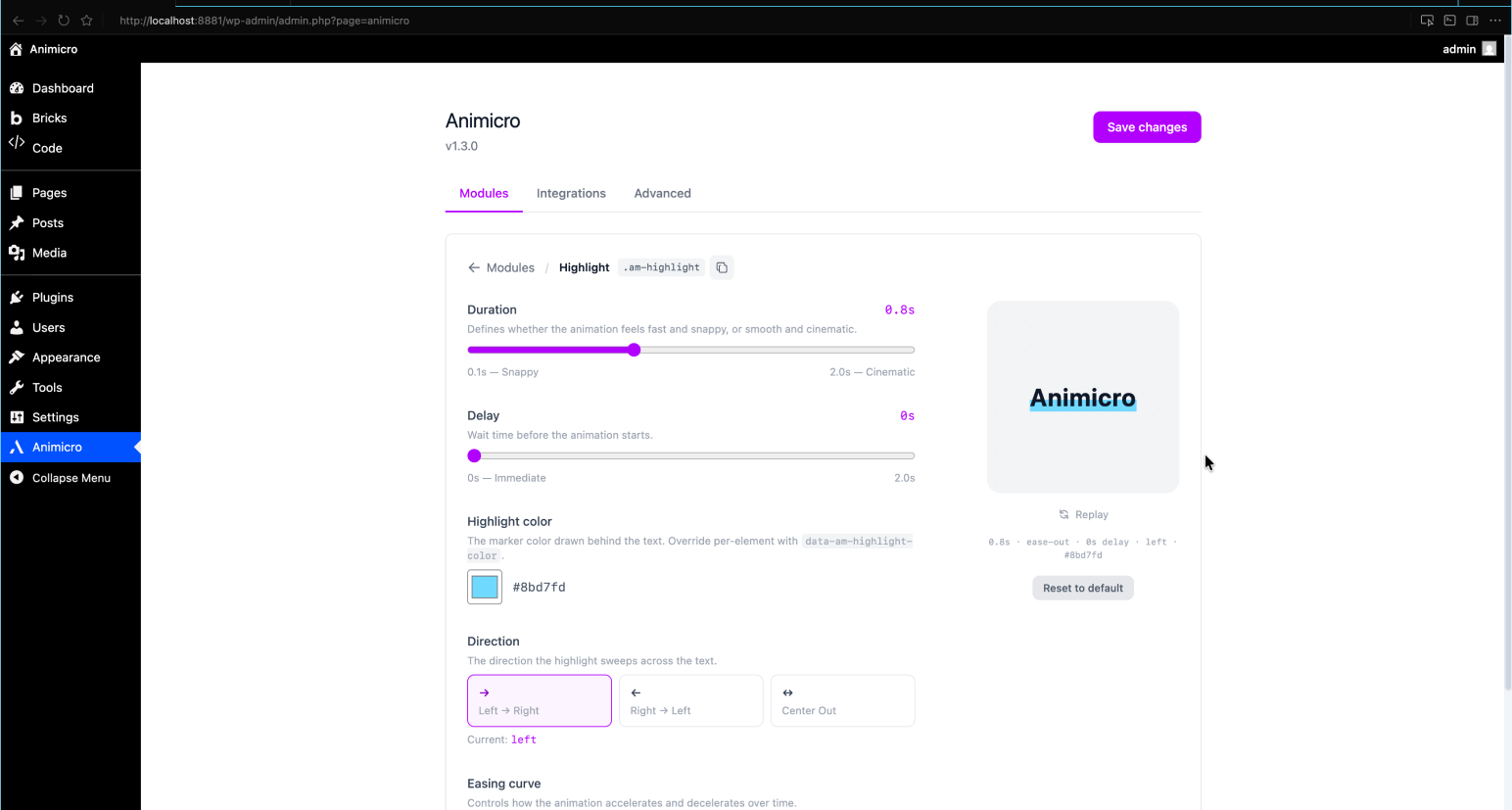
.am-highlight) — Animated marker highlight behind text on entry - Typewriter (
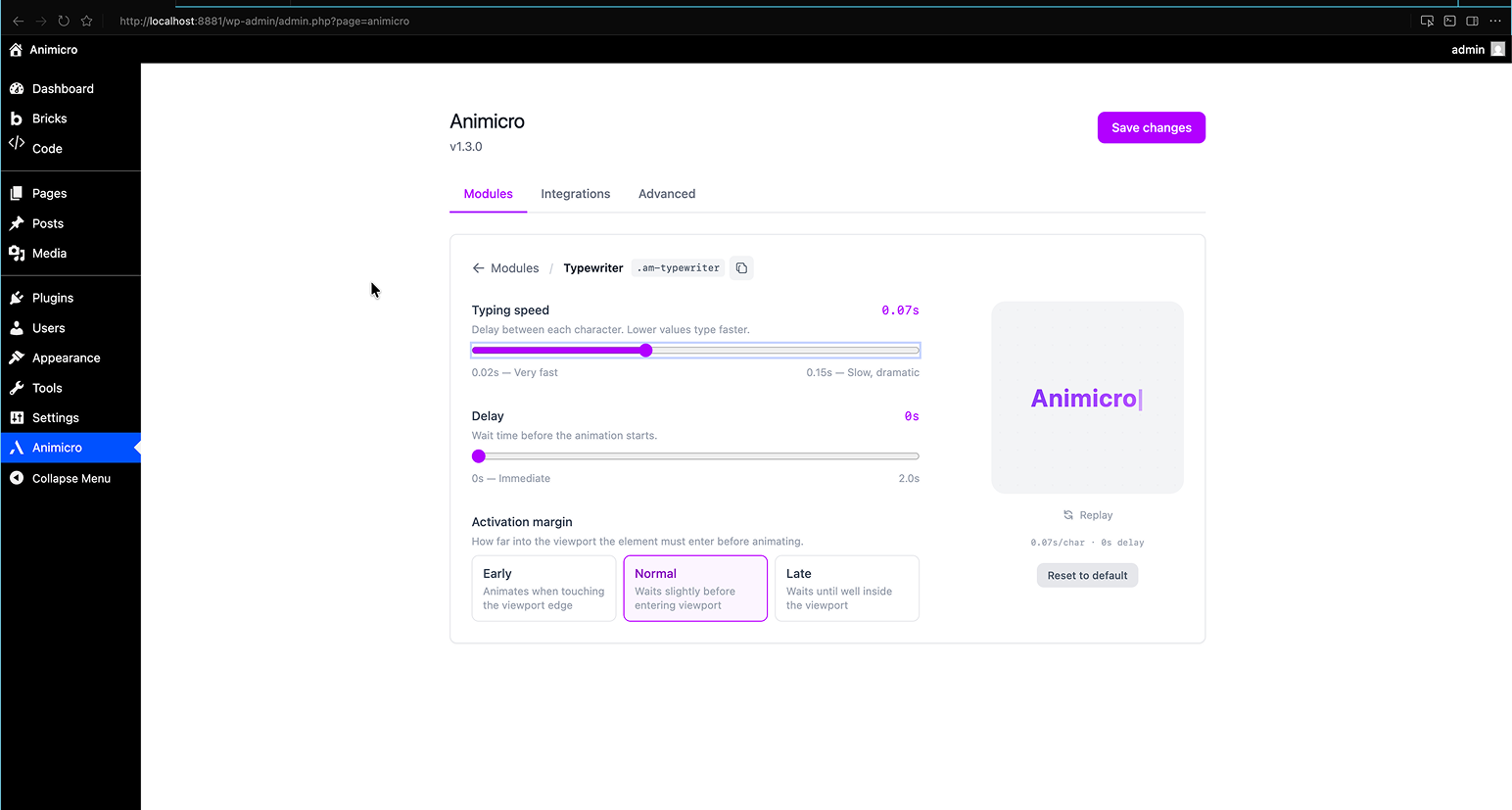
.am-typewriter) — Types text character by character with a blinking cursor
Each module has its own settings panel with live preview so you can tune duration, easing, delay, and activation margin without leaving the admin.
Pro modules (available with Animicro Pro)
Blur, Stagger, Grid Reveal, Text Fill on Scroll, Parallax, Split Text, Text Reveal, Slide Right, and Slide Left. Plus Smooth Scroll and a Cheat Sheet reference panel. Learn more at animicro.com.
Builder compatibility
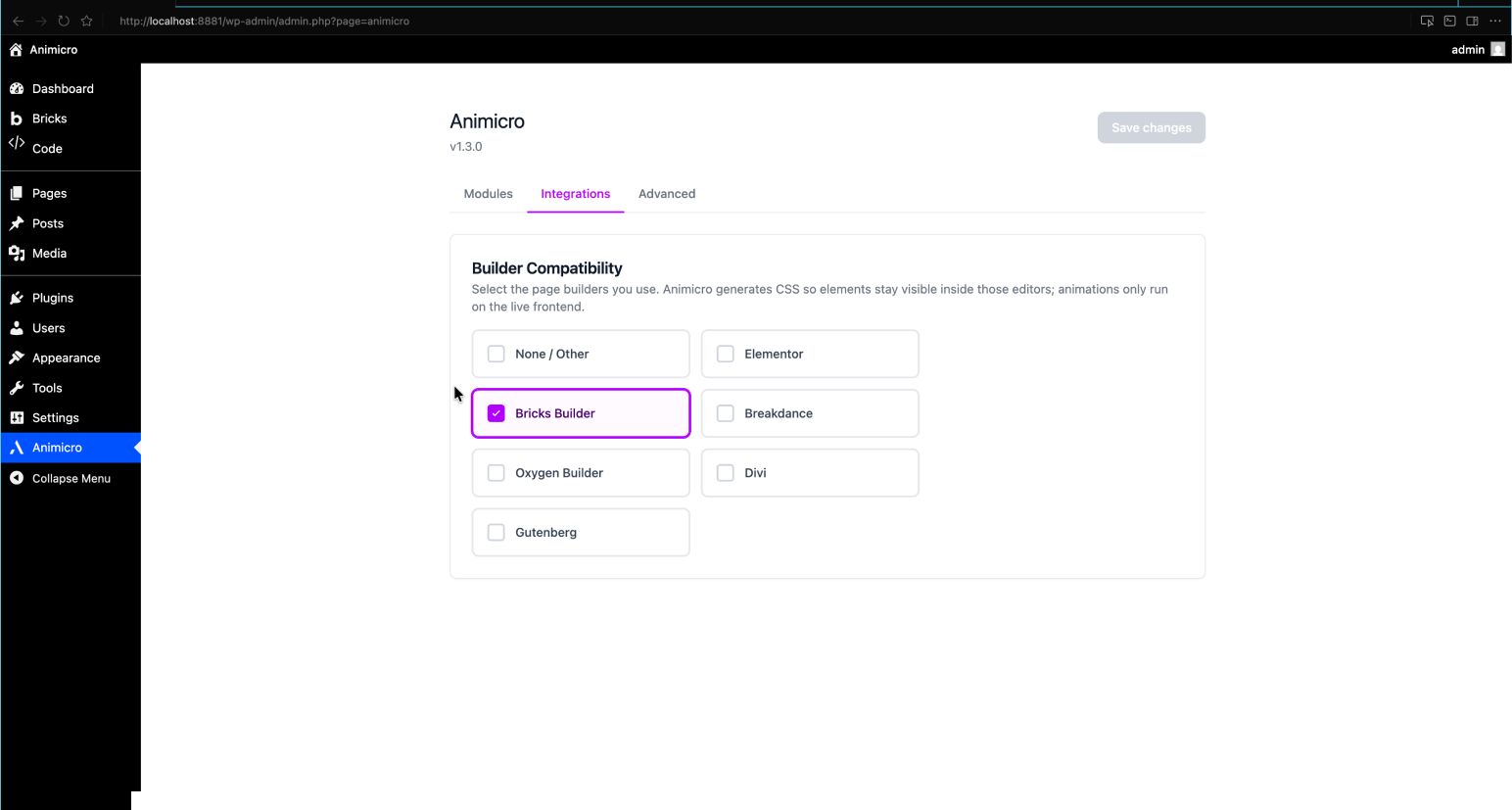
Works with Elementor, Bricks, Breakdance, Oxygen, Divi, and Gutenberg. Dynamic inline CSS adapts per builder so elements stay visible inside editors and animations only run on the live frontend.
Advanced
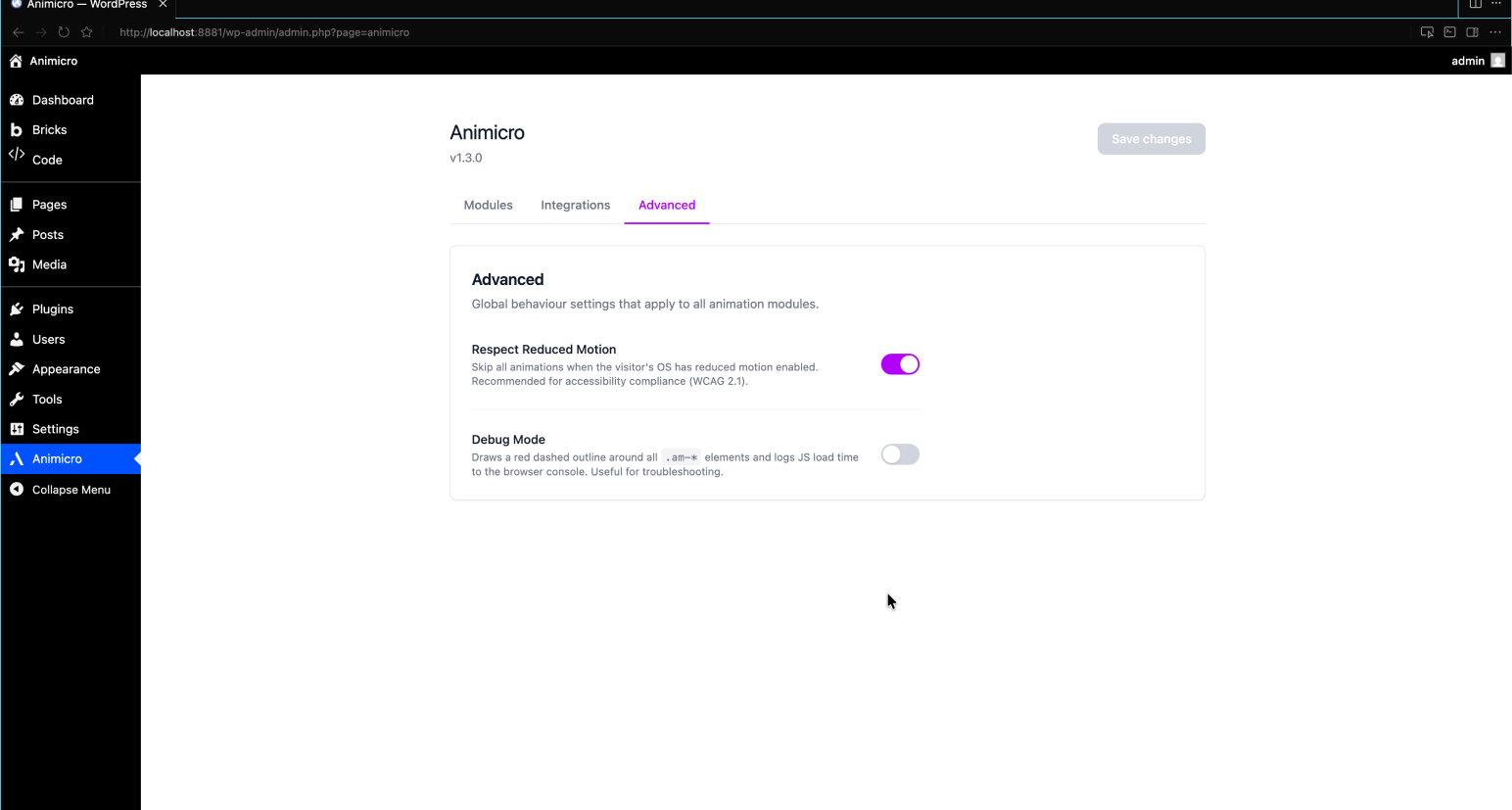
Under Animicro Advanced you can enable Respect Reduced Motion (skips JS-driven animations when the visitor prefers reduced motion) and Debug Mode (outlines .am-* elements and logs script timing in the browser console).
External Services
This plugin does not connect to any external services. All animation logic runs
locally in the visitor’s browser using JavaScript bundled with the plugin.
No data is collected, transmitted, or stored outside your WordPress installation.
Source Code
This plugin includes compiled JavaScript and CSS built with Vite from React (admin panel) and vanilla JS (frontend animations). The full, uncompressed source code is available at:
https://github.com/infojorgeml/animicro
Details
Related plugins
Plugins that also contain the tag animation
Blocks Animation: CSS Animations for Gutenberg Blocks

UiCore Animate – Free Animations, Transitions, and Interactions Addon for Elementor & Gutenberg blocks

Loading Page with Loading Screen
Animations for Blocks
Ghost Kit – Page Builder Blocks, Motion Effects & Extensions

Animate on Scroll


About
Plugin for that tries to help you find the WordPress plugin you are looking for.
| Please enjoy an image of Crush (this awesome turtle) and have a lovely day! |  |
We do not own any plugin listed on this site and do not work for or work with WordPress.com or it's associated companies. We simply provide a searchable list of the available WordPress plugins.