


API KEY for Google Maps
Retroactively add Google Maps API KEY to any theme or plugin.
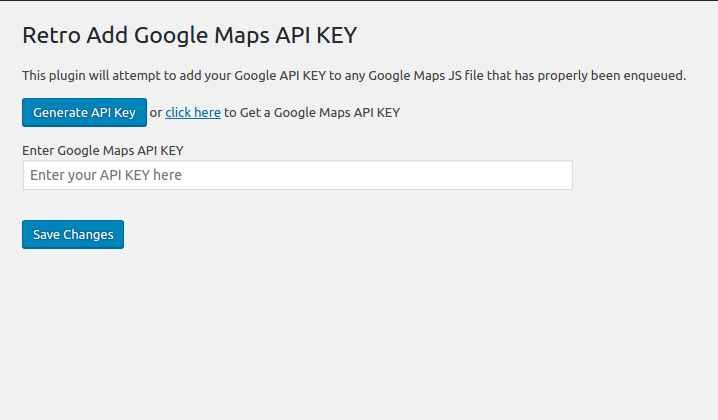
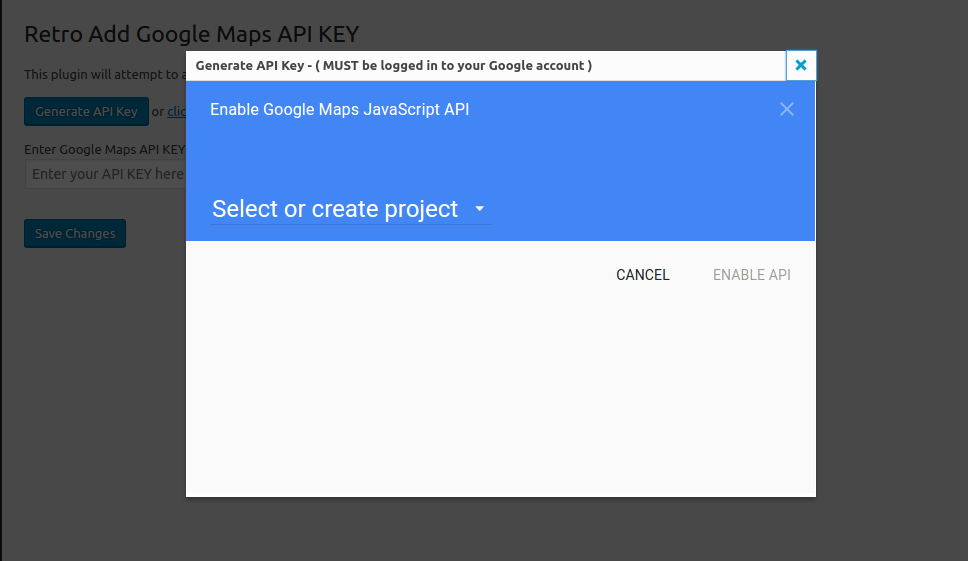
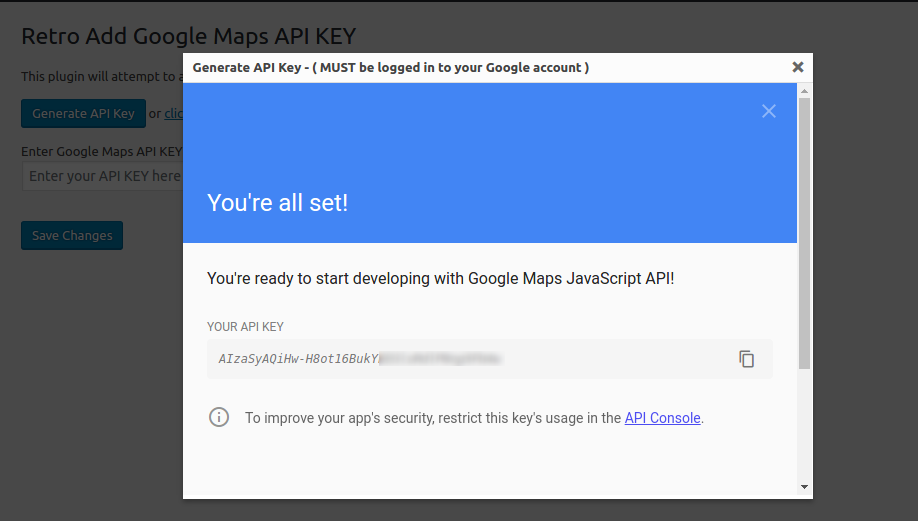
Simply activate, go to Settings>Google API KEY and enter your key.
The plugin will then attempt to add this key to all the places it is needed on the front of your website.
NOTE: this will only work if the Google API has been added as per WordPress standards)
Since January 2023 Google Maps JavaScript API requires callback parameter. This plugin also fixes JavaScript Error: Loading the Google Maps JavaScript API without a callback is not supported.
The plugin was created by the GeoDirectory team: https://wpgeodirectory.com
Details
Related plugins
Plugins that also contain the tag google-maps
WP Go Maps (formerly WP Google Maps)

iframe

WP Store Locator
Maps Widget for Google Maps

MapPress Maps for WordPress

Snazzy Maps


About
Plugin for that tries to help you find the WordPress plugin you are looking for.
| Please enjoy an image of Crush (this awesome turtle) and have a lovely day! |  |
We do not own any plugin listed on this site and do not work for or work with WordPress.com or it's associated companies. We simply provide a searchable list of the available WordPress plugins.