

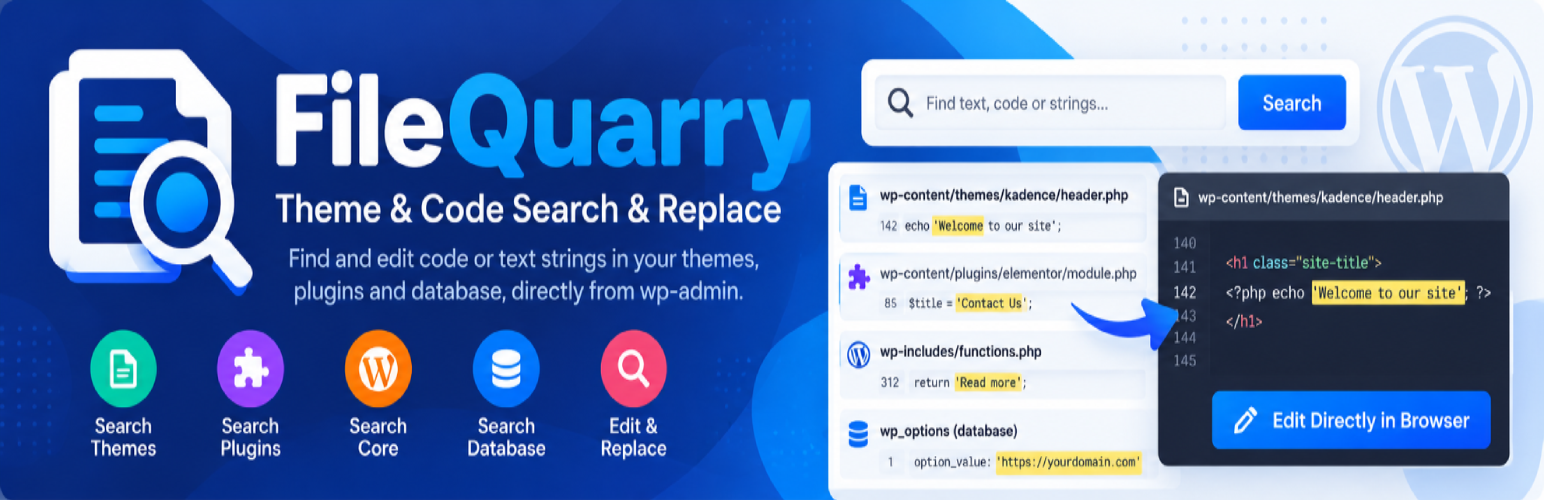

FileQuarry – Theme & Code Search & Replace
When working on themes and plugins you often notice a piece of text that appears hardcoded into the files, you need to modify it, but you don’t know what theme or plugin it’s in, and certainly not which individual file to look in.
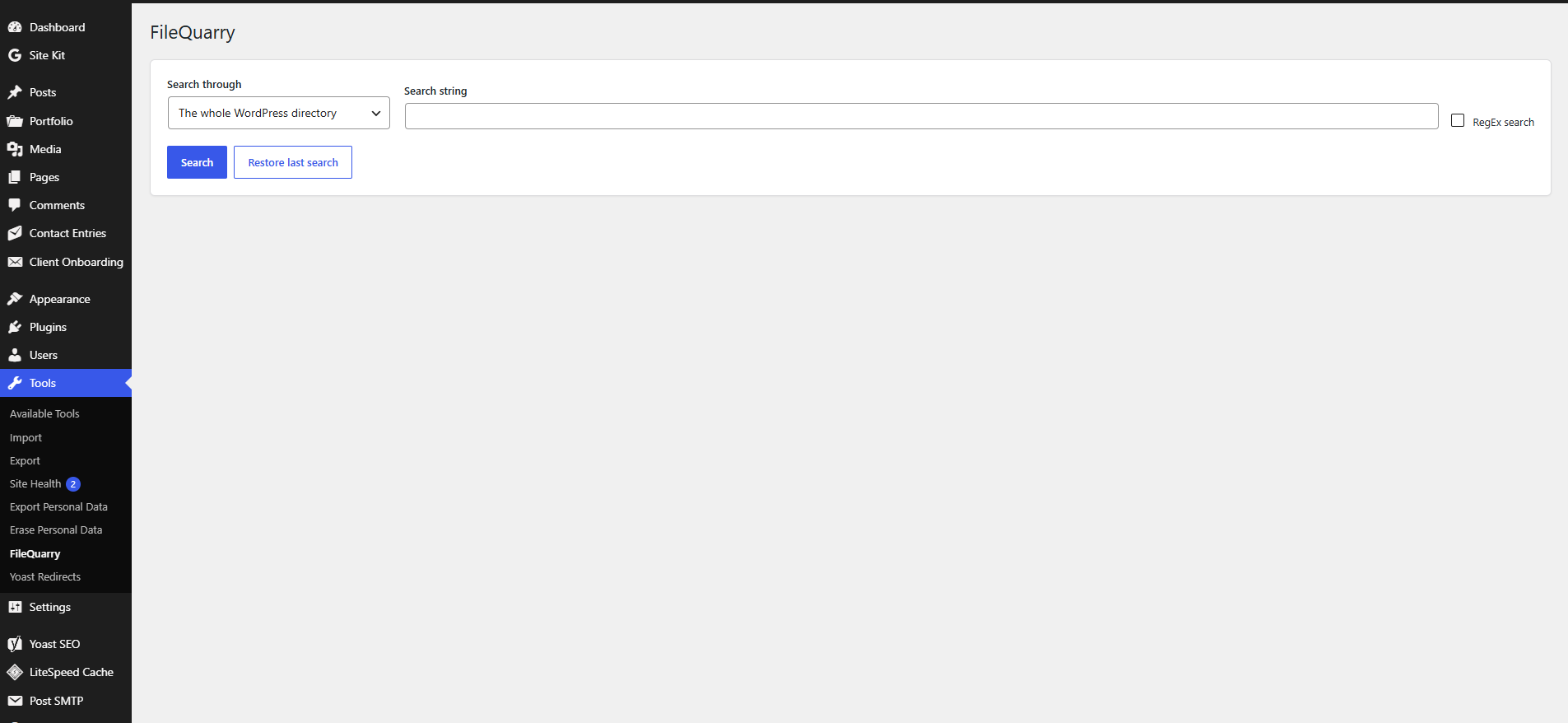
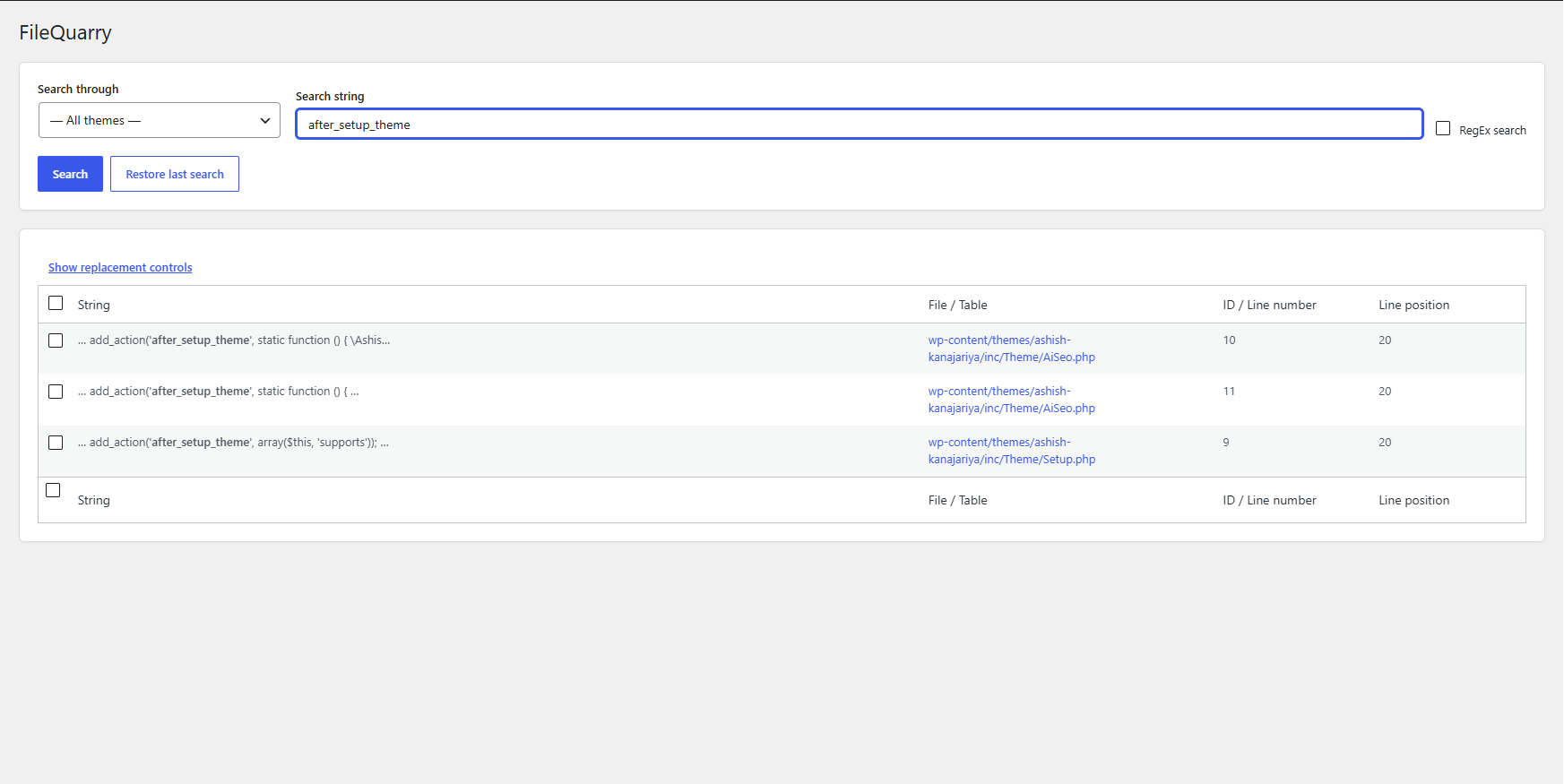
FileQuarry lets you search through your themes, plugins, WordPress core, or your database, and presents a list of matches with the file (or table), and the line (or row) that matched your search. You can then make edits directly in your browser from the search results, or replace matches in bulk.
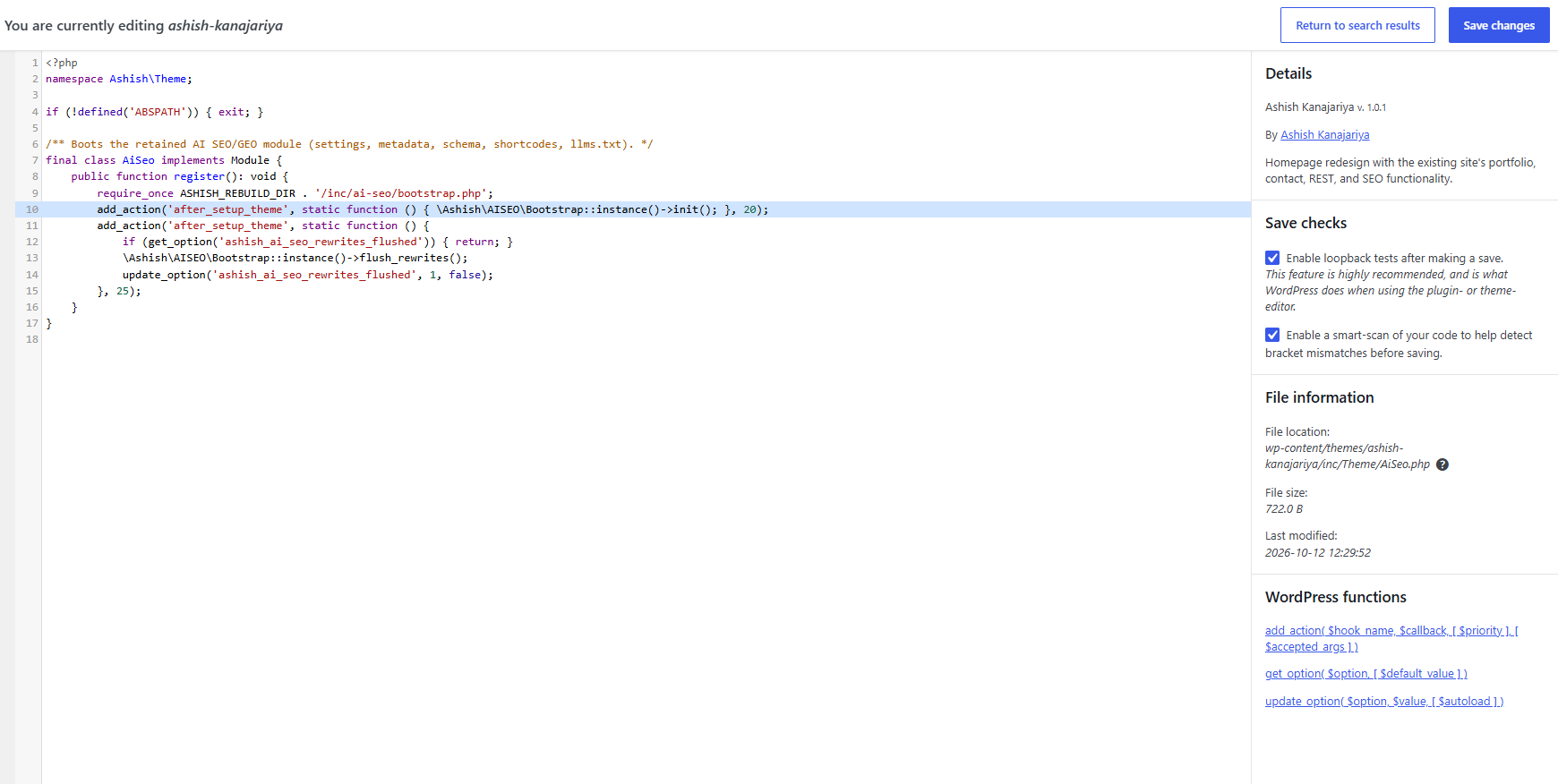
By default a consistency check (“Smart-Scan”) is performed when making edits to files, looking for inconsistencies with braces, brackets and parenthesis that are often accidentally left in. This drastically reduces the risk of breaking your site when making edits, but is in no way an absolute guarantee. A loopback check after saving can also automatically roll back a change that breaks your site.
Always take a full backup, or work on a staging copy of your site, before making bulk substitutions.
Features
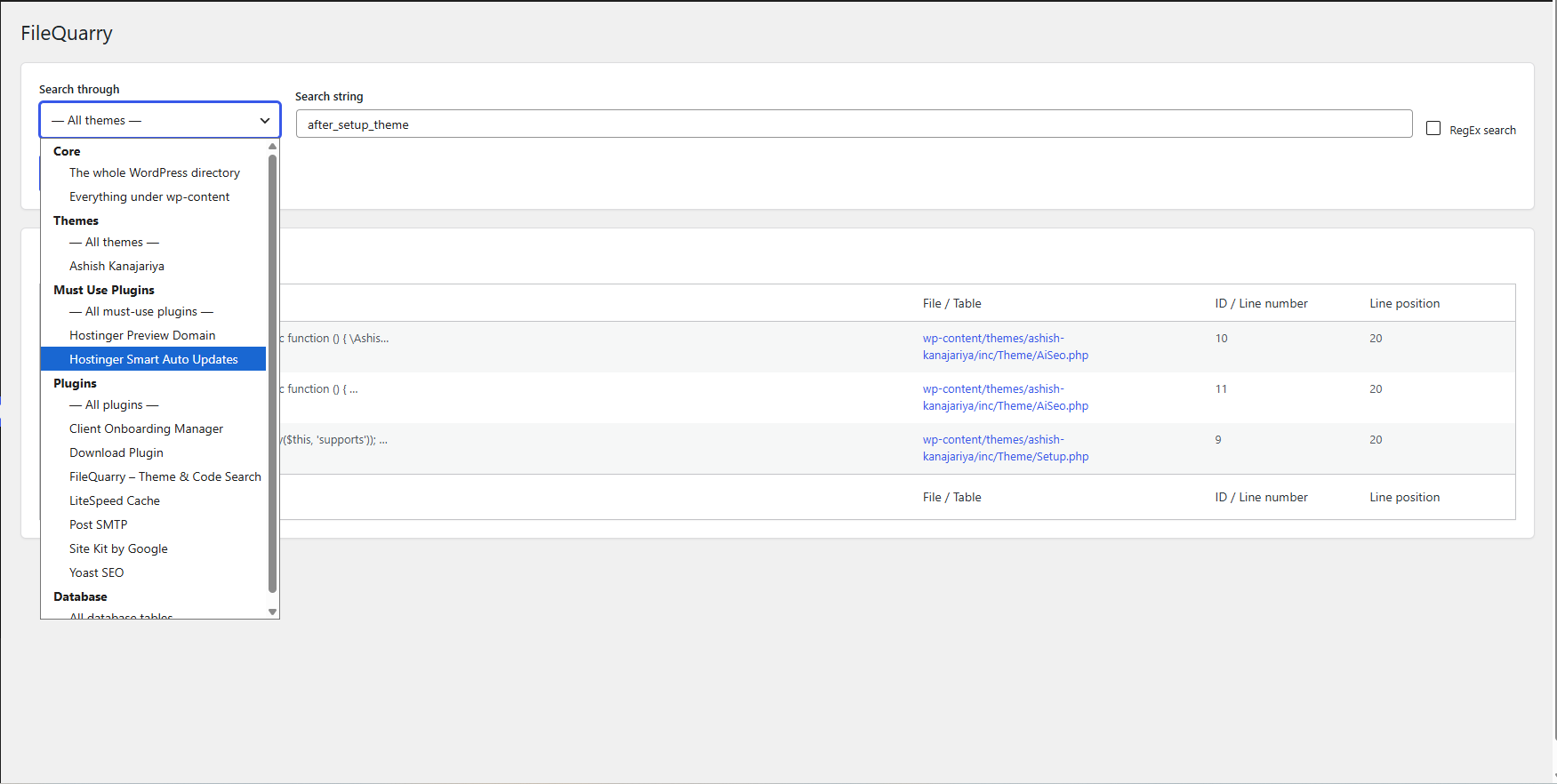
- Search WordPress core, themes, plugins, must-use plugins, or the whole
wp-contentdirectory. - Search your database tables and columns.
- Regular-expression search support.
- Edit matched files or database rows directly from your browser.
- Bulk find & replace across search results, with an optional automatic rollback if the site breaks afterwards.
- Smart-Scan bracket/brace/parenthesis consistency check before saving file edits.
- Works on single-site and Multisite installs.
Details
Related plugins
Plugins that also contain the tag code-editor
WPIDE – File Manager & Code Editor

WP Editor

HTML Editor for Contact Form 7

Titan Elements

Alkane Code

KayzArt Live Code Editor


About
Plugin for that tries to help you find the WordPress plugin you are looking for.
| Please enjoy an image of Crush (this awesome turtle) and have a lovely day! |  |
We do not own any plugin listed on this site and do not work for or work with WordPress.com or it's associated companies. We simply provide a searchable list of the available WordPress plugins.