

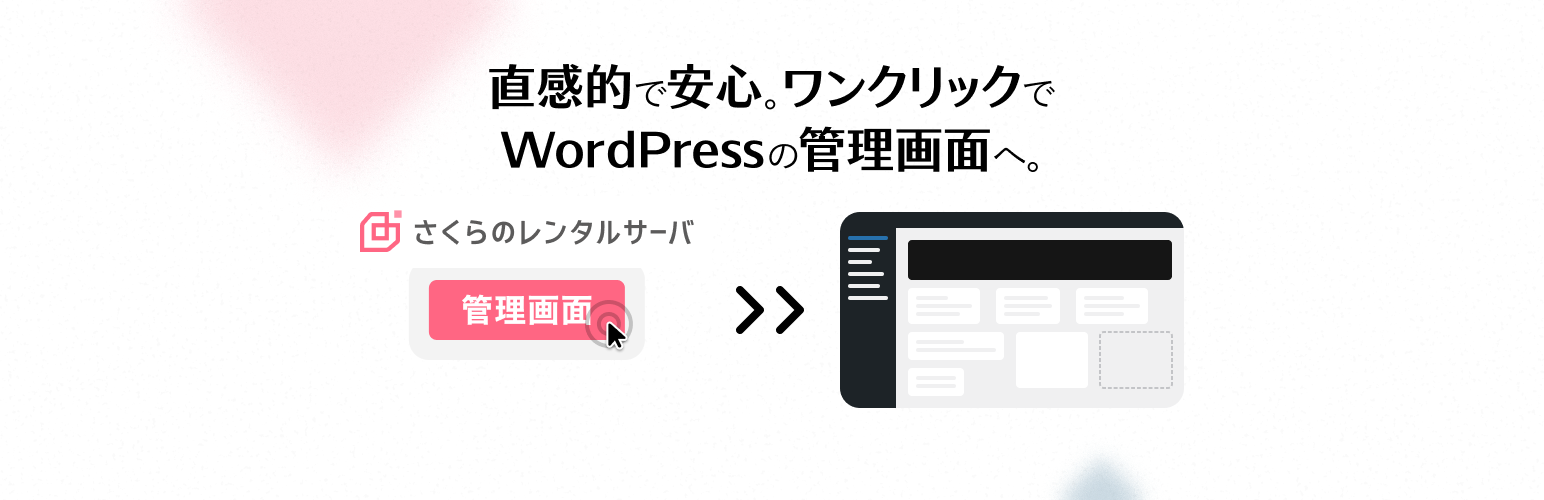

Auto Login for Sakura Rental Server
Auto Login for Sakura Rental Server allows administrators to issue one-time, time-limited auto-login URLs using HMAC signatures.
This is useful for secure temporary access or system integration.
Features:
– Secure auto-login with one-time tokens
– Tokens are HMAC-signed and invalidated after use
– Token issuance and usage history (up to 100 entries per user)
– Records IP address and username of the issuer
– Rate limiting: 1 request per second per IP
– WP-CLI commands for token generation and history inspection
Example use cases:
– Temporarily granting admin access
– Safe automatic login from external systems
– Keeping an audit log of who issued a token and from where
Usage
Generate a token via CLI
wp auto-login-for-sakura-rental-server generate <user_id> [–expires=] [–remote_addr=] [–username=]
Example:
- Default expiration time: 300 seconds
--expiresand--usernameare optional
Check issue history
Token history is stored in the user meta key sakura_auto_login_history.
You can check it via WP-CLI:
wp user meta get sakura_auto_login_history
Auto-login URL format
https://example.com/?rs_auto_login_token=<64-character HMAC token>
Visiting the URL will log in as the corresponding user and redirect to the admin dashboard.
Security Notes
- Tokens are invalidated immediately after use (one-time only)
- Issue and usage history includes IP address, issuer username, and timestamps
- Stored using
set_transient()for caching compatibility - HTTPS is strongly recommended
Details
Related plugins
Plugins that also contain the tag auto-login
Simple JWT Login – Allows you to use JWT on REST endpoints.

Login On Checkout for Easy Digital Downloads

Temporary Access

Simple JWT Login MailPoet – Login users from newsletter

Loginner


About
Plugin for that tries to help you find the WordPress plugin you are looking for.
| Please enjoy an image of Crush (this awesome turtle) and have a lovely day! |  |
We do not own any plugin listed on this site and do not work for or work with WordPress.com or it's associated companies. We simply provide a searchable list of the available WordPress plugins.