


Auvrenth Text-to-Speech Reader
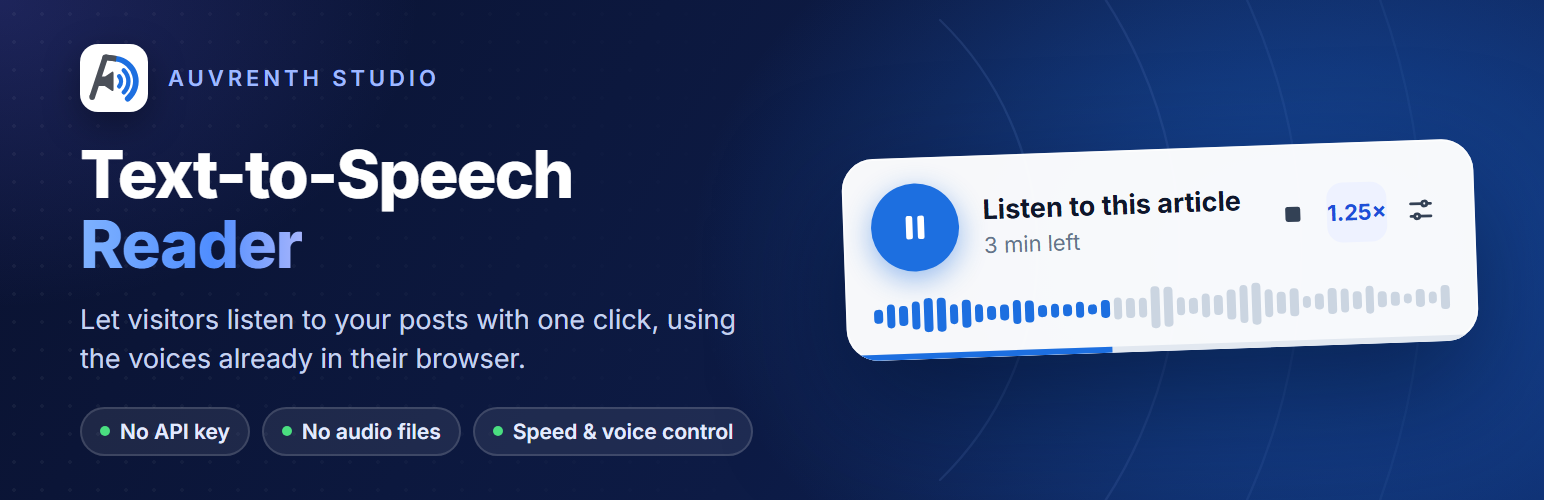
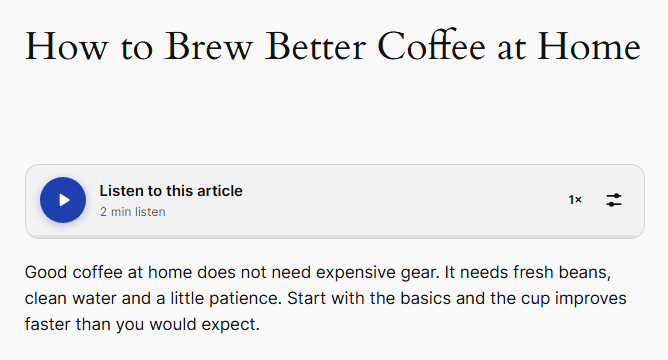
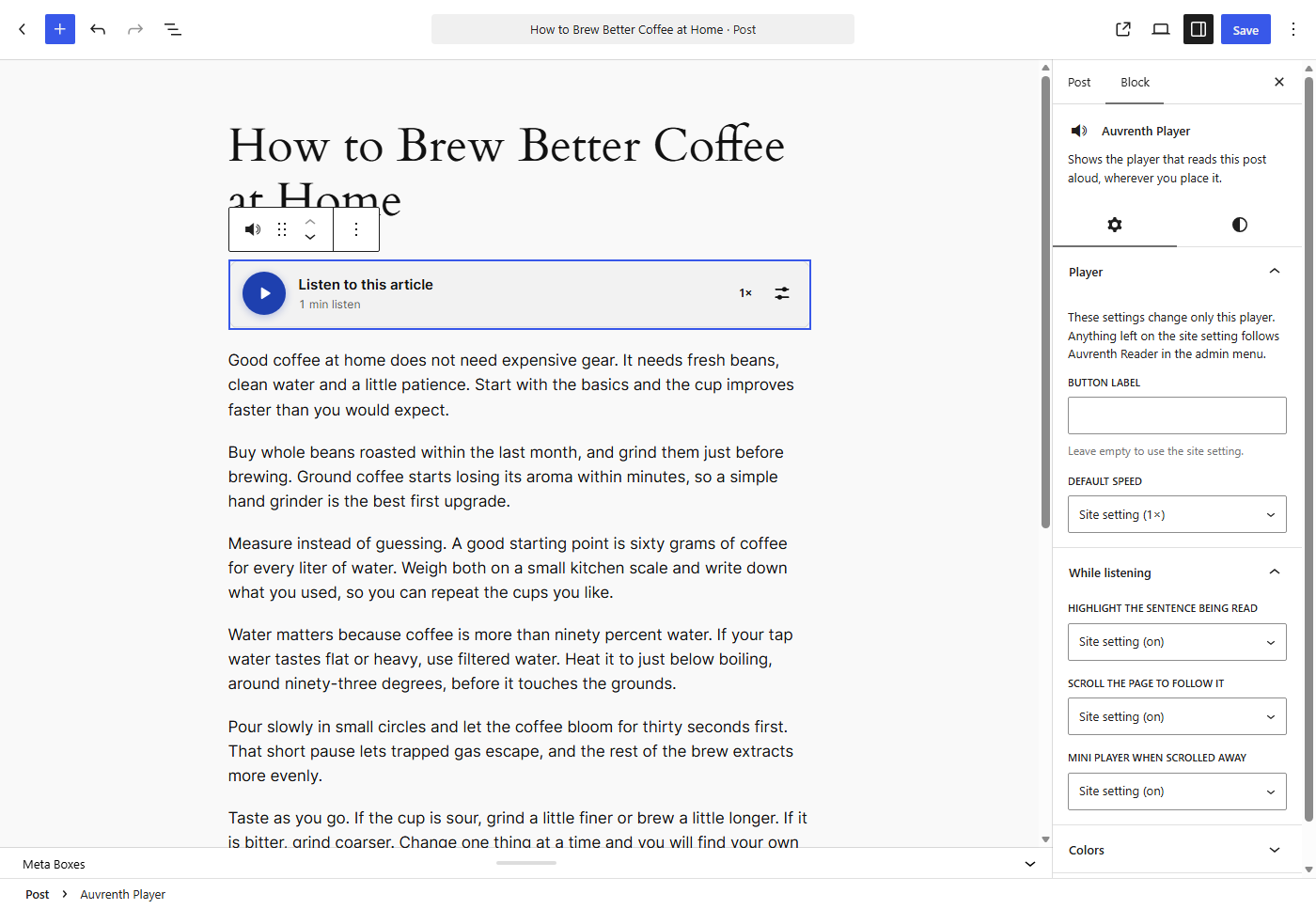
Auvrenth Text-to-Speech Reader adds a listen button to your posts and pages. Visitors press play and the article is read aloud by the voices already built into their browser.
- No API key, no account and no monthly cost.
- No audio files stored on your server.
- Play, pause, stop and speed control.
- Uses a voice that matches your site language when the browser has one.
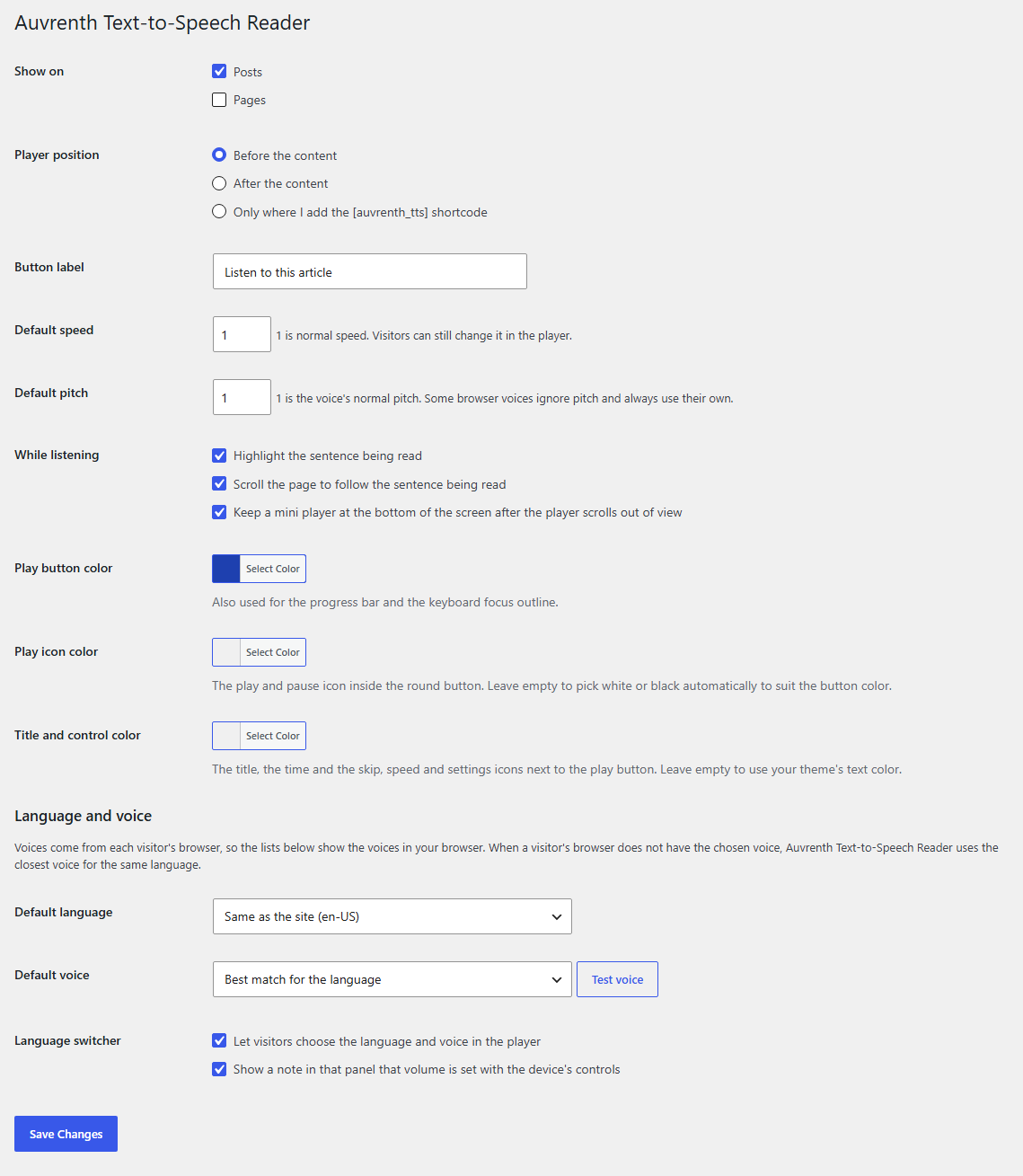
- Set a default language and voice, and test it right from the settings screen.
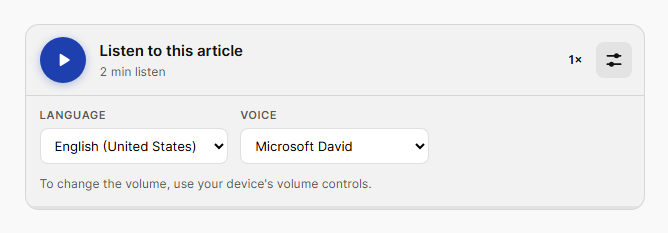
- Visitors can switch the language and voice in the player, and their choice is remembered.
- Choose the post types, and show the player before or after the content.
- Hide the player on single posts, or place it anywhere with the
[auvrenth_tts]shortcode.
The player only appears in browsers that support speech synthesis, which covers all current versions of Chrome, Edge, Safari and Firefox.
Shortcode
Add [auvrenth_tts] to a post or page, or to a Shortcode block, to show the player exactly where you want it. It reads the post it is placed in.
- Works on any post type, even ones not ticked under “Show on” in the settings.
- When a post contains the shortcode, the automatic player is skipped there, so the player never shows twice.
- Set “Player position” to “Only where I add the [auvrenth_tts] shortcode” to turn off automatic placement everywhere and use the shortcode only.
- The shortcode shows nothing when the player is hidden for that post in the editor, or when the post is password protected.
Details


Related plugins
Plugins that also contain the tag accessibility
Ally – Web Accessibility & Usability

Auto Image Attributes From Filename With Bulk Updater (Add Alt Text, Image Title For Image SEO)

Accessibility by UserWay

WP Dark Mode – Improve Accessibility with AI Powered Dark Theme

AccessibleWP – Accessibility Toolbar

Alt Text AI – Automatically generate image alt text for SEO and accessibility


About
Plugin for that tries to help you find the WordPress plugin you are looking for.
| Please enjoy an image of Crush (this awesome turtle) and have a lovely day! |  |
We do not own any plugin listed on this site and do not work for or work with WordPress.com or it's associated companies. We simply provide a searchable list of the available WordPress plugins.