



Media Fields for Contact Form 7
Watch the 2-minute introduction:
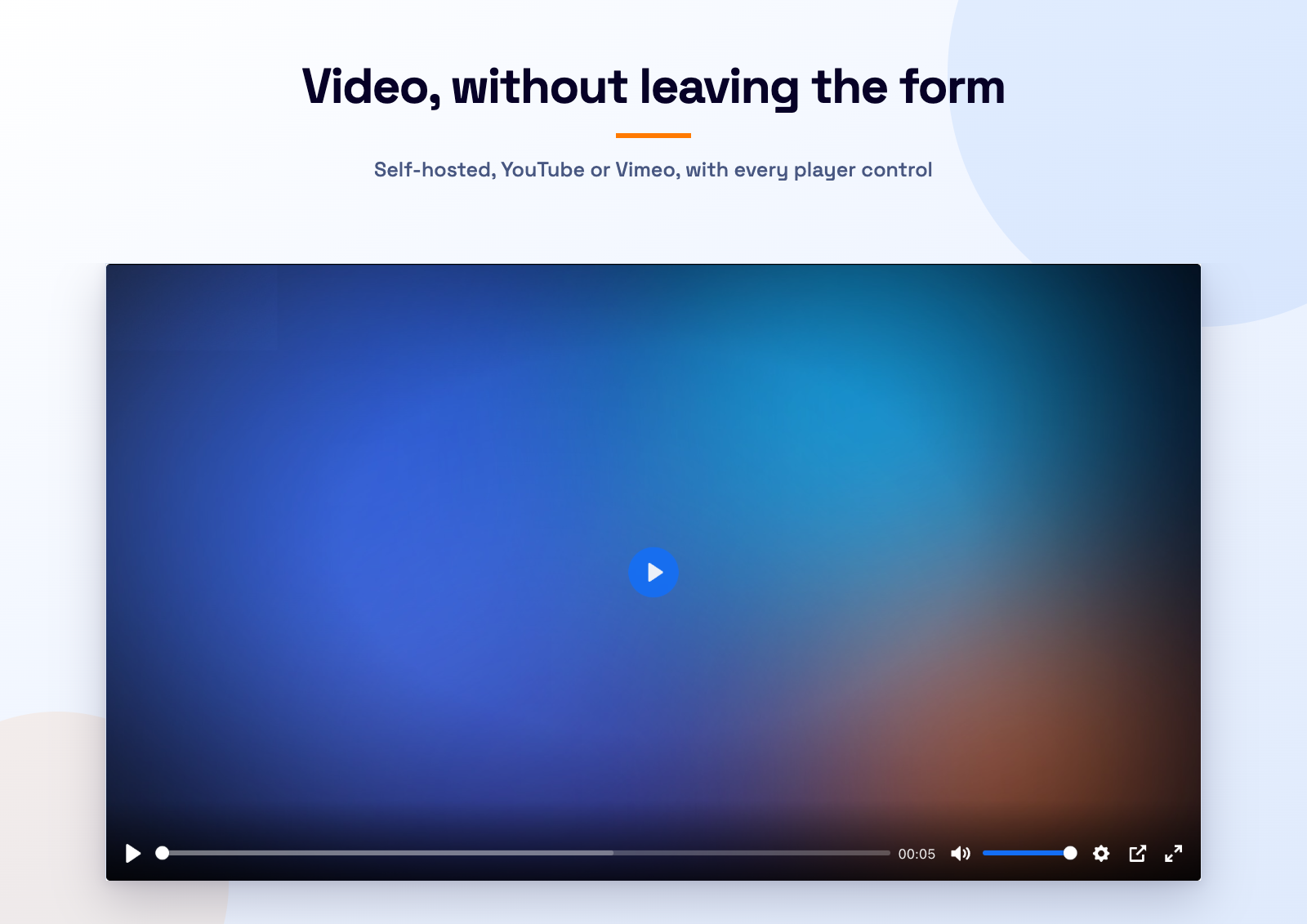
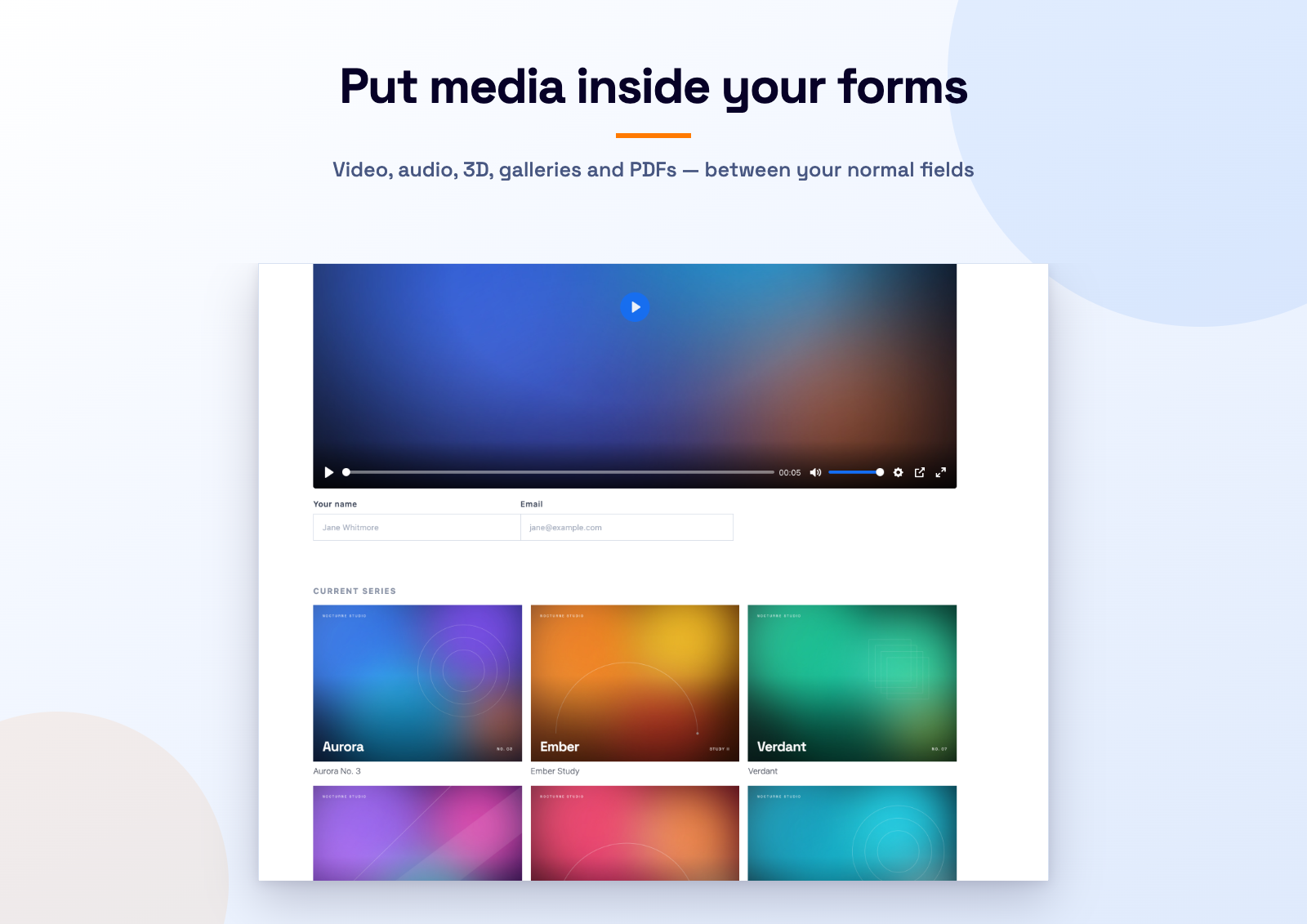
Media Fields for Contact Form 7 adds media field types to Contact Form 7 that the core plugin does not ship: [video], [audio], [3d_models], [gallery] and [pdf_flipbook], with more on the way. Place a media player or an interactive 3D model anywhere inside a form: an explainer above the fields, a product demo next to a quote request, a podcast episode in a feedback form, a welcome message in a registration form, and so on.
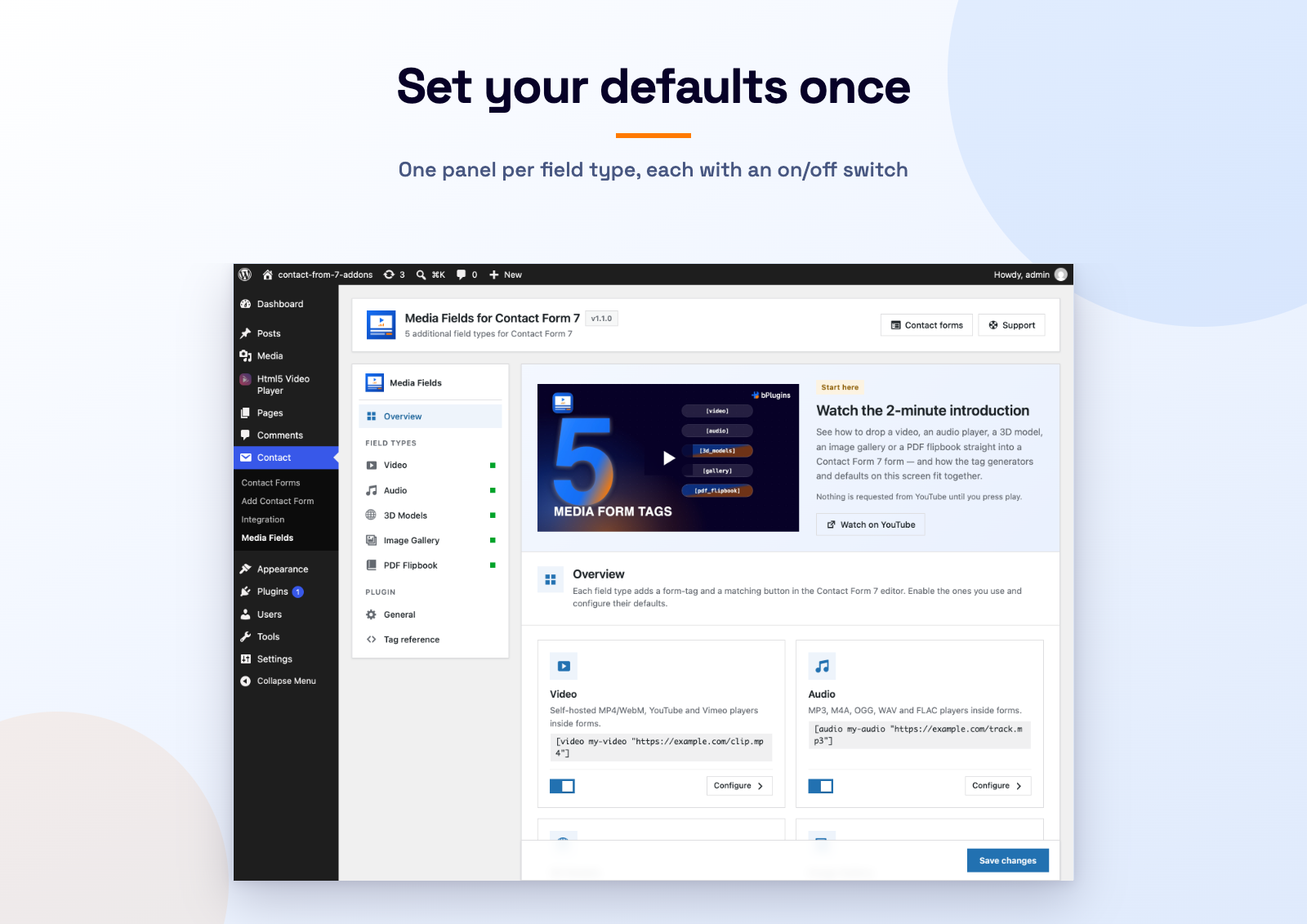
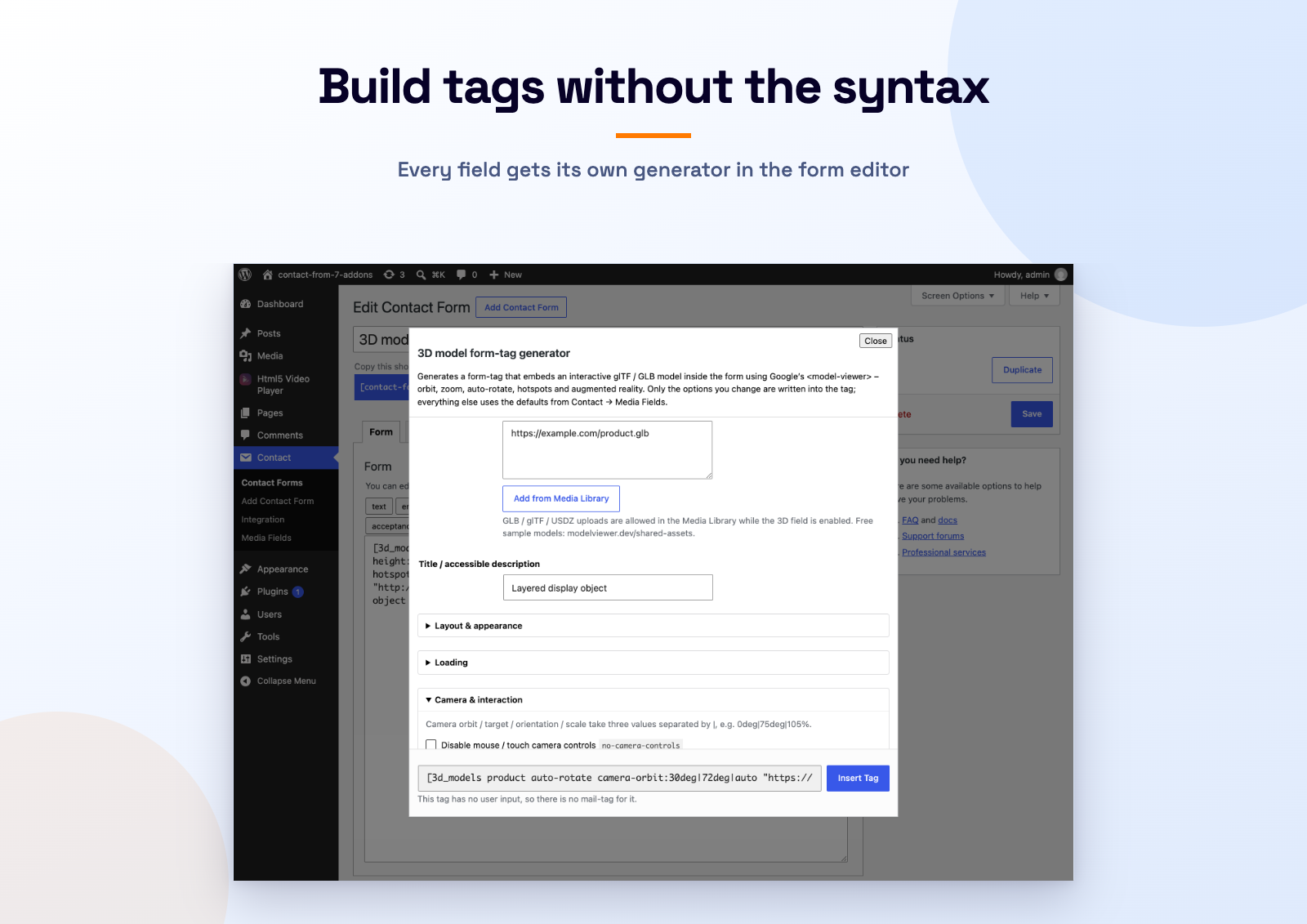
Media is played with Plyr, a lightweight, accessible and fully customisable player, and 3D models are rendered with Google’s <model-viewer>. Every option of both libraries is exposed as a form-tag option, and visual tag generators (video, audio, 3D model) in the form editor let you build the tag without remembering any syntax. A modern settings screen (Contact Media Fields) holds per-field-type defaults and lets you enable or disable each field type.
Coming next: a signature field and an image-choice field.
Supported media
- Self-hosted HTML5 video (MP4, WebM, Ogg) with multiple sources and quality switching
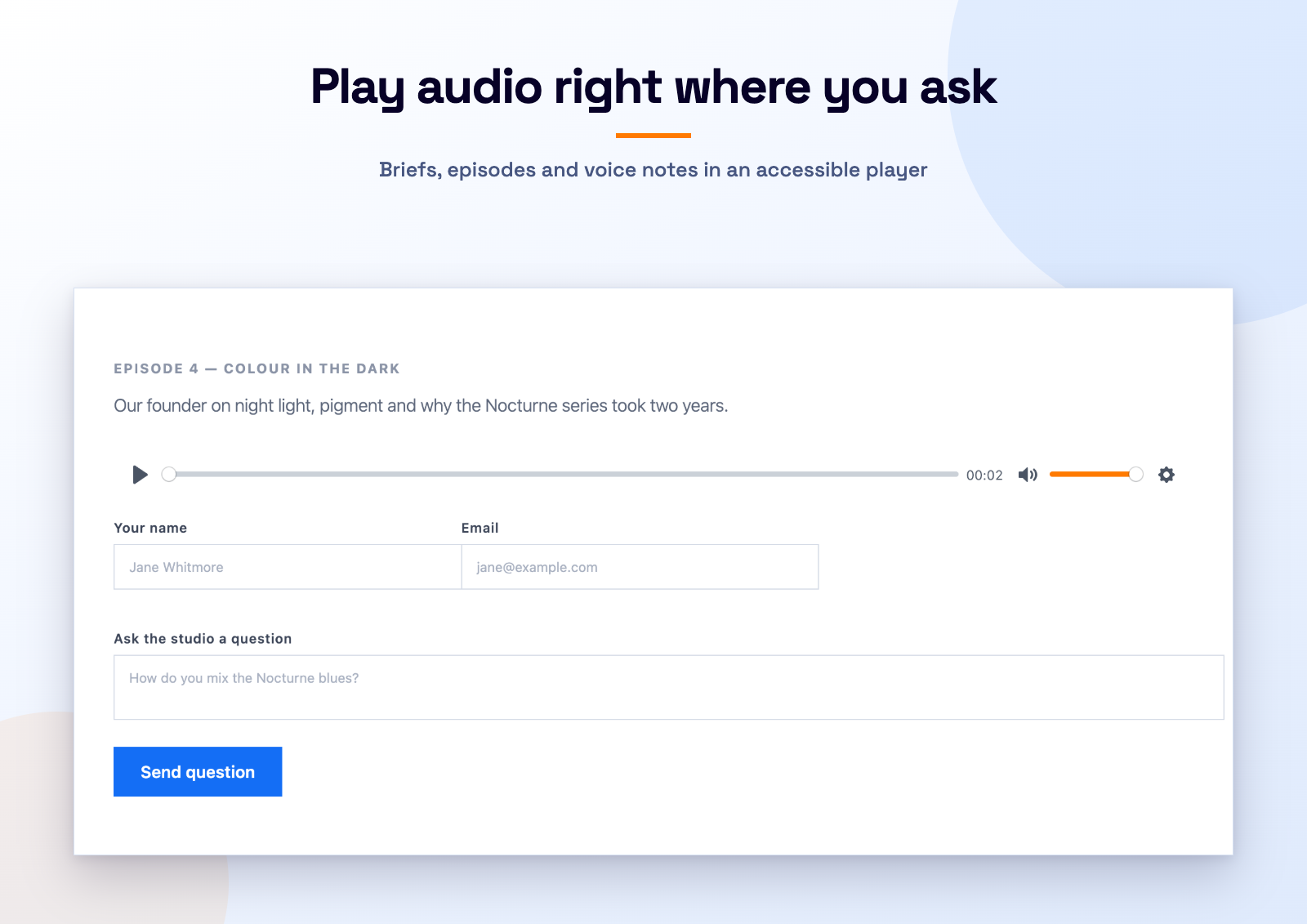
- Self-hosted HTML5 audio (MP3, M4A, OGG, WAV, FLAC)
- YouTube (including privacy-enhanced youtube-nocookie.com)
- Vimeo (including unlisted videos with a hash)
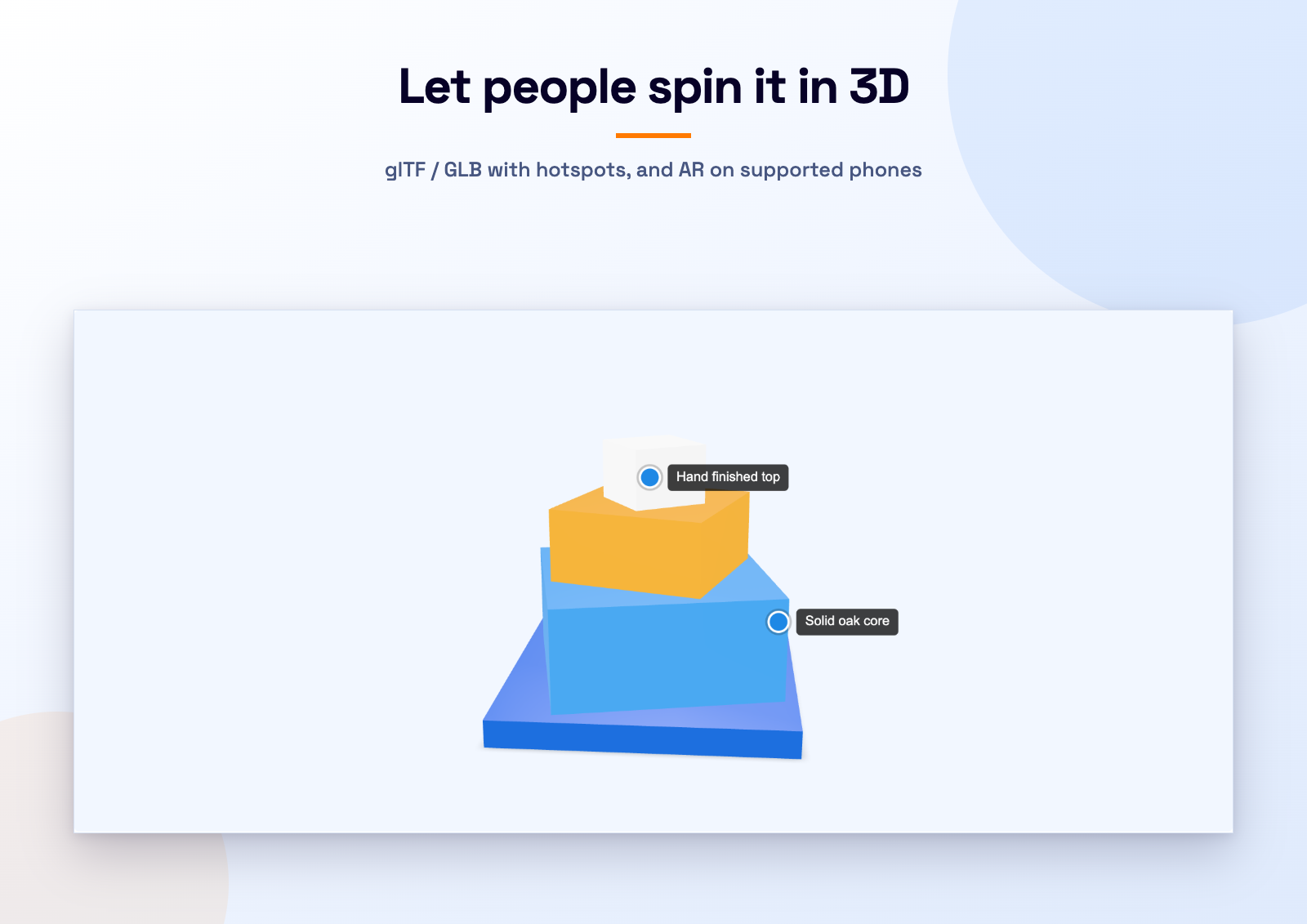
- 3D models – glTF / GLB with USDZ for iOS Quick Look, rendered by <model-viewer>
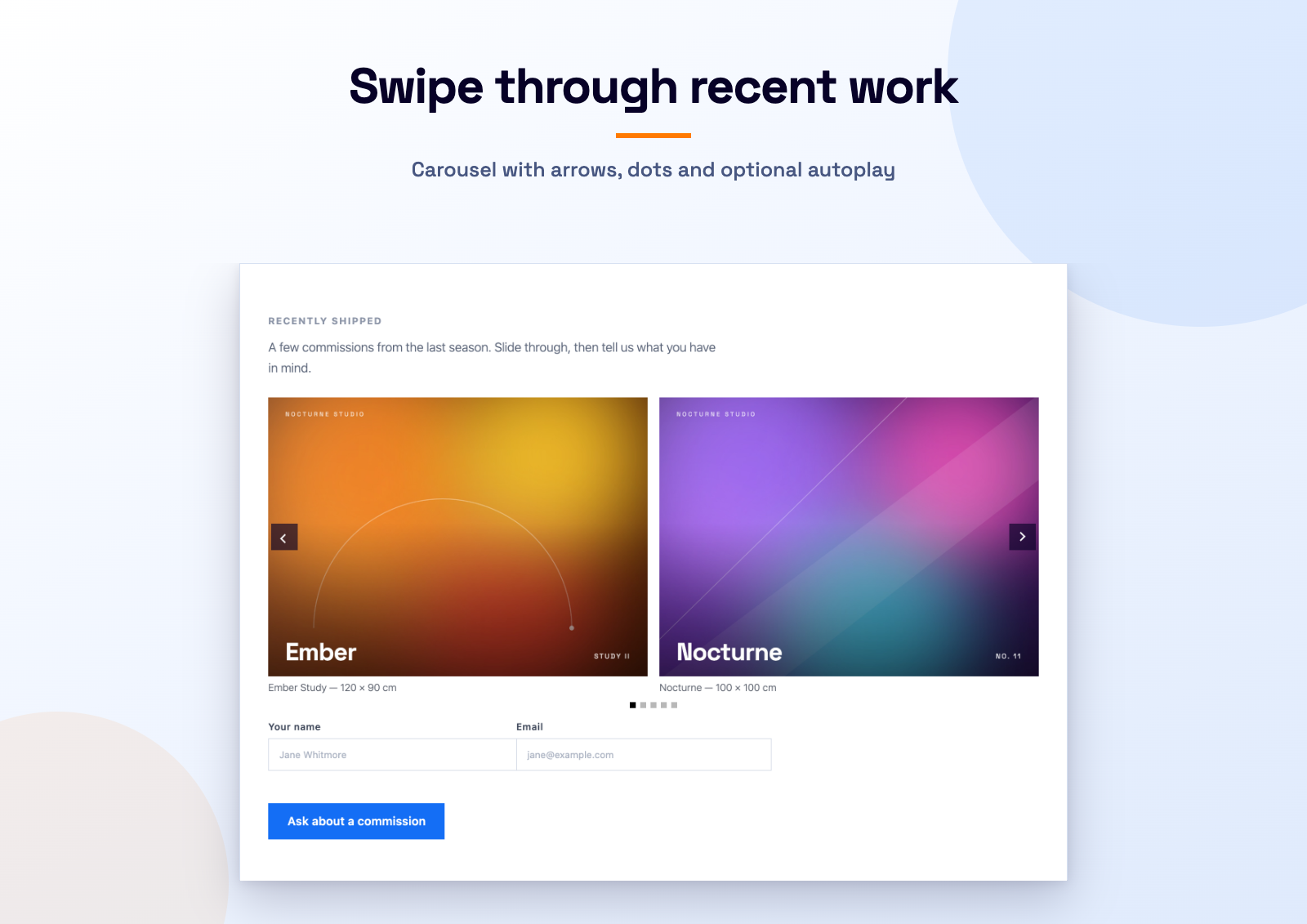
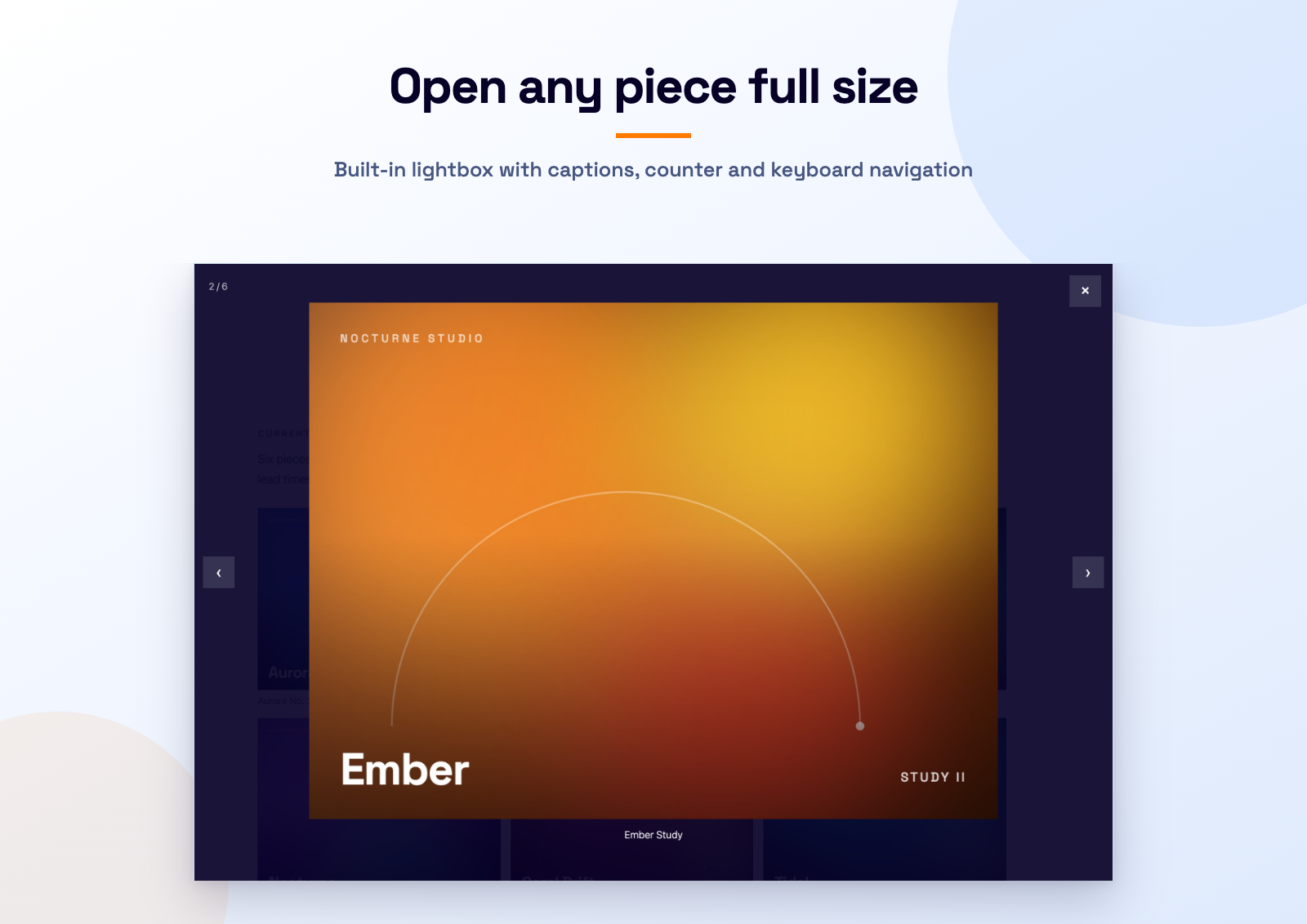
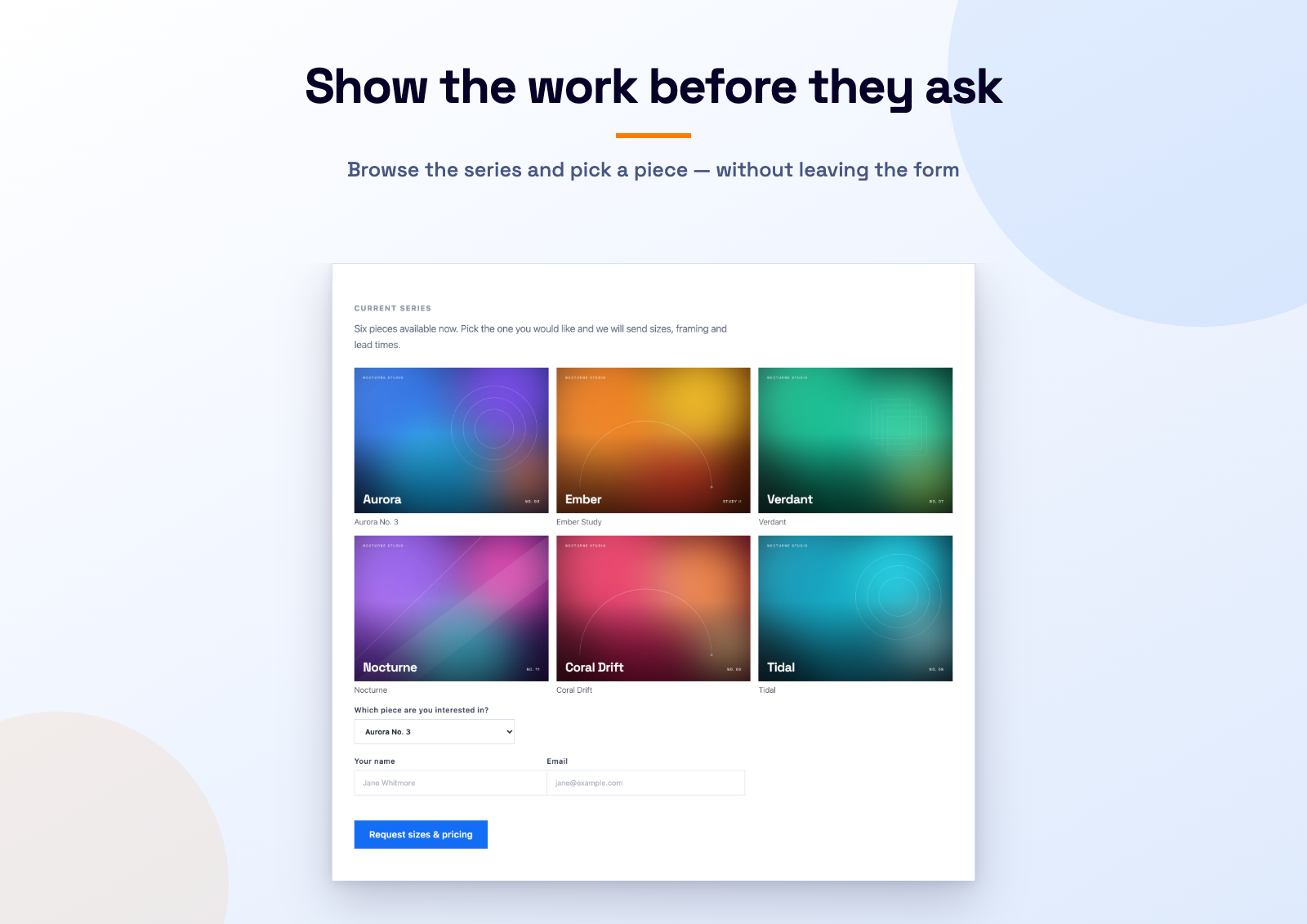
- Image galleries – grid, masonry, justified rows or carousel, with a built-in lightbox
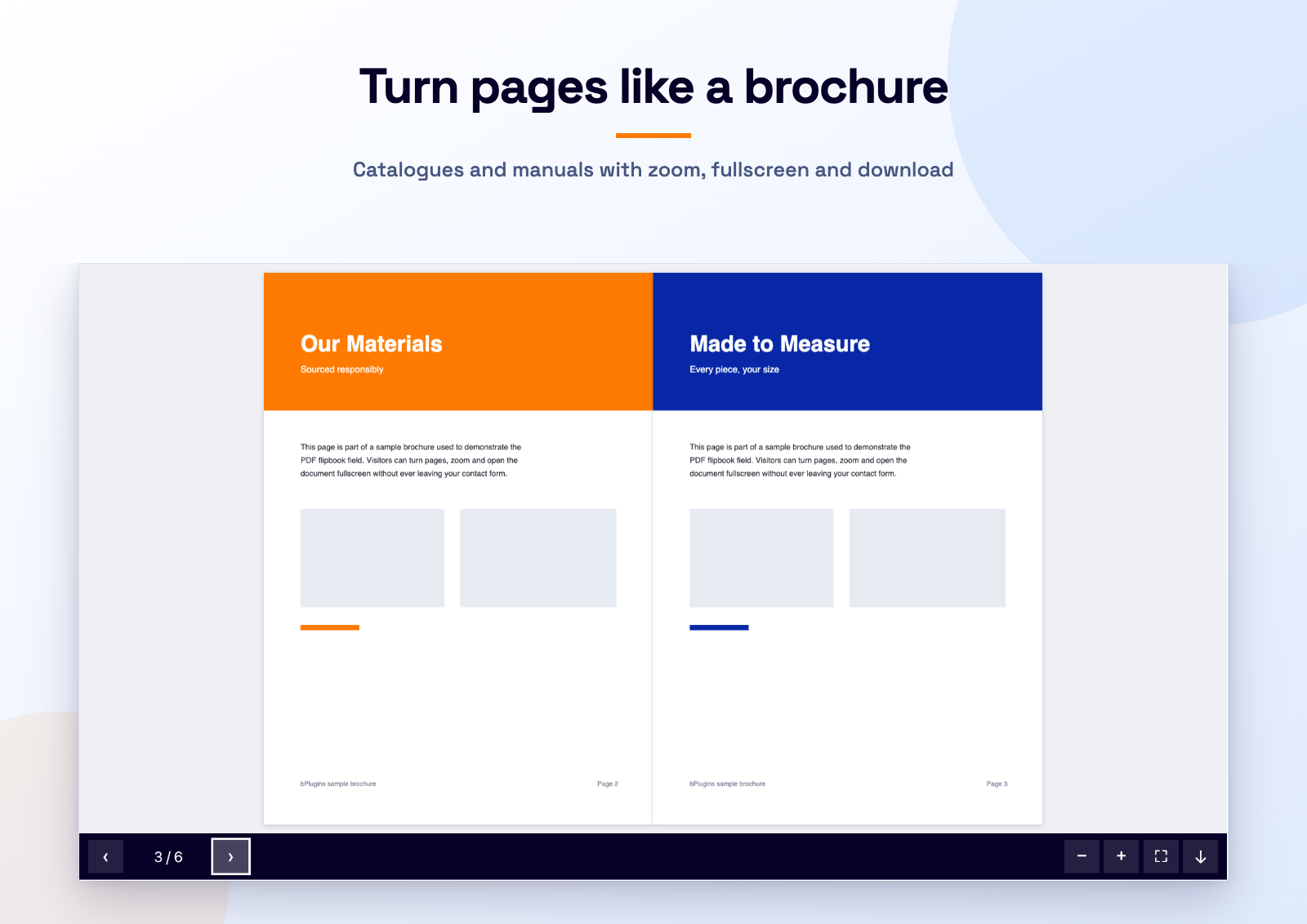
- PDF flipbooks – page-turning or scrolling PDF viewer with zoom and fullscreen
Every Plyr option
Layout & appearance – aspect ratio, max width, alignment, accent colour, poster image.
Playback – autoplay, muted, loop, reset on end, inline playback, autopause, volume, seek time, custom duration.
Controls – pick exactly which controls appear (play, progress, time, mute, volume, captions, settings, PiP, AirPlay, download, fullscreen, restart, rewind, fast-forward) and which items are in the settings menu.
Interface – click-to-play, auto-hide controls, context menu, duration display, inverted time, tooltips, keyboard shortcuts (focused/global), fullscreen options incl. iOS native, browser storage.
Captions – any number of WebVTT tracks, default language, captions on by default.
Speed & quality – default speed, speed options, default quality, quality options.
Media metadata – title, artist, album, artwork (Media Session / lock screen).
Markers & preview thumbnails – chapter markers on the timeline, WebVTT preview thumbnails.
YouTube – nocookie, related videos, annotations, native controls, start/end time, interface language.
Vimeo – byline, portrait, title, speed, transparent, native controls, premium, referrer policy.
Advanced – ads (VAST), debug, CORS, disable Plyr.
Image gallery options
Layout – grid, masonry, justified rows or carousel, columns, gap, thumbnail ratio, row height, max width, alignment, fit instead of crop.
Captions & lightbox – per-image captions, built-in lightbox with keyboard navigation and an image counter, or open the file in a new tab instead.
Carousel – autoplay with interval, arrows, pagination dots.
PDF flipbook options
Layout – height, max width, alignment, background colour.
Viewer – flipbook (page turn) or scroll mode, opening page, single-page mode, page turn duration, page shadow, lazy or eager loading.
Toolbar – page navigation with a counter, zoom in/out, fullscreen and an optional download button.
Every <model-viewer> option (3D models)
Layout – height, max width, alignment, background, poster colour, progress bar colour/height/hide.
Loading – poster image, loading strategy, reveal, with-credentials, generate-schema (JSON-LD).
Camera & interaction – camera controls, auto-rotate (delay, speed), camera orbit/target, field of view, min/max orbit & FoV, disable zoom/pan/tap, touch-action, orbit/zoom/pan sensitivity, interaction prompt (style, threshold), interpolation decay.
Augmented reality – ar, ar-modes (WebXR, Scene Viewer, Quick Look), ar-scale, ar-placement, ios-src (USDZ), USDZ max texture size, xr-environment, custom AR button label.
Lighting & environment – environment-image (neutral / legacy / HDR URL), skybox-image, skybox-height, exposure, tone-mapping, shadow-intensity, shadow-softness.
Animation & scene – animation-name, autoplay, crossfade duration, variant-name, orientation, scale, bounds.
Hotspots – any number of annotations (position, label, optional normal) plus hotspot opacity.
GLB / glTF / USDZ / HDR uploads are allowed in the Media Library while the 3D field is enabled.
Quick examples
[video intro "https://example.com/intro.mp4"]

[video intro quality:720 poster:https://example.com/poster.jpg "https://example.com/intro-1080.mp4|1080" "https://example.com/intro-720.mp4|720"]

[video promo provider:youtube yt-nocookie ratio:16:9 "https://www.youtube.com/watch?v=bTqVqk7FSmY"]

[video promo provider:vimeo autoplay muted loop "76979871"]

[audio podcast artist:Jane_Doe "https://example.com/ep1.mp3"] Episode 1 [/audio]

[3d_models chair auto-rotate ar camera-orbit:45deg|60deg|2m hotspot:0|0.5|0.2|Handle "https://example.com/chair.glb" "https://example.com/chair.usdz"] Red armchair [/3d_models]

[gallery work columns:3 ratio:4:3 captions "https://example.com/a.jpg|Before" "https://example.com/b.jpg|After"]

[pdf_flipbook brochure height:600 download "https://example.com/brochure.pdf"]
Global defaults (accent colour, default controls, Plyr build, asset loading) live under Contact Video Addon.
Source code & contributing
Development happens on GitHub: github.com/bPlugins/b-media-fields-for-cf7. Bug reports and pull requests are welcome.
Developer hooks
bmfcf7_option_fields– filter the registry of form-tag options.bmfcf7_player_config– filter the Plyr config of a single player.bmfcf7_frontend_data– filter global data handed to the front-end script.bmfcf7_model_option_fields/bmfcf7_model_viewer_atts– filter the 3D model options and rendered attributes.bmfcf7_settings_schema– add settings sections for new field types.- JavaScript event
bmfcf7:ready(detail.player is the Plyr instance) andwindow.bmfcf7.players.
Trademark notice
This plugin is an independent add-on developed by bPlugins. It is not affiliated with, endorsed by or sponsored by Contact Form 7 or its author, Takayuki Miyoshi. “Contact Form 7” is used only to describe compatibility.
Privacy
The introduction video on the plugin’s settings screen is not loaded until you press play — the poster image is bundled with the plugin, and only then is an embed requested from youtube-nocookie.com.
Self-hosted media and 3D models never contact third parties. When you embed YouTube or Vimeo media, the visitor’s browser loads the player from YouTube/Vimeo and is subject to their privacy policies. Plyr and <model-viewer> are bundled with the plugin; no assets are loaded from a CDN. The AR “Scene Viewer” / “Quick Look” modes hand the model file to the device’s native AR app.
Third-party libraries
This plugin bundles:
- Plyr v3.8.4, © Sam Potts, MIT license. Unminified sources are included in
assets/vendor/plyr/. - <model-viewer> v4.3.1, © Google LLC, Apache License 2.0. The minified UMD build is included in
assets/vendor/model-viewer/; the unminified source is available at https://cdn.jsdelivr.net/npm/@google/model-viewer@4.3.1/dist/model-viewer-umd.js and in the repository linked above. - PDF.js v3.11.174, © Mozilla, Apache License 2.0. Included in
assets/vendor/pdfjs/; unminified source at https://cdn.jsdelivr.net/npm/pdfjs-dist@3.11.174/build/pdf.js - StPageFlip v2.0.7, © Nodlik, MIT license. Unminified build included in
assets/vendor/page-flip/.
Details
Related plugins
Plugins that also contain the tag audio
The Ultimate Video Player For WordPress – by Presto Player

Seriously Simple Podcasting

Compact WP Audio Player

AudioIgniter Music Player

WP Photo Album Plus

rtMedia for WordPress, BuddyPress and bbPress


About
Plugin for that tries to help you find the WordPress plugin you are looking for.
| Please enjoy an image of Crush (this awesome turtle) and have a lovely day! |  |
We do not own any plugin listed on this site and do not work for or work with WordPress.com or it's associated companies. We simply provide a searchable list of the available WordPress plugins.