

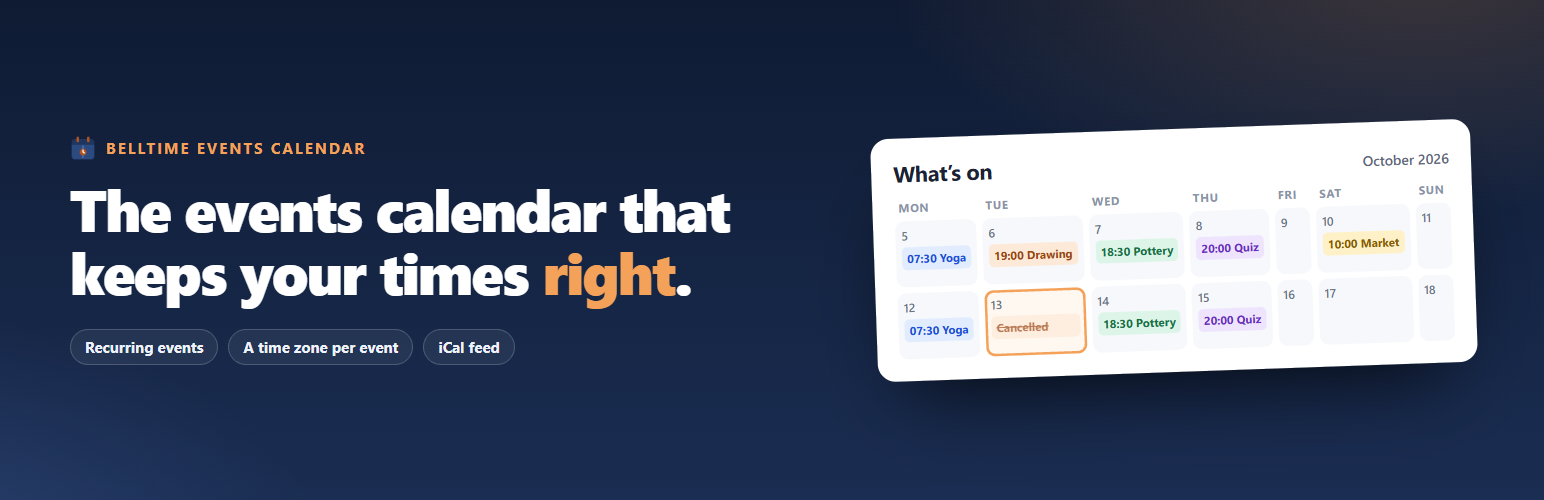

Belltime Events Calendar
Belltime Events Calendar is an events calendar for sites where a wrong time has a
cost — venues, studios, course providers, conference organisers. It does three
things carefully and leaves the rest alone.
Recurring events, in full, in the free plugin. Not just “every week”: intervals,
occurrence counts, end dates, ordinal weekdays such as the second Tuesday or the
last Friday, days of the month counted from either end, months of the year,
set positions, explicit extra dates, and cancelled dates. If your quiz night is
every other Tuesday and your class is the first Saturday of the month, the plugin
expresses both and produces the right dates for them.
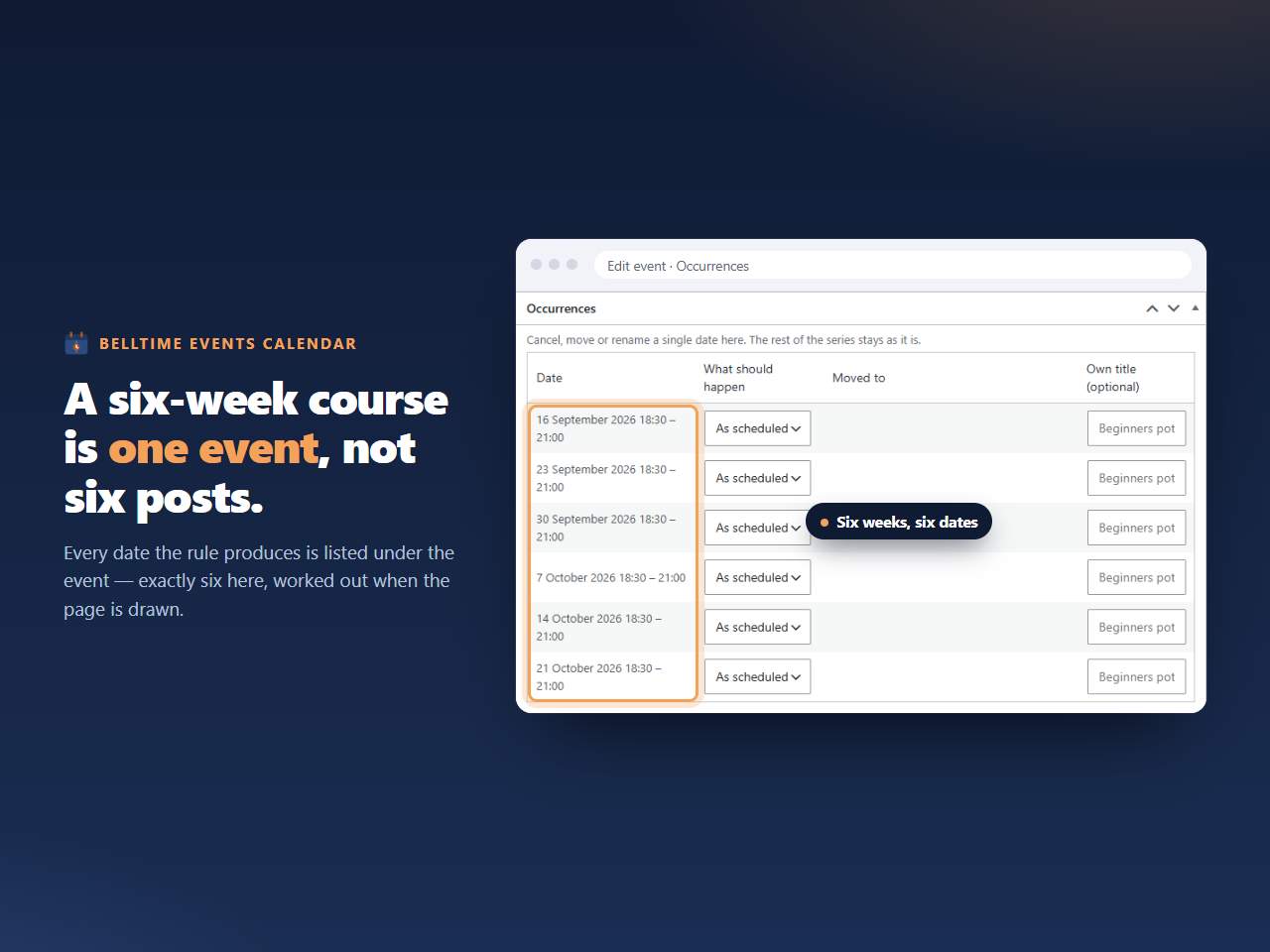
Occurrences are never database rows. A weekly class running for two years is one
event with one rule, not 104 posts in your database, your sitemap and every other
plugin’s queries. The dates are worked out when a page is drawn. No scheduled job
generates anything, and there is nothing to reconcile when you edit a series.
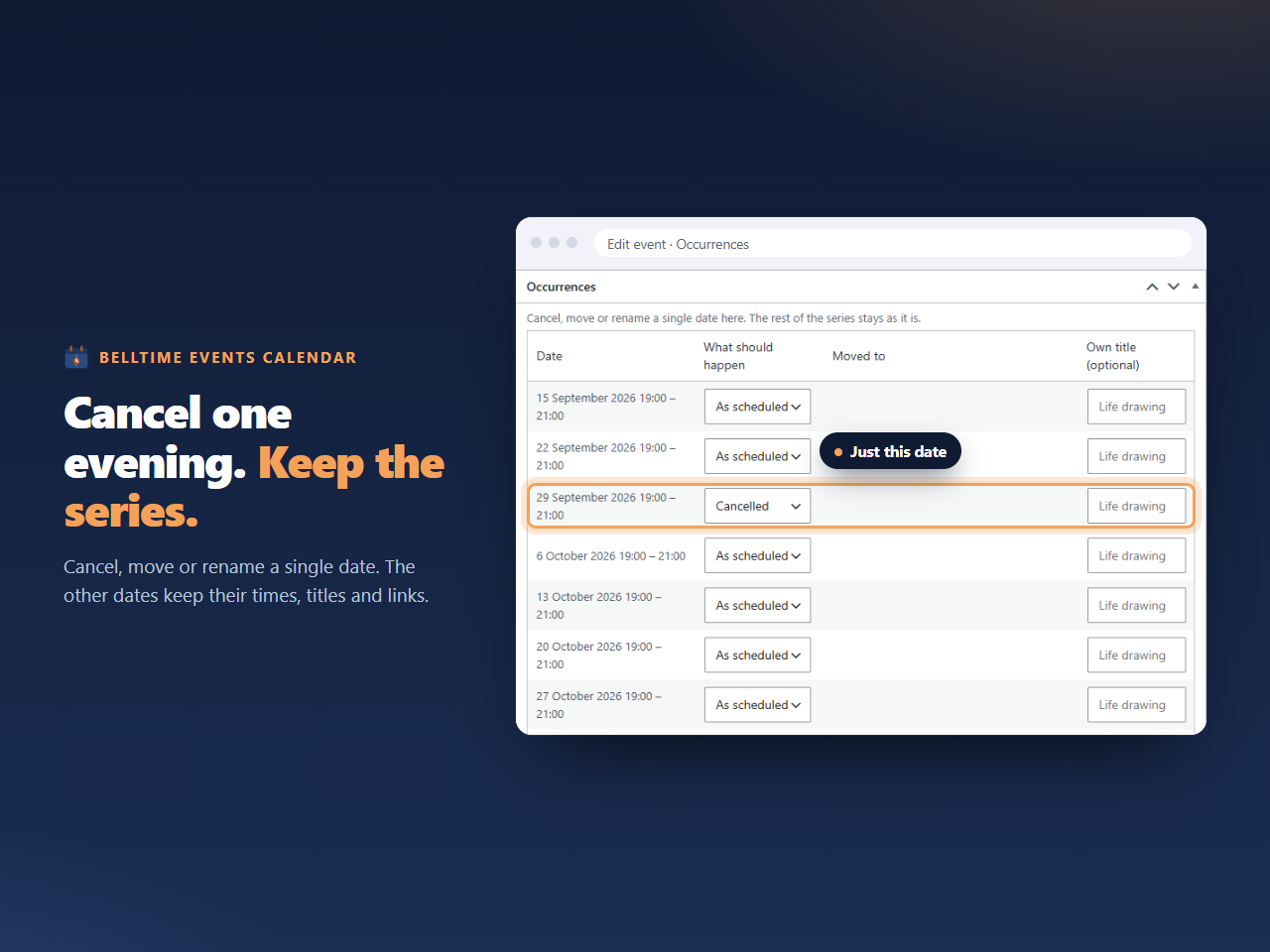
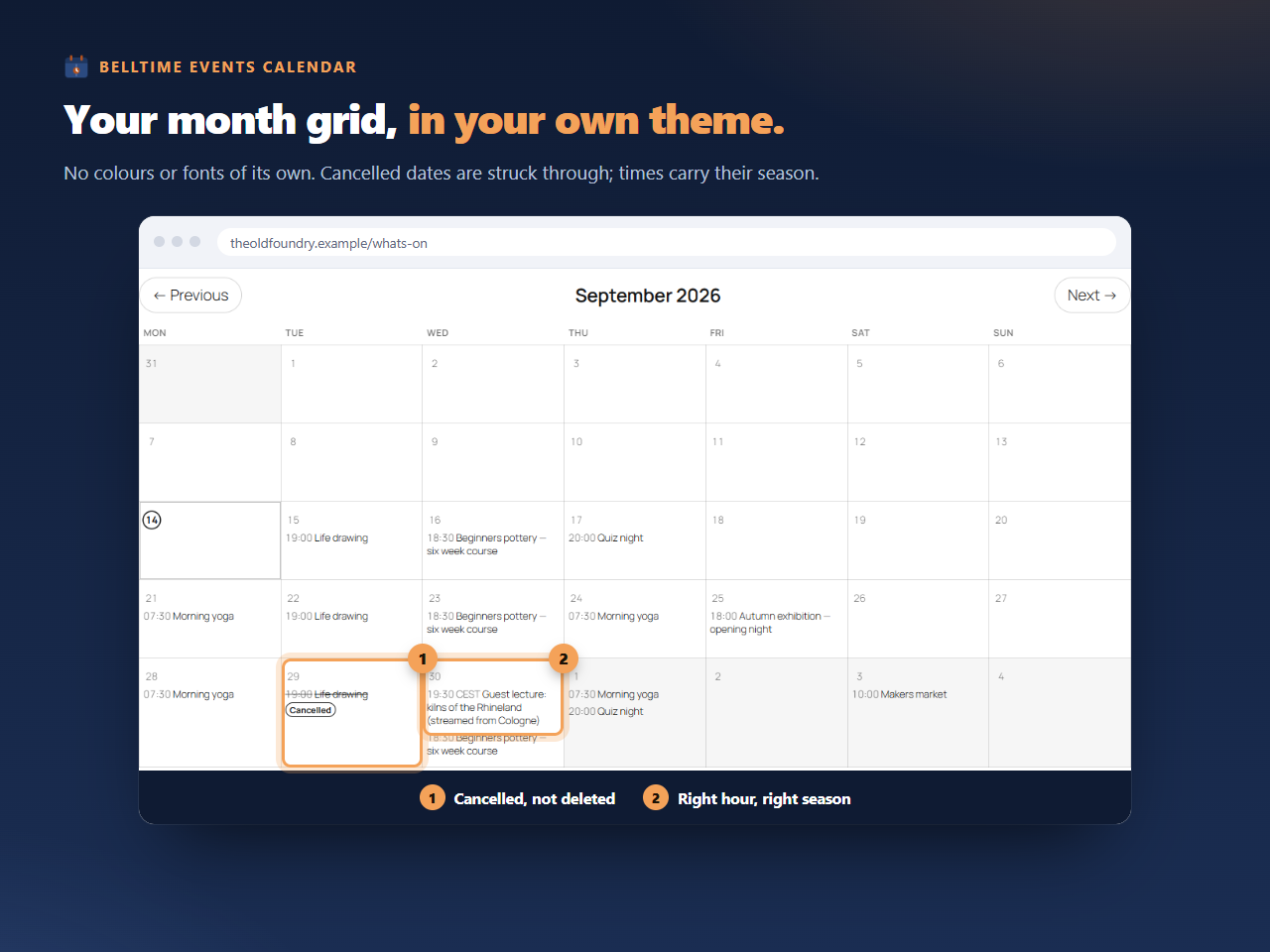
Cancelling or moving a single occurrence records only that exception — the rest of
the series keeps its dates and its links.
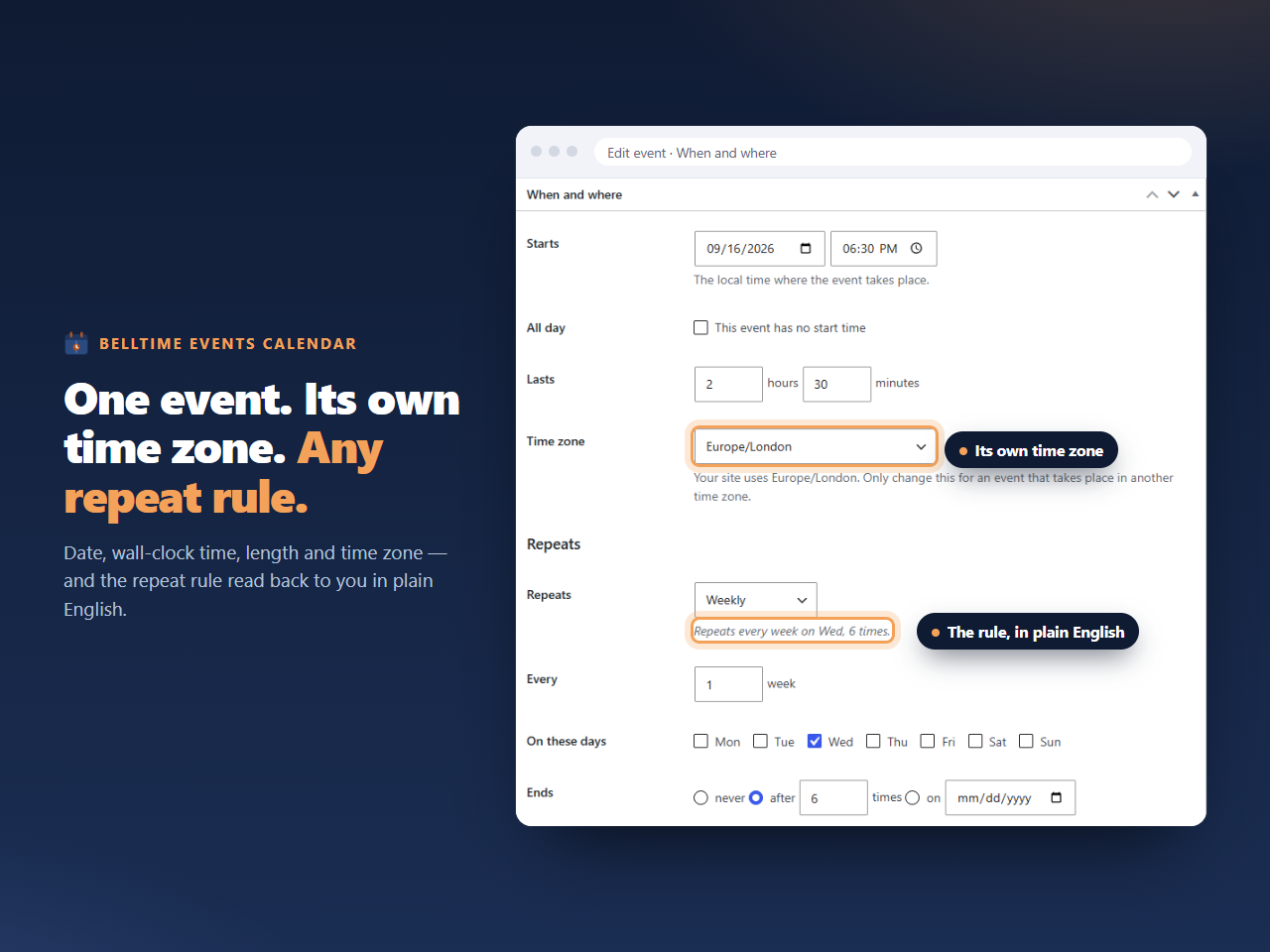
Times that stay right. Every event stores a wall-clock time, a length, and the
name of its timezone. That combination is what keeps a 19:00 event at 19:00 after
the clocks change, keeps a two-hour event two hours long across a daylight-saving
transition, and lets a touring show carry the local time of each city it plays. When
the timezone database is updated, the derived values are recalculated rather than
left to drift.
What it includes
- Events with title, description, featured image, location, organiser, link, categories and tags
- Per-event timezone, overriding the site default where needed
- All-day events
- Full recurrence, as described above, expanded when the page is drawn
- Move, rename or cancel a single occurrence without touching the series
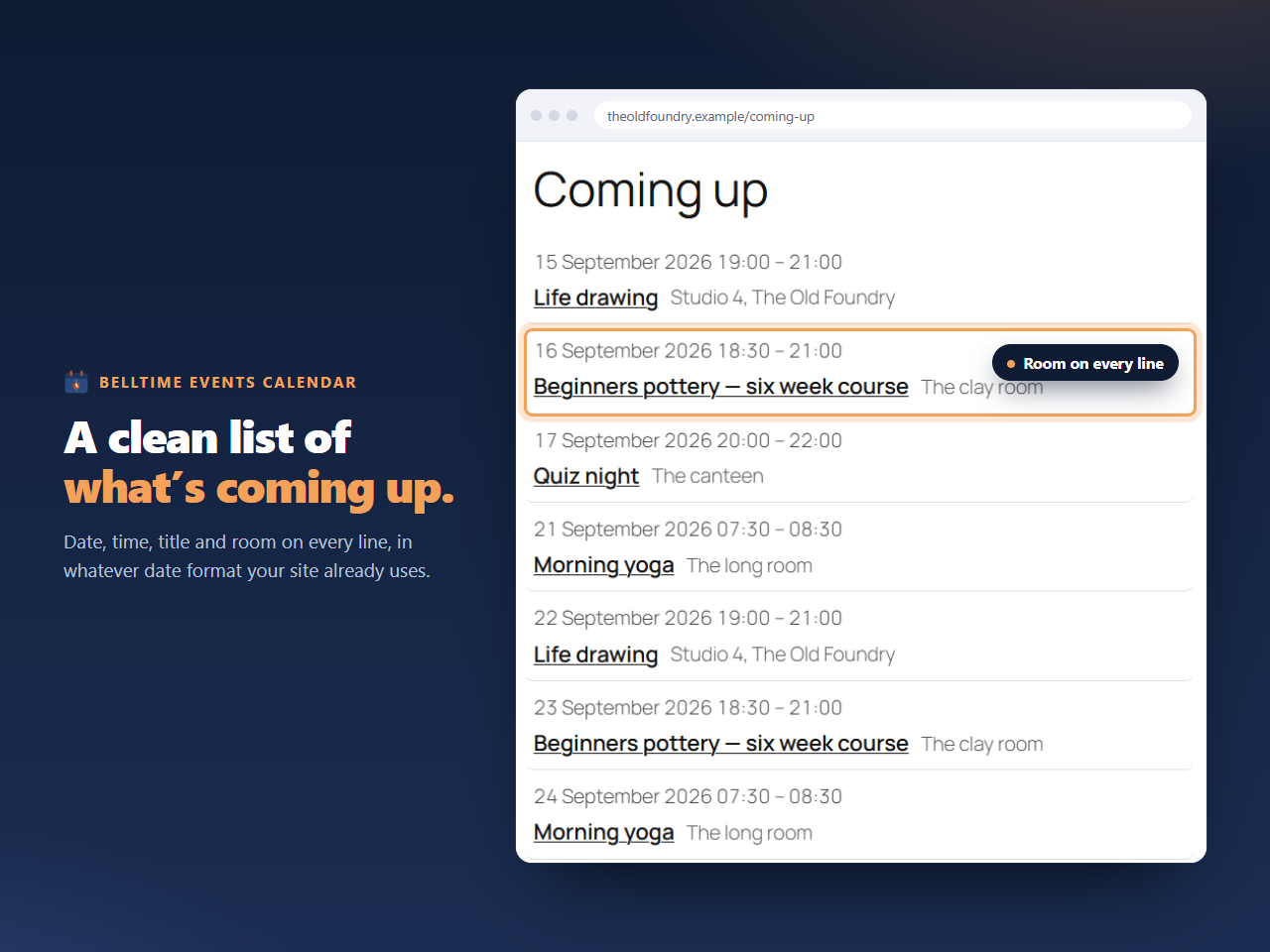
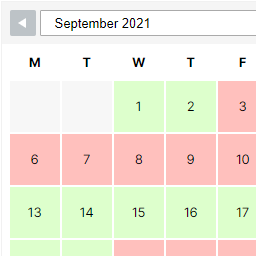
- Month grid and list views, as a block and as a shortcode
- Archive and single-event views from the post type
- An outgoing iCal feed visitors can subscribe to in their own calendar app
- Add-to-calendar links for Google, Outlook and .ics on each event
- Documented filters and actions so other plugins can extend it
What it deliberately does not do
- No ticketing, checkout, cart or bookings. This is a calendar. Link to whatever
system already holds your inventory. - No maps, geocoding or address lookup. Location is free text.
- No telemetry of any kind. See “External services” below.
- No work on pages the calendar is not on. Seven callbacks are registered, and each
returns on its first line wherever the calendar is not involved. The plugin autoloads
two small options and does nothing else until something asks it to draw a calendar. - No database tables. Events are posts, categories are terms, and nothing in the
WordPress schema is altered.
Pro
A separate paid add-on adds incoming synchronisation: subscribing to .ics feeds from
Google Calendar, Outlook and Microsoft 365, Apple iCloud, Nextcloud, Teamup and
anything else that speaks iCalendar, with several calendars at once and a panel
showing when each last synced and what failed. It is not required, and
nothing here is limited or disabled without it.
This plugin mentions the add-on only to administrators, and only on its own screens: a
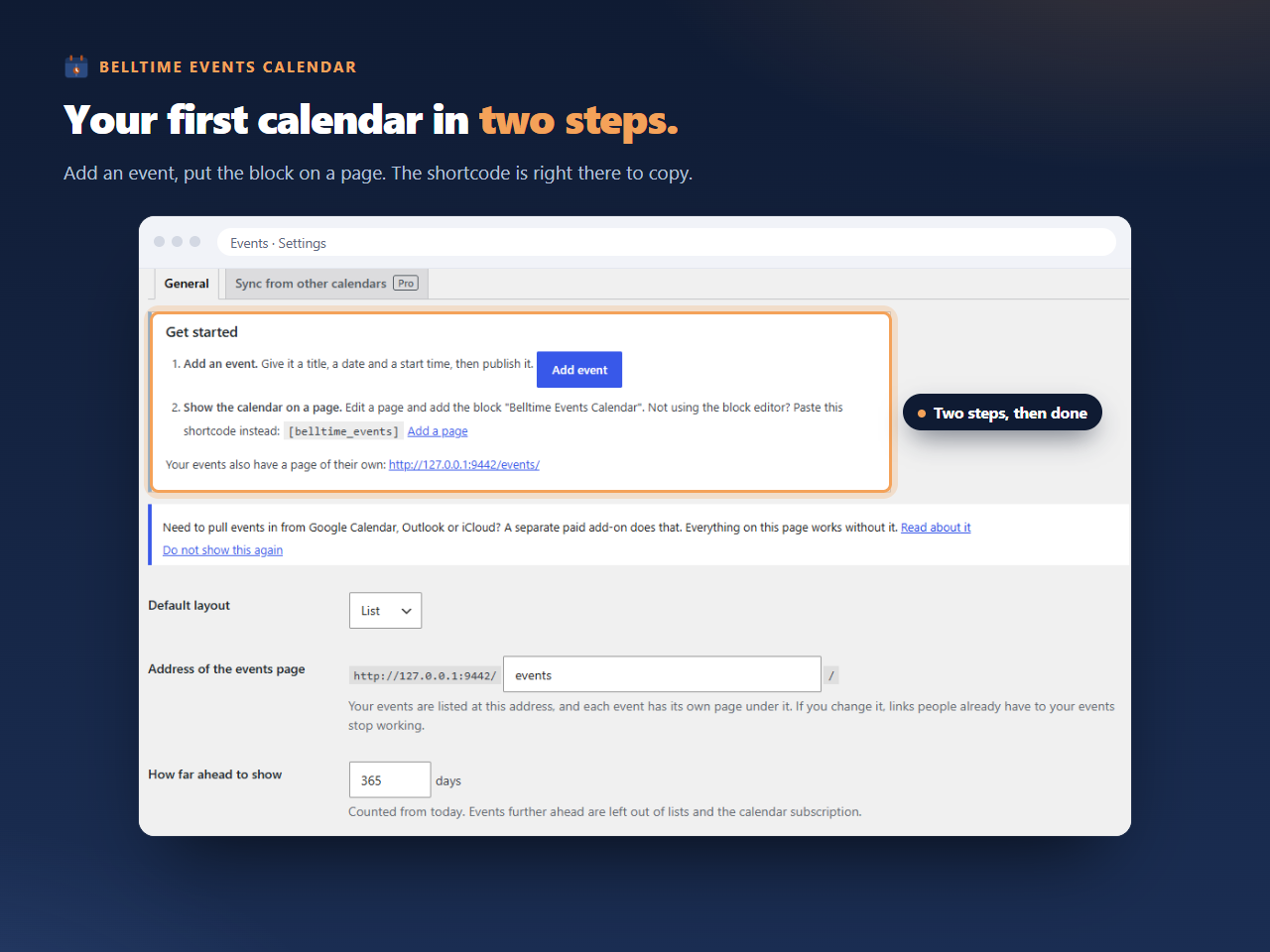
“Sync from other calendars” tab and a dismissible line on its settings screen, a line
in the “Get started” box while the events list is empty and a button on the list once
it has events, a dismissible line when adding an event once one already exists, and a
link in its own row on the Plugins screen. Nothing appears in the block editor. None of
them is a site-wide notice or a dashboard widget, none opens by itself, none shows a
price, and all of them disappear once an add-on is active. Details are on the plugin’s
home page, which is the Plugin URI on this listing.
External services
This plugin does not use any external services. It makes no outbound network
requests of any kind: no licence check, no update check, no usage statistics, no
telemetry, no error reporting, and no request to any third party. Nothing about your
site, your events or your visitors is transmitted anywhere by this plugin.
The outgoing iCal feed this plugin publishes is served from your own site. When a
visitor subscribes to it, their calendar application requests it from your server
directly; no third party is involved and no request is made from your site to anyone.
The separate paid add-on does contact a licence and update service, and discloses that
in its own documentation. That add-on is not this plugin and is not distributed here.
Details
Related plugins
Plugins that also contain the tag calendar
The Events Calendar

LatePoint – Calendar Booking Plugin for Appointments and Events

Woo Store Vacation
SimplyBook.me – Booking and reservations calendar

The Events Calendar Shortcode & Block

WP Simple Booking Calendar

About
Plugin for that tries to help you find the WordPress plugin you are looking for.
| Please enjoy an image of Crush (this awesome turtle) and have a lovely day! |  |
We do not own any plugin listed on this site and do not work for or work with WordPress.com or it's associated companies. We simply provide a searchable list of the available WordPress plugins.