

Back
Bibcit Any2HTML
Details
View on WordPress
Back
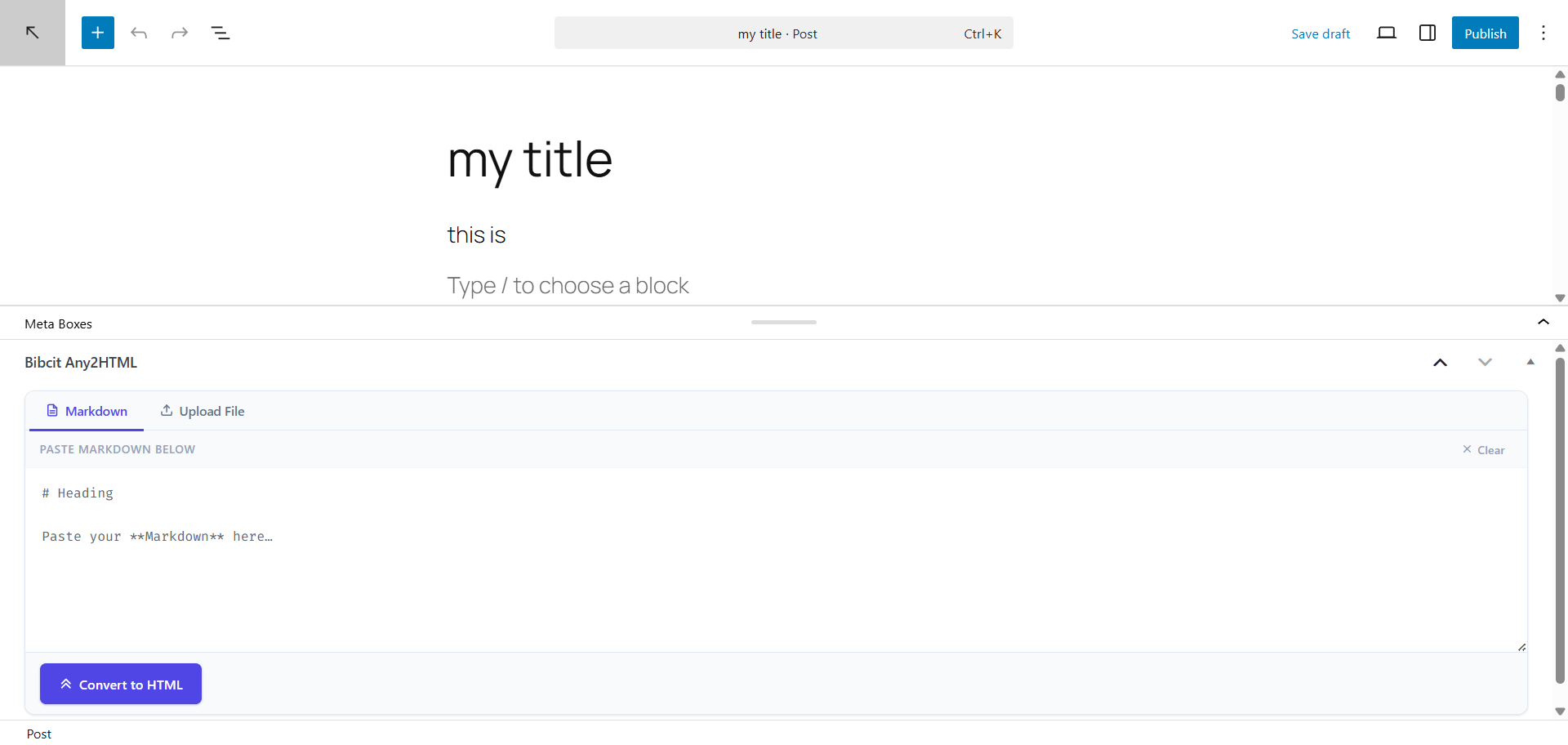
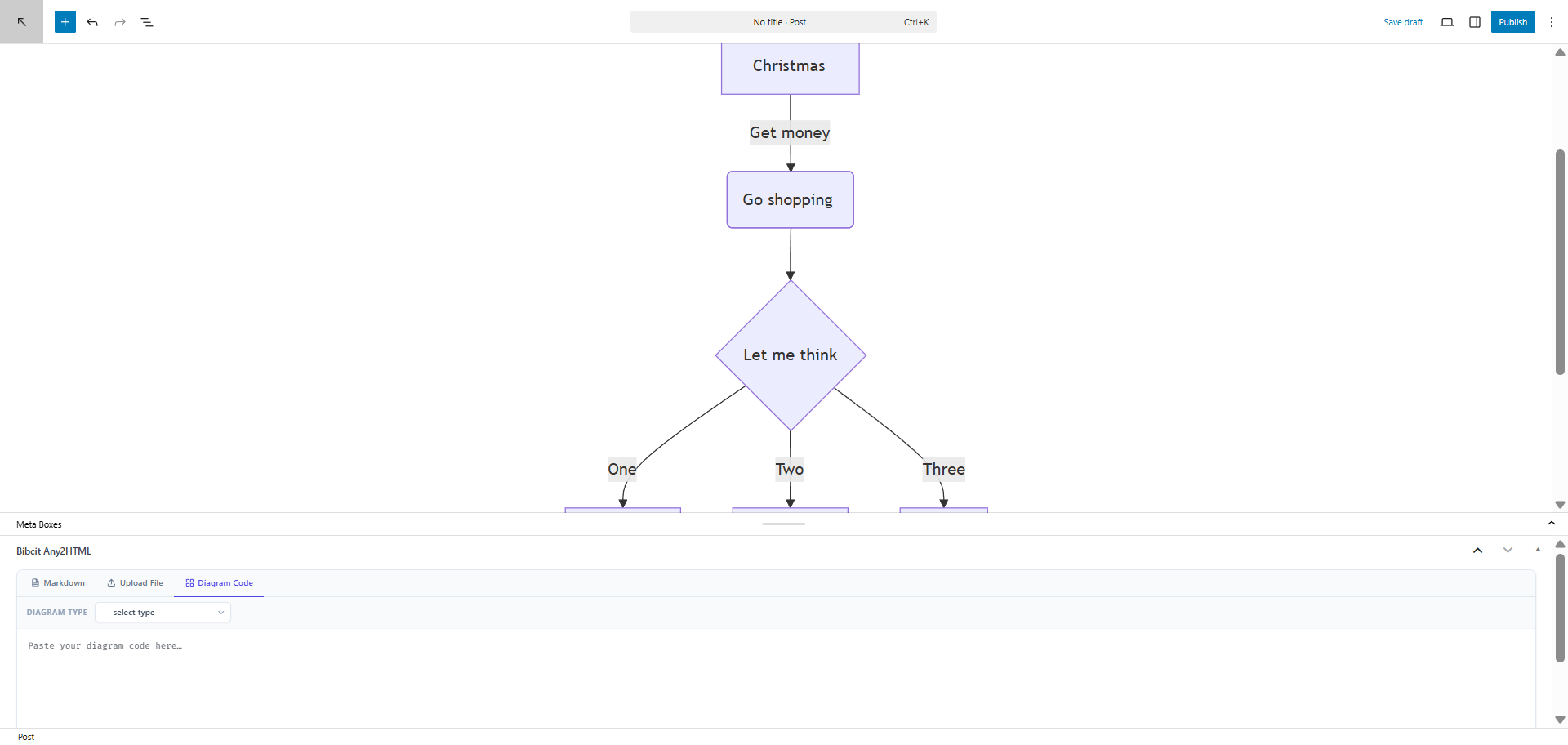
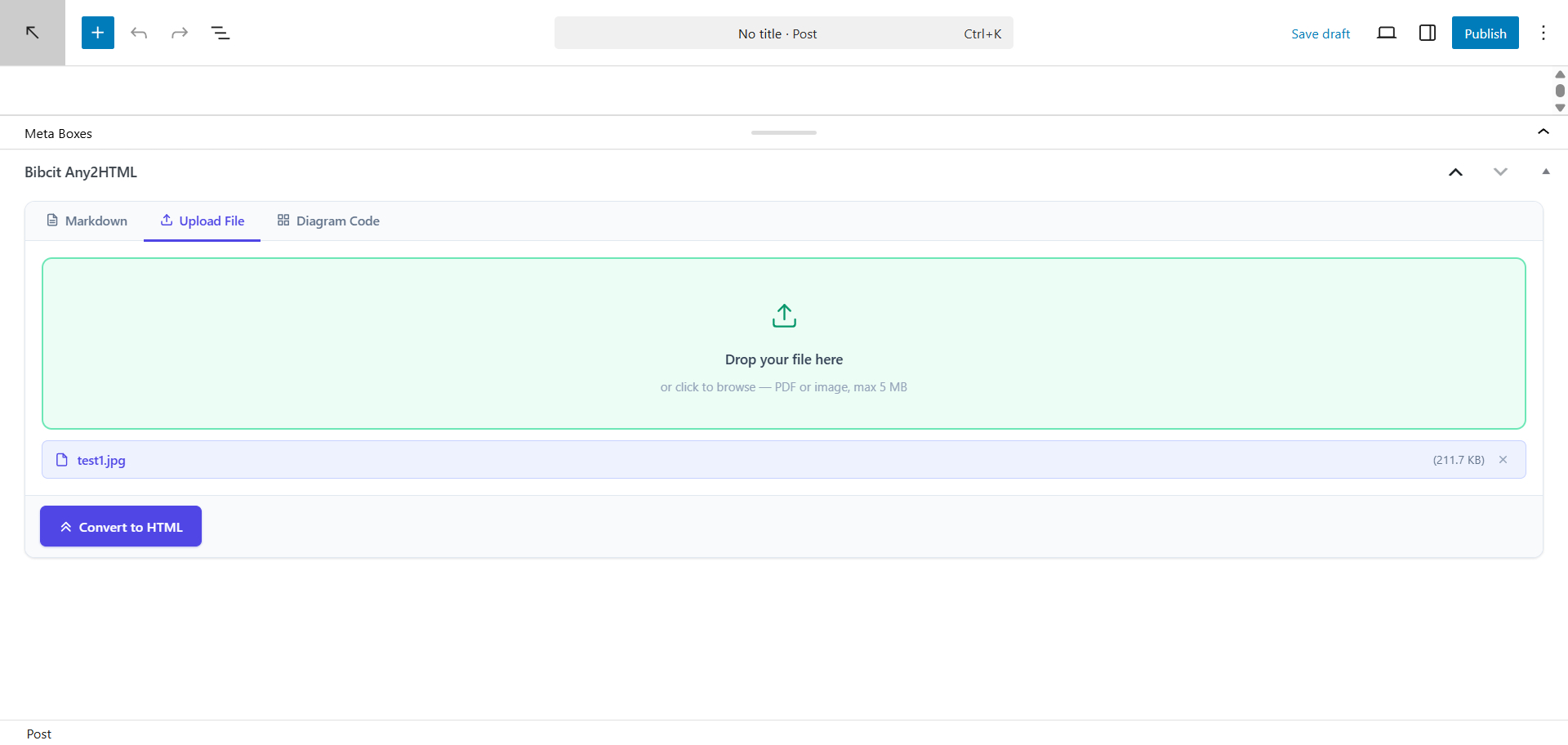
Bibcit Any2HTML adds a Markdown input panel to the post editor. Paste your Markdown, click Convert to HTML, and the resulting HTML is inserted straight into the editor — no copy-pasting required.
Features
- Markdown-to-HTML conversion powered by the Bibcit API
- Works with the Classic Editor, Gutenberg (block editor), and TinyMCE
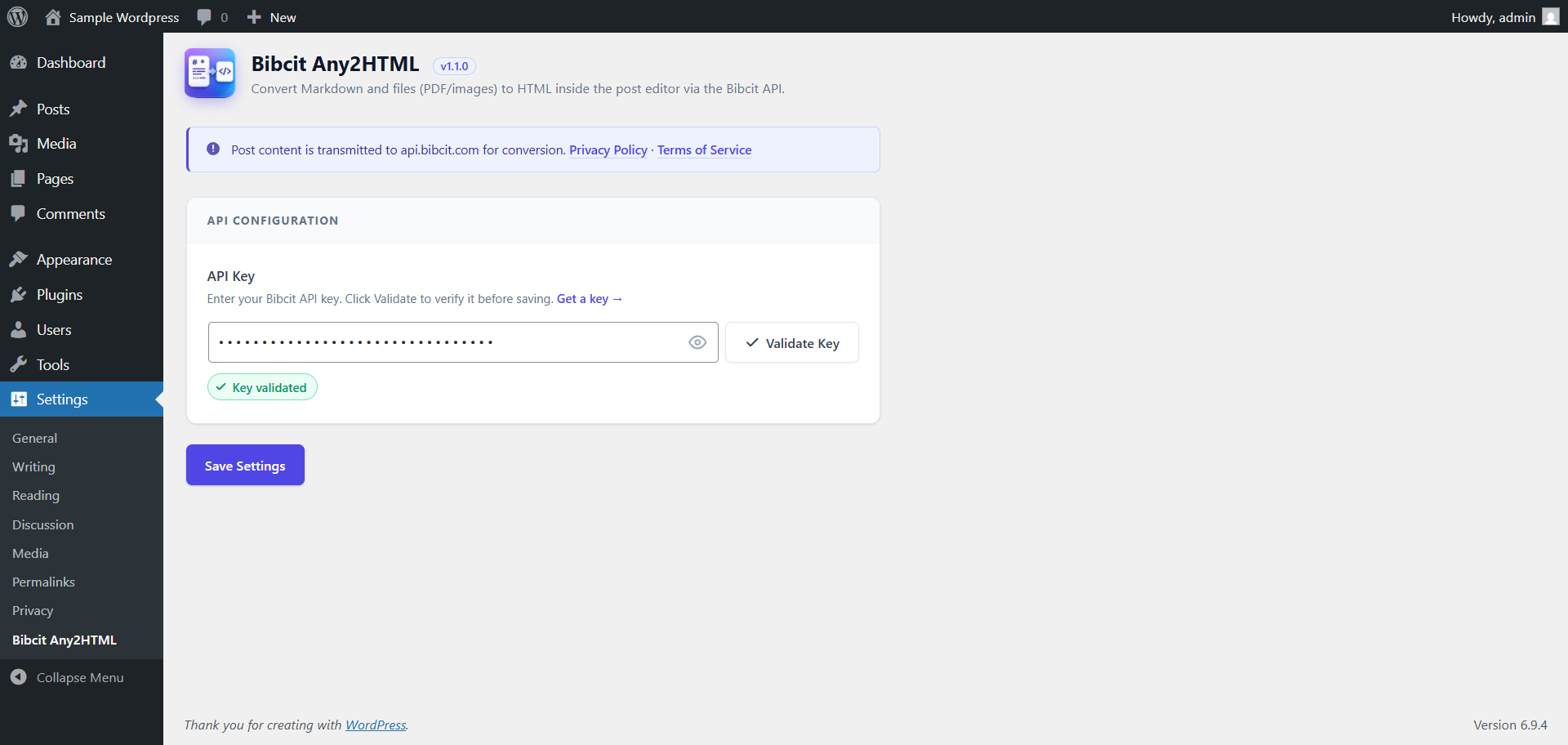
- API key management with one-click validation
- Enable / disable toggle — locked until a valid API key is confirmed
- Automatic key invalidation when the API returns an unauthorized response, with a direct re-validate link
Requirements
- A Bibcit account and API key — sign up at bibcit.com
Third-Party Service
This plugin relies on the Bibcit API (api.bibcit.com), an external service operated by Bibcit.
- What data is sent: The Markdown text you enter in the conversion panel is transmitted to
https://api.bibcit.com/api/massivemark/mtohfor processing. Your API key is sent as a request header (Bibcit-Key) for authentication. - When data is sent: Only when you click the “Convert to HTML” button, and only if the plugin is enabled and the API key is valid.
- No data is stored externally beyond what is necessary to fulfil the conversion request.
- API Documentation: github.com/bibcit/MassiveMark
Please review Bibcit’s policies before use:
Details
Plugin code:
bibcit-any2html
Plugin version:
1.0.0
Author:
Outdated:
No
WP version:
5.9 or higher
PHP version:
7.4 or higher
Test up to WP version:
6.9.4
Total installations:
0
Last updated:
2026-04-23
Rating:
Times rated:
0
bibcit
converter
editor
html
markdown

About
Plugin for that tries to help you find the WordPress plugin you are looking for.
| Please enjoy an image of Crush (this awesome turtle) and have a lovely day! |  |
We do not own any plugin listed on this site and do not work for or work with WordPress.com or it's associated companies. We simply provide a searchable list of the available WordPress plugins.