

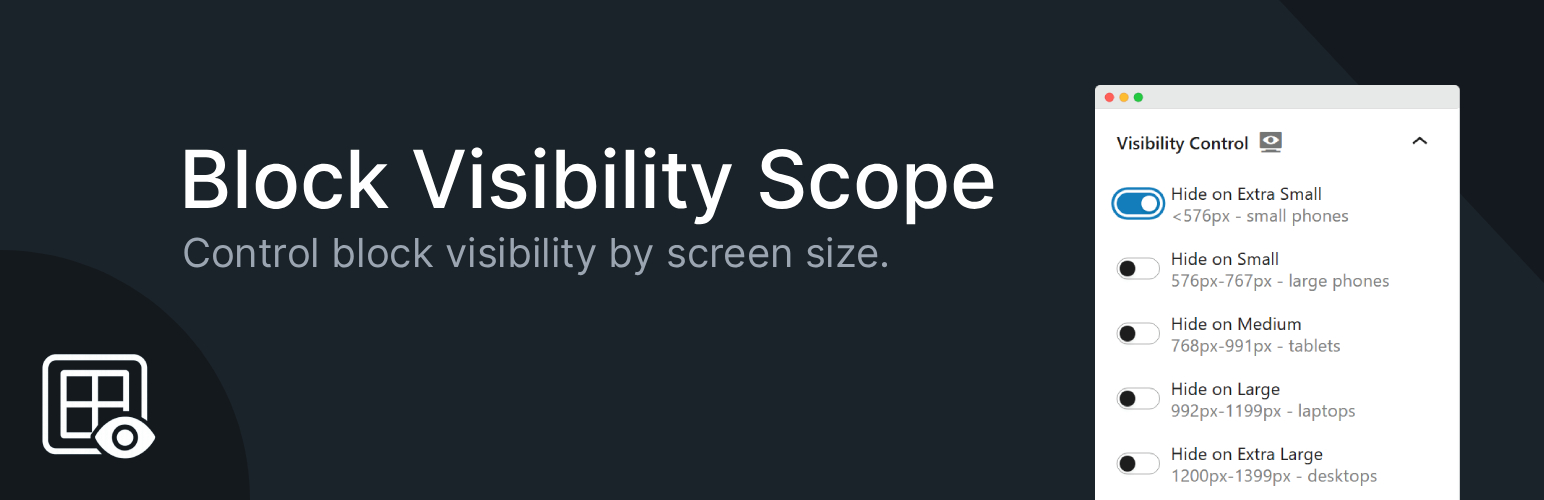

Block Visibility Scope
Block Visibility Scope gives you full responsive control over any WordPress block.
You can decide where each block should be visible: small phones, tablets, laptops, desktops, or wide screens.
How to use this plugin:
1. Edit any page/post with the Gutenberg block editor.
2. Select a block, then in the right-hand Block Inspector, locate the Visibility Control panel.
3. Toggle the switches to choose where the block should be hidden or visible across different screen sizes.
Features:
* Hide or show blocks based on screen size:
– Extra Small (<576px – small phones)
– Small (576–767px – large phones)
– Medium (768–991px – tablets)
– Large (992–1199px – laptops)
– Extra Large (1200–1399px – desktops)
– XXL (≥1400px – wide screens)
* Works with all WordPress blocks.
* Live preview: blocks with visibility rules are highlighted in the editor for easy identification.
* Lightweight – minimal code, no heavy dependencies.
* 100% compatible with the WordPress block editor (Gutenberg).
This is the simplest way to add responsive block visibility in WordPress without writing a single line of code.
Get Involved
The plugin is developed openly on GitHub—follow the project, contribute, or give it a ⭐ to show your support!
* View on GitHub
Details


Related plugins
Plugins that also contain the tag block-editor
Classic Editor

Starter Templates – AI-Powered Templates for Elementor & Gutenberg

Advanced Editor Tools

Disable Gutenberg

Gutenberg Essential Blocks – Page Builder for Gutenberg Blocks & Patterns

Blocks Animation: CSS Animations for Gutenberg Blocks


About
Plugin for that tries to help you find the WordPress plugin you are looking for.
| Please enjoy an image of Crush (this awesome turtle) and have a lovely day! |  |
We do not own any plugin listed on this site and do not work for or work with WordPress.com or it's associated companies. We simply provide a searchable list of the available WordPress plugins.