



Bluvia – A/B Testing & CRO Tool
Bluvia – A/B Testing & CRO Tool lets you run split tests and conversion rate optimization (CRO) experiments directly on your WordPress site. Unlike cloud-based competitors, all experiment data — variants, views, conversions, and results — is stored in your own WordPress database and never leaves your site. The core plugin makes no external requests of its own. See “External Services” below for what the optional premium add-on sends.
Why Bluvia?
- No visitor-based limits — track as much traffic as your site receives, with no limit on the number of experiments you can create or archive
- Local data storage — experiment data, results, and variant content stay in your own WordPress database
- Privacy-friendly — designed with privacy in mind, with configurable cookie consent integration
Experiment Types
- Headline — test different headline titles, images, or excerpts
- Page — test entire versions of a page with different content, layouts, or offers
- Post — compare versions of a blog post or article
- URL Redirect — split visitor traffic between your current page and one alternative URL
- Custom Post Type — test variations of any custom post type on your site
- Button / CTA — test changes to a button’s text, color, or link
- Menu — test different WordPress menu layouts or item labels to improve navigation
Key Features
Experiment Management
- A/B and multivariate testing with unlimited variants
- Visual experiment editor (WYSIWYG-style interface)
- Preview any variant before launching
- Apply winner: promote the winning variant to live content
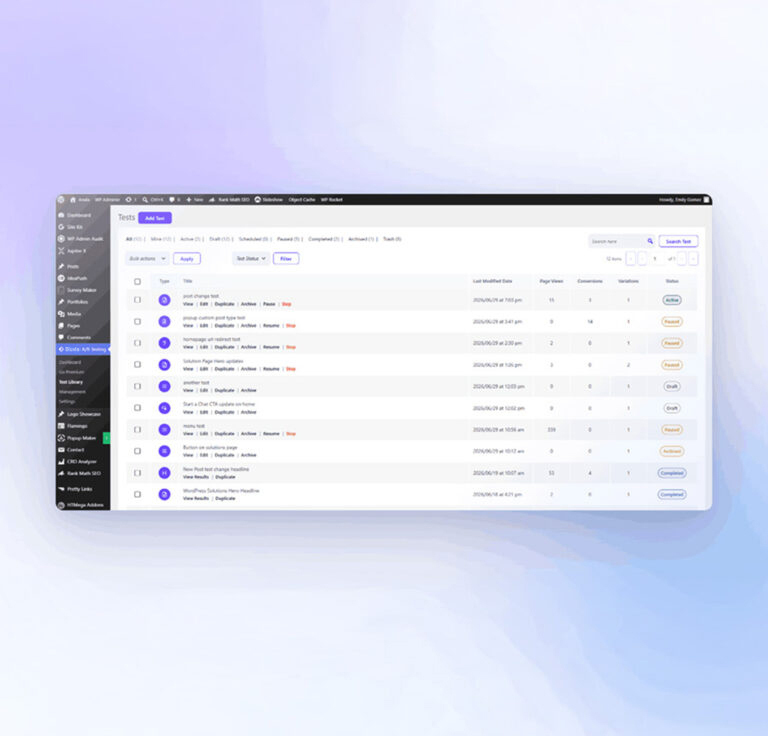
- Archive completed tests to clean up your library
- Duplicate experiments for iteration
Conversion Tracking
- Goal types: page view, button/link click, form submission, scroll depth
- Cookie-based deduplication to prevent double-counting
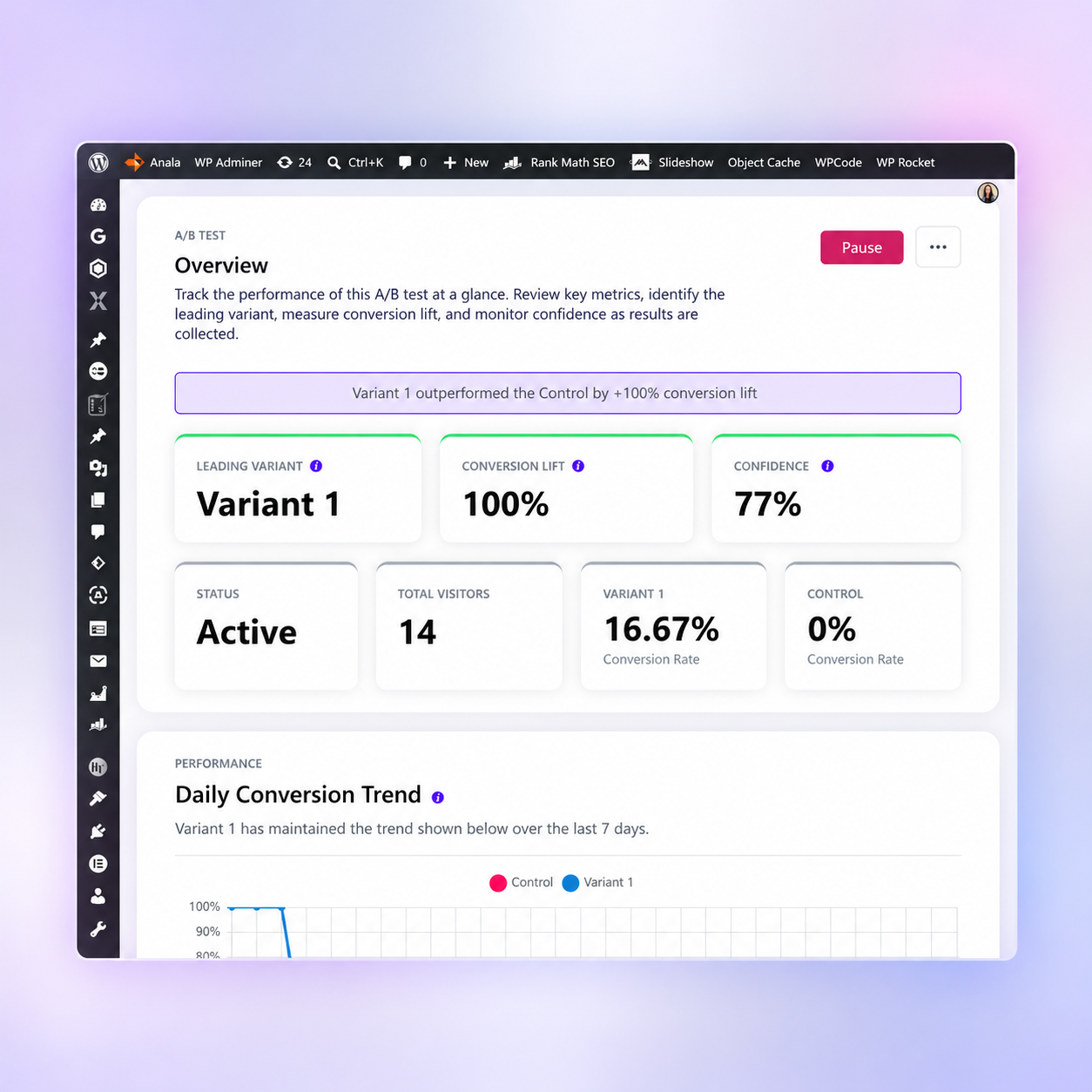
- Daily conversion history for trend charts
Audience Targeting & Segmentation
- Device type: desktop, mobile, or tablet
- Geographic location — country targeting and geographic exclusions, provided by the Bluvia Premium add-on (free with a registered Bluvia account; see “External Services”)
- Traffic source: organic, paid, social, direct, referral
- Visitor type: new vs. returning
- IP exclusion rules to filter out internal traffic
Results & Analytics
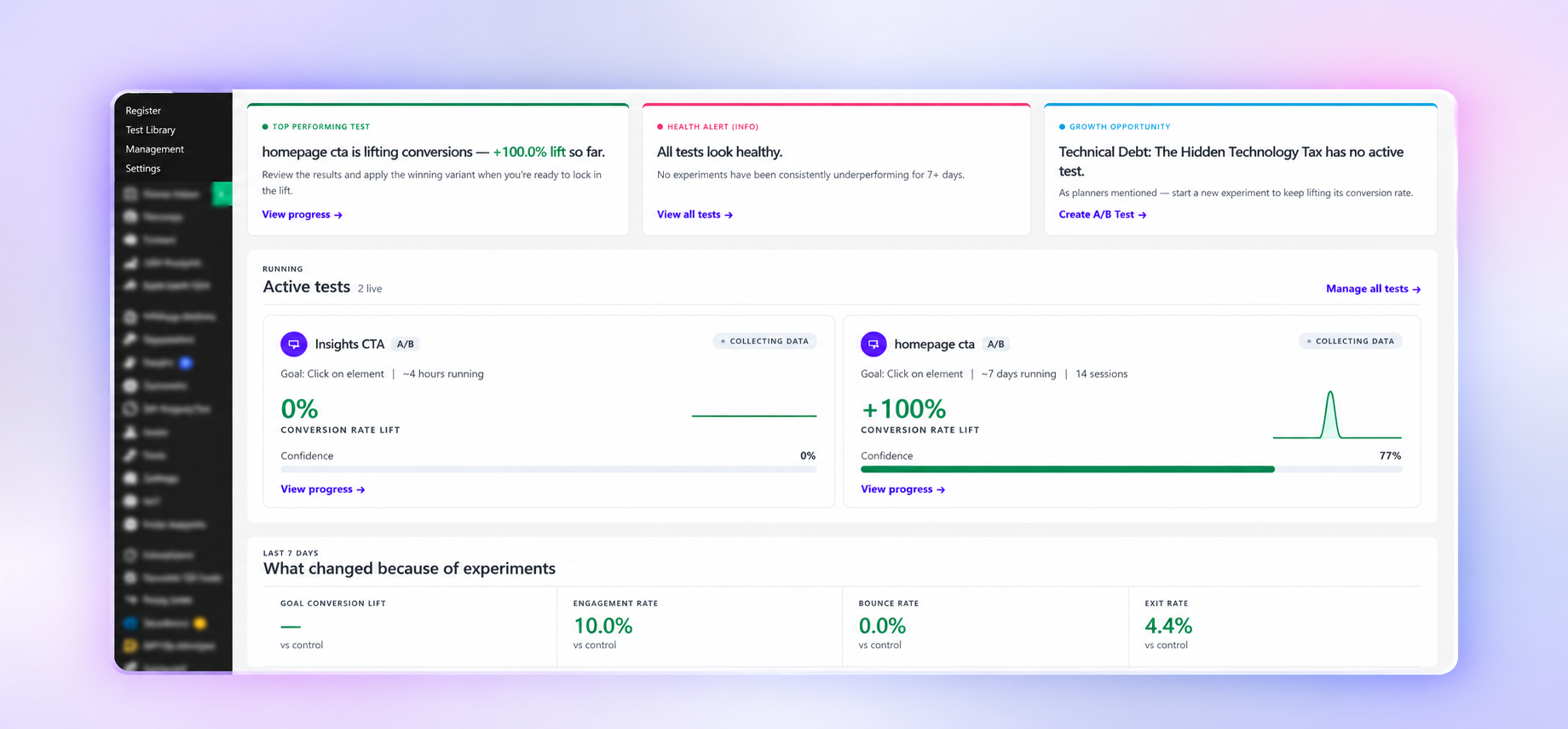
- Statistical confidence level calculation
- Visual performance charts with historical trends
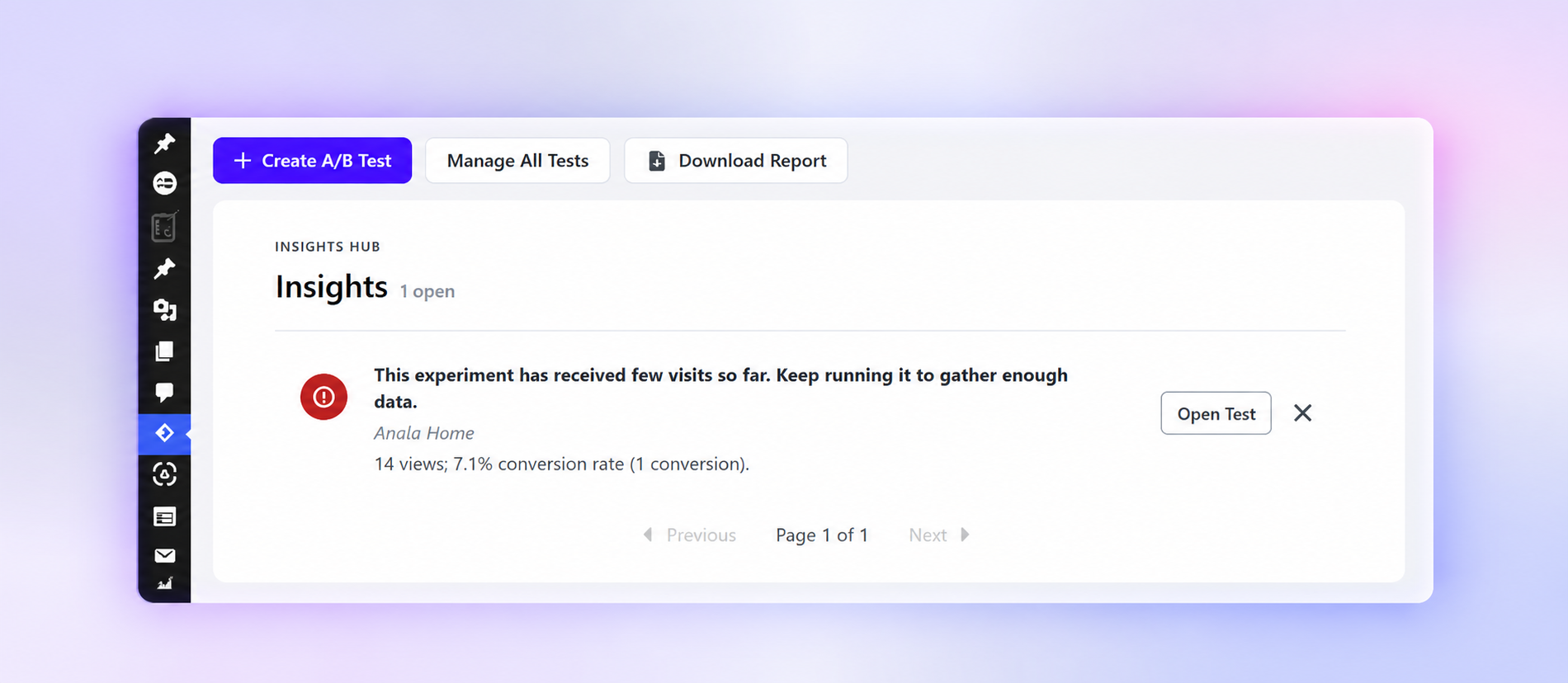
- Automated insights engine — flags low traffic, trending variants, experiments ending soon
- Export results to PDF
Privacy
- Designed with privacy in mind
- All experiment data stored locally on your own server
- Configurable consent integration: tracking, cookies, and the premium add-on’s country lookup only activate when your specified consent cookie is present
- No names or email addresses are collected — only behavioral and technical signals. The core plugin sends no visitor data off your server (see “External Services”)
External Services
i18next and i18next-http-backend
Purpose: Load translated UI strings for the admin interface.
Source: admin/assets/scripts/vendor/i18next.min.js, admin/assets/scripts/vendor/i18nextHttpBackend.min.js
License: MIT — https://github.com/i18next/i18next/blob/master/LICENSE
Geolocation Lookup (premium add-on only)
The core plugin does not contact this service. Country targeting and geographic exclusions are provided by the Bluvia – A/B Testing & CRO Tool premium add-on, which uses it to determine a visitor’s country so experiments that use country targeting can decide whether that visitor should see the test. This runs on the front end.
Data sent: The visitor’s IP address, as a query parameter, and nothing else. No cookies, page URLs, or experiment data are transmitted, and Bluvia does not receive your site URL with this request.
When it runs: Only when a running experiment targets a specific country (or uses a geographic exclusion rule) AND the visitor has passed your consent gate. If you have set a consent cookie name under Settings > GDPR Cookie, no request is made until that cookie is present. Experiments left at the default “Worldwide” targeting never trigger this request. The resolved country is cached in a cookie for 24 hours so repeat page views do not re-query.
Endpoint: https://bluvia.io/wp-json/api/v1/geoip
Server: https://bluvia.io
Privacy policy: https://bluvia.io/privacy-policy/
Terms of Service: https://bluvia.io/terms/
Bluvia License Server (premium add-on only)
The core plugin never performs license validation and sends no license key anywhere. If the Bluvia – A/B Testing & CRO Tool premium add-on is separately installed and activated, it communicates with the Bluvia license server to verify your subscription status. That request transmits your site URL, your license key, and your WordPress version.
Server: https://bluvia.io
Purpose: License key validation and premium feature access control.
Privacy policy: https://bluvia.io/privacy-policy/
Terms of Service: https://bluvia.io/terms/
Third-Party Libraries & Build Process
This plugin’s own JavaScript is authored as plain, readable source under admin/assets/scripts/ and public/js/, and its own styles are authored as Sass under admin/assets/css/. The release package ships each source file alongside its compiled build, side by side — tour-manager.js next to tour-manager.min.js, and tour.scss next to tour.min.css — so human-readable source for every compiled first-party asset is included directly in the package. Only the compiled copy is loaded at runtime.
gulpfile.mjs and `package.json` are included in the package as well, so the whole build can be reproduced from the ZIP alone.
The plugin also bundles the following third-party JavaScript/CSS libraries, unmodified from their official releases:
- Select2 4.1.0 — https://github.com/select2/select2 — MIT
- Chart.js 4.5.1 — https://www.chartjs.org — MIT
- chartjs-plugin-datalabels 2.2.0 — https://github.com/chartjs/chartjs-plugin-datalabels — MIT
- chartjs-chart-funnel 4.2.0 — https://github.com/sgratzl/chartjs-chart-funnel — MIT
- driver.js 1.8.0 — https://github.com/kamranahmedse/driver.js — MIT
- Tippy.js 6.3.7 — https://github.com/atomiks/tippyjs — MIT
- Popper.js 2.11.8 — https://github.com/floating-ui/floating-ui — MIT
- jQuery UI 1.14.1 (base theme) — https://jqueryui.com — MIT
- i18next and i18next-http-backend — https://github.com/i18next/i18next — MIT
Build Process
To build the plugin from source:
- Requires Node.js 18+ (developed and tested on Node 22) and npm
npm install— install build dependenciesnpm run dev— watch and compile Sass to CSS for local development (JS is served unminified directly; no build step needed while developing)npm run build— compiles CSS and packages a ZIP containing both the readable JS source and its minified buildnpm run build:release— full release build used for the WordPress.org submission package: installs production-only Composer dependencies, compiles CSS, and packages the final ZIP
Build tooling: Gulp, Sass (via gulp-dart-sass), Terser (JS minification), and gulp-zip. See gulpfile.mjs in the plugin source for the exact build tasks.
Details


Related plugins
Plugins that also contain the tag ab-testing
Unbounce Landing Pages

Sigmize: A/B Testing, Session Recordings, Heatmaps & Revenue Tracking for WooCommerce, SureCart & EDD

A/B Audio Sync

Freshmarketer

WP Content Experiments & Event Tracking

Liana with GrowthStack


About
Plugin for that tries to help you find the WordPress plugin you are looking for.
| Please enjoy an image of Crush (this awesome turtle) and have a lovely day! |  |
We do not own any plugin listed on this site and do not work for or work with WordPress.com or it's associated companies. We simply provide a searchable list of the available WordPress plugins.