


Bookingistic
Bookingistic turns your WordPress site into a premium booking system — for strategy calls, salons, clinics, tutors, fitness trainers, consultants, and any appointment-based business.
Visit Bookingistic.com for the live product overview, setup guidance, and booking workflow examples.
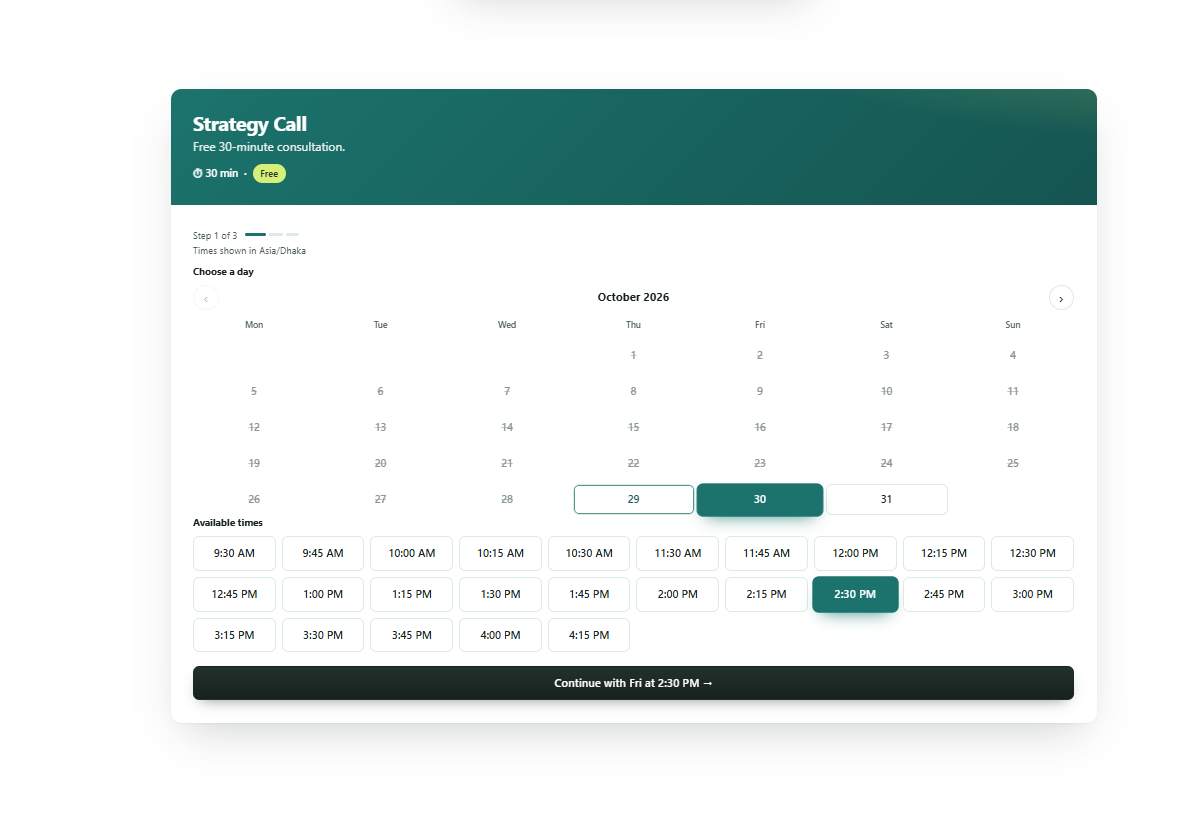
Booking form designs (pick per site or per shortcode)
- Classic — two-panel layout with service details
- Modern Card — elevated card with soft shadows, perfect for coaches
- Split Hero — bold gradient header, great for salons and clinics
- Minimal Inline — borderless, blends into any theme
Switch templates instantly under Bookingistic Appearance, or per form: [bookingistic service="consult" template="modern"].
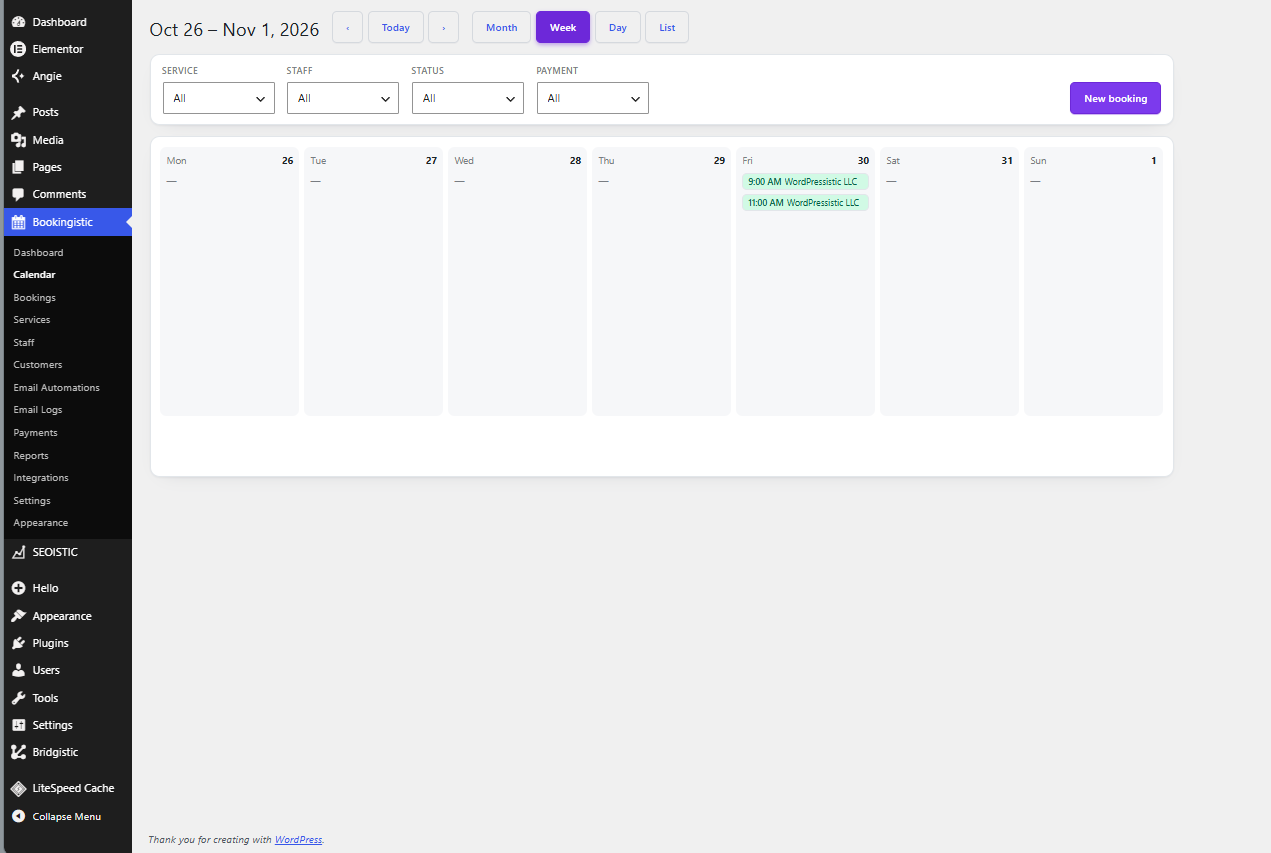
Three calendar views
- Month grid — the classic date picker
- Pills — horizontal next-14-days scroller (mobile-first)
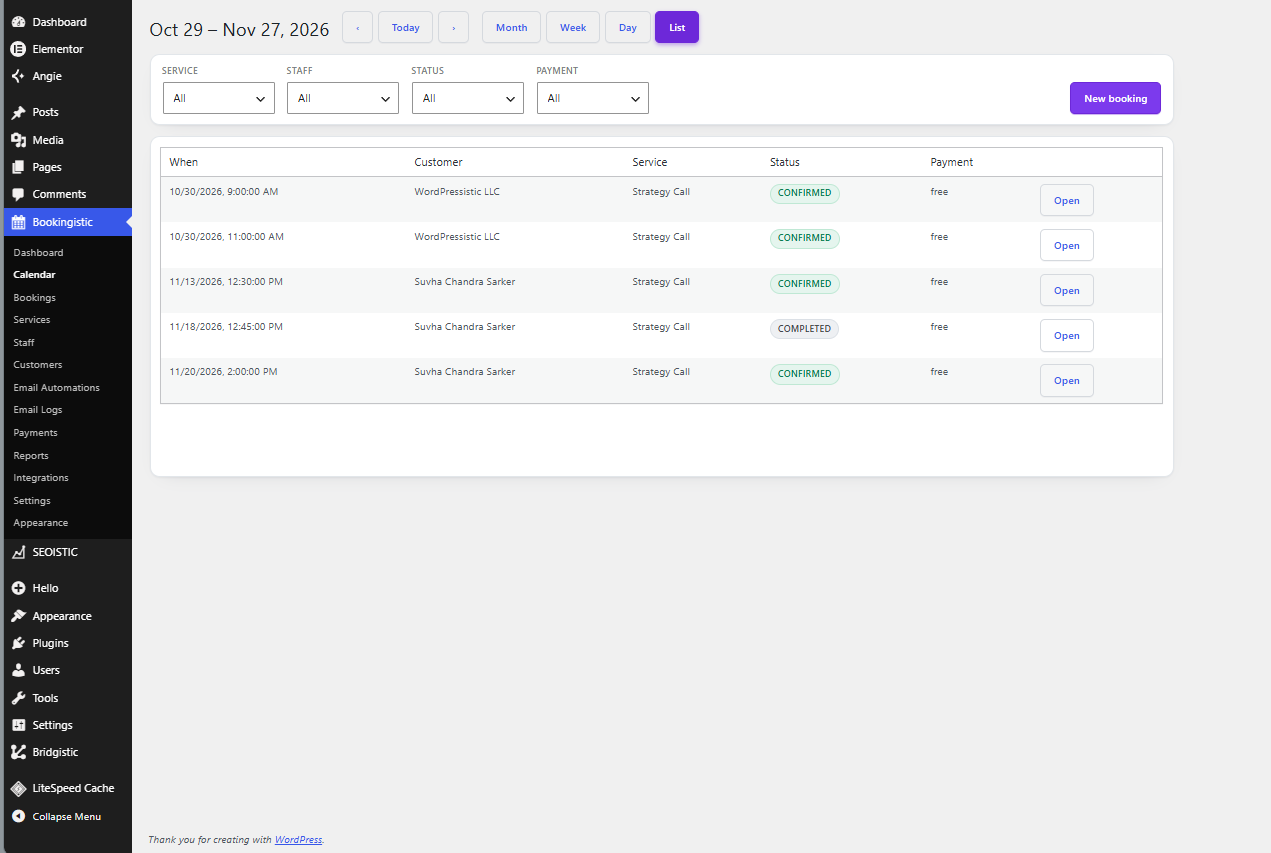
- List — upcoming dates with Today / Tomorrow labels
One-click industry presets
Salon/Spa, Clinic/Medical, Fitness/Yoga, Tutoring, Consulting, Home Services — each applies a tuned design, brand color, and scheduling defaults (slot interval, notice window, booking horizon). Everything stays editable.
Elementor widget
Drag-and-drop the Bookingistic Form widget with live controls for service, template, and calendar view. (Appears automatically when Elementor is active.)
Real scheduling engine
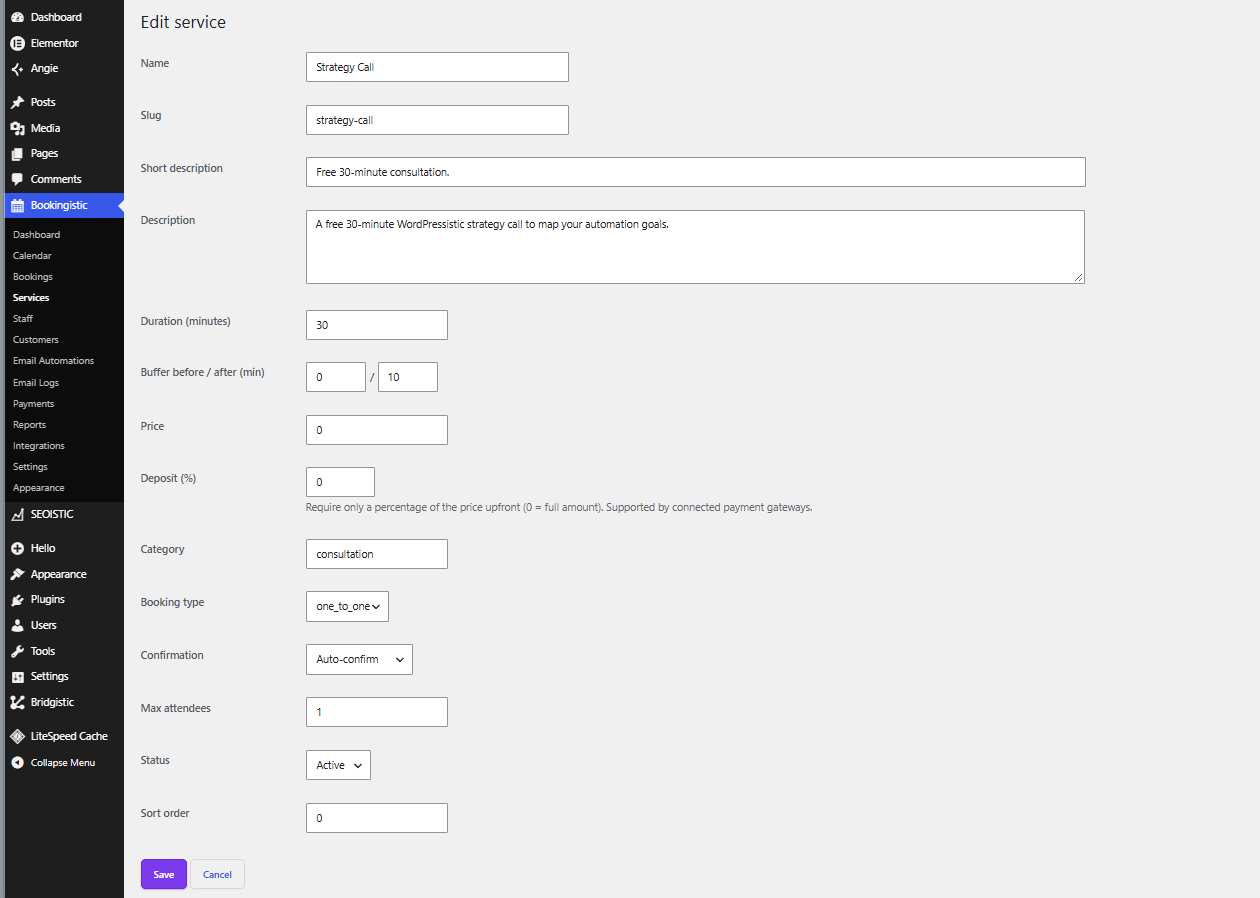
- Services with duration, buffers, price, category, manual/auto confirmation
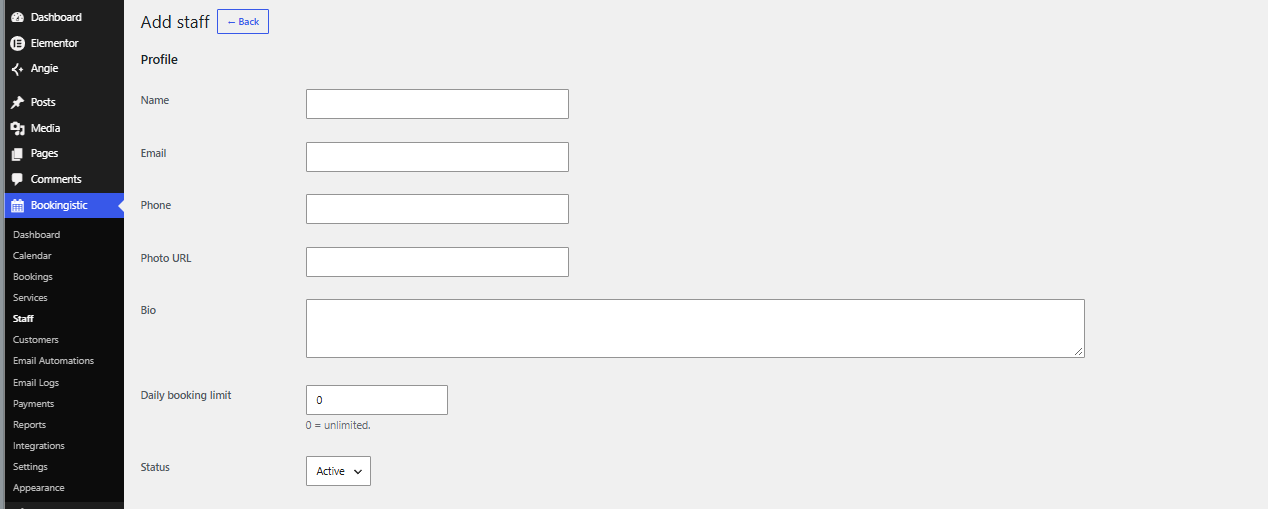
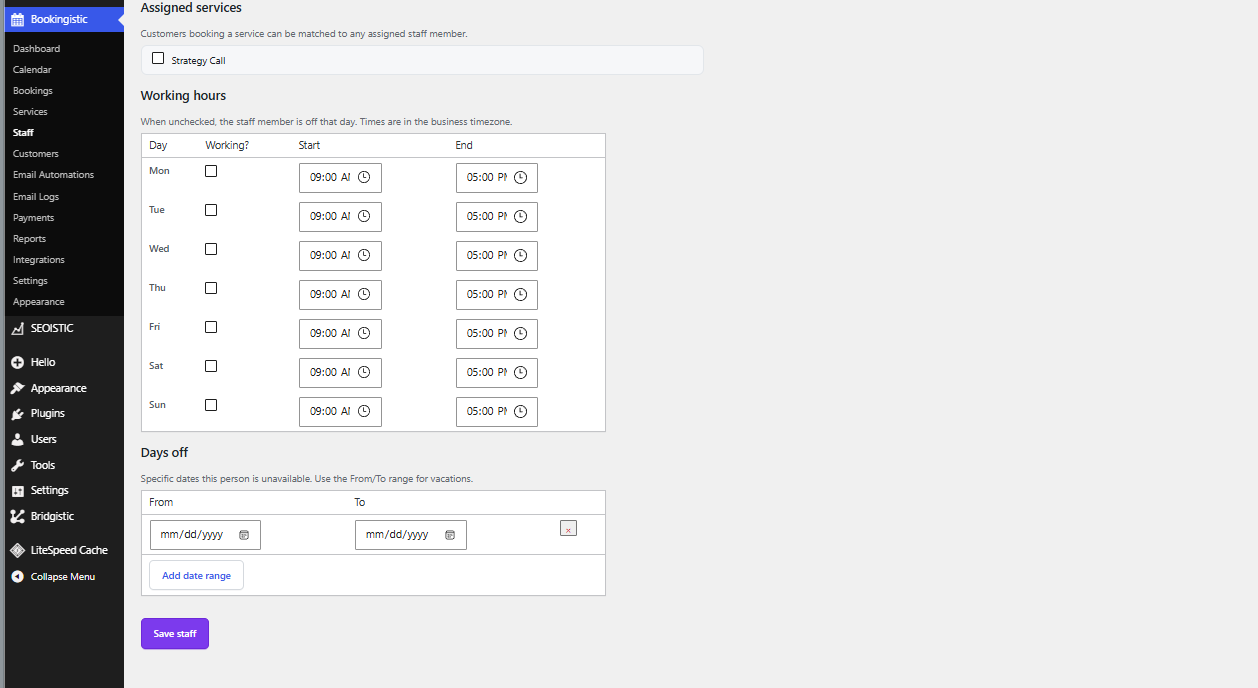
- Staff with per-day working hours, days off, holidays, daily booking limits
- Double-booking guard, min-notice, max-advance window, slot interval
- Timezone-aware: slots render in the visitor’s timezone
- Cancel & reschedule via signed, expiring links — no account needed
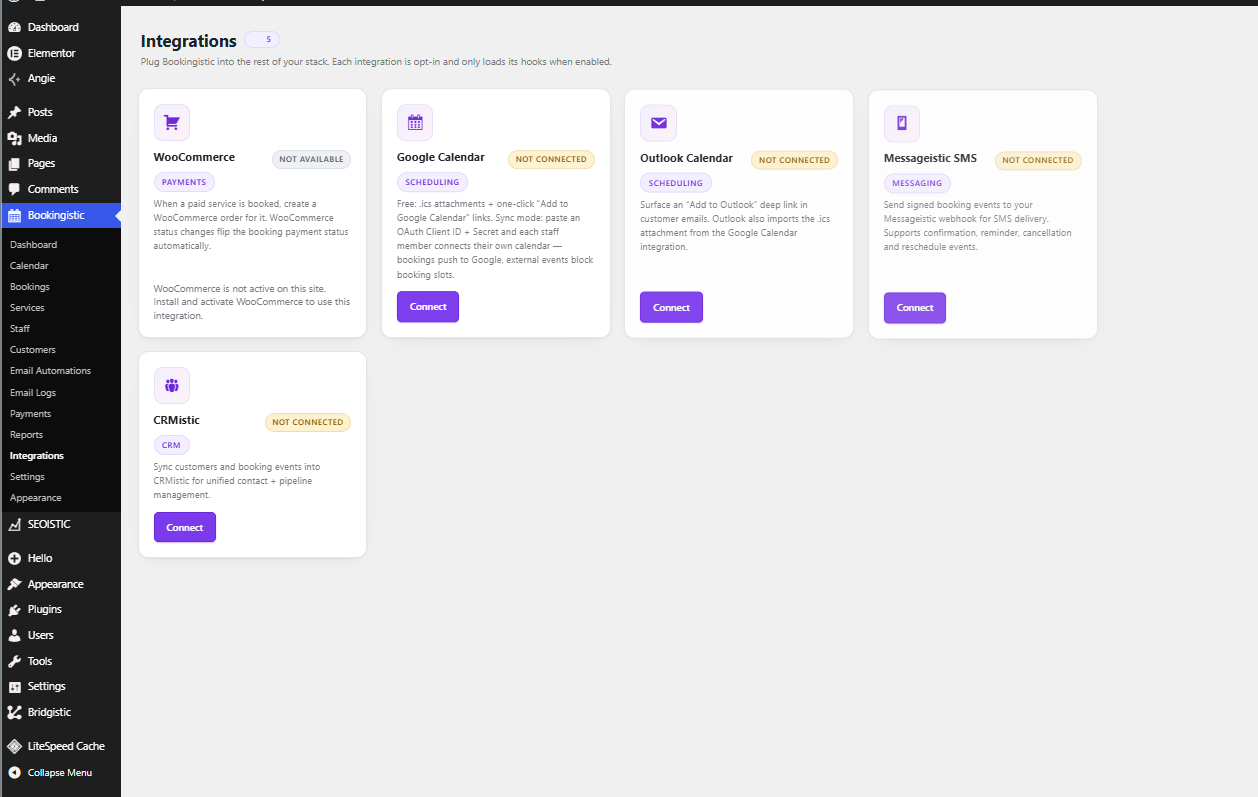
Google Calendar
- Free on every site: .ics attachments + one-click “Add to Google Calendar” links
- Two-way sync (bring your own free Google OAuth client): confirmed bookings push to each staff member’s calendar, and their external events automatically block booking slots. Refreshed every 15 minutes.
Email automation
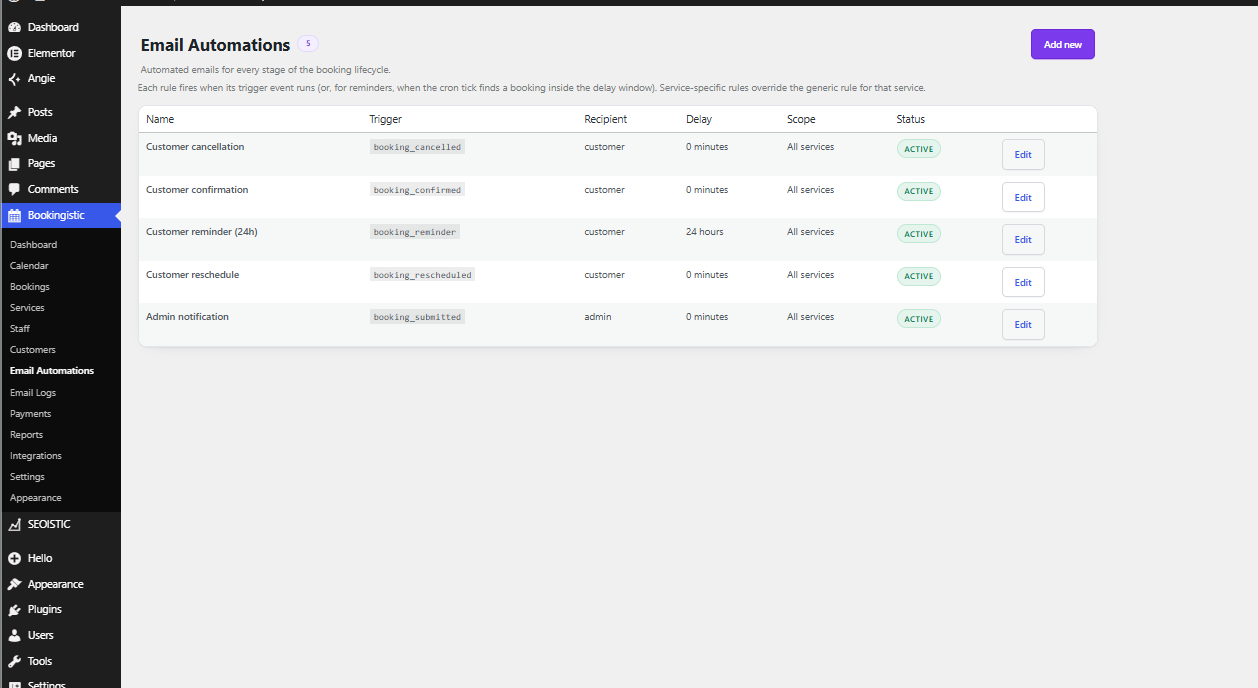
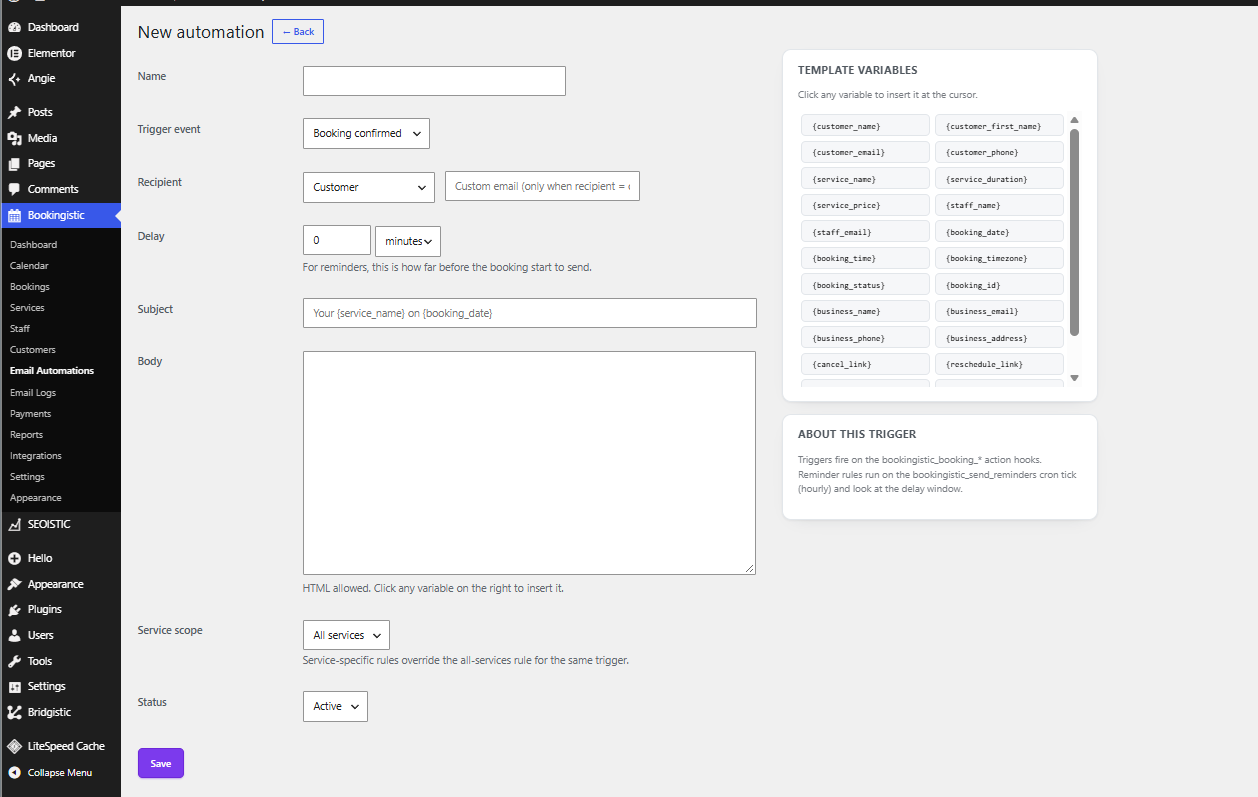
Branded HTML confirmations, reminders (hourly cron), cancellation and reschedule notices. Automation rules fire on booking events; every send is logged. Site owners can add their own custom footer text under Settings.
Payments (bring your own gateway)
- Paid services collect payment through a WooCommerce order per booking — customers pay with any payment method WooCommerce already supports, and payment status flows back to the booking automatically (paid booking confirmed).
- Payment ledger: every attempt (pending, paid, refunded, failed) is logged under Bookingistic Payments.
- Developer gateways: plug additional providers into the
bookingistic_payment_gatewaysfilter — no core billing decision is hard-coded.
Developer-friendly
- REST API at
/wp-json/bookingistic/v1/(services, staff, availability, bookings) - Actions & filters:
bookingistic_booking_confirmed,bookingistic_available_slots,bookingistic_external_busy_intervals,bookingistic_can_remove_branding, and more - Clean custom tables; opt-in data removal on uninstall (
BOOKINGISTIC_DELETE_DATA) - Backward compatible with the v1
wpistic_bookingCPT and legacy REST route
Shortcode
[bookingistic service="strategy-call"]
[bookingistic service_id="1"]
[bookingistic template="split" calendar_view="pills"]
REST API
GET  /wp-json/bookingistic/v1/services
GET  /wp-json/bookingistic/v1/availability?service_id=N&date=YYYY-MM-DD
POST /wp-json/bookingistic/v1/bookings
POST /wp-json/bookingistic/v1/bookings/{id}/reschedule
GET  /wp-json/bookingistic/v1/payments
GET  /wp-json/bookingistic/v1/payments/gateways
External services
Google Calendar (optional, per staff member)
This plugin can connect to Google Calendar so each staff member can two-way sync their bookings. Nothing is sent to Google until a staff member explicitly clicks “Connect Google Calendar” in the staff editor and authorizes access with their own free Google OAuth client.
- What it is used for: pushing confirmed bookings to the connected Google Calendar, and reading that calendar’s free/busy blocks so external events block booking slots.
- What data is sent and when: booking details (service name, date/time, customer name and notes) are sent when a booking is confirmed, rescheduled, or deleted, for staff members who connected their calendar. OAuth tokens are stored in the site’s own database.
- Which services are contacted: Google’s OAuth endpoints (accounts.google.com, oauth2.googleapis.com) and the Google Calendar API (www.googleapis.com).
- Google Terms of Service: https://policies.google.com/terms
- Google Privacy Policy: https://policies.google.com/privacy
Details





Related plugins
Plugins that also contain the tag appointment
Appointment Hour Booking – Booking Calendar

EMC – Easily Embed Calendly Scheduling

Booking Package

Easy Appointments

Easy Booking – WooCommerce Booking & Reservation Plugin

Setmore


About
Plugin for that tries to help you find the WordPress plugin you are looking for.
| Please enjoy an image of Crush (this awesome turtle) and have a lovely day! |  |
We do not own any plugin listed on this site and do not work for or work with WordPress.com or it's associated companies. We simply provide a searchable list of the available WordPress plugins.