


Bookminto
Let customers book directly from your WordPress website.
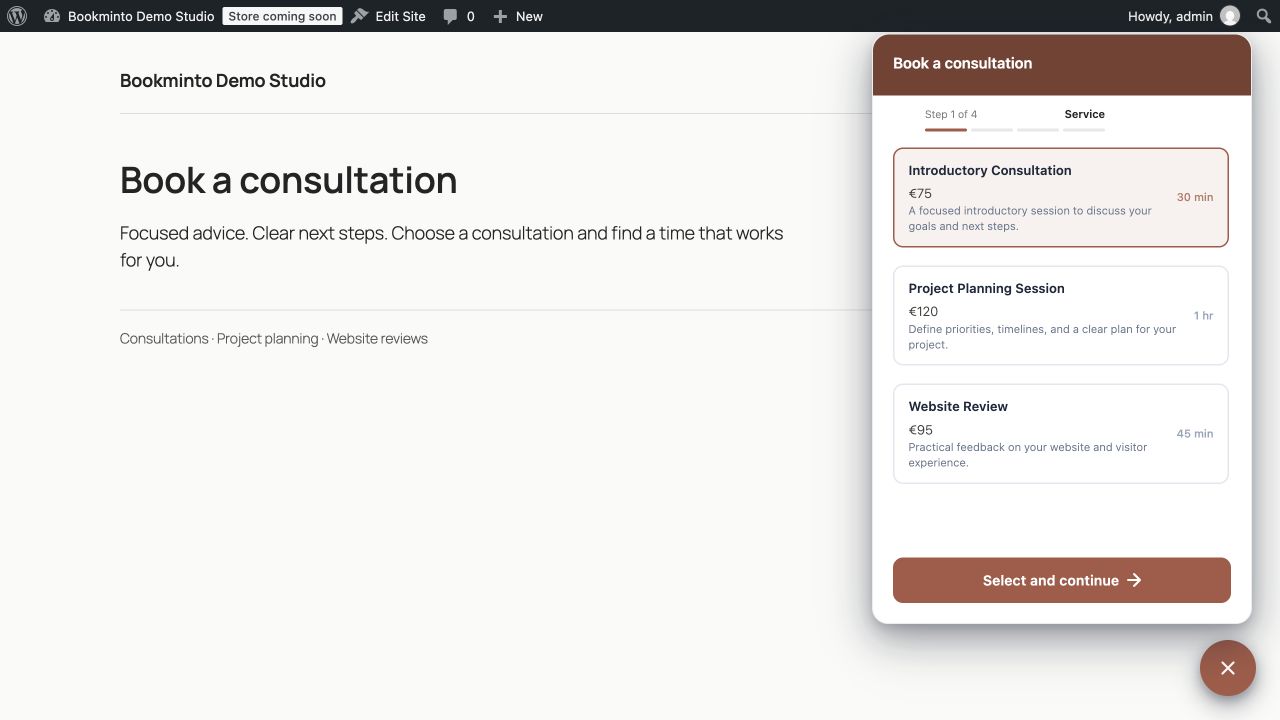
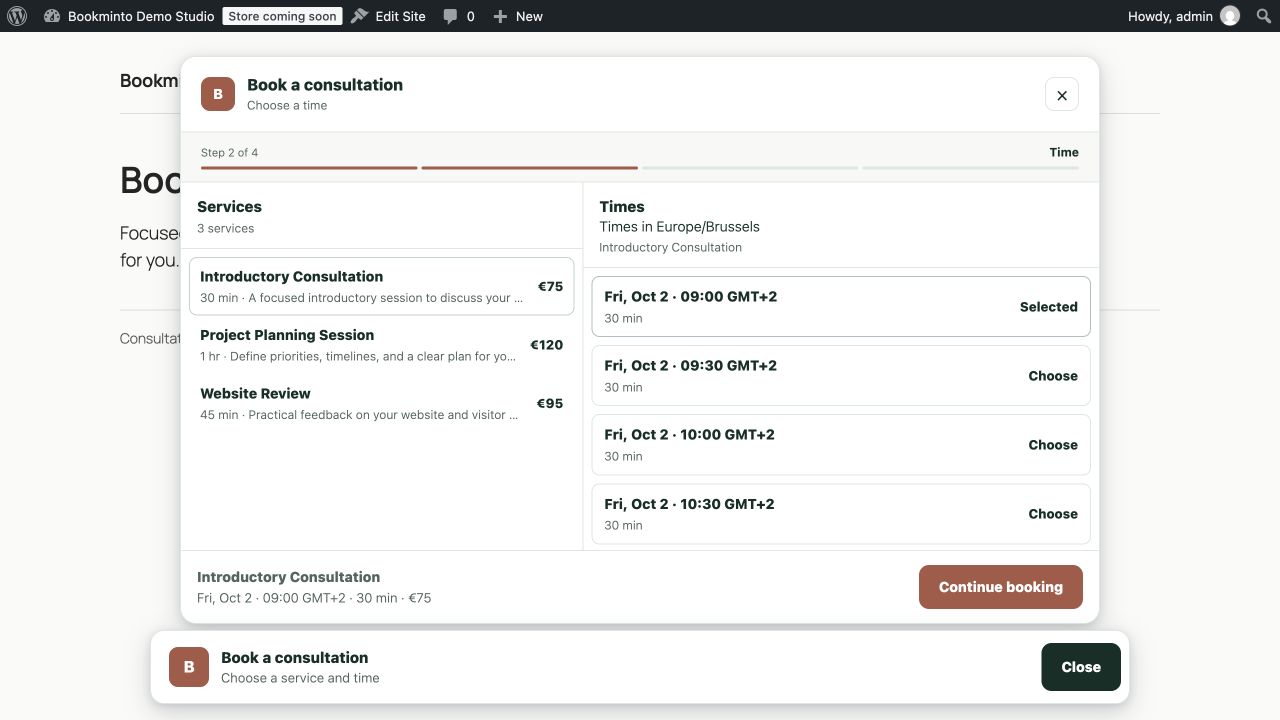
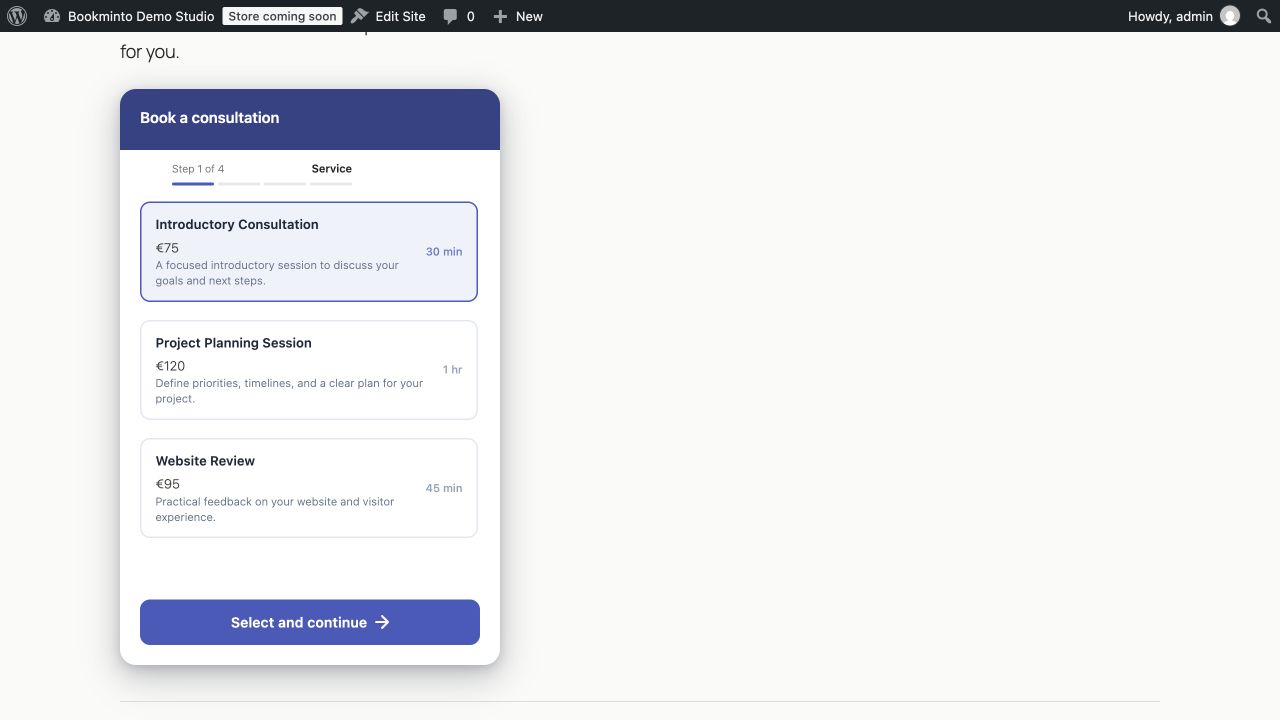
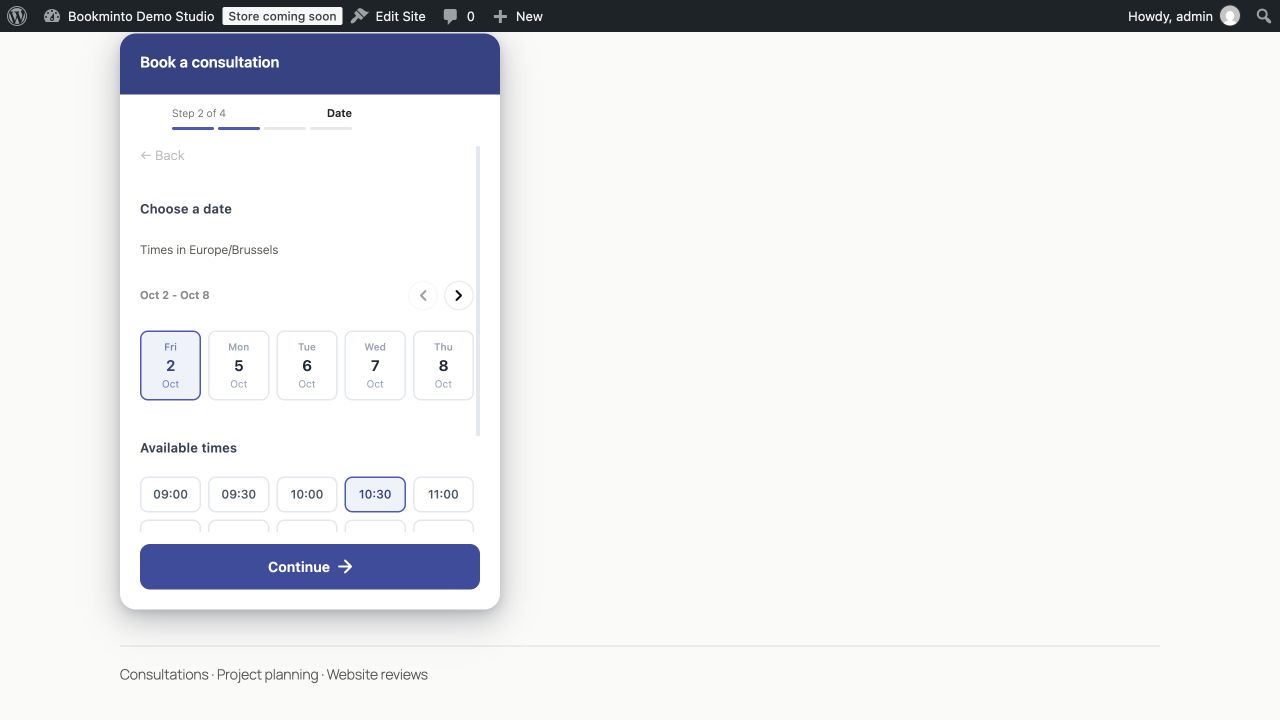
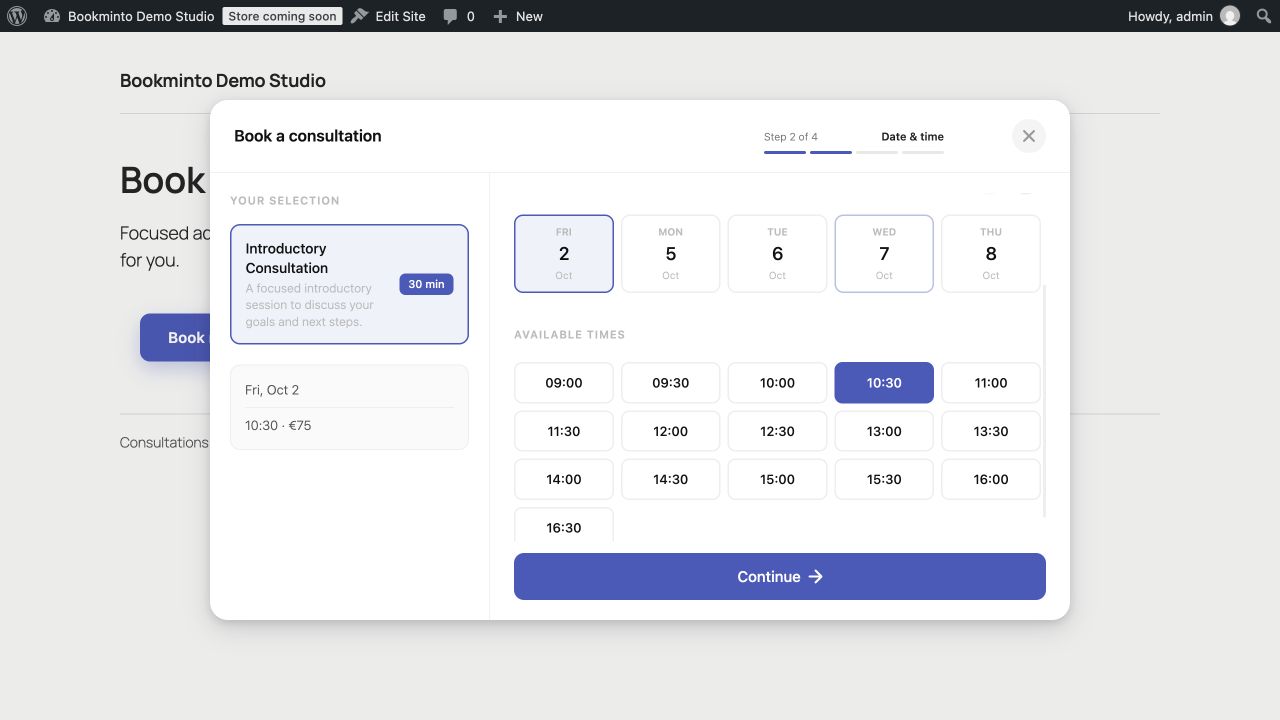
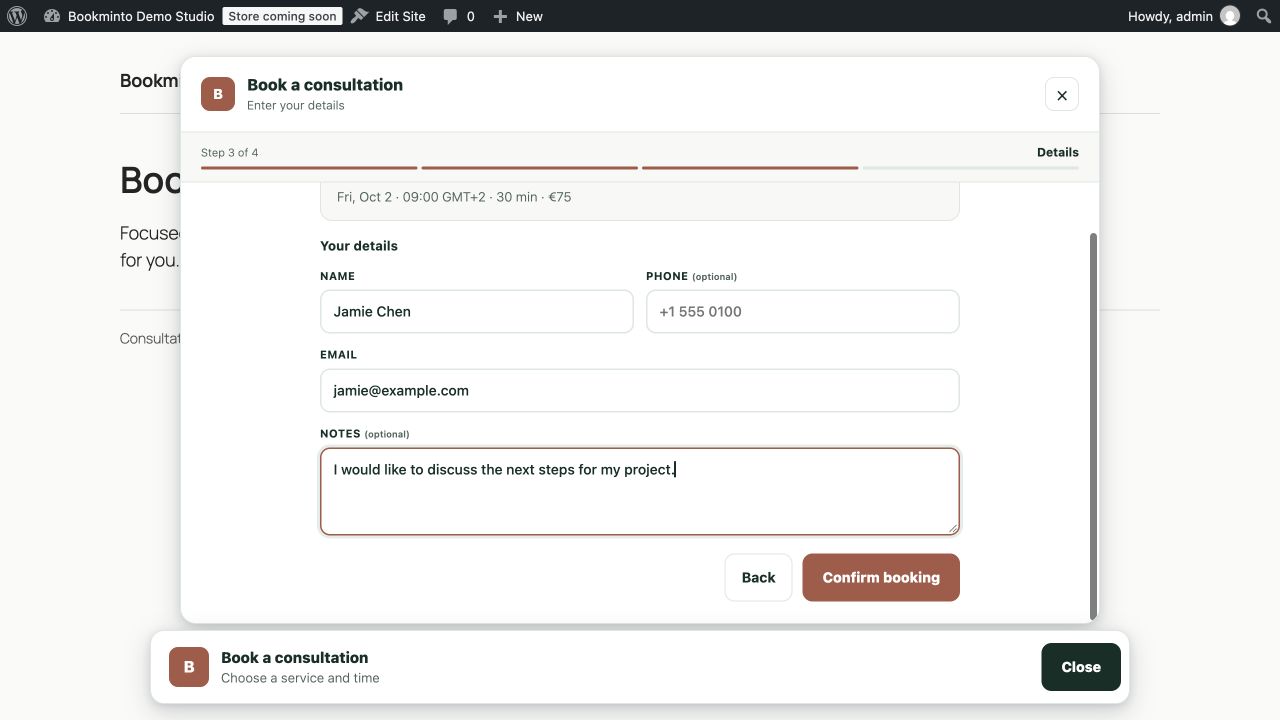
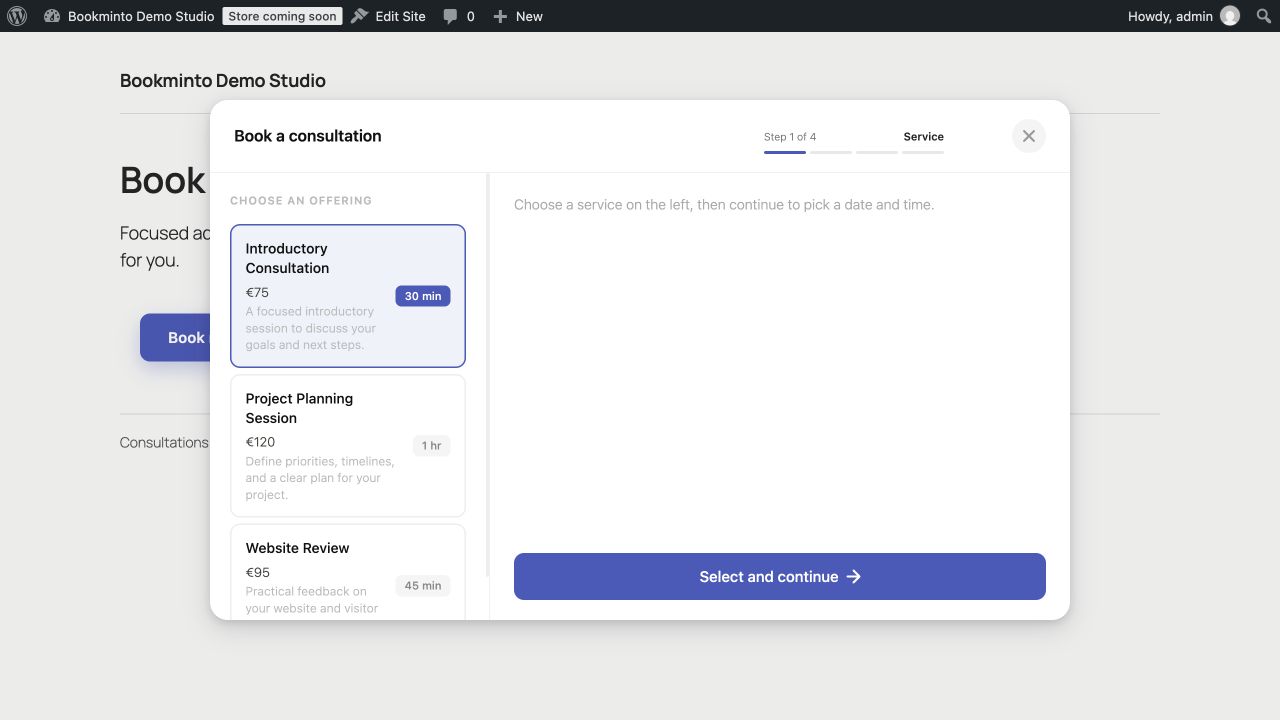
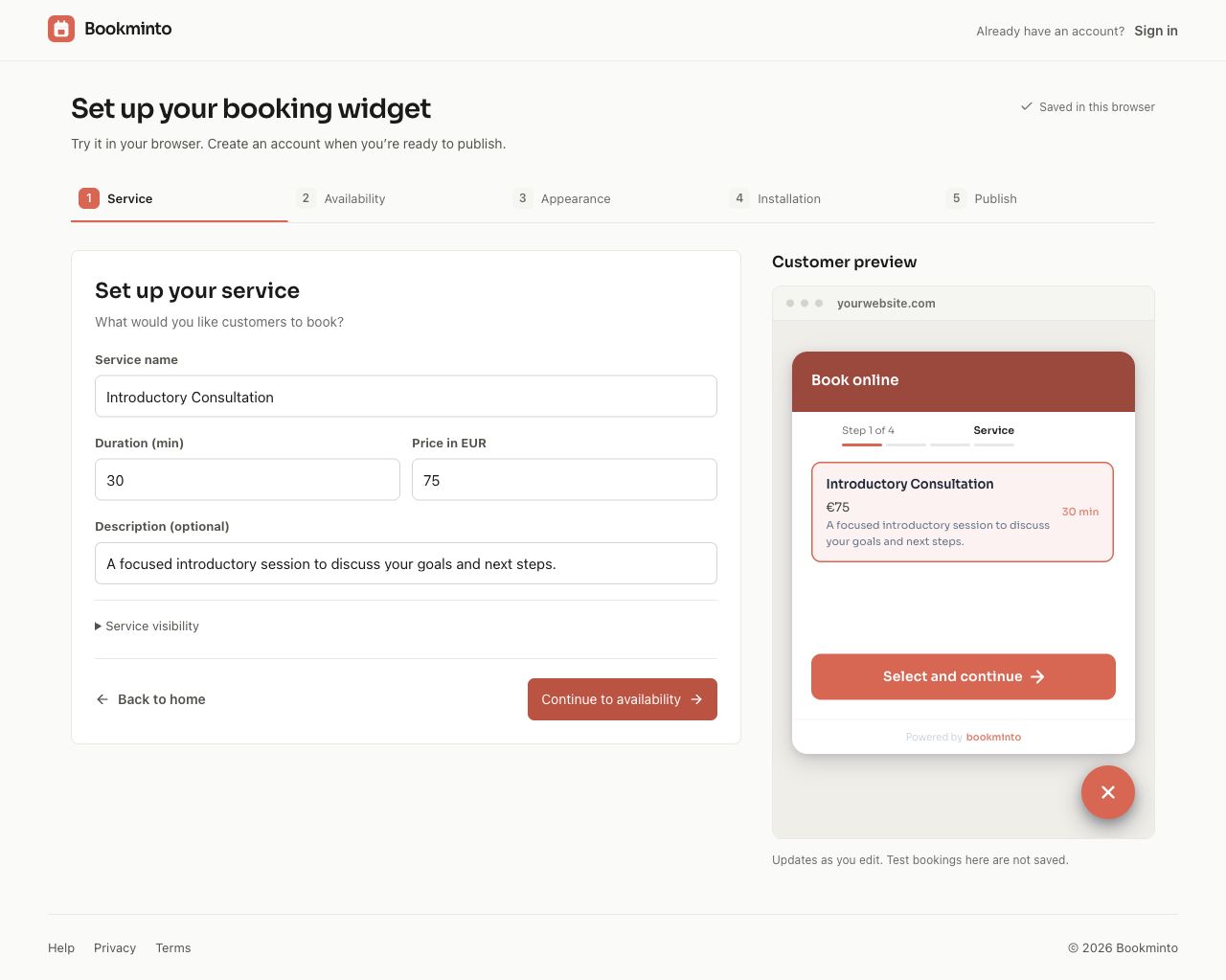
Make booking an appointment feel as simple as browsing your site. With Bookminto, visitors choose a service, pick an available time, and enter their details in a clear booking flow.
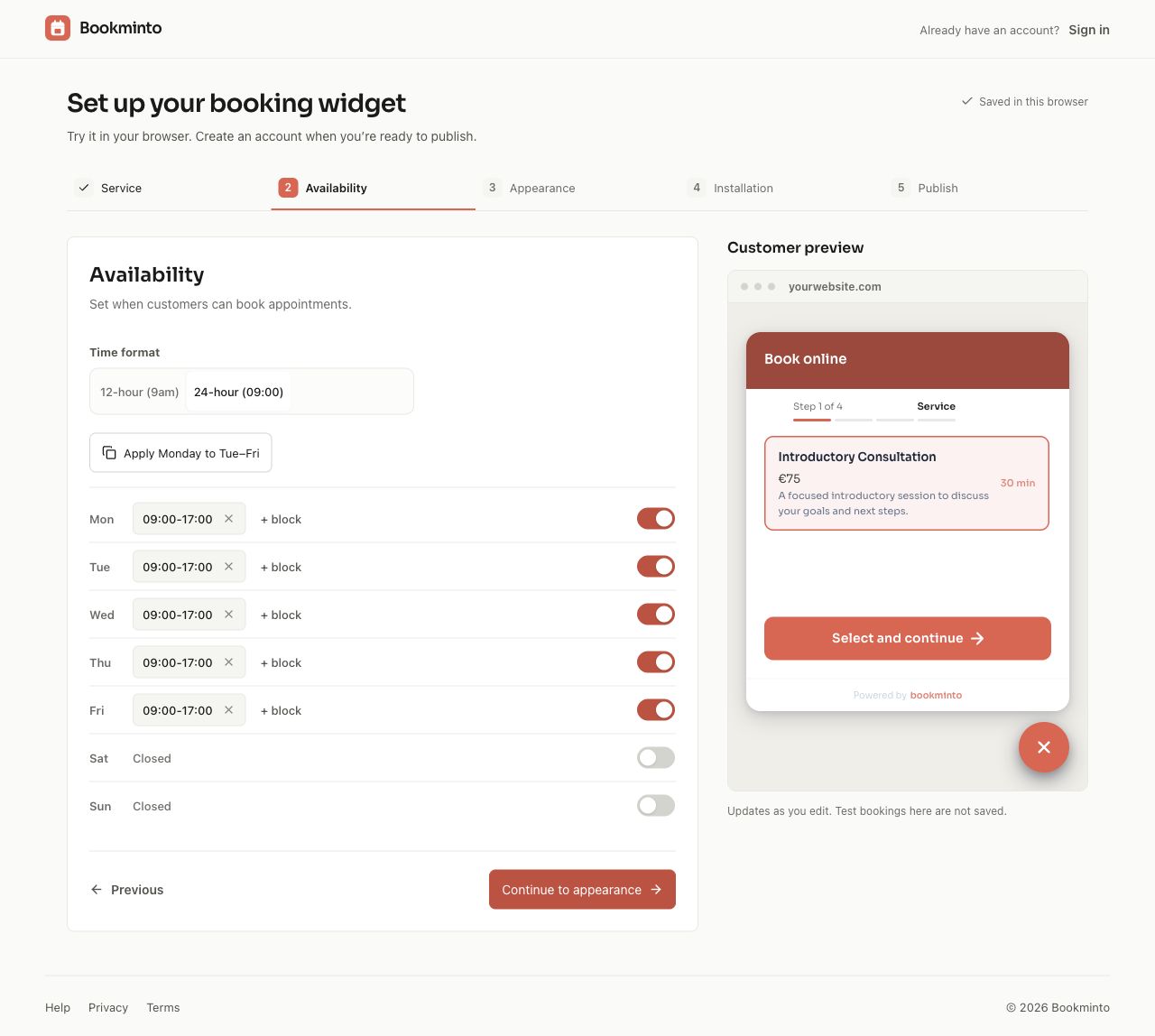
Whether you offer consultations, treatments, or other appointments, you manage your services, availability, and bookings in one place.
A booking experience that fits your website
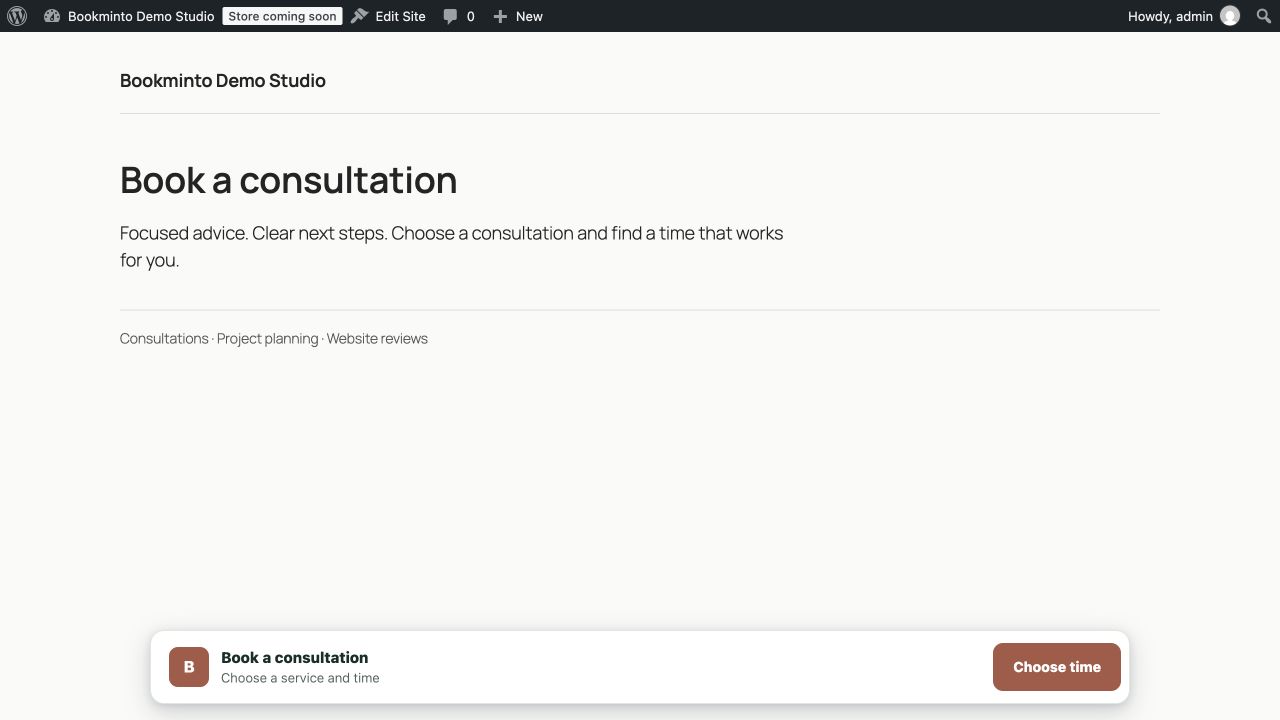
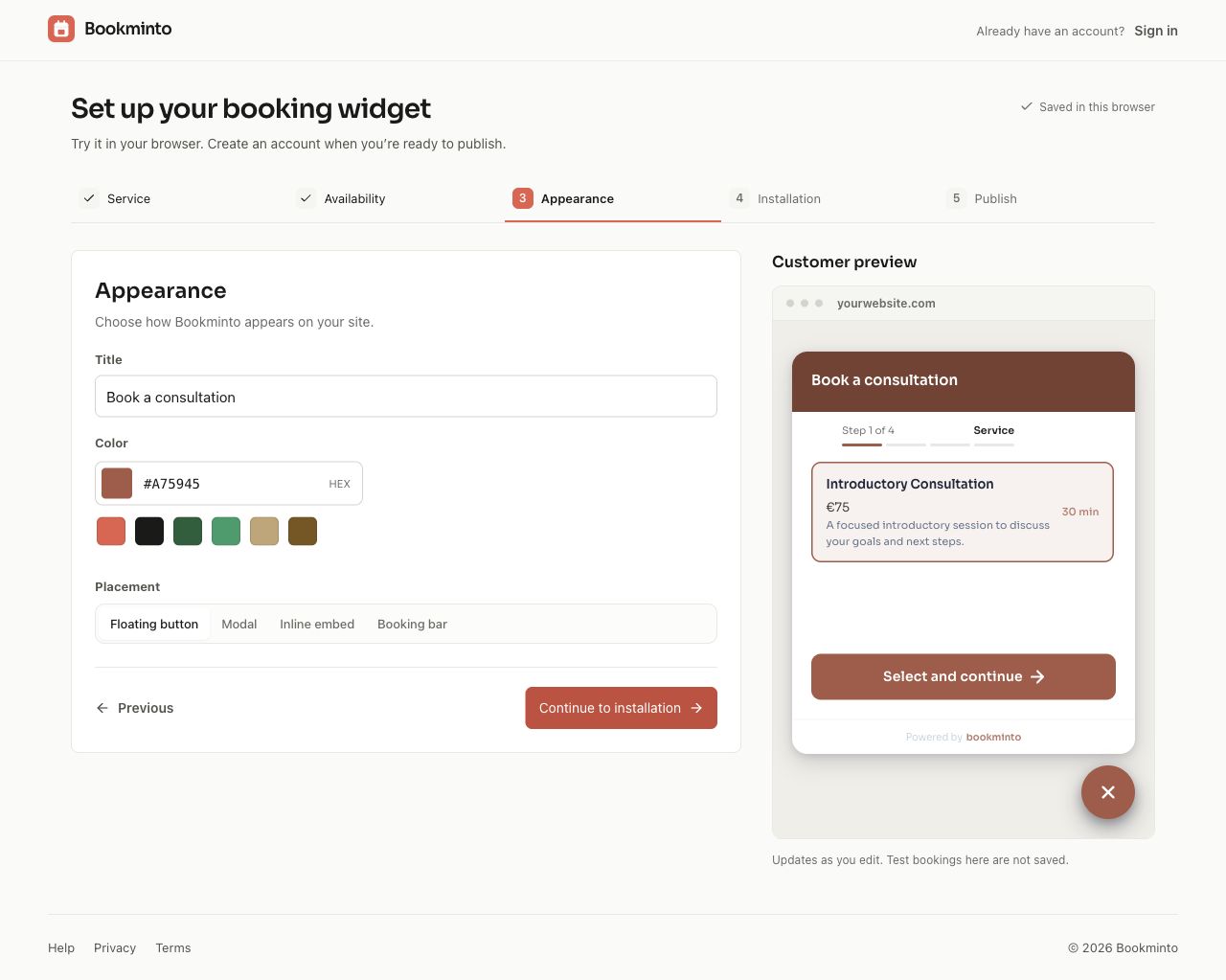
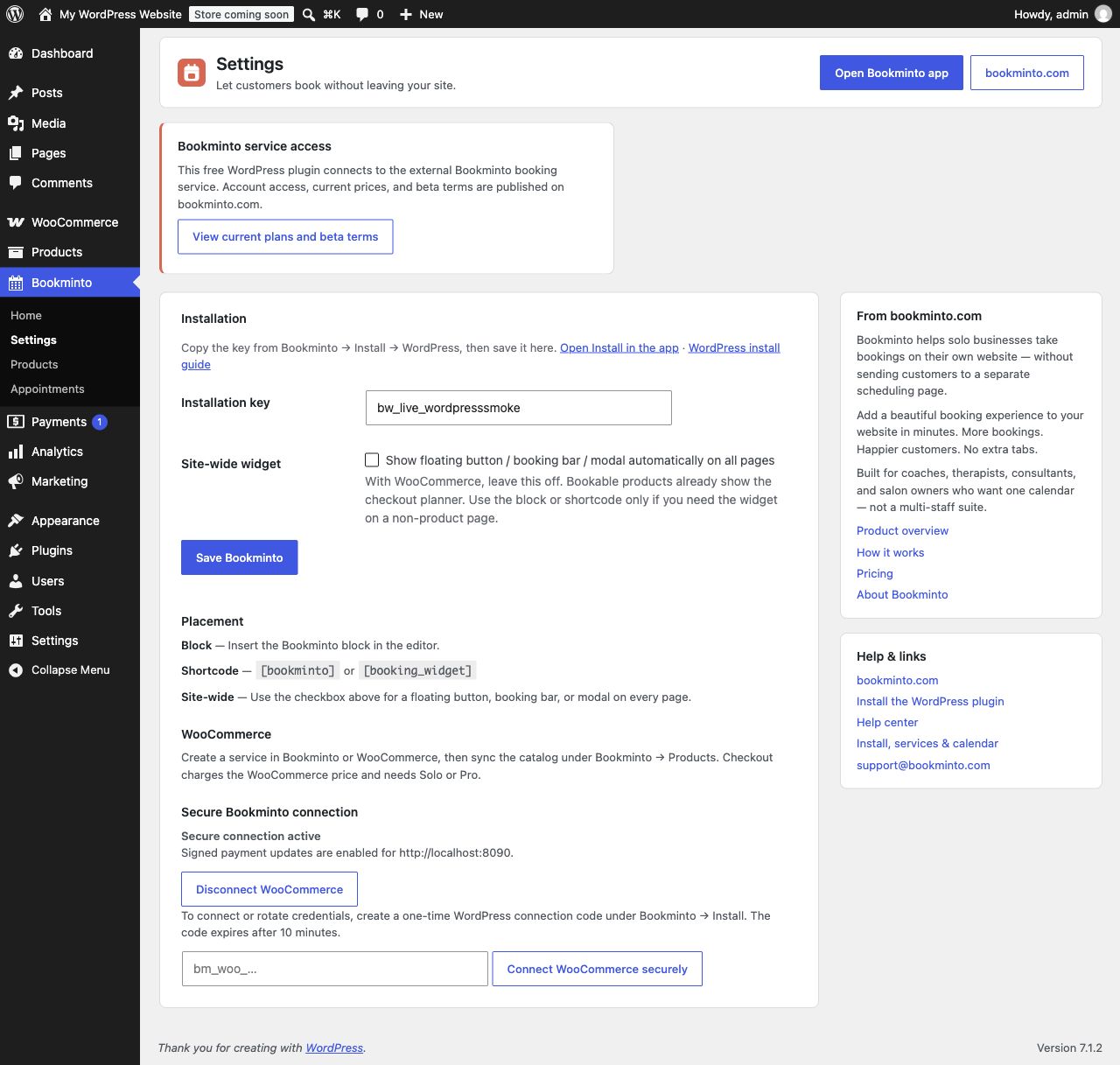
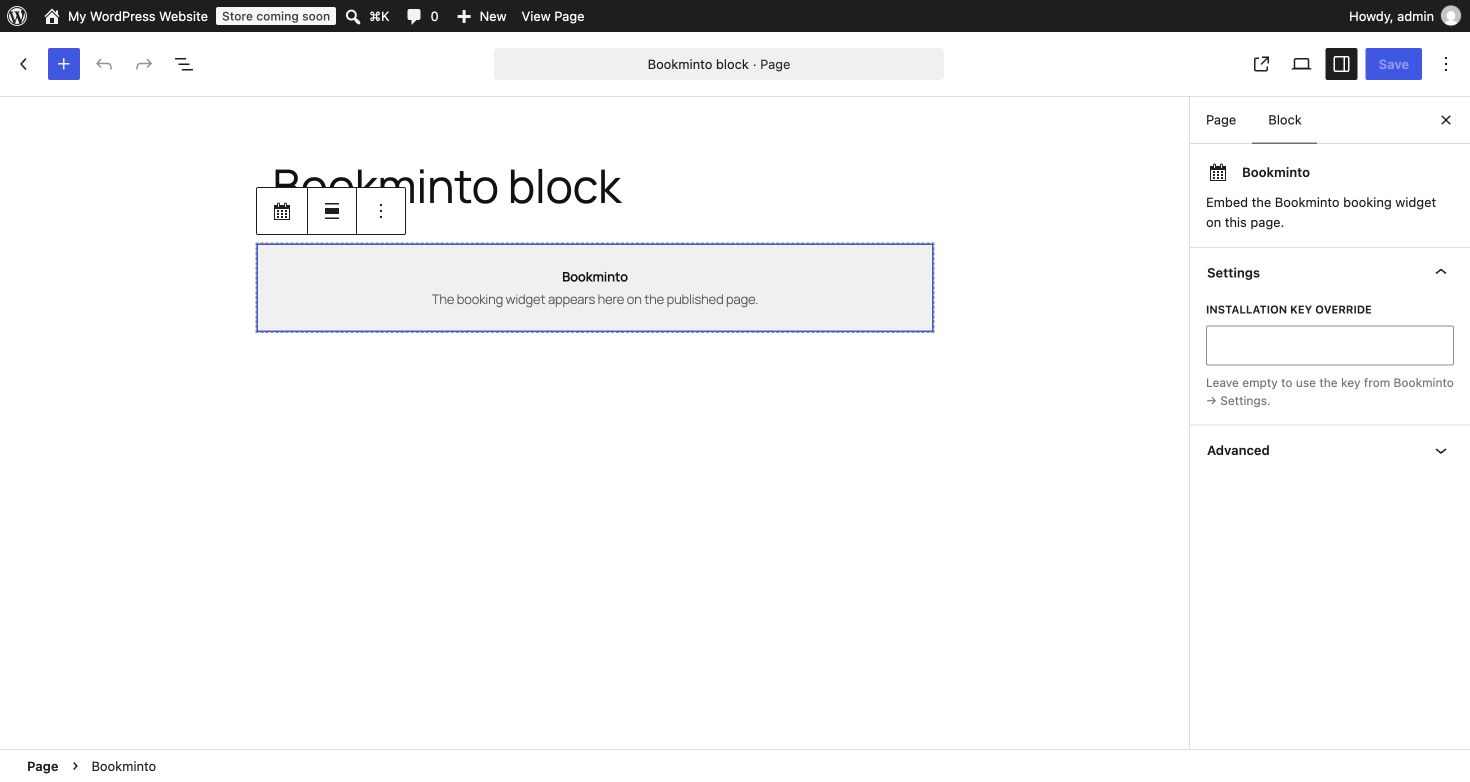
Add booking to a page with the Bookminto block, or welcome visitors with a floating button, booking bar, or popup. Customize the appearance to match your brand.
Already using WooCommerce?
Let customers choose an appointment on a product page and pay through your existing WooCommerce checkout.
Start with free Pro access during beta
The WordPress plugin is free. A Bookminto account and access to its external booking service are required. During beta, Pro access is free, without a credit card or automatic charges. After beta, accepting new bookings requires a paid Bookminto service plan.
View current plans and beta terms.
External services
This plugin connects to Bookminto at:
https://api.bookminto.com/v1— widget config, booking holds, and paid confirmation
The service is used to:
- Load the published widget setup for the installation key.
- Keep the WooCommerce product catalog in sync with Bookminto services.
- Create booking holds and confirm bookings after WooCommerce payment.
Data sent to the service can include the installation key, page URL, selected service, selected time, visitor name and visitor email address, and WooCommerce order identifiers when checkout booking is used.
Service terms: https://app.bookminto.com/terms
Privacy policy: https://app.bookminto.com/privacy
Optional booking deposits use Stripe Elements. When a visitor reaches an enabled deposit payment step, the widget loads https://js.stripe.com/v3/ and Stripe processes payment details and device/network information. Bookminto receives payment identifiers and status, not raw card details. WooCommerce checkout uses the store’s own configured payment gateway instead.
Stripe documentation: https://docs.stripe.com/js
Stripe terms: https://stripe.com/legal
Stripe privacy policy: https://stripe.com/privacy
Details
Related plugins
Plugins that also contain the tag appointments
LatePoint – Calendar Booking Plugin for Appointments and Events

Booking for Appointments and Events Calendar – Amelia

Online Scheduling and Appointment Booking System – Bookly

Appointment Booking Calendar — Simply Schedule Appointments Booking Plugin

Fluent Booking – The Ultimate Appointments Scheduling, Events Booking, Events Calendar Solution

SimplyBook.me – Booking and reservations calendar


About
Plugin for that tries to help you find the WordPress plugin you are looking for.
| Please enjoy an image of Crush (this awesome turtle) and have a lovely day! |  |
We do not own any plugin listed on this site and do not work for or work with WordPress.com or it's associated companies. We simply provide a searchable list of the available WordPress plugins.