


BreakUI Preview Pass
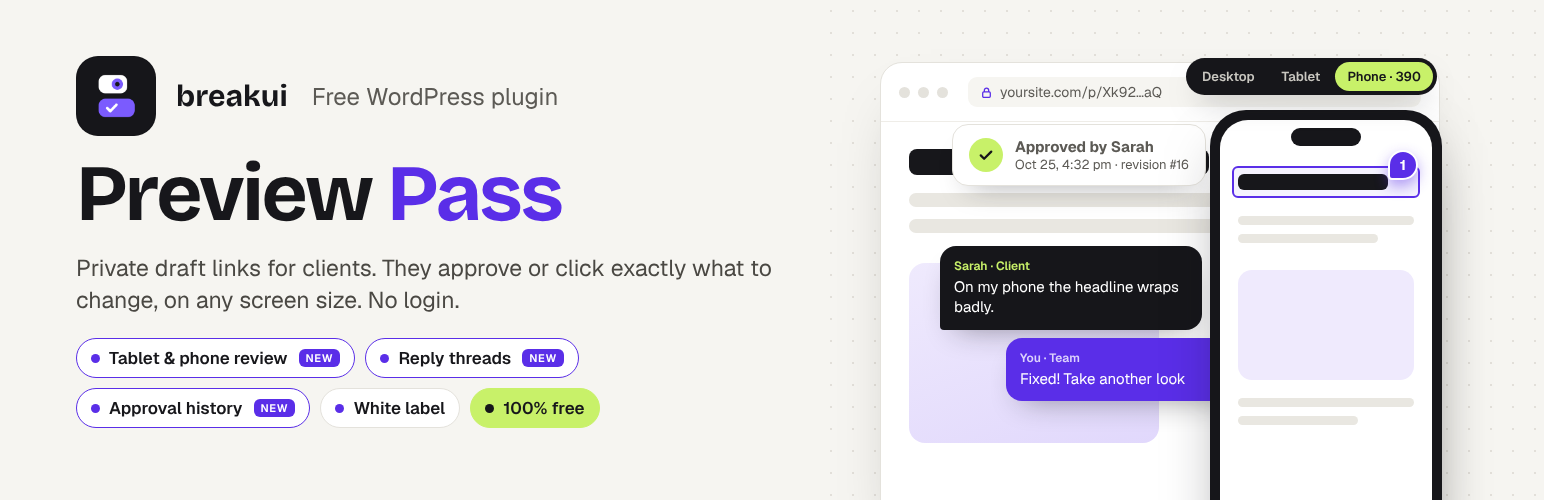
BreakUI Preview Pass lets you send a client a private link to a draft page. They open it in their browser, with no WordPress account and no staging site, and see the page exactly as it will look when it goes live: your theme, your page builder layout, your fonts.
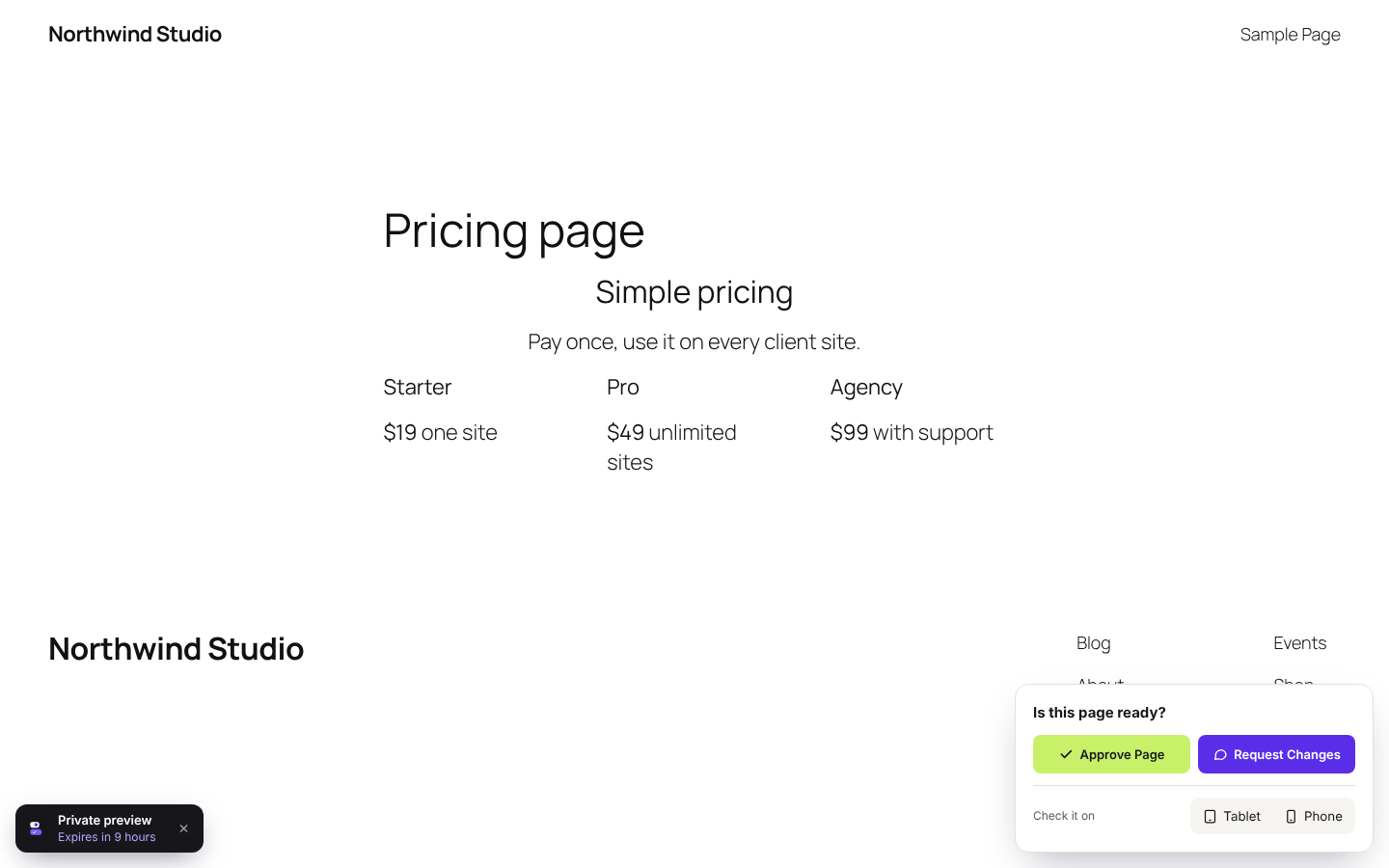
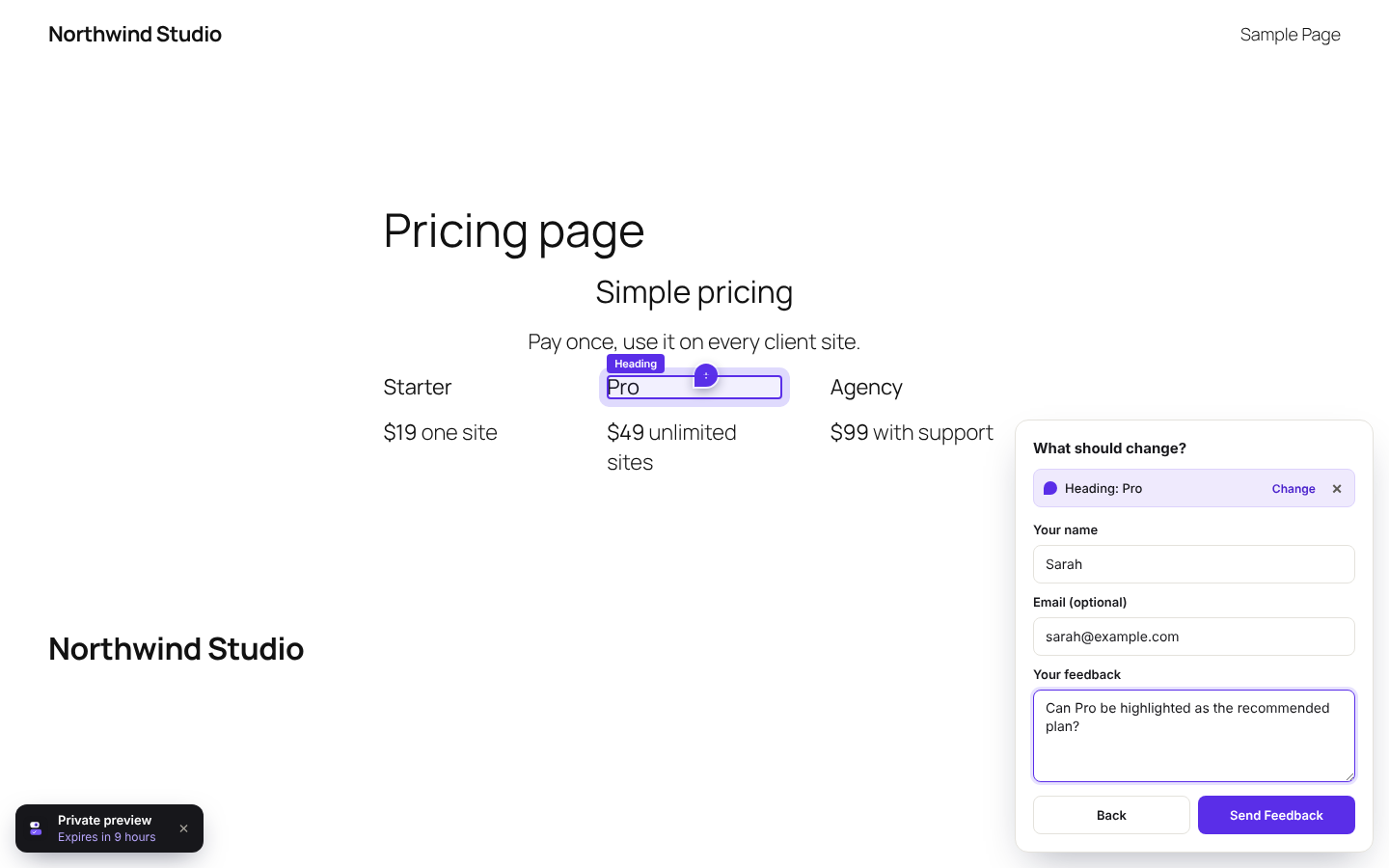
When they’re done, they can approve the page or request changes. They can even click the exact heading, button or image they mean, and you get a screenshot of it with the spot marked.
Every feature is free. There is no Pro version and nothing to unlock.
Private preview links
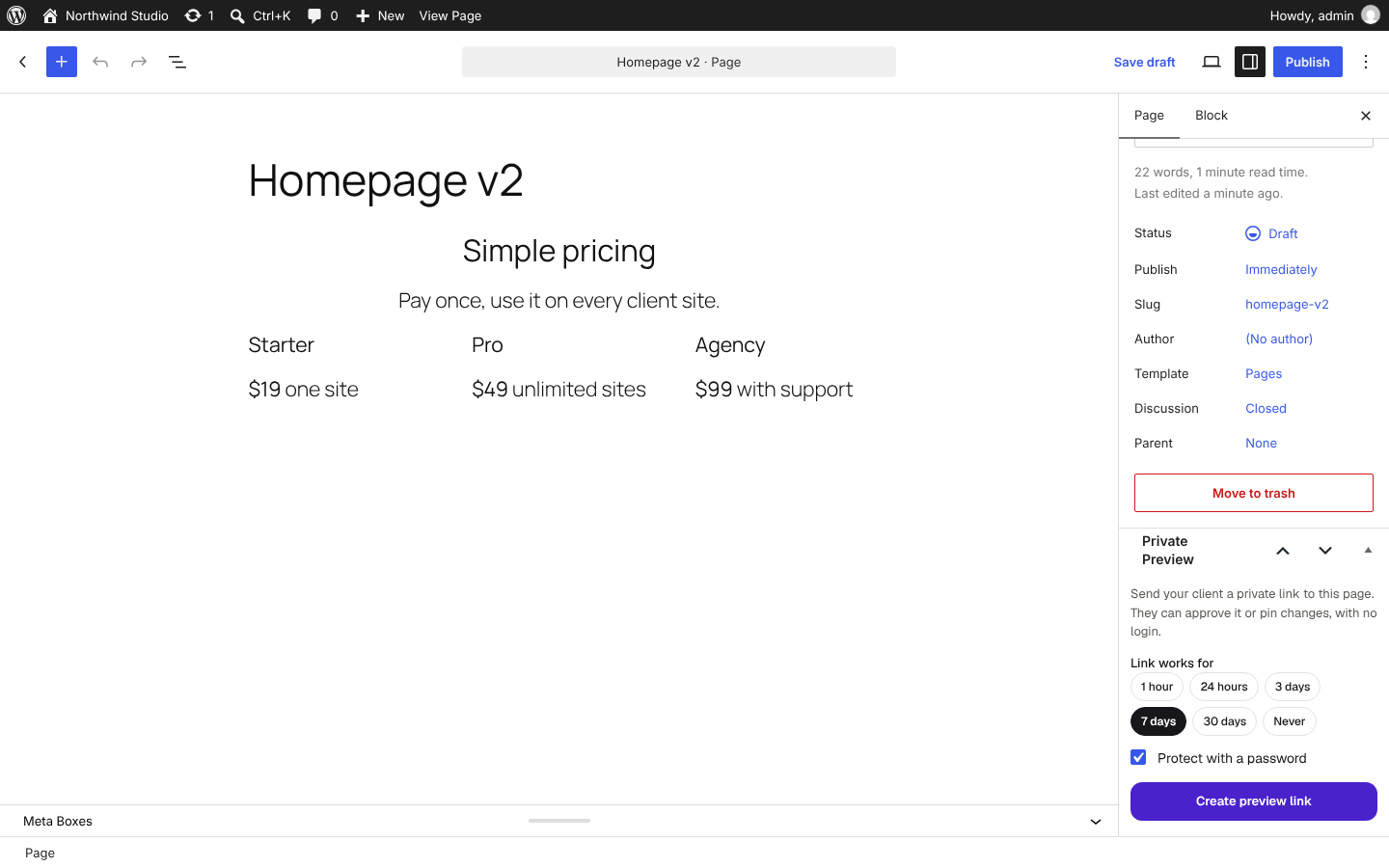
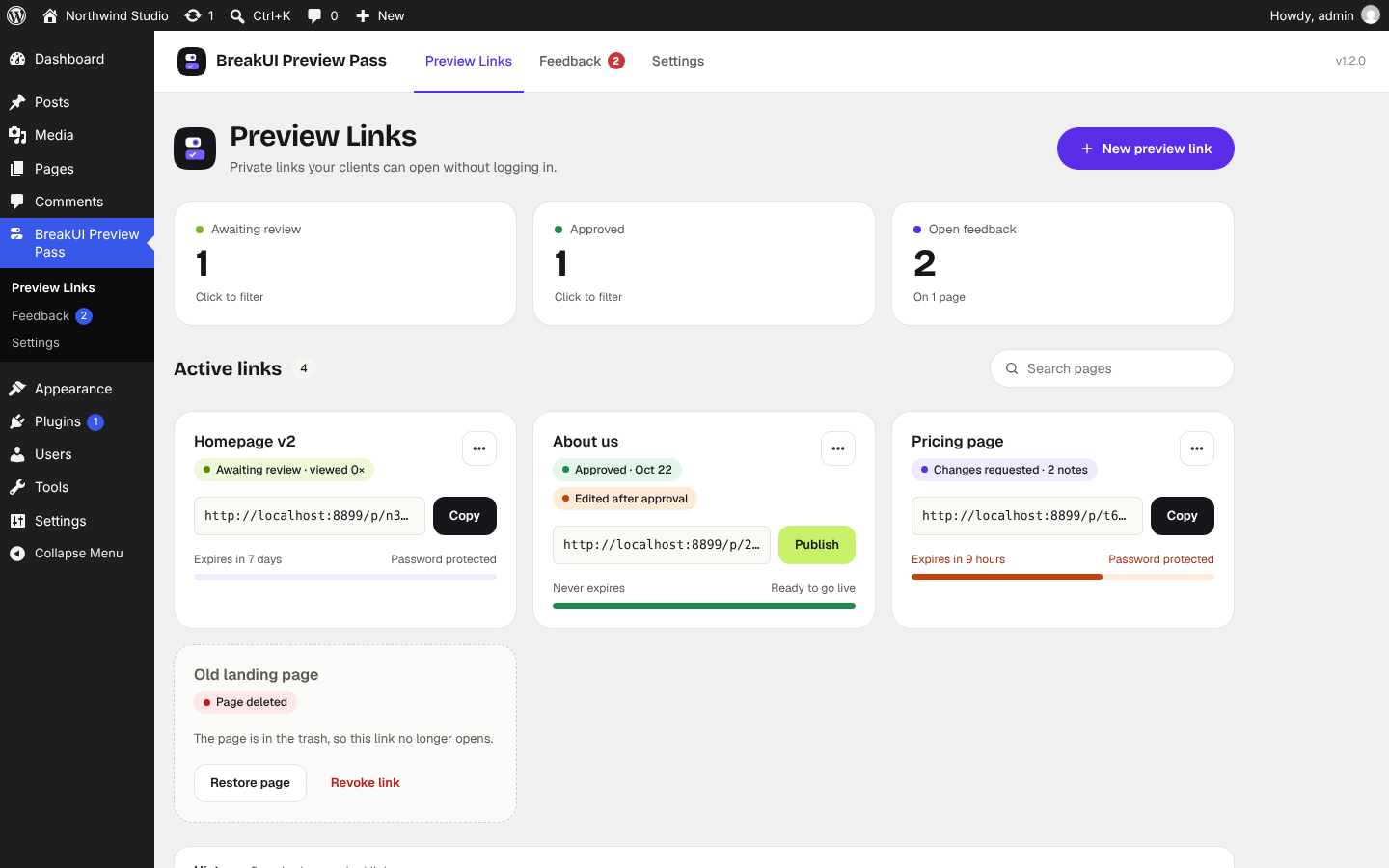
- Create a link from the page editor sidebar, the Pages list, or the BreakUI Preview Pass dashboard
- Works with drafts, pending, scheduled and private posts
- Links expire automatically after 1 hour, 24 hours, 3 days, 7 days or 30 days, or never
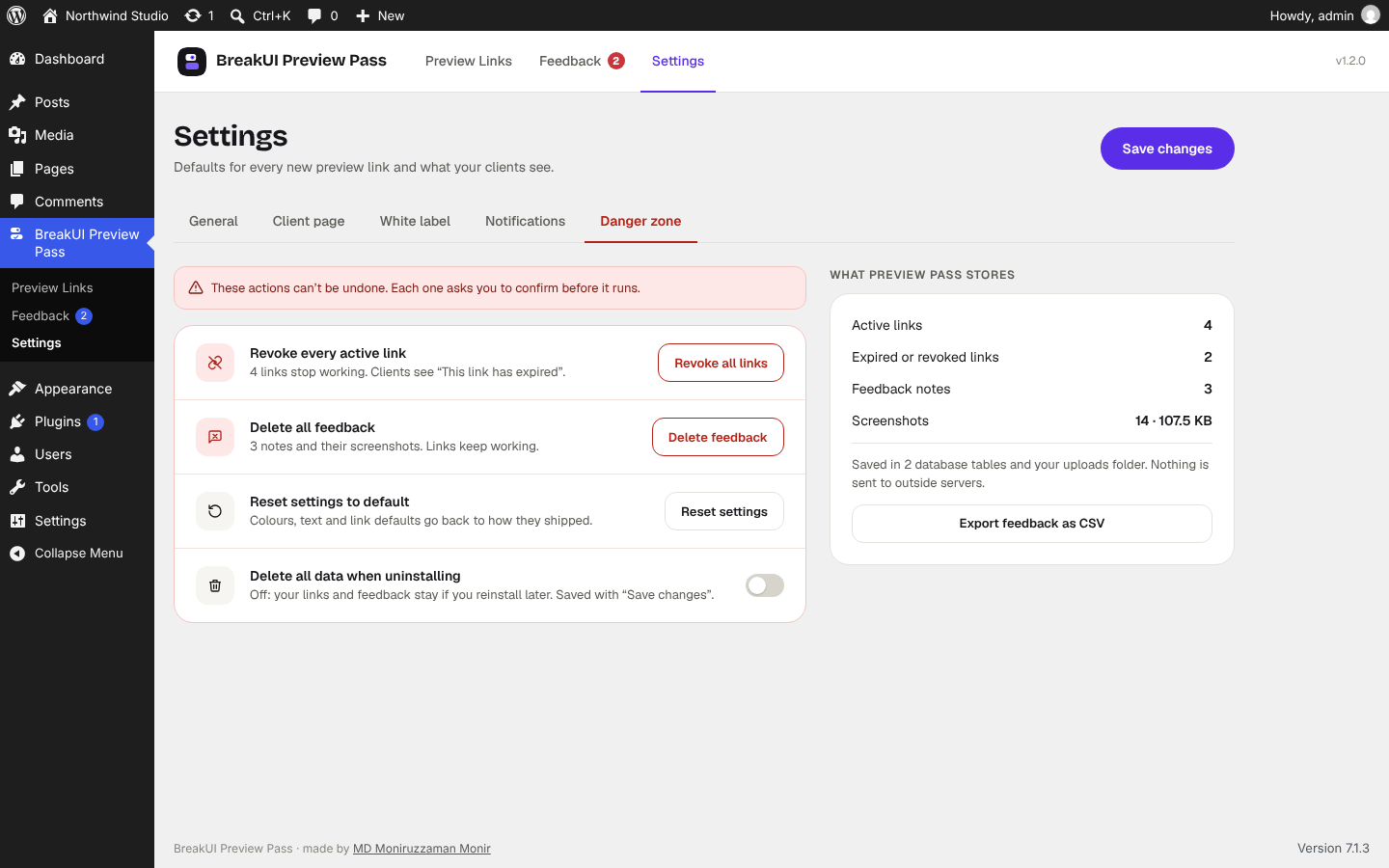
- Revoke any link instantly
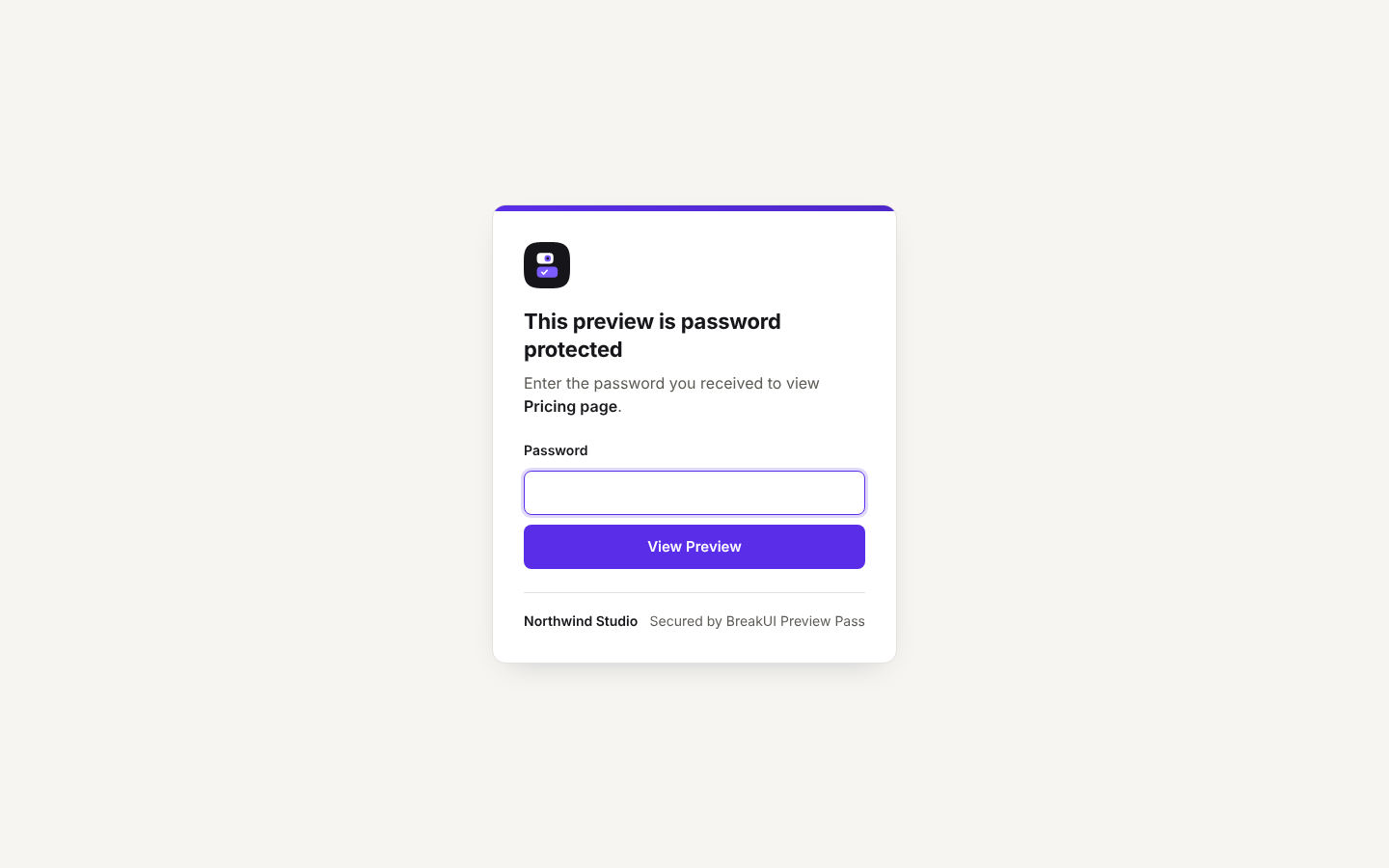
- Optional password for each link, with a limit on wrong attempts
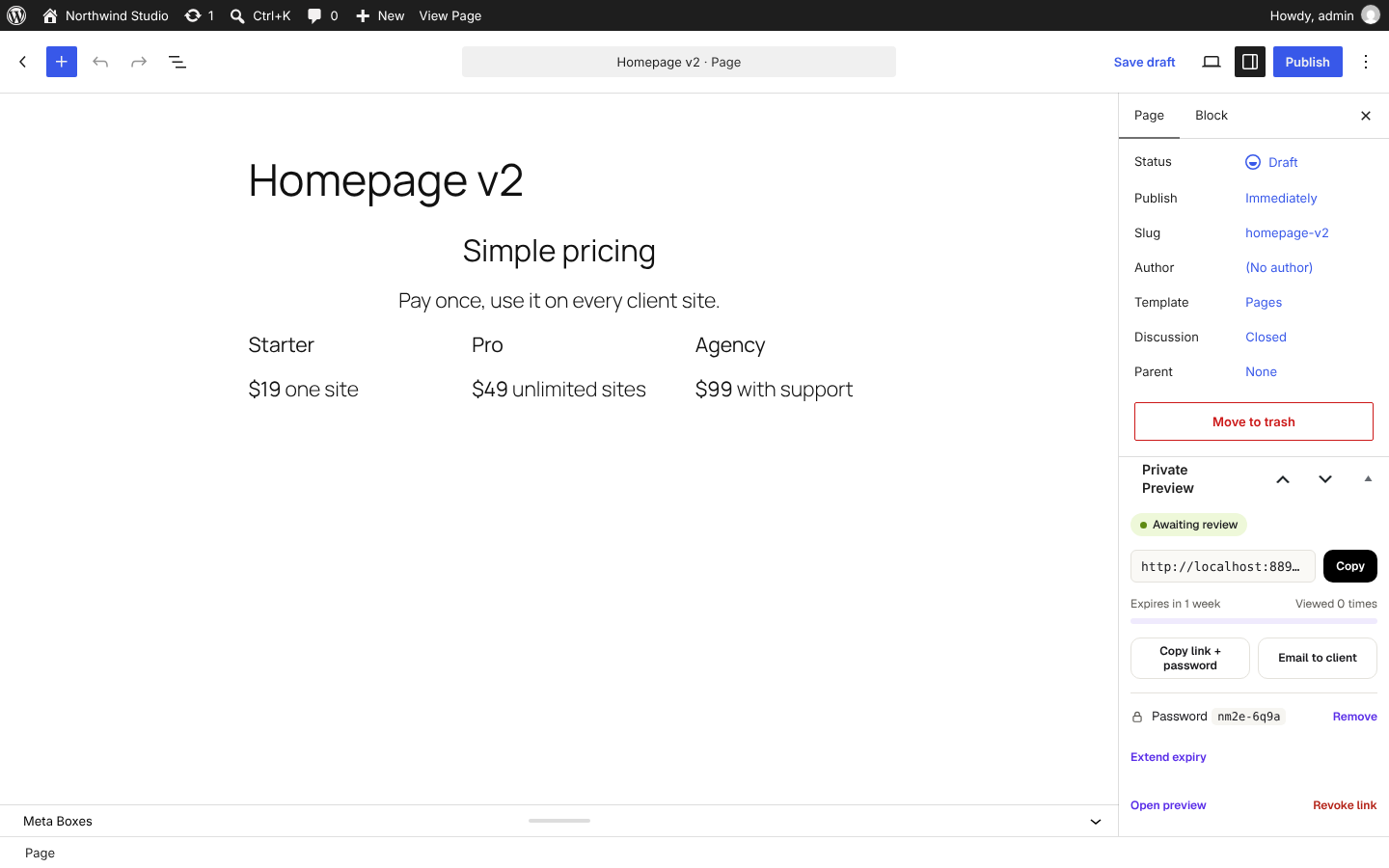
- View counts and last viewed time (your own team’s visits are not counted)
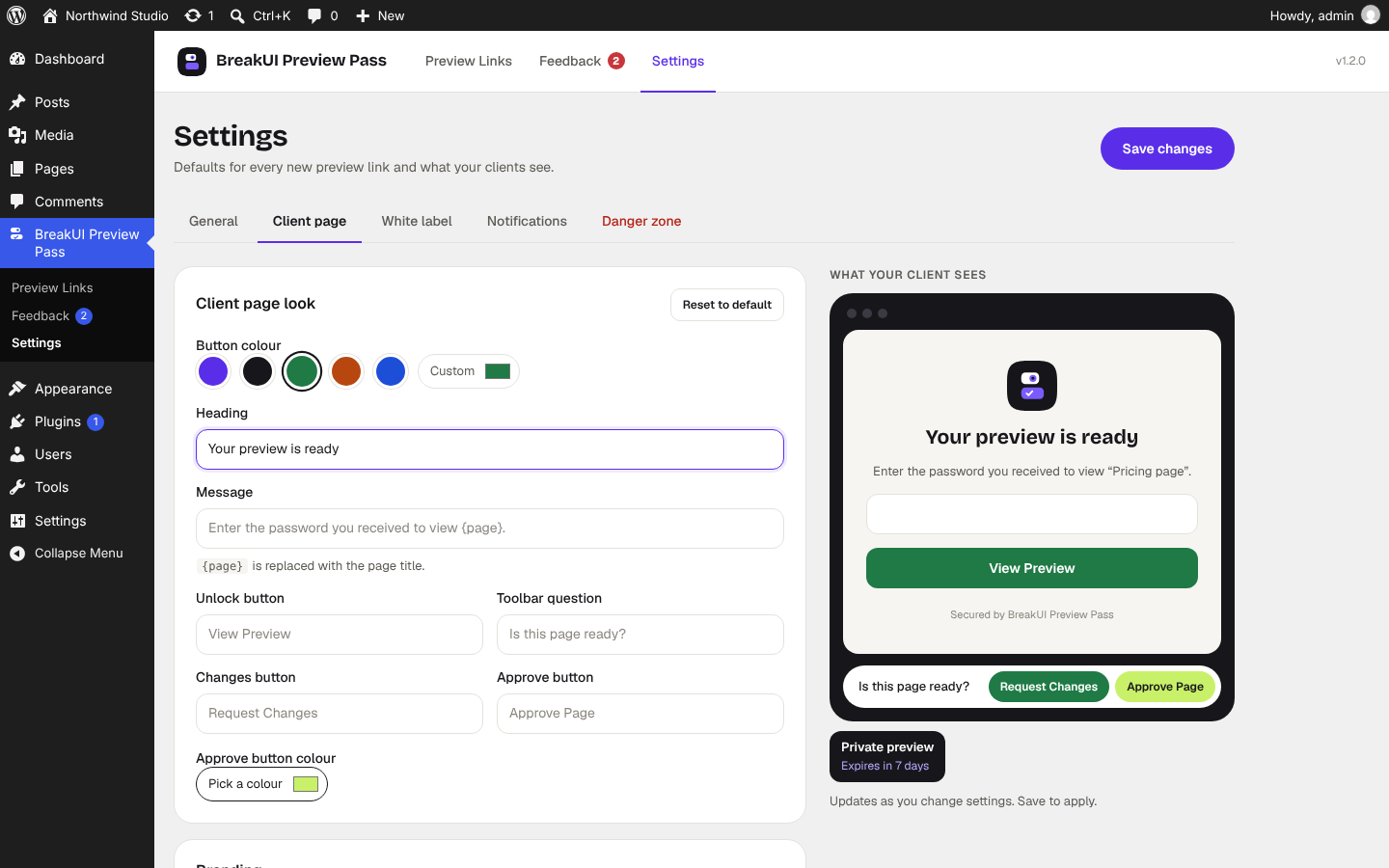
- A small “Private preview” badge shows the client when the link expires
- Clean pages for expired, revoked or wrong links
Client approval
- An “Is this page ready?” bar on the preview with Approve Page and Request Changes
- Review status in the editor and the dashboard: Awaiting review, Approved or Changes requested
- Email alerts when a client approves or sends feedback, with Reply-To set to the client’s email
Point-and-click feedback
- Clients click “Point to the area on the page” and then click or tap any element
- The element is highlighted and labelled while they choose, for example Heading, Button or Image
- Links and buttons don’t navigate while picking, so clients can’t wander off
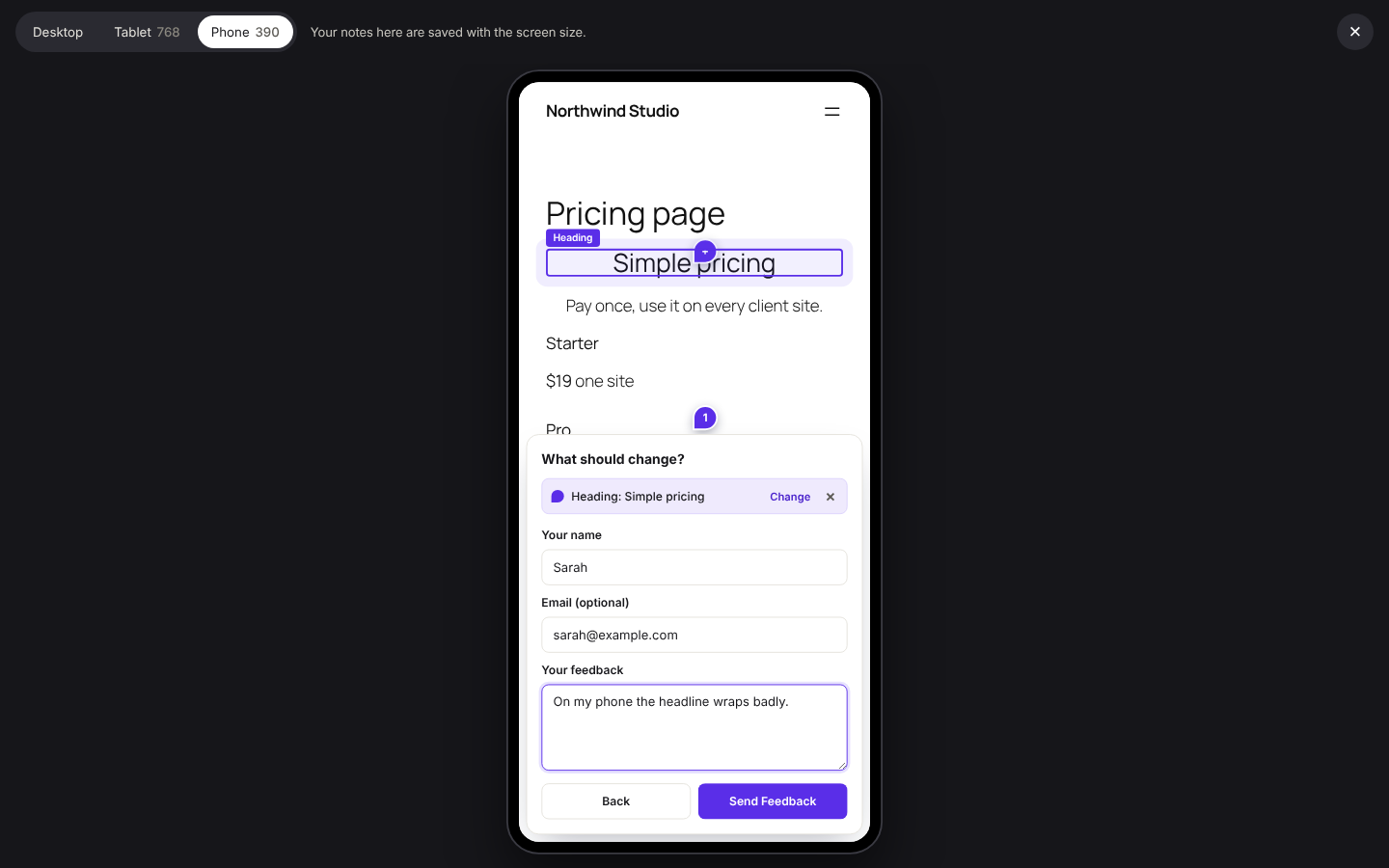
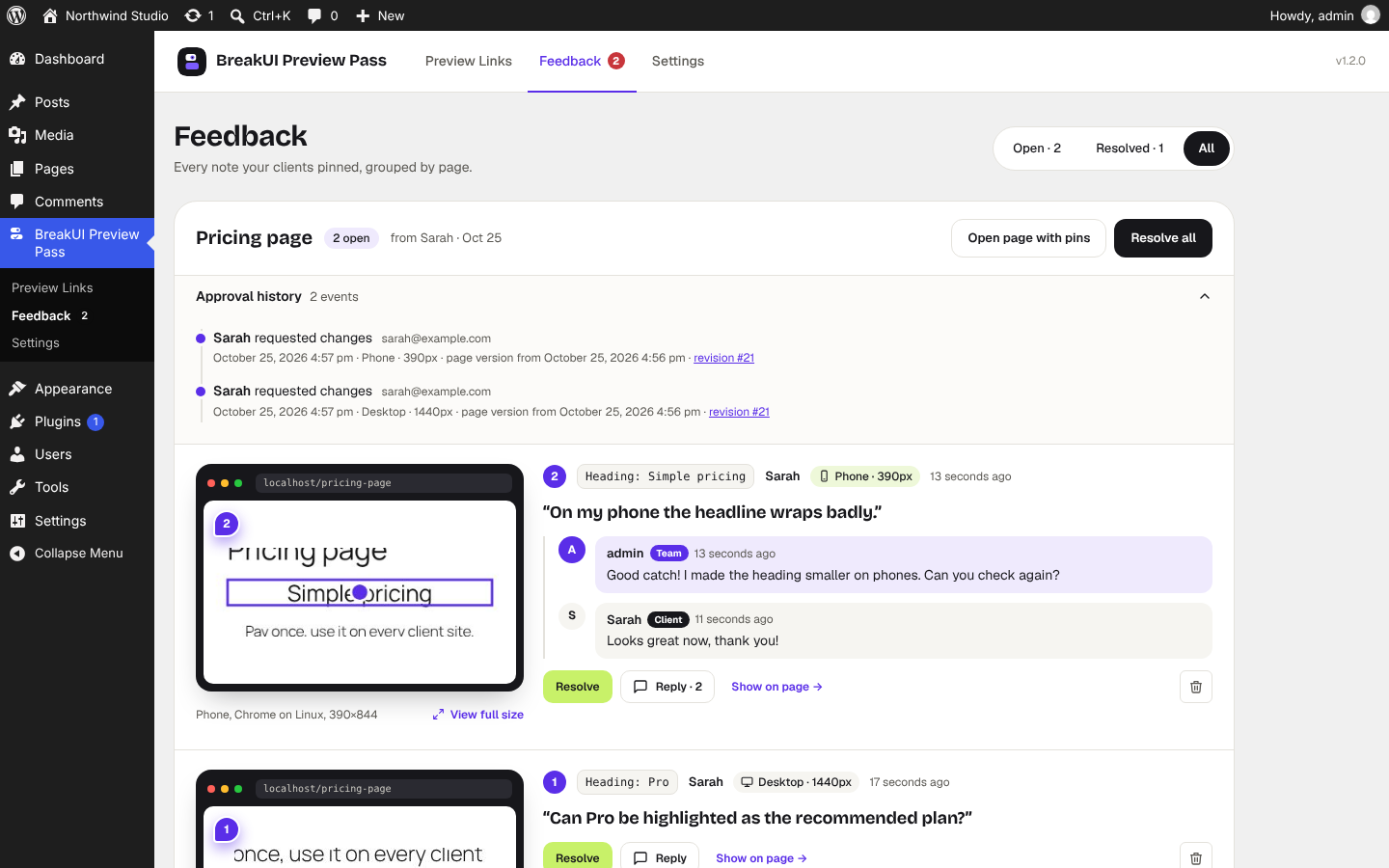
- Each request records the element, its text, the device, browser, operating system and screen size
- A screenshot of that part of the page is saved with the element outlined and the click point marked
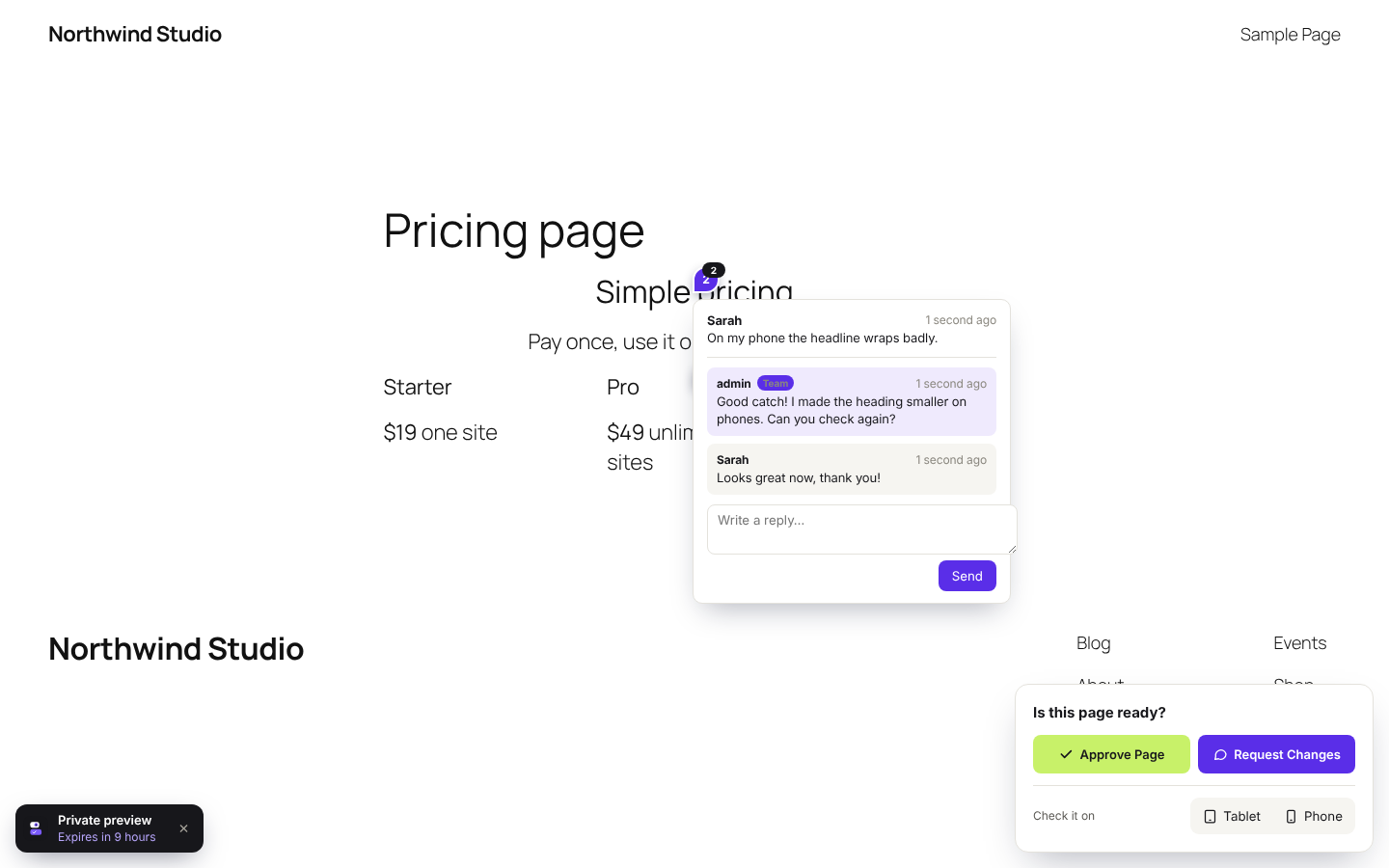
- Numbered pins show where feedback was left
- Works on phones and tablets
Feedback dashboard
- Every request in one place, with screenshots, filters for open and resolved, and a filter per page
- Show on Page opens the preview, scrolls to the element and highlights it
- Mark requests as resolved, reopen them, or delete them
Built for page builders
Pages are rendered through the normal WordPress front end, so layouts from the block editor, Breakdance, Bricks, Elementor and other builders look exactly as they will when published. For builders that edit outside the WordPress editor, use the “Preview link” action in the Pages list.
Safe by default
- Links use long random tokens. Only a hash and an encrypted copy are stored, keyed to your site’s salts.
- A link opens one page, read-only. It gives no access to the dashboard, the REST API or the media library.
- Previews are never cached. BreakUI Preview Pass sends no-cache headers and supports WP Rocket, LiteSpeed Cache and other caching plugins.
- Previews are kept out of search engines with noindex headers, and canonical tags are removed.
- Password-protected links stay protected even if the plugin’s settings change.
Privacy
BreakUI Preview Pass adds suggested text to your Privacy Policy page and works with the WordPress “Export Personal Data” and “Erase Personal Data” tools. See the Privacy section below for exactly what is stored.
Made by BreakUI
BreakUI Preview Pass is built and maintained by BreakUI, a website template studio run by WordPress developer MD Moniruzzaman Monir. We build client sites every day, and this is the tool we wanted for sharing drafts with clients: no staging site, no client accounts, no back-and-forth over screenshots.
Questions or ideas? Use the support forum on WordPress.org.
Privacy
BreakUI Preview Pass does not send any data to external services.
When a client approves a page or requests changes, BreakUI Preview Pass stores the name they enter, their email address (optional), their message and the date. If they point at part of the page, it also stores which element they selected, their device type, browser, operating system and screen size, and a screenshot of that part of the page. IP addresses are not stored with feedback.
For password-protected links, a cookie named previewpass_{id} remembers that the client entered the password. It expires when the link expires. The client’s name and email are remembered in their browser’s local storage to fill in the feedback form next time.
Third-party libraries
BreakUI Preview Pass includes html2canvas 1.4.1 by Niklas von Hertzen (MIT license) to create feedback screenshots in the visitor’s browser. The file is assets/vendor/html2canvas.min.js. The unminified source code is available at https://github.com/niklasvh/html2canvas/tree/v1.4.1
The admin screens use two bundled fonts, both under the SIL Open Font License 1.1: Bricolage Grotesque (assets/fonts/bricolage-grotesque-700.woff2) and Geist (assets/fonts/geist-variable.woff2). Their licenses are next to the font files.
Developers
BreakUI Preview Pass has actions and filters for most of what it does. Some examples:
previewpass_expiry_optionsto change the expiry choicespreviewpass_single_link_per_postto allow more than one active link per pagepreviewpass_review_recipientsto change who gets feedback emailspreviewpass_show_review_barandpreviewpass_show_feedback_pinsto control what clients seepreviewpass_notice_messagesandpreviewpass_notice_creditto change the text on expired-link pagespreviewpass_review_submitted,previewpass_link_createdandpreviewpass_link_viewedactions for your own integrations
Themes can override the client-facing templates by copying them from the plugin’s templates folder to yourtheme/previewpass/.
Details
Related plugins
Plugins that also contain the tag client-approval
ClientPin – Pin Client Feedback & Get Page Approval

ProofCanvas

Wexlab Client Portal


About
Plugin for that tries to help you find the WordPress plugin you are looking for.
| Please enjoy an image of Crush (this awesome turtle) and have a lovely day! |  |
We do not own any plugin listed on this site and do not work for or work with WordPress.com or it's associated companies. We simply provide a searchable list of the available WordPress plugins.