



BundleBoss
BundleBoss adds a configurable bundle product type to WooCommerce. Unlike classic bundle plugins where every slot is fixed, BundleBoss lets customers configure each individual unit. A “3 t-shirts” bundle can be three different sizes and colours, chosen in a guided, step-by-step configurator.
Highlights
- Per-unit configuration: every unit of a bundle item can be configured independently
- Guided configurator: collapsible cards with sticky headers, one-line summaries and full keyboard support
- “All the same” toggle: large quantities configured in one tap
- “Apply to the rest”: configure one unit, then copy its picks to the others in a tap, each unit still editable
- Three unit layouts: arrange a multi-quantity item’s units as stacked cards, compact cards, or a comparison table, chosen per bundle
- Progress-to-discount nudge: the cart shows “Add 1 more to unlock 15% off” with a progress bar and a one-click button to add another identical bundle
- Colour swatches: give attribute terms a colour and chips become swatch circles
- Two pricing modes: percentage discount or fixed bundle price
- Quantity tier discounts: “buy 3+, save 20%”
- Sale countdown timer: live countdown bar with start/end scheduling
- Related bundles carousel: cross-sell between bundle pages
- Oversell-proof stock: component stock validated while configuring, at add-to-cart and at checkout, reduced on sale and restored on refund
- Fulfilment-ready orders: pick list with component SKUs and quantities on every order
- Shipping weight modes: automatic (sum of chosen components) or manual
- Shareable build links: customers copy a finished build to a link anyone can open and buy
- Export / import: move every bundle between sites as one JSON file
- Multilingual: WPML and Polylang supported out of the box
BundleBoss Pro
The Builder lives in BundleBoss Pro. It turns a fixed bundle into a full configurator:
- Choice slots: customers pick each component from pools you define (PC-builder style), with live pricing on every option
- Compatibility and quantity rules: stop impossible combinations, enforced on the server, not just in the browser
- Per-item personalisation: optional add-on fields (names, options, notes), each able to carry a fee, captured per unit and shown on the order and the warehouse pick list. Built for team kit, workwear and promo
- Logo and file upload: customers attach a logo or artwork to an item; secure upload, a download link on the order, GDPR export and erase included
- Hero slots: the customer’s chosen product takes over the page’s main product image
- Deal badges: products on sale and featured products surface in the chooser
- Step-by-step layout: walk customers through one item at a time, with progress and free navigation
- Migrate from Composite Products: one click converts existing composites to draft bundles
The free plugin is complete on its own; Pro adds the Builder described here. Everything in the Highlights list above stays free.
Requirements
- WordPress 6.4+
- WooCommerce 8.0+
- PHP 8.0+
Privacy
BundleBoss does not collect, store or transmit any personal data of its own.
- Customers’ bundle selections (which products, quantities and options they picked) are stored only as part of their cart and order: standard WooCommerce order data under your control, removed whenever you erase the order.
- Shareable build links encode product choices in the URL itself; nothing is stored server-side and the links contain no personal information.
- The plugin sets no advertising or tracking cookies.
Third-party services
The free version of BundleBoss does not connect to any external service or send any data off your site.
BundleBoss Pro is a separate, paid plugin that uses Freemius for checkout, licensing and updates. None of that is included in this free version.
Details


Related plugins
Plugins that also contain the tag bundle
WPC Product Bundles for WooCommerce

YITH WooCommerce Product Bundles

Portfolios

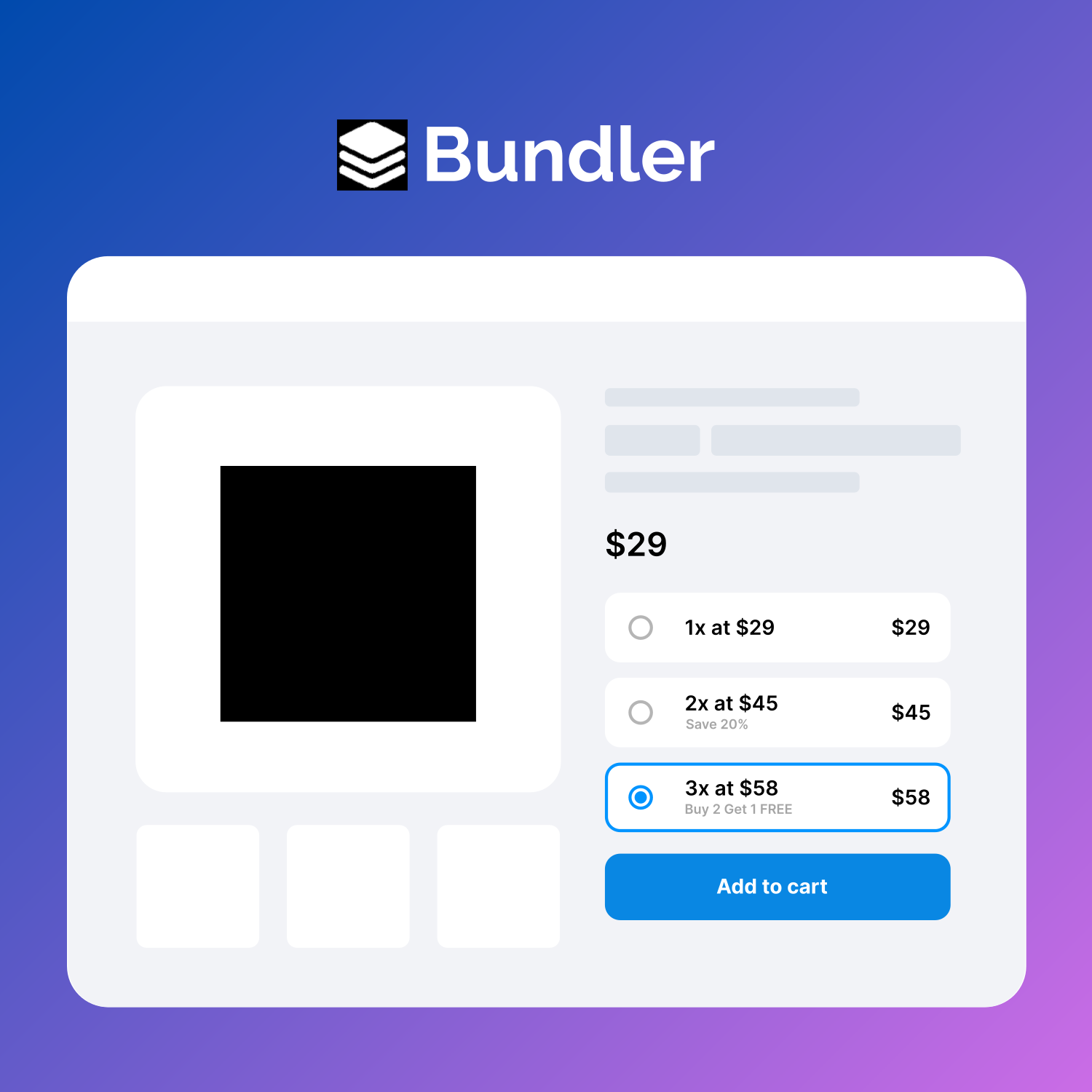
Quantity Discounts, Breaks & Product Bundles for Woocommerce By Bundler
LRW Widgets Bundle

Amazing WPBakery Page Builder Addons


About
Plugin for that tries to help you find the WordPress plugin you are looking for.
| Please enjoy an image of Crush (this awesome turtle) and have a lovely day! |  |
We do not own any plugin listed on this site and do not work for or work with WordPress.com or it's associated companies. We simply provide a searchable list of the available WordPress plugins.