



Campaigner Email Marketing
An easy-to-use email marketing plugin to recover abandoned carts, notify customers about back-in-stock items, and grow your contact list.
Campaigner Email Marketing offers an easy to use, reliable way to generate revenue for your store. Whether it’s recovering potential lost revenue from abandoned carts, or letting customers know a desired item is back in stock, you can send beautifully designed emails to attract shoppers back to your store.
- Automatically target shoppers who abandon their carts to re-engage them while interest is still high.
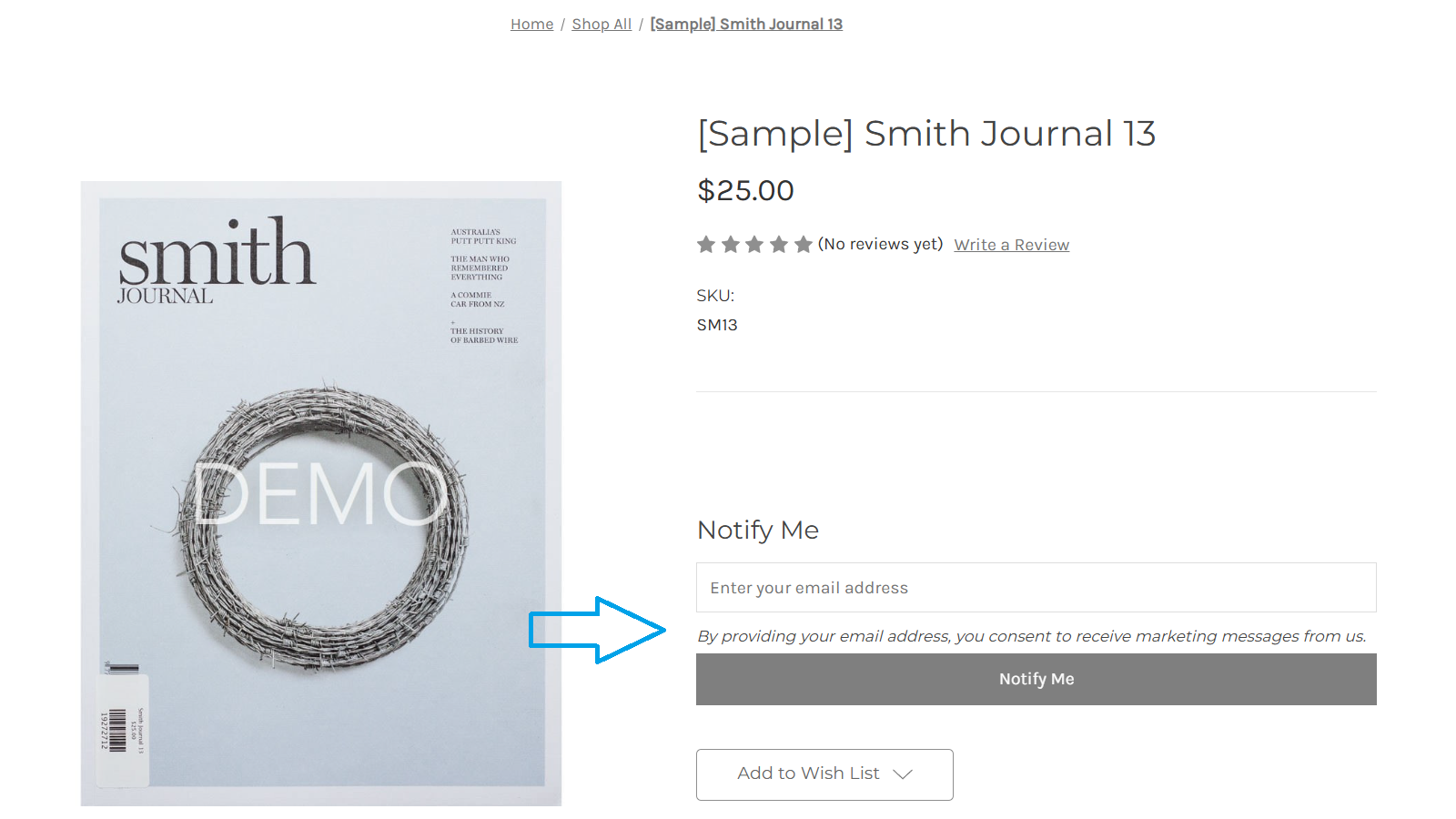
- Let customers know a popular item is back in stock so they can come back to make a purchase.
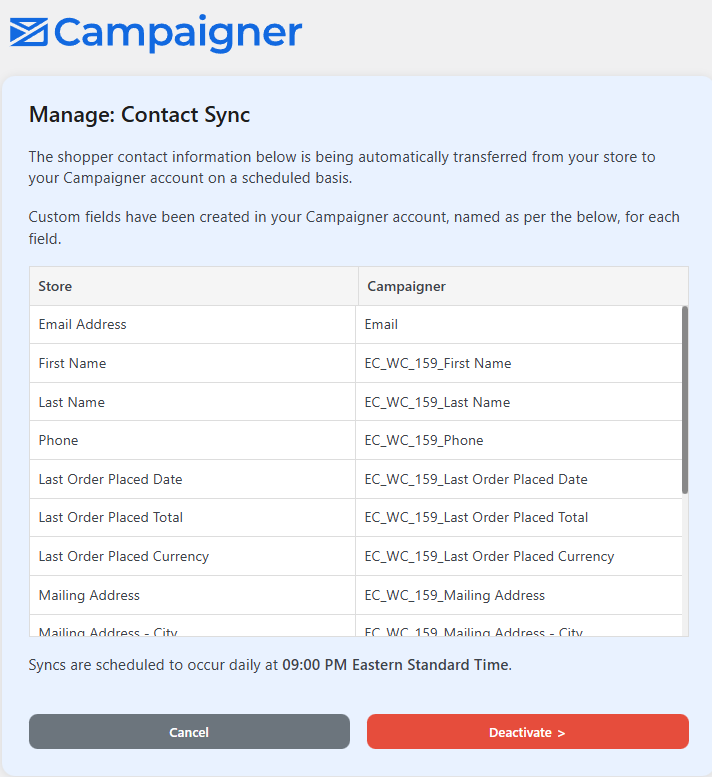
- Enrich your Campaigner contact list with regular customer data syncs to inspire new email campaign ideas.
External Services
This plugin relies on Campaigner’s external service (the Campaigner Email Marketing API) to enable email marketing features including abandoned cart recovery, back-in-stock notifications, and customer data synchronization.
API host/domain used: https://api.cac1.campaigner.com/
What the service is and what it is used for
The Campaigner Email Marketing API is used to:
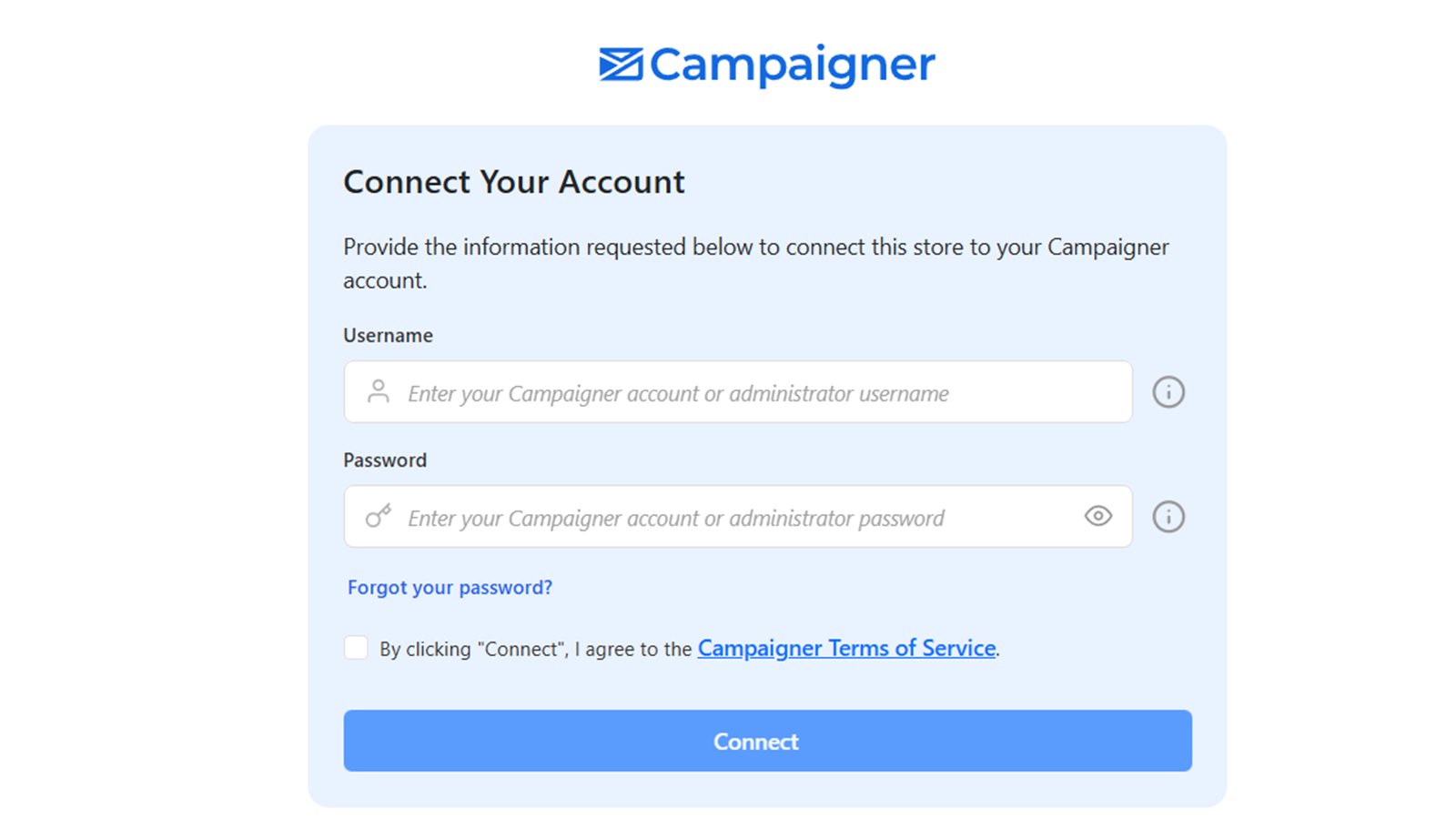
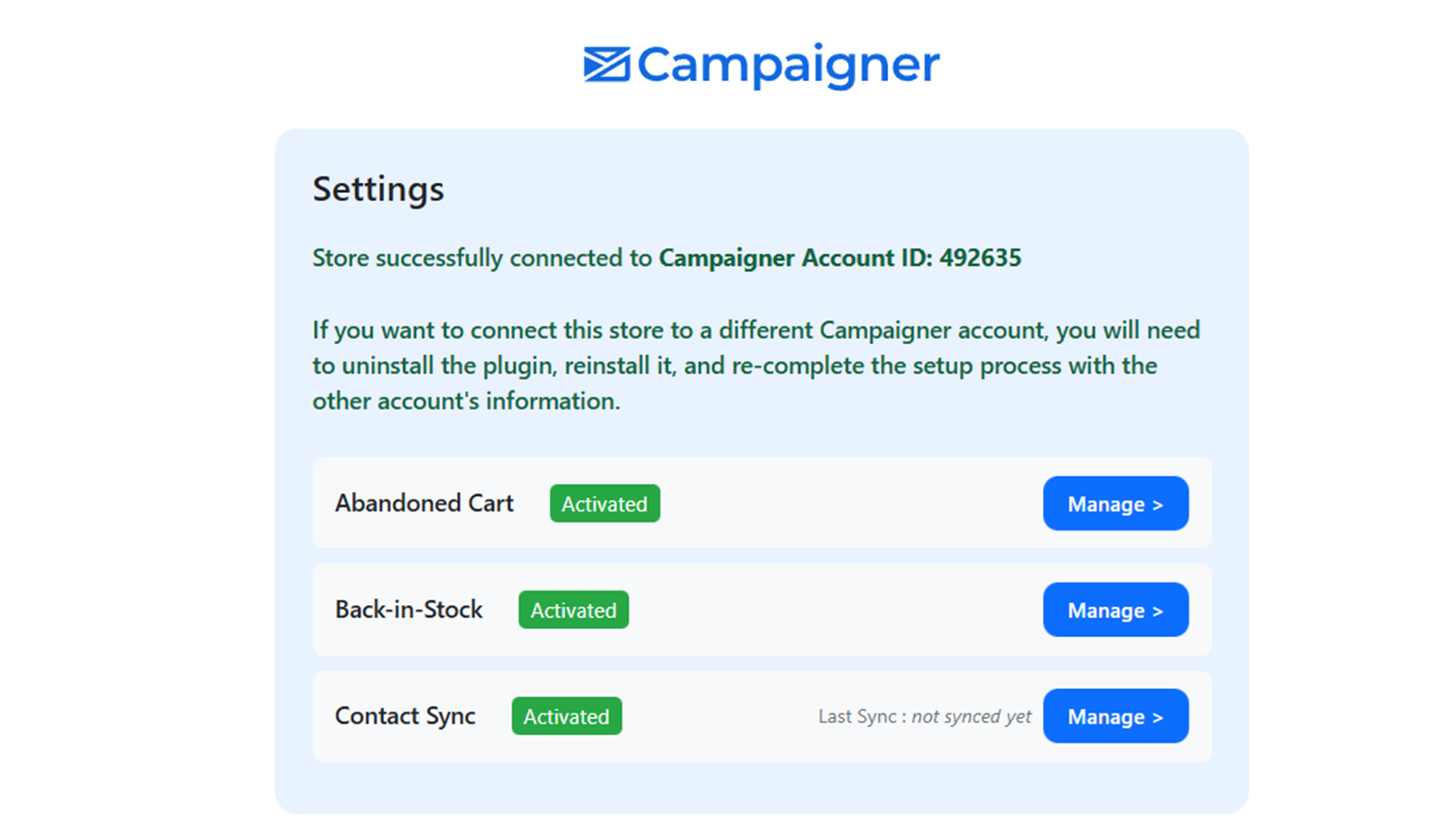
– Authenticate and connect your WooCommerce store to Campaigner.
– Send automated emails for abandoned carts to recover lost sales.
– Notify customers when out-of-stock items become available.
– Synchronize customer data to build and maintain your email contact list.
What data is sent and when
The following data is sent to the API:
– Store URL, platform type (WooCommerce), and Campaigner account ID for authentication and configuration.
– Feature activation/deactivation status when enabling/disabling plugin features.
– Customer information (such as email, name, and order history) during contact synchronization (if enabled).
– Product stock status updates and subscriber details for back-in-stock notifications.
– Deactivation data (store URL and platform) when the plugin is deactivated.
Data is transmitted:
– During initial setup and feature activation.
– In real-time for stock changes and customer subscriptions.
– Periodically for customer data sync (based on configured schedules).
– Upon plugin deactivation.
Other external links
This plugin also contains links to external websites for help and account management (for example: https://knowledge.campaigner.com/, https://secure.campaigner.com/, https://support.campaigner.com/, and https://woocommerce.com/). These are informational links opened in your browser when clicked; the plugin does not automatically send store/customer data to these sites.
Terms of Service and Privacy Policy
Details
Related plugins
Plugins that also contain the tag abandoned-cart
Booster for WooCommerce – PDF Invoices, Abandoned Cart, Variation Swatches & 100+ Tools

Zoho Campaigns

ShopMagic Abandoned Cart Recovery for WooCommerce

Retainful – WooCommerce Abandoned Cart, Newsletters, Email Marketing, Signup Forms and Automation

Constant Contact + WooCommerce

Abandoned Checkout Recovery & Order Notifications for WooCommerce


About
Plugin for that tries to help you find the WordPress plugin you are looking for.
| Please enjoy an image of Crush (this awesome turtle) and have a lovely day! |  |
We do not own any plugin listed on this site and do not work for or work with WordPress.com or it's associated companies. We simply provide a searchable list of the available WordPress plugins.