

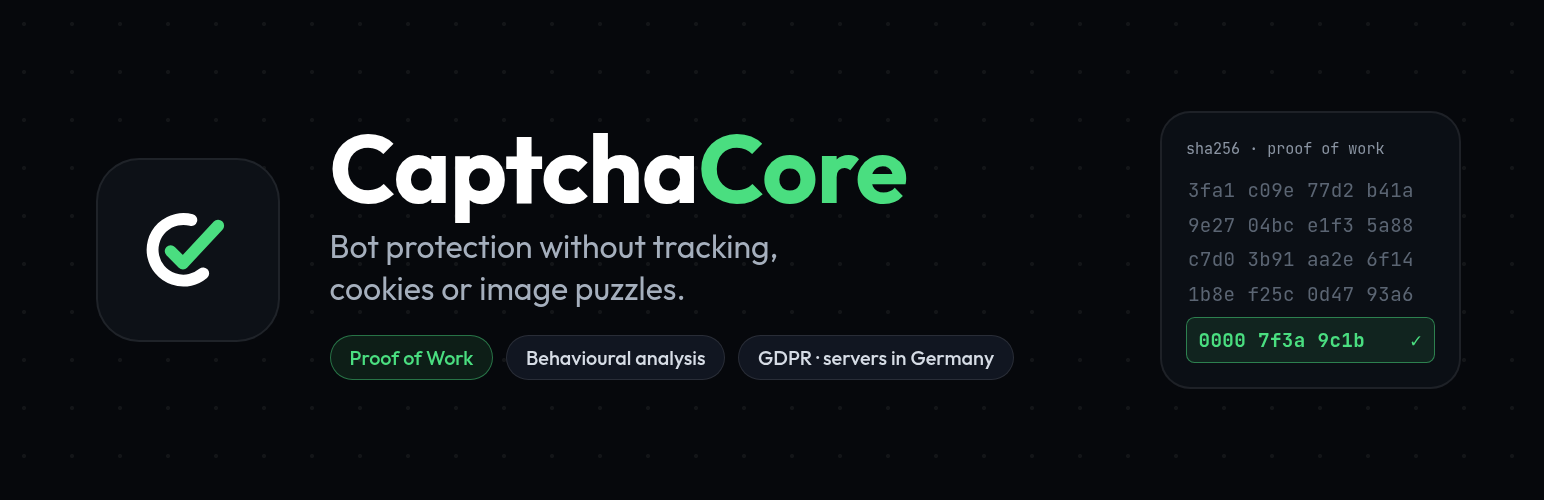

CaptchaCore
CaptchaCore protects WordPress forms against bots and spam without showing image puzzles and without tracking your visitors.
Instead of asking people to identify traffic lights, the browser solves a small cryptographic computation in the background while the plugin observes whether the interaction looks human. A single visitor never notices it. A bot farm sending millions of requests pays for every single one.
- Proof of work (SHA-256) in a web worker, so the interface never blocks
- Behavioural and environment signals: mouse movement, typing rhythm, scrolling, canvas timing, WebGL renderer
- No cookies and no image puzzles in normal operation
- Processing on our own servers in Germany, no transfer to the United States
- Widget of 16 KB gzip with no external dependencies
- Keyboard operable and marked up for screen readers
Integrations
WordPress core:
- Login form (also custom login forms rendered by wp_login_form)
- Registration
- Lost password
- Comments and WooCommerce product reviews
WooCommerce (each one switchable):
- Login and registration on the My Account page
- Lost password on the My Account page
- Checkout, on the classic checkout page ([woocommerce_checkout] shortcode). The block-based checkout is not supported yet; the settings page tells you if your shop uses it.
Form builders and page builders:
- Formidable Forms — a native field type you drag into any form
- Elementor — a CaptchaCore widget for the page builder and a field for Elementor Pro forms
Beyond WordPress, the same service has packages for Laravel and Symfony, a plugin for WoltLab Suite and a REST API for everything else: https://captchacore.eu/docs/integrationen
The plugin ships with English source strings and is ready for translation on translate.wordpress.org.
CaptchaCore is a hosted service. The plugin does nothing until you enter your own credentials, which you can create free of charge for private websites.
External services
This plugin connects your site to CaptchaCore, a service operated by SpeedIT Solutions UG (haftungsbeschränkt), Isernhagen, Germany. Without that service the plugin cannot verify anything. It stays inactive until you enter your own credentials in the settings.
1. Form verification — https://api.captchacore.eu
When: every time one of the forms you protect is submitted (login, registration, comment, lost password, WooCommerce account forms and checkout, Formidable, Elementor).
What is sent: the token created by the widget, the type of the form, the IP address of the visitor and the page URL without its query string.
Why: to decide whether the request comes from a human or from a bot.
The service stores IP addresses in truncated form. You set the retention period in your CaptchaCore account; the default is 30 days.
2. Delivery of the widget script — https://src-eu.captchacore.eu (default) or https://src.captchacore.eu (optional, worldwide)
When: on every page that contains a protected form.
What is sent: the usual connection data of a file request, meaning the IP address and the browser identification.
Why: to deliver the JavaScript file of the widget. The default endpoint uses European servers only. Enable the worldwide endpoint only if you need it.
3. Availability check
When: only inside the WordPress admin area, when you open the settings page — the plugin asks the CaptchaCore service whether your credentials work.
What is sent: your secret key for authentication. No visitor data.
Current availability of the service and past incidents: https://captchacore.eu/status
Nothing else is transmitted. The plugin sets no cookies, sends no usage statistics and reports no data about your website to us.
Terms of use: https://captchacore.eu/seite/nutzungsbedingungen
Privacy policy: https://captchacore.eu/seite/datenschutz
Data processing agreement under Art. 28 GDPR: https://captchacore.eu/seite/dsgvo
Details
Related plugins
Plugins that also contain the tag bot-protection
ClickCease Click Fraud Protection

CHEQ Essentials

Spambargo: Anti-Spam for Forms & Comments

Checkout Shield for WooCommerce – Stop Fake Orders, Spam Bots & Card Testing

KillBot

ClickFraudFree


About
Plugin for that tries to help you find the WordPress plugin you are looking for.
| Please enjoy an image of Crush (this awesome turtle) and have a lovely day! |  |
We do not own any plugin listed on this site and do not work for or work with WordPress.com or it's associated companies. We simply provide a searchable list of the available WordPress plugins.