



CartProtect – Bot Protection for WooCommerce
Bot Protection adds Cloudflare Turnstile to your WordPress and WooCommerce forms, protecting your site from bots, spam registrations, and more without impacting the user experience.
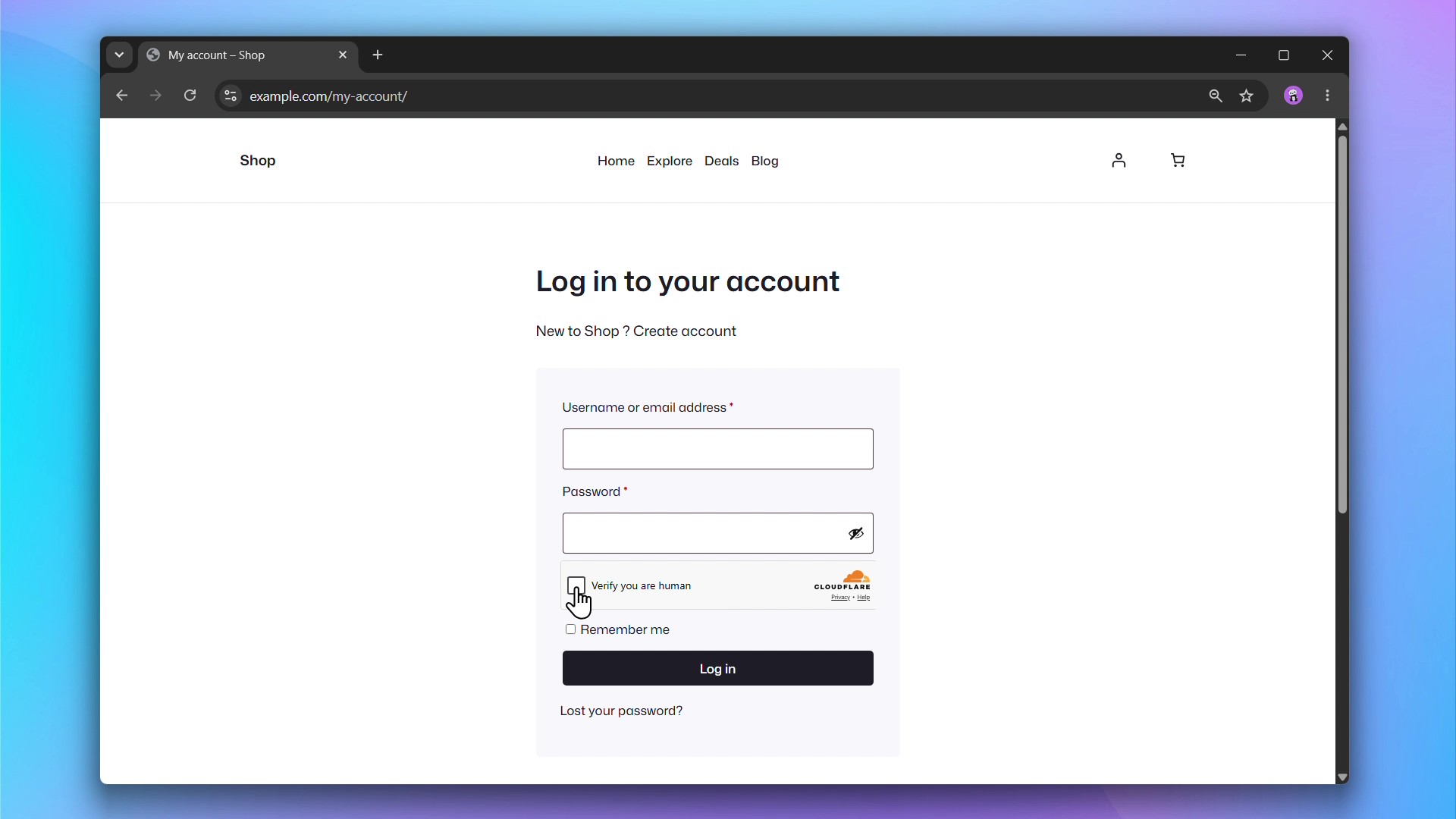
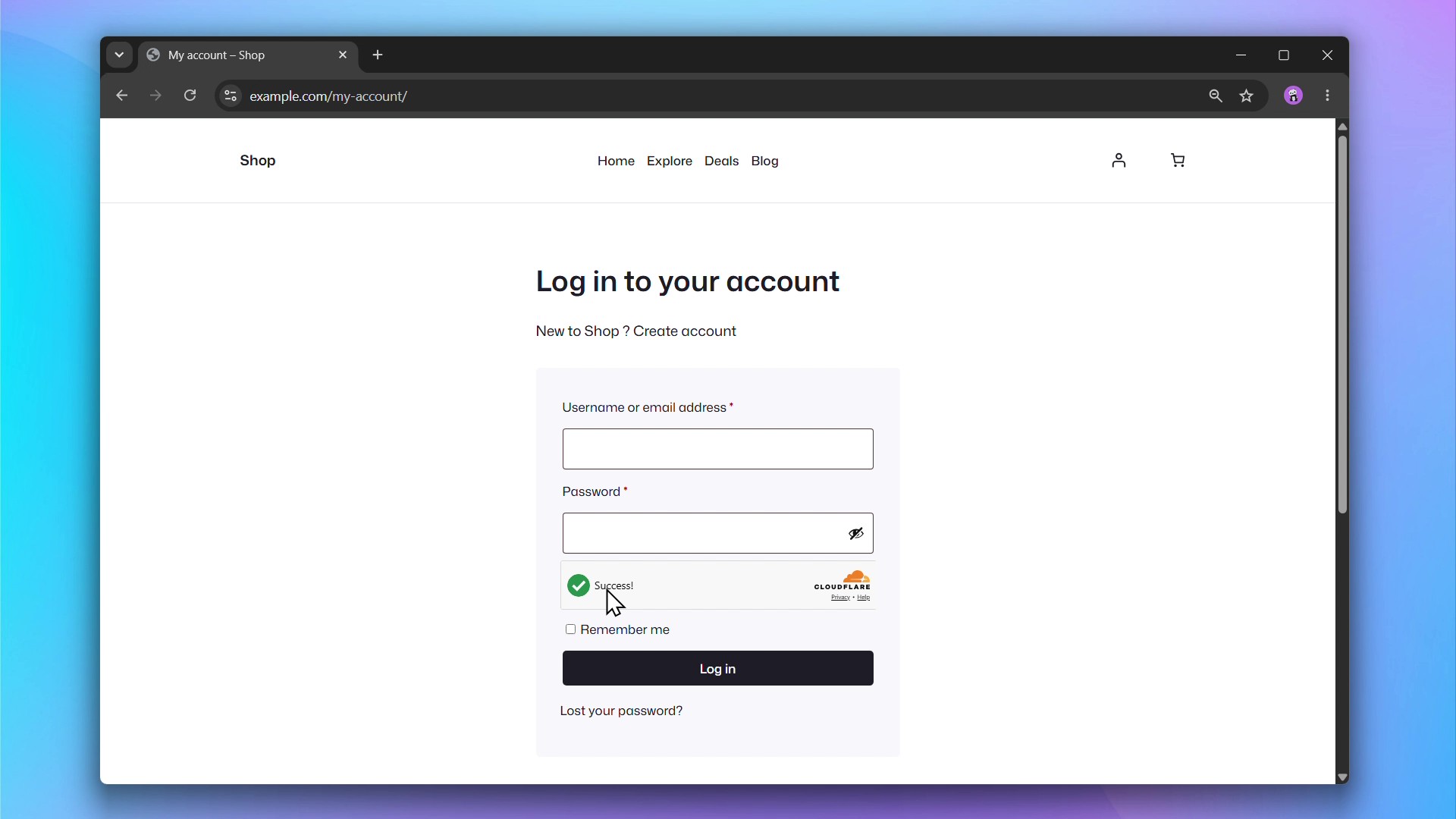
Cloudflare Turnstile protects your forms from spam and bot abuse without showing visitors a CAPTCHA. It runs a challenge invisibly in the background and only interrupts users when suspicious behavior is detected.
Supported Forms
WooCommerce
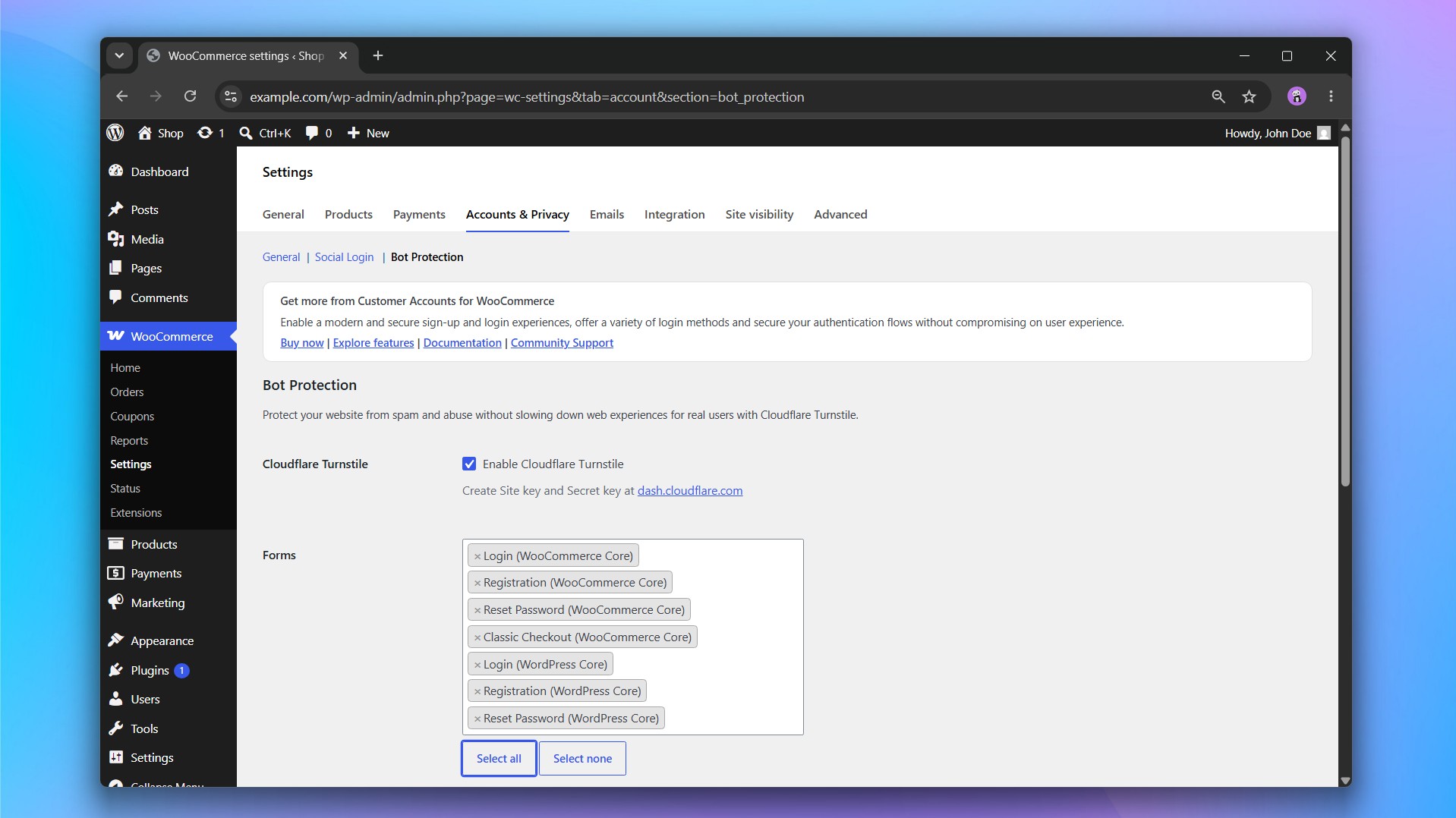
- Login
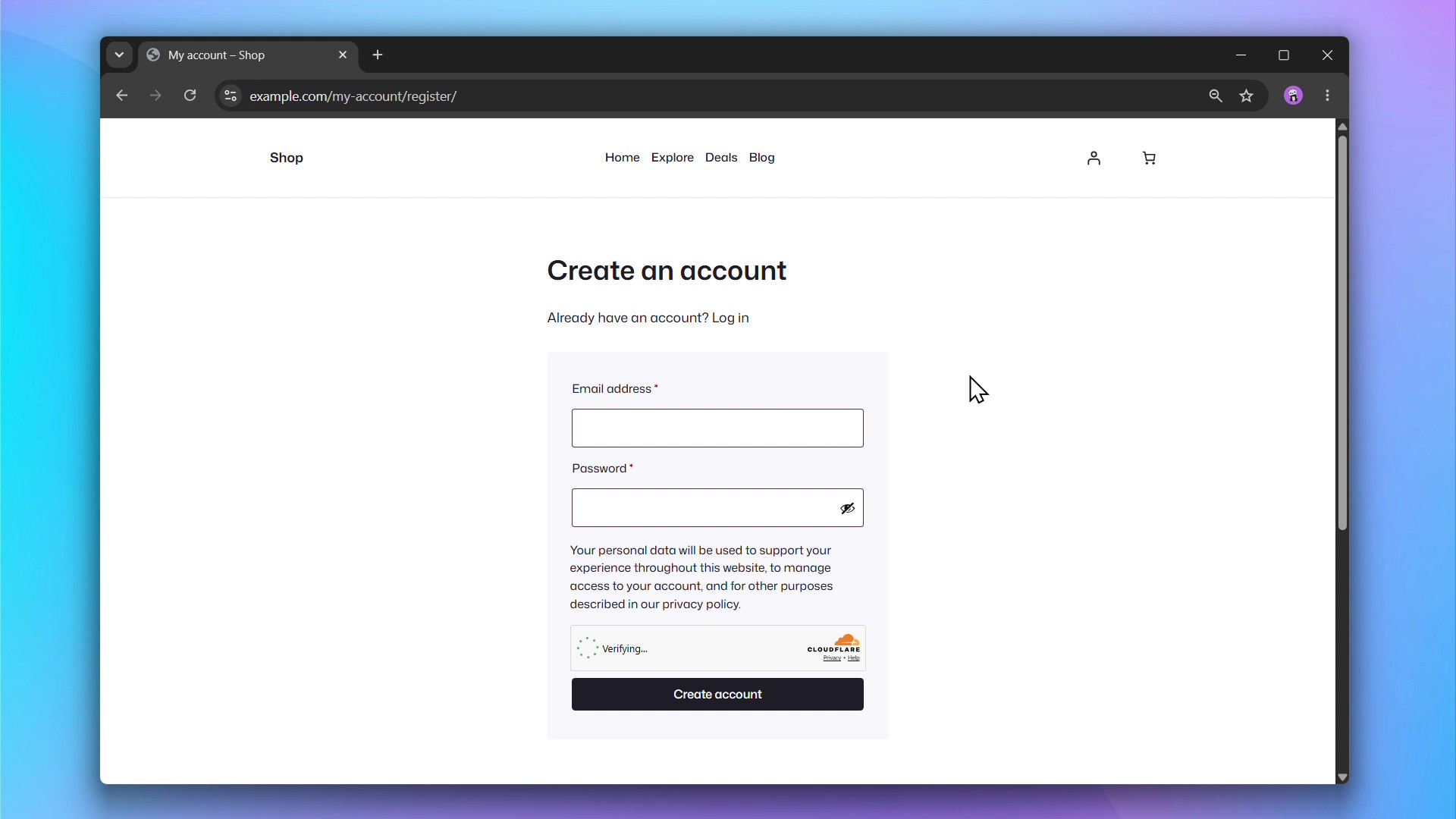
- Registration
- Reset Password
- Classic Checkout
WordPress
- Login
- Registration
- Reset Password
Getting Started
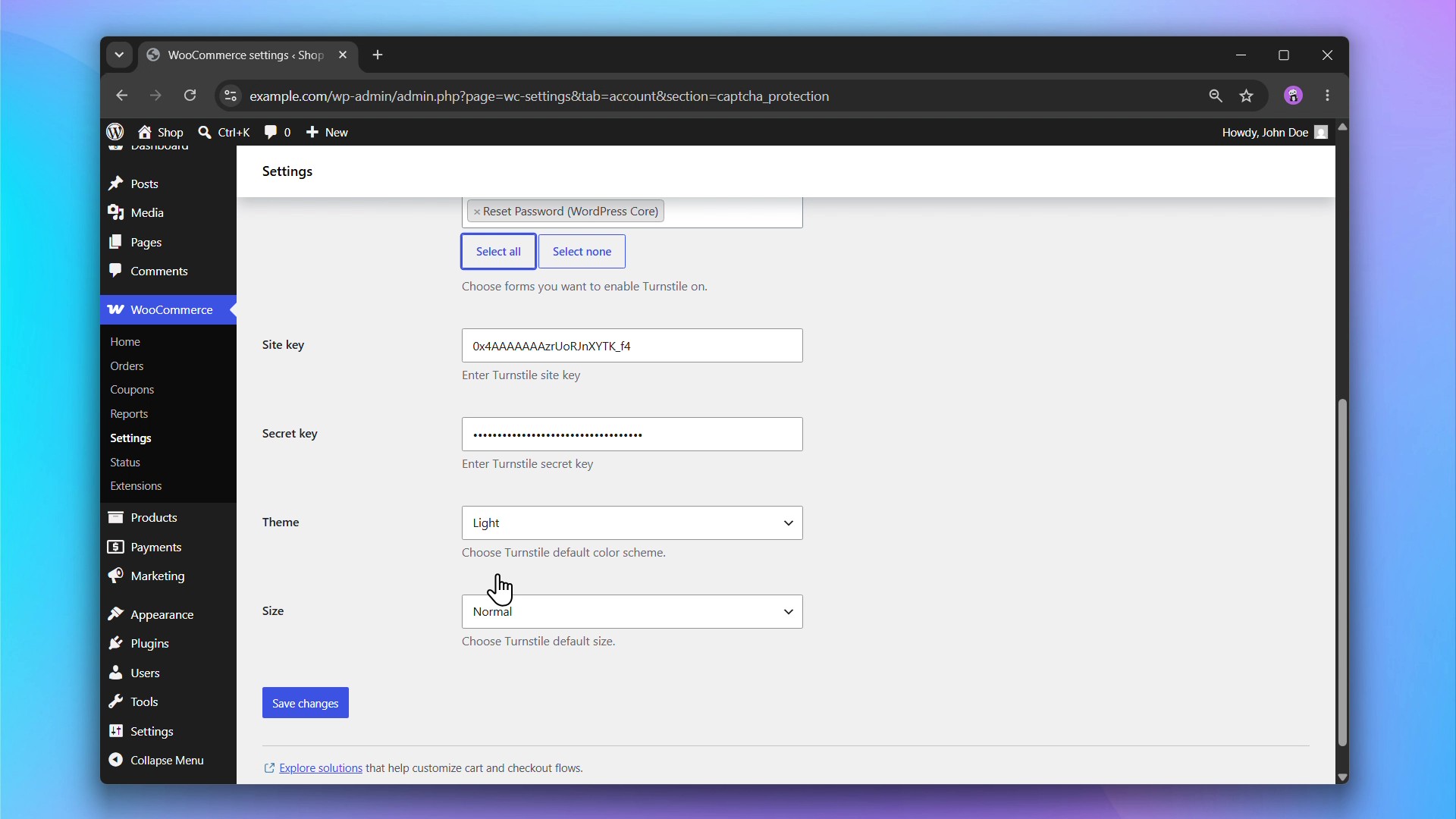
- Sign up for a free Cloudflare account and generate a Turnstile Site Key and Secret Key.
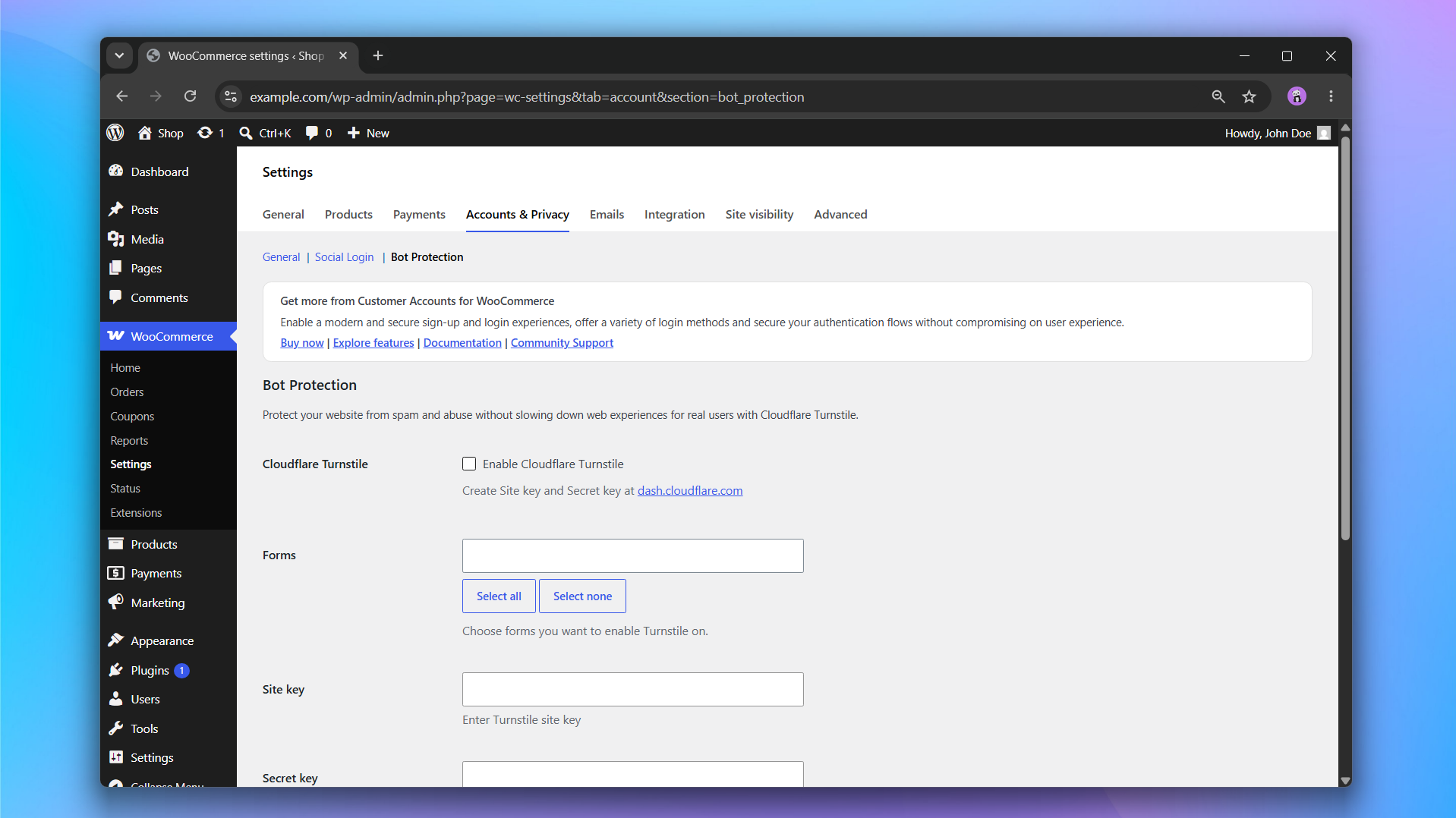
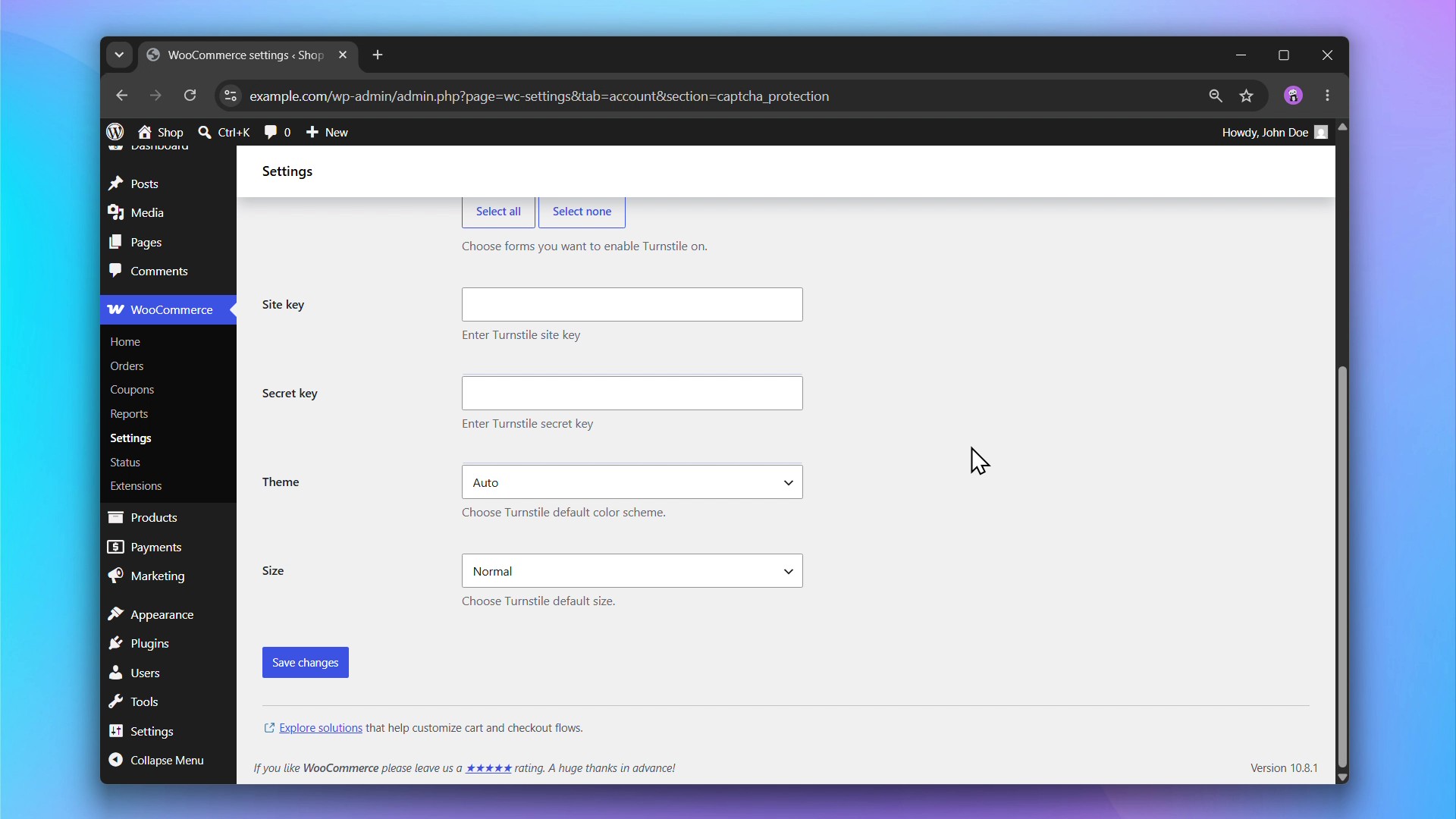
- Go to WooCommerce > Settings > Accounts & Privacy > Bot Protection and enter your keys.
- Choose which forms to protect.
- Done. Turnstile widgets will appear automatically on your selected forms.
Read our Documentation for a step-by-step guide to installing and setting up Bot Protection.
External services
This plugin uses Cloudflare Turnstile to verify that form submissions come from real users and not bots, protecting the site from spam and abuse.
It loads the Turnstile JavaScript API from Cloudflare’s servers whenever a protected form (e.g. login) is displayed. When the form is submitted, the widget’s response token, along with the user’s IP address, is sent to Cloudflare’s siteverify endpoint to confirm the submission is human.
This service is provided by “Cloudflare, Inc.”: Terms of Use, Privacy Policy.
Details
Related plugins
Plugins that also contain the tag captcha
SiteGuard WP Plugin

CF7 Apps – Honeypot, Database, Redirection, Webhook, and Addons for Contact Form 7

Really Simple CAPTCHA

Advanced Google reCAPTCHA

Captcha Code

Simple CAPTCHA Alternative with Cloudflare Turnstile


About
Plugin for that tries to help you find the WordPress plugin you are looking for.
| Please enjoy an image of Crush (this awesome turtle) and have a lovely day! |  |
We do not own any plugin listed on this site and do not work for or work with WordPress.com or it's associated companies. We simply provide a searchable list of the available WordPress plugins.