



CartPilot – Smart AI Sales Agent
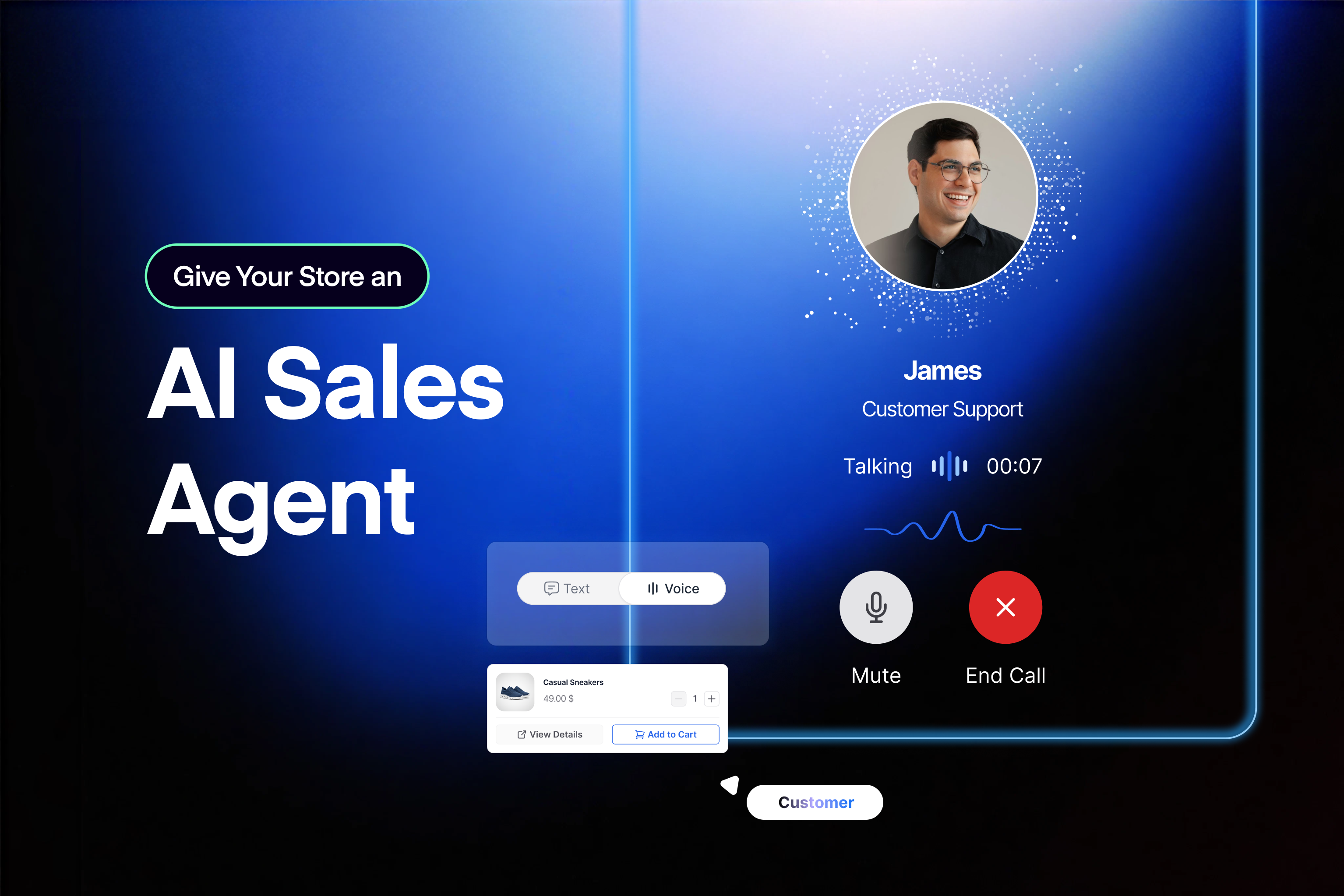
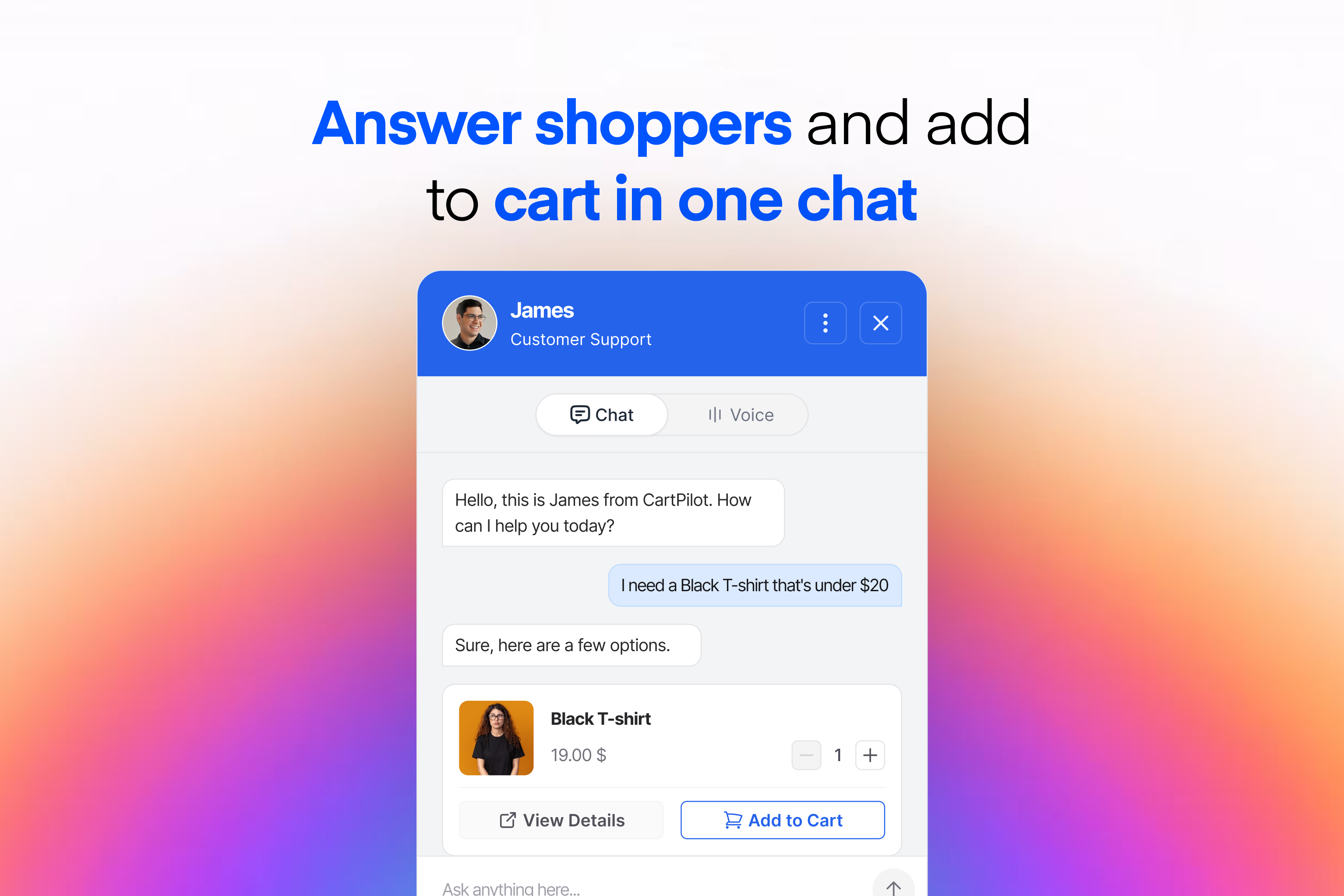
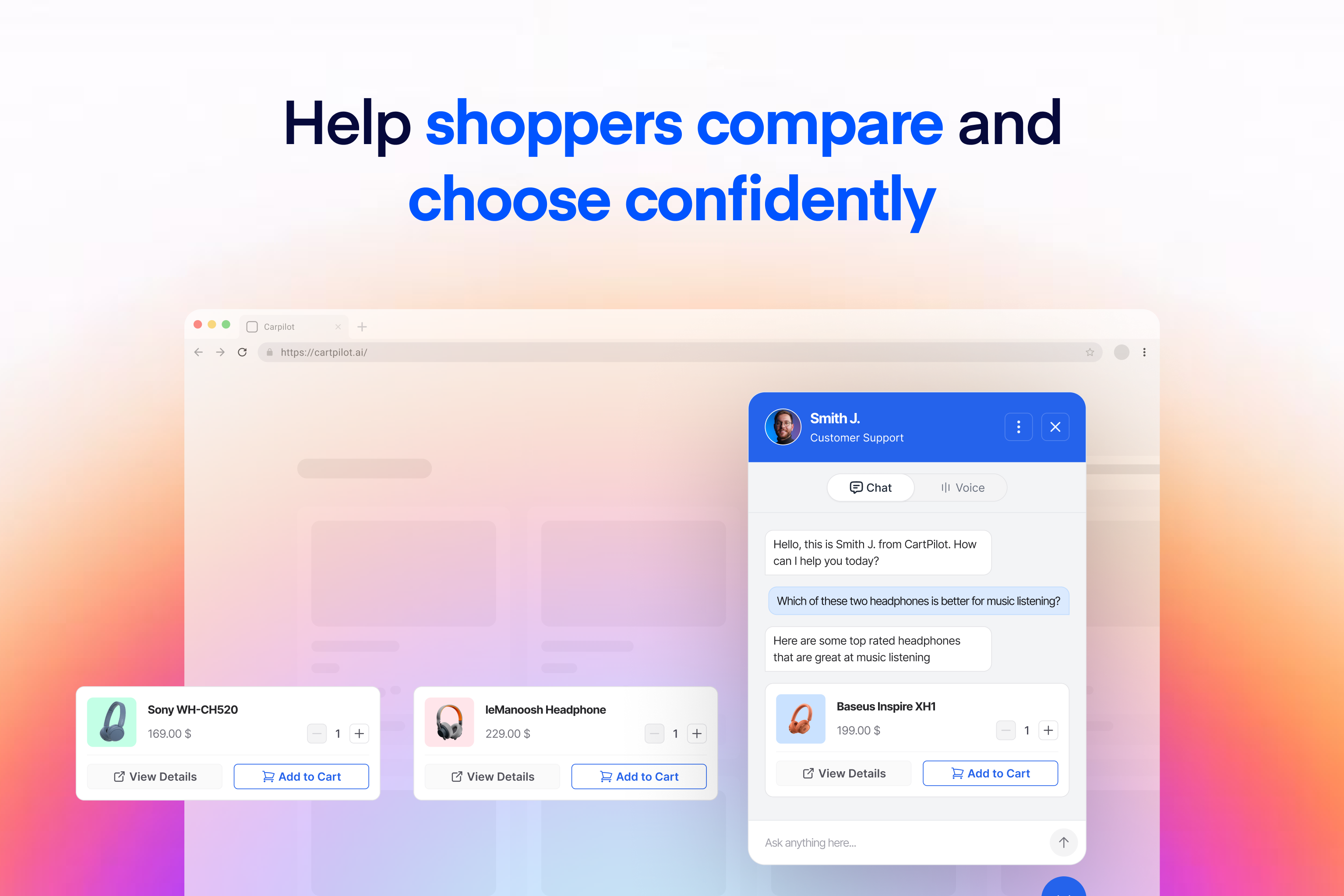
CartPilot helps shoppers move from a question to the right product and then to the cart. It connects to your WooCommerce catalog so customers can describe what they need in plain language, view matching products, compare options, and ask buying questions through a storefront conversation.
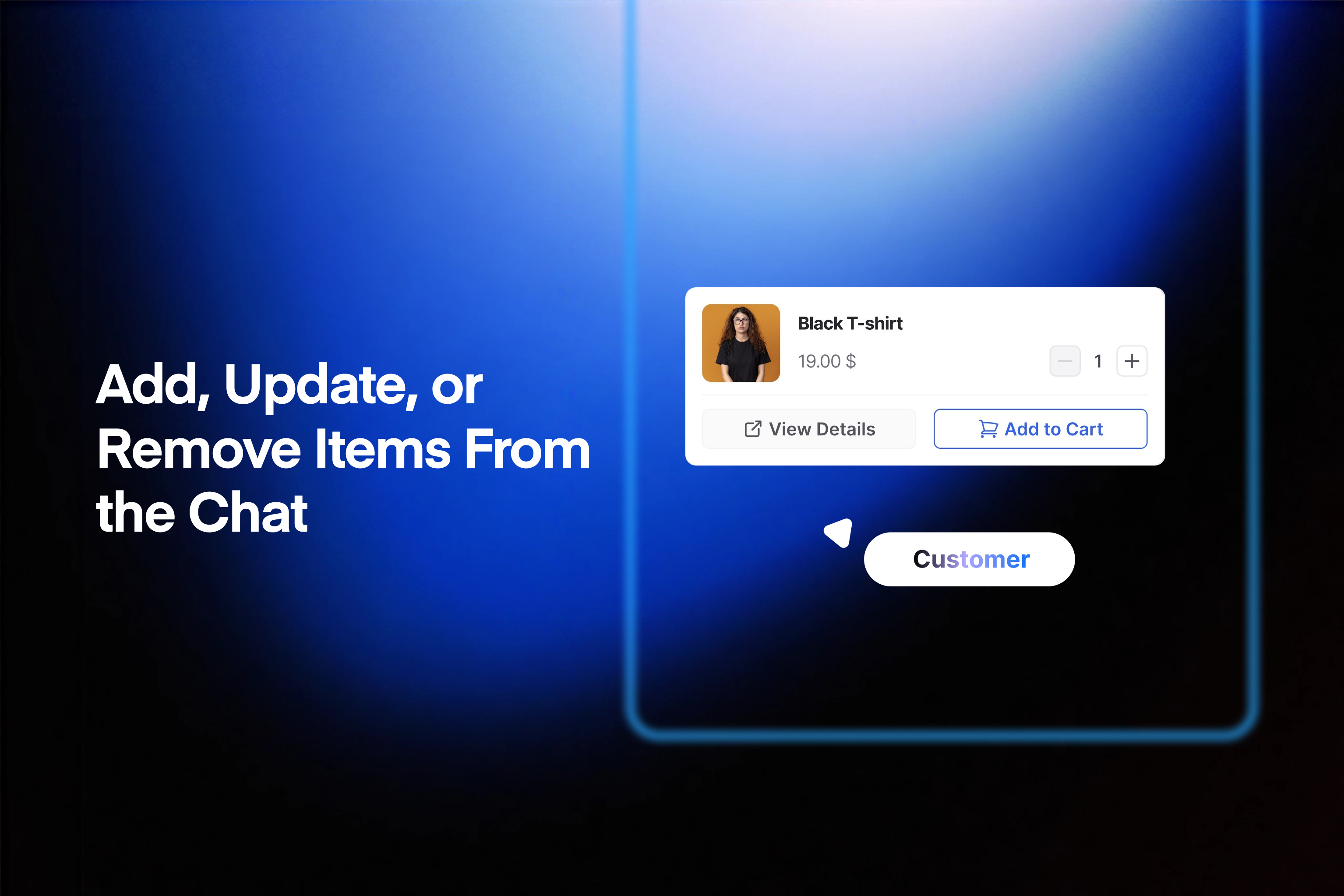
CartPilot can add a selected product or variation to the cart, change its quantity, remove it, and apply a coupon. It uses current product information, including prices, images, variations, and stock, rather than making shoppers rely only on exact search terms or wait for a team member.
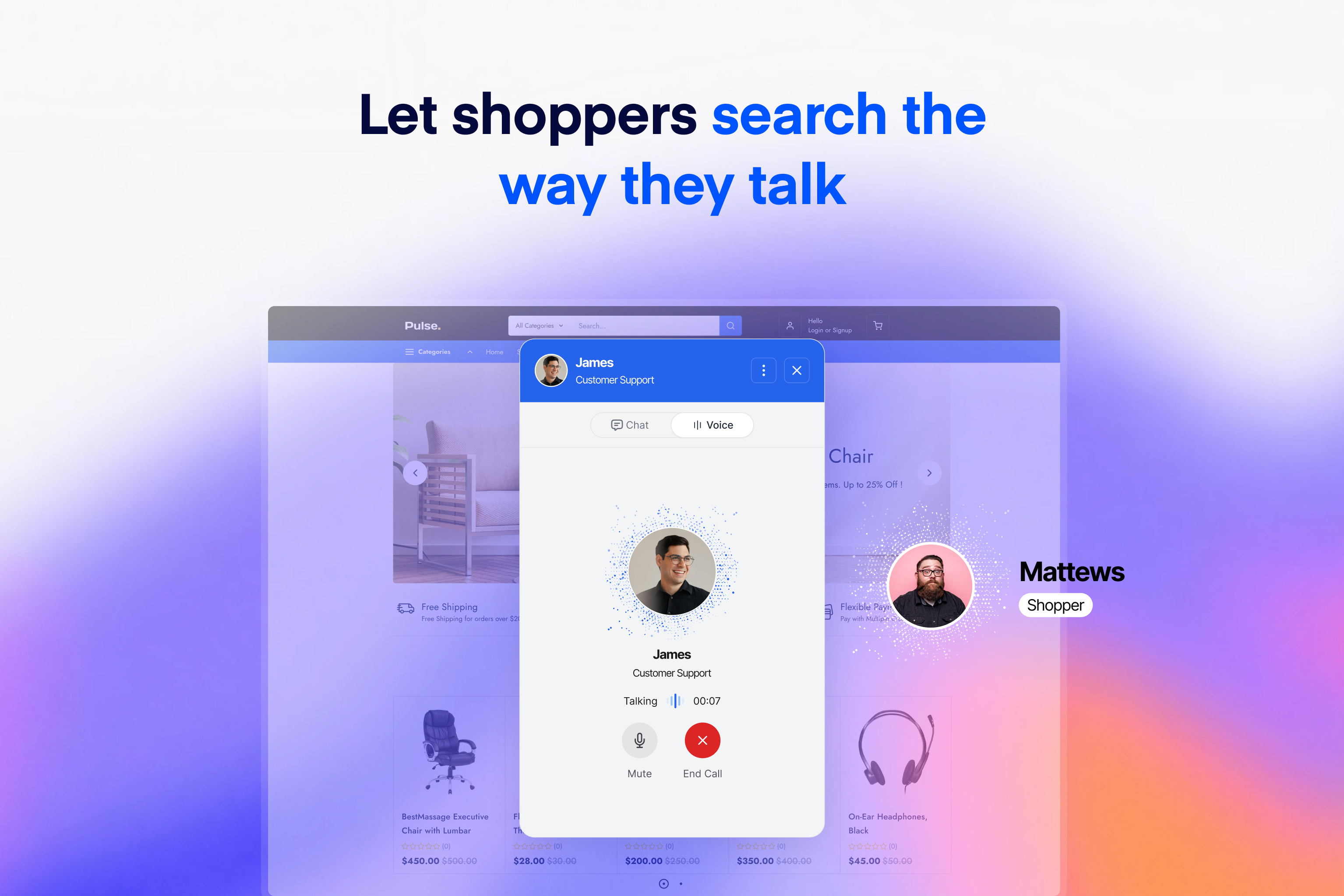
Customers can type or use hold-to-speak on mobile and desktop. More than 30 voice options are available, and voice conversations can perform the same product and cart actions as text conversations.
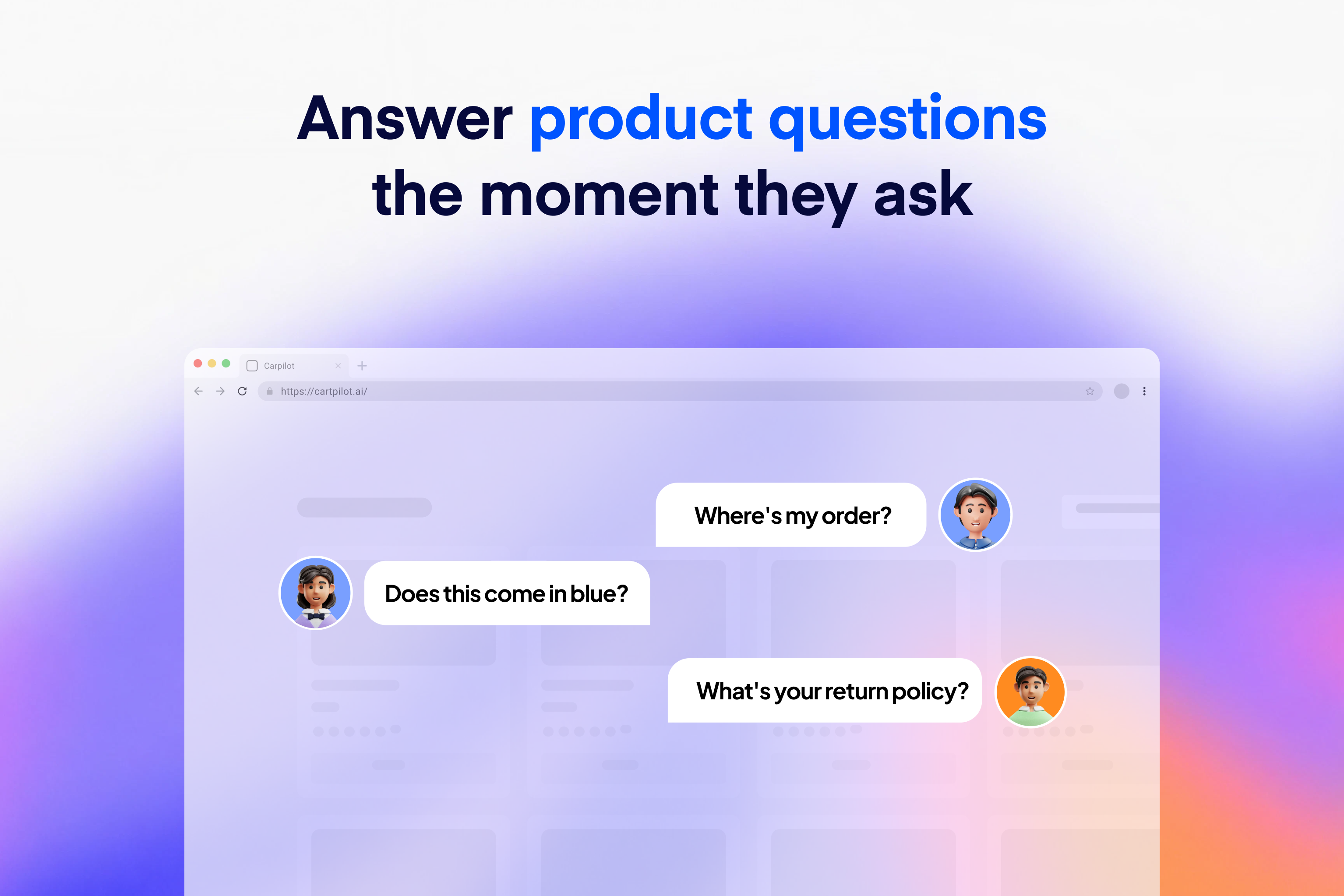
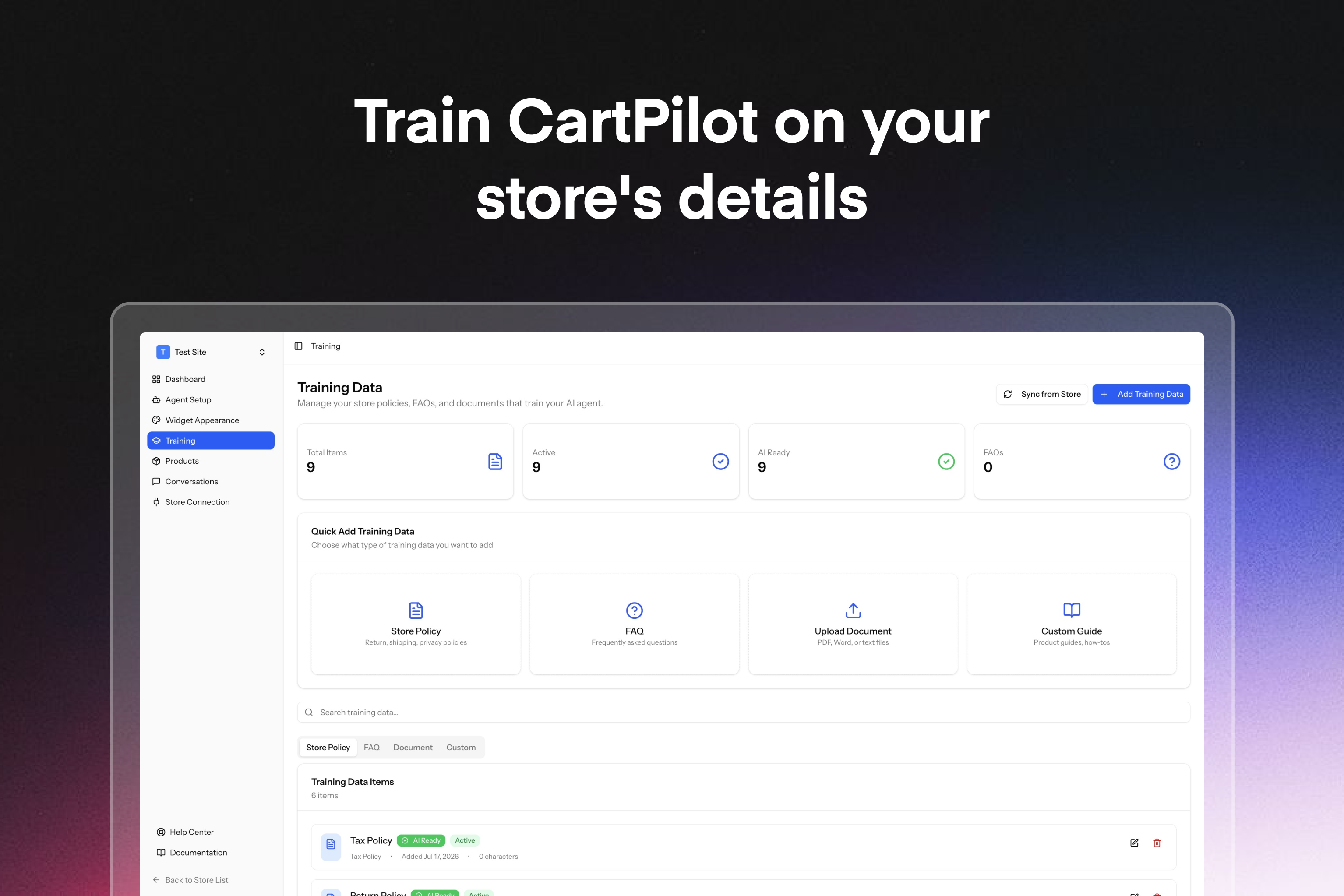
You can also give CartPilot the information it needs to answer common service questions. Connect your catalog and add store policies, FAQs, or other documents covering topics such as shipping, returns, and warranties. For logged-in customers, CartPilot can use order data to help with order tracking and return questions. When a request needs a person, it can direct the shopper to your support channel.
CartPilot is part of the StorePulse family and is built and maintained by weDevs, a WordPress-focused software company with 13 years in the ecosystem and a product portfolio used by more than 1 million people.
View the full feature list, compare plans, or start free.
Features
- Natural-language product search: Shoppers can describe what they want and receive relevant matches from your WooCommerce catalog.
- Product details and comparisons: Show current prices, images, variations, and stock, then help shoppers compare available options.
- Cart actions: Add the right variation, update quantities, remove items, and apply coupon codes from the conversation.
- Text and voice conversations: Let shoppers type or speak, with hold-to-speak support and more than 30 voice options.
- Store knowledge: Use your catalog, policies, FAQs, product guides, how-to content, and uploaded documents to provide relevant answers.
- Customer assistance: Answer common shipping, return, warranty, order-tracking, and post-purchase questions. Order information is available only to logged-in customers.
- Automatic catalog sync: Keep product answers aligned with changes to your WooCommerce catalog, including price and availability updates.
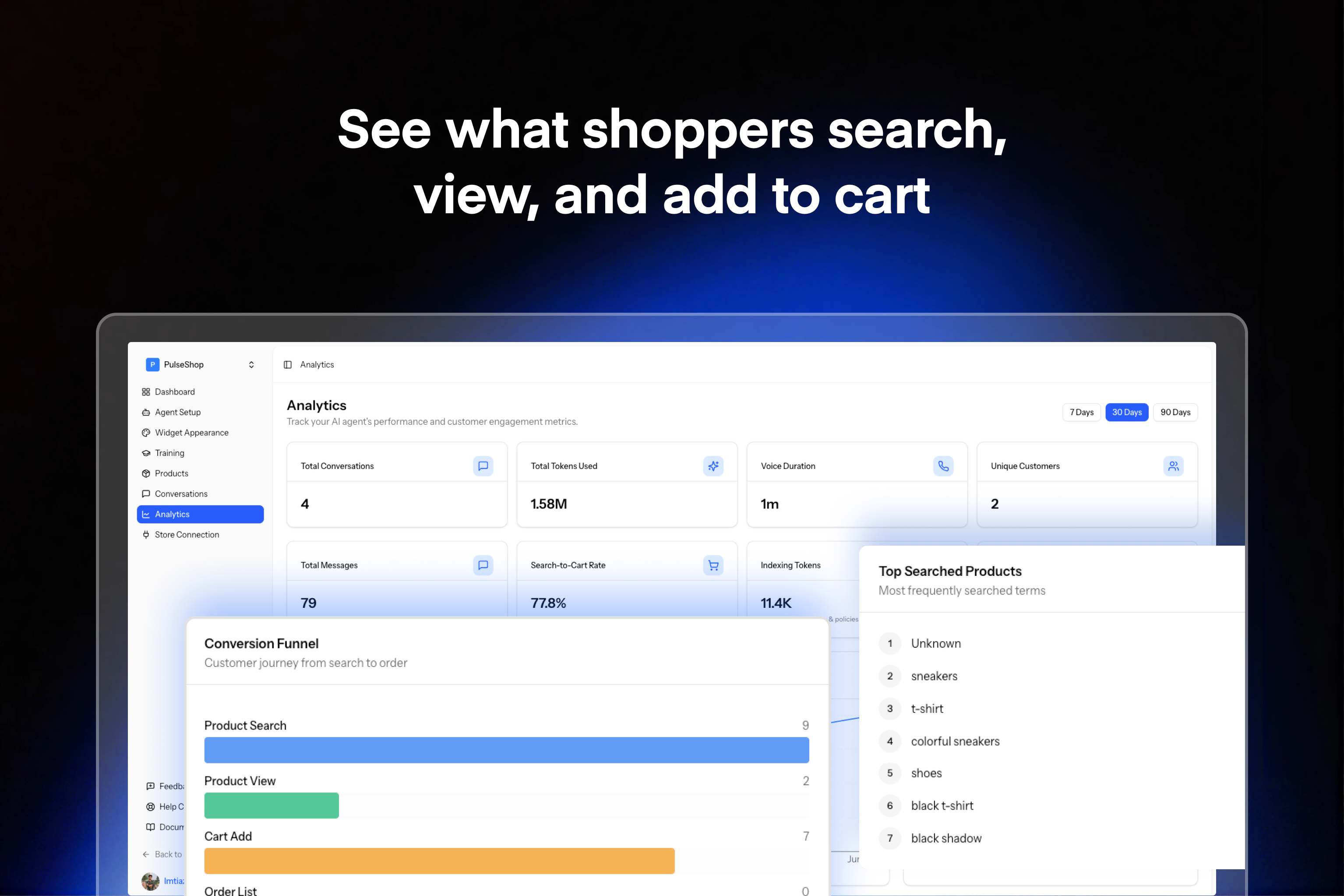
- Conversation analytics: Review transcripts, popular search terms, cart actions, recurring questions, and points where shoppers leave.
- Customizable widget: Choose the colors, fonts, position, greeting, agent name, and avatar without writing code. The widget is designed for mobile and desktop storefronts.
These features are useful for stores with large catalogs, frequent product-selection questions, recurring support requests, or small teams that cannot respond around the clock. Agencies and store builders can also configure CartPilot for WooCommerce clients.
How to Set Up CartPilot
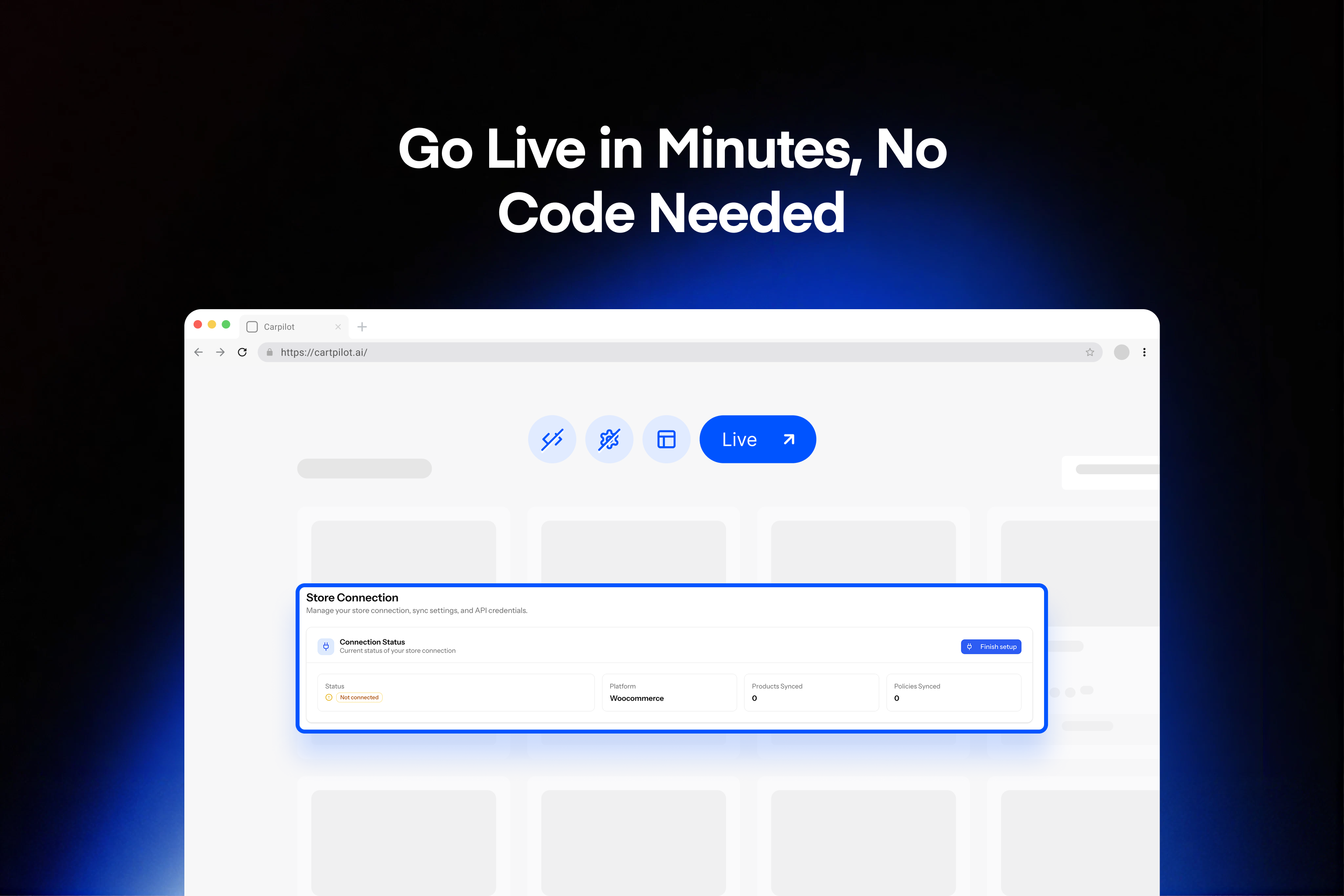
- Install and activate the plugin, then connect your WooCommerce store.
- Allow CartPilot to sync your product catalog.
- Add your policies, FAQs, guides, or other documents.
- Choose the widget’s appearance, greeting, position, agent name, and avatar.
- Test the experience, then publish it on your storefront.
Most standard stores can complete the initial connection in about two minutes. See the getting started guide and setup documentation for a complete walkthrough.
WooCommerce Compatibility
CartPilot connects to WooCommerce product, price, stock, variation, and order data. It works with most WooCommerce-compatible themes and loads its storefront widget without blocking the WordPress admin. If your store uses a heavily customized theme or checkout flow, test the plugin on a staging site before publishing it.
Privacy
Shopper messages are processed to generate replies under the CartPilot Privacy Policy. CartPilot uses the catalog information, policies, FAQs, and documents you provide to answer questions. It uses order data only when assisting a logged-in customer with that customer’s order or return. Store owners control which documents they add.
Read the Privacy Policy and Terms of Service for more information.
External Services
CartPilot requires a connection to the CartPilot cloud service at app.cartpilot.ai. When a shopper sends a message, the message and relevant store information, such as matching products, prices, order details when applicable, and merchant-provided policies, are sent to this service to produce a response and complete requested store actions.
The CartPilot service uses AI model providers to process language. It also processes account, billing, and usage information to provide the selected plan. Review the CartPilot Terms of Service, Privacy Policy, and Refund Policy for details.
Details

Related plugins
Plugins that also contain the tag ai
SEOPress – On-site SEO & Analytics

AI Engine – The Chatbot, AI Framework & MCP for WordPress

GetGenie – AI Content Writer with Keyword Research & SEO Tracking Tools

SEO Plugin by Squirrly SEO

Website LLMs.txt

Smartsupp – live chat, AI shopping assistant and chatbots


About
Plugin for that tries to help you find the WordPress plugin you are looking for.
| Please enjoy an image of Crush (this awesome turtle) and have a lovely day! |  |
We do not own any plugin listed on this site and do not work for or work with WordPress.com or it's associated companies. We simply provide a searchable list of the available WordPress plugins.