



Cartspring – Abandoned Cart Recovery for WooCommerce
Cartspring helps WooCommerce stores follow up with shoppers who leave items in their carts. Set a reminder schedule, send helpful emails through WooCommerce, and give shoppers a secure link to restore their cart.
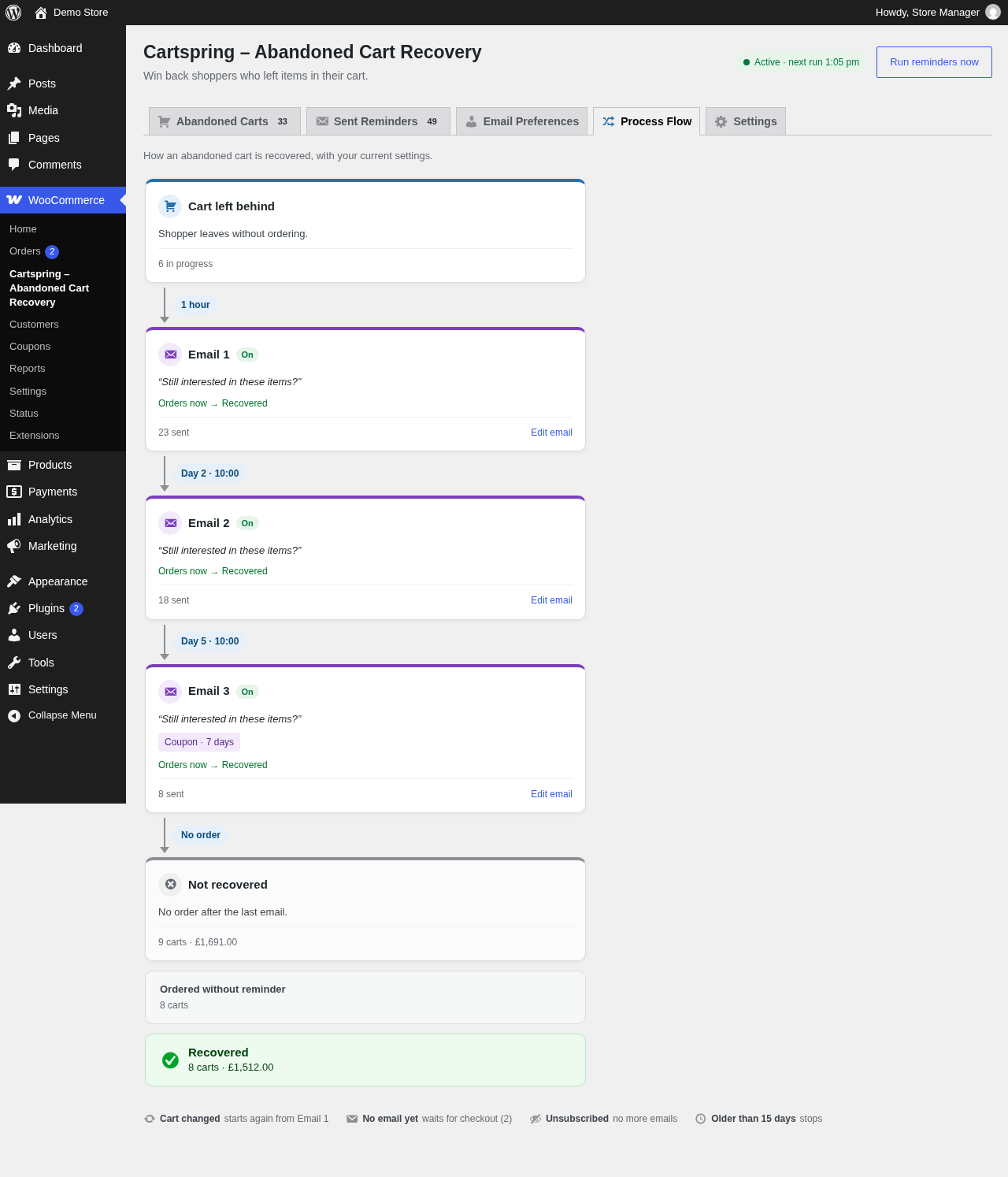
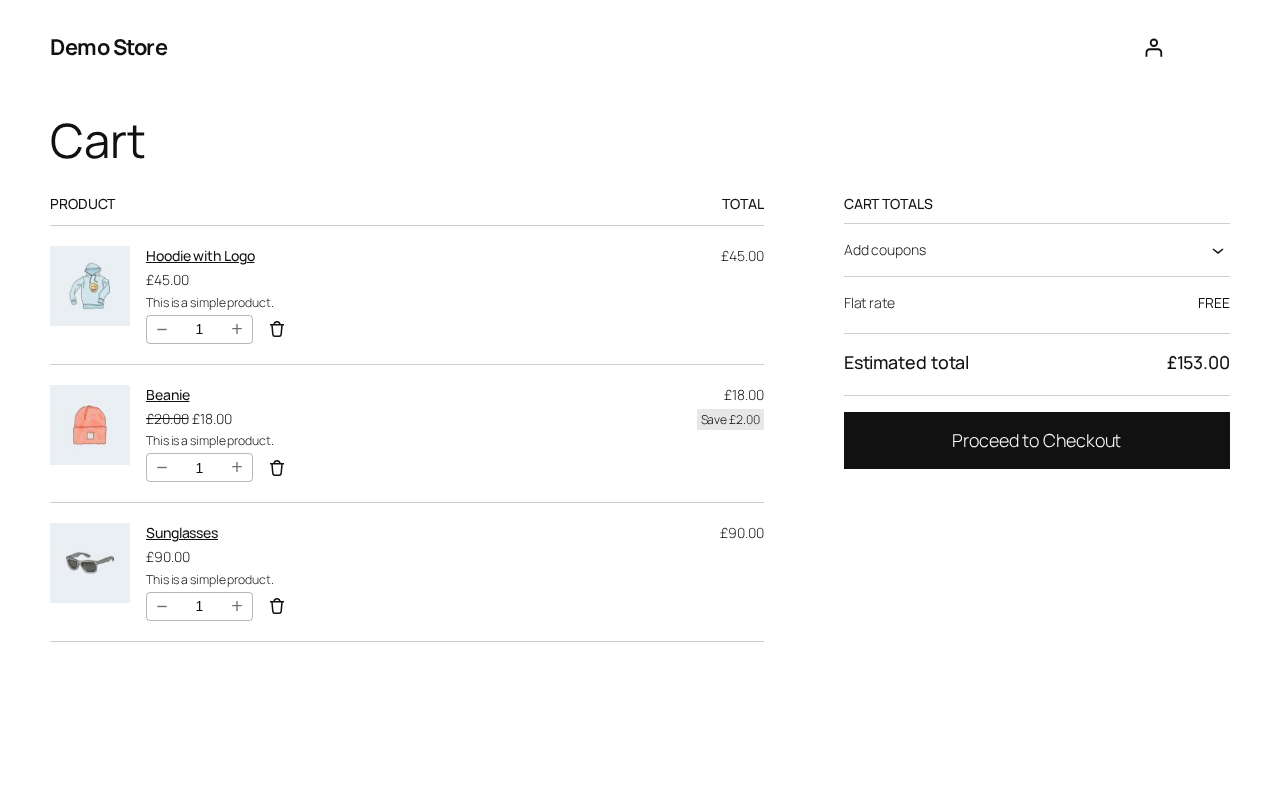
Cartspring captures carts for logged-in customers and guests. Guest email addresses are captured at checkout when available. You can configure up to three reminder emails, edit their content, and optionally include a unique, single-use coupon in the final enabled reminder.
Cart and subscriber records are stored in your site’s WordPress database. Cartspring does not connect to an external cart-recovery service. Reminder emails are sent through the WooCommerce mailer and your site’s configured email delivery.
Features
- Capture carts for logged-in customers and guests, including guest email capture at checkout.
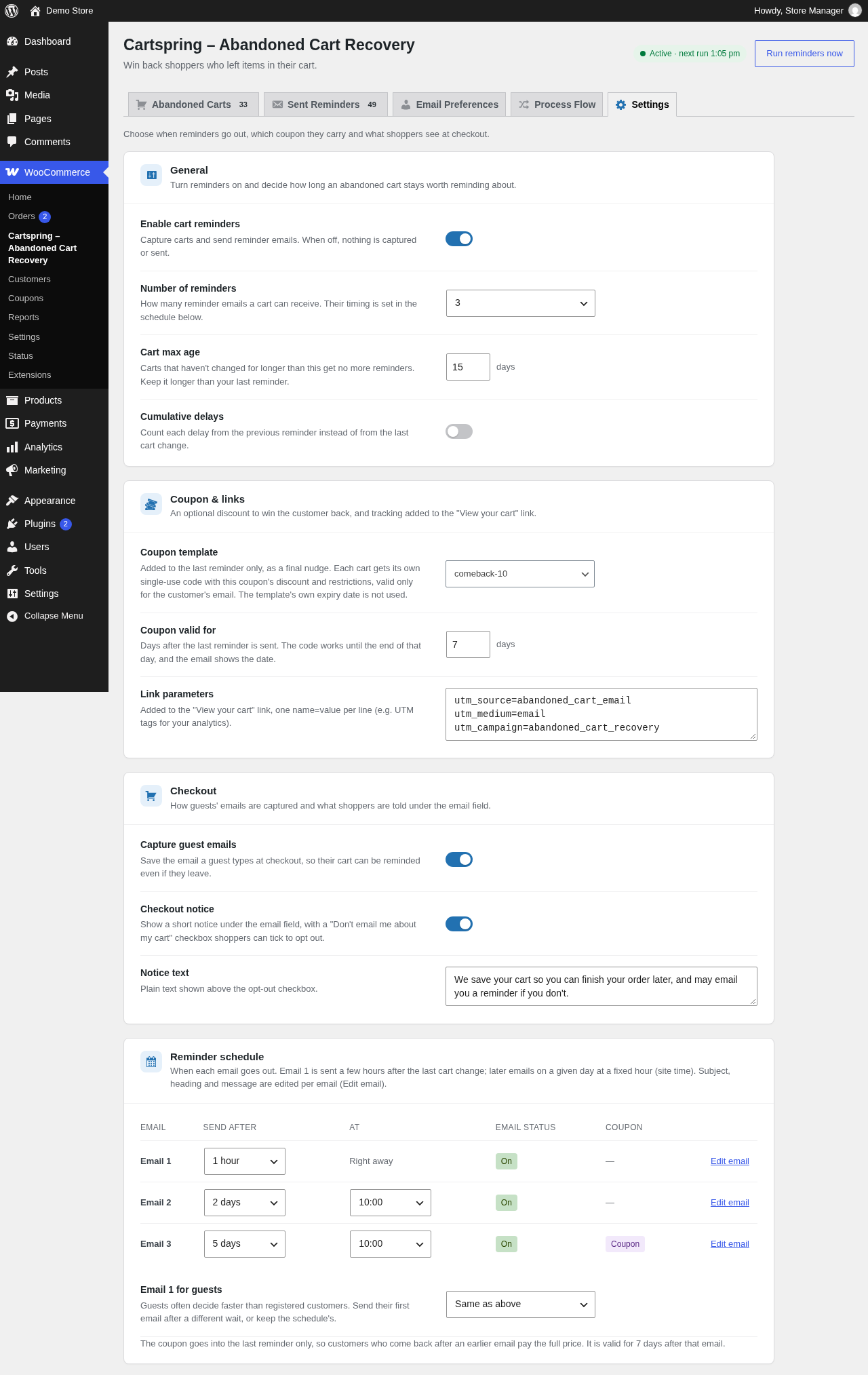
- Schedule up to three WooCommerce reminder emails with configurable delays and send times.
- Restore a saved cart with a secure, one-click link.
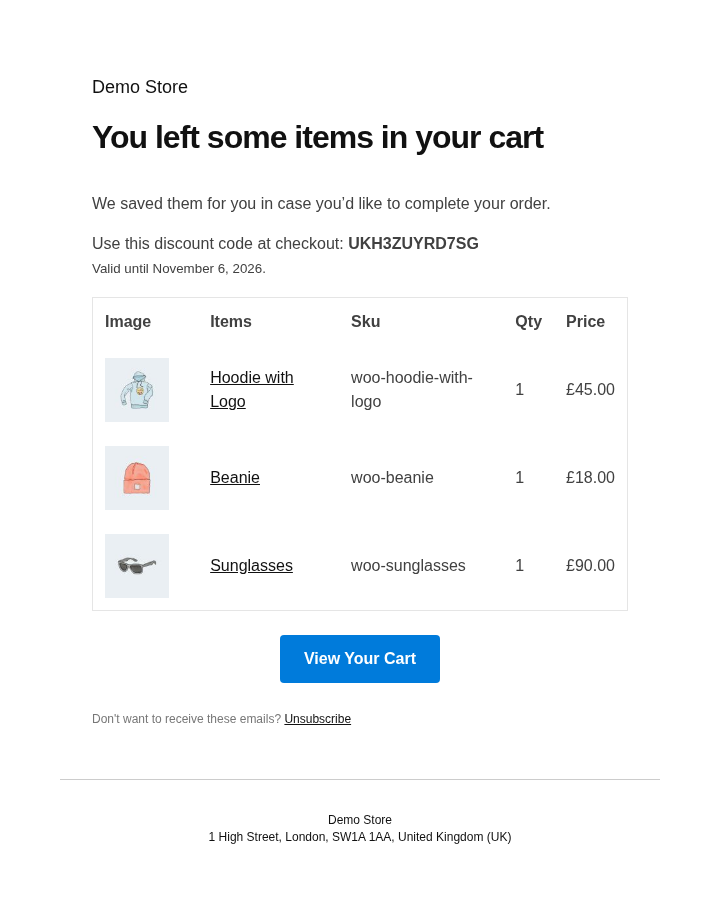
- Optionally add a customer-specific, single-use coupon to the final enabled reminder.
- Edit each reminder’s subject, heading, message, and email format; preview changes and send test emails.
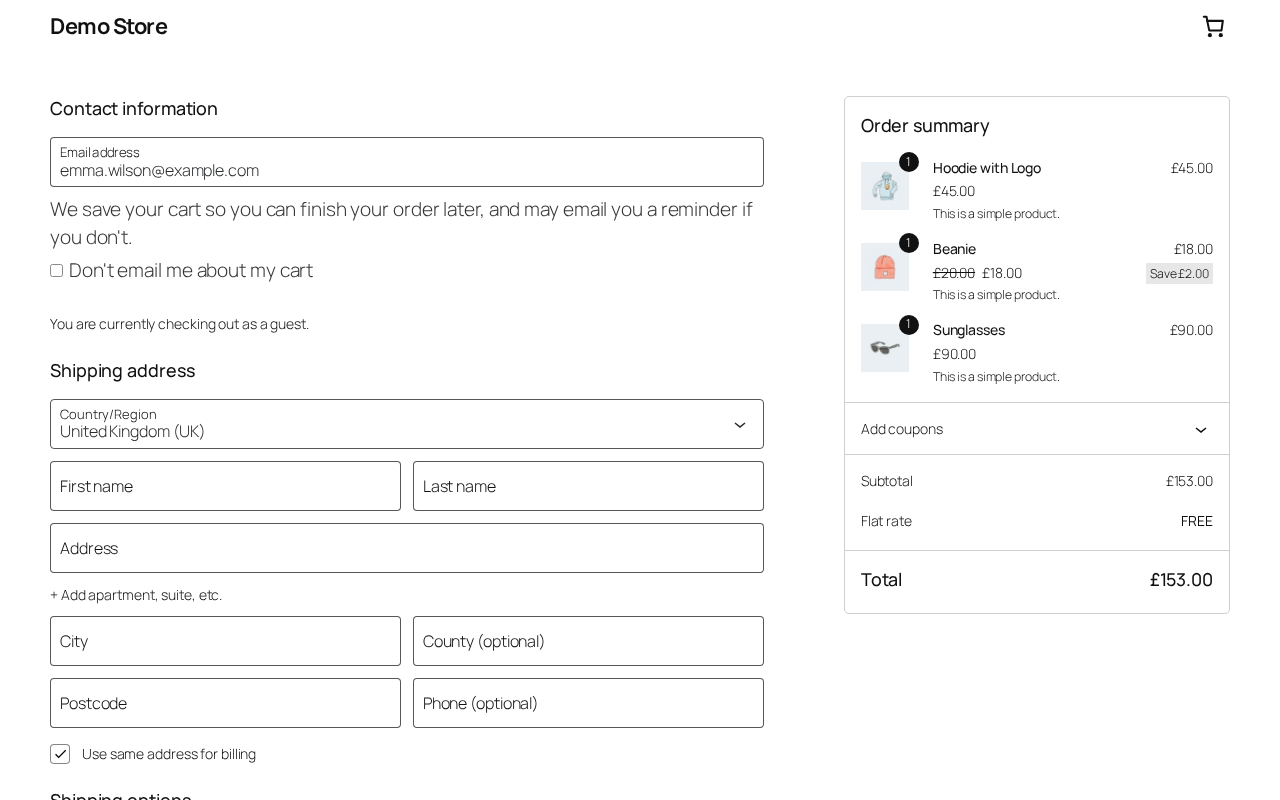
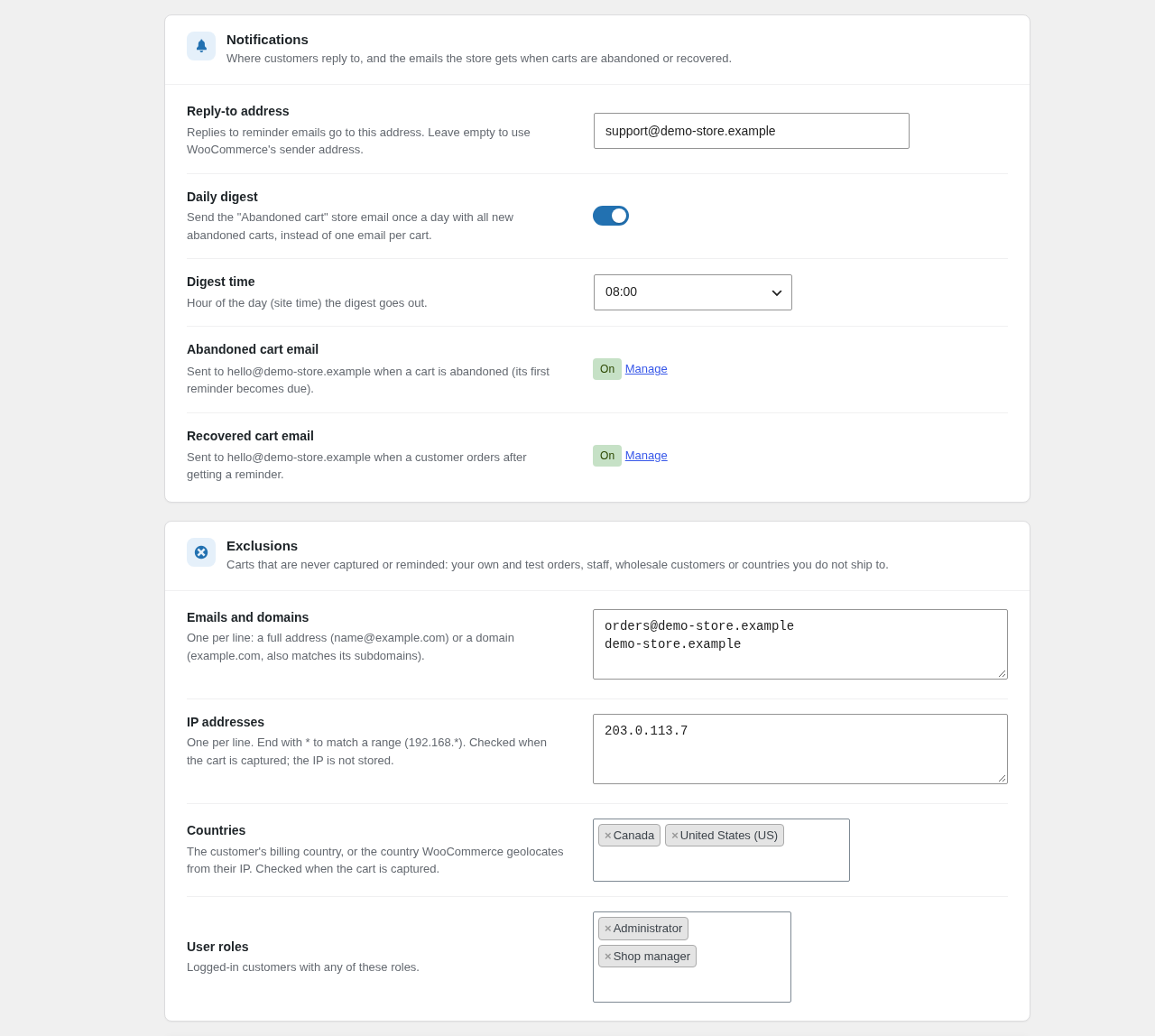
- Add an opt-out notice at checkout and provide unsubscribe links and an email preferences page.
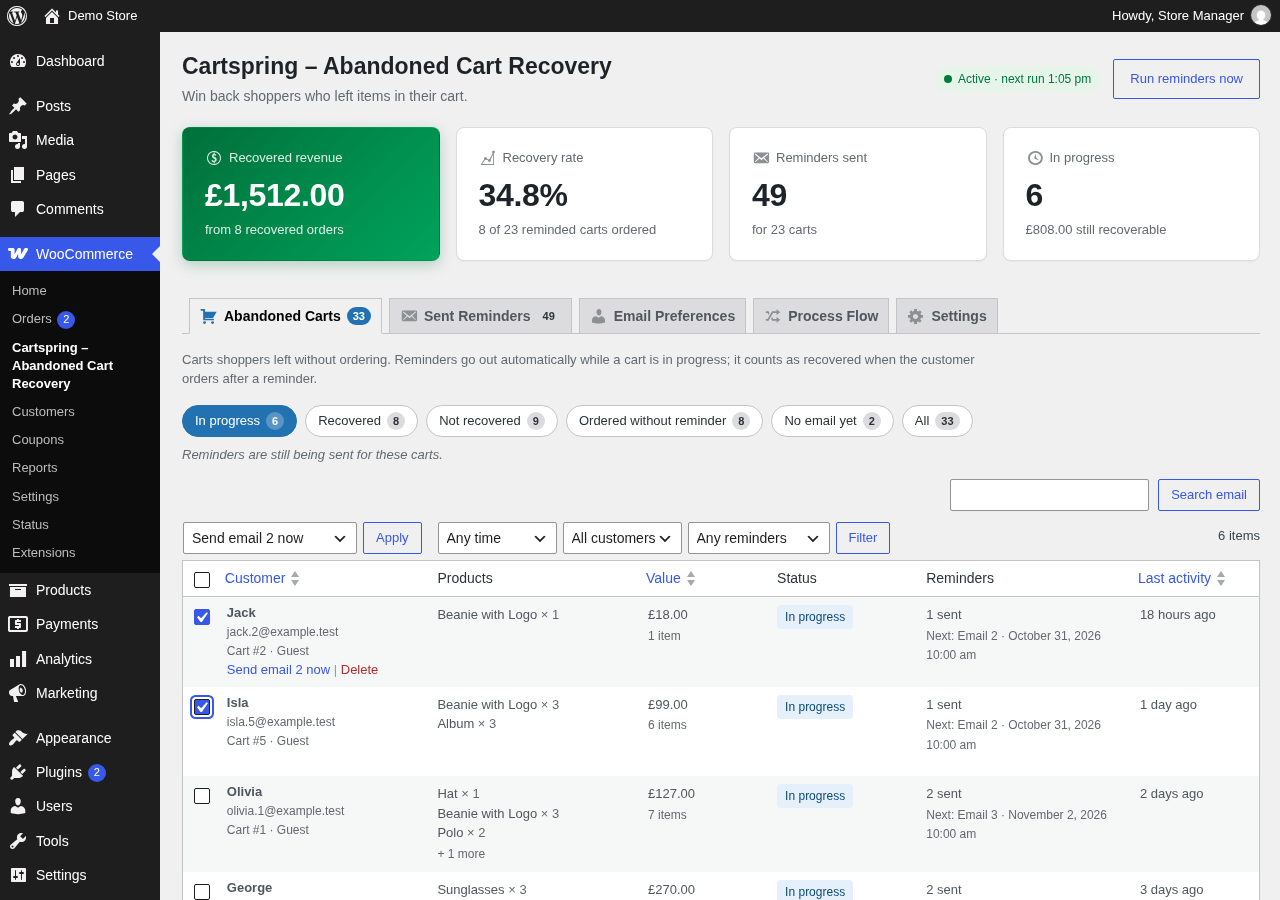
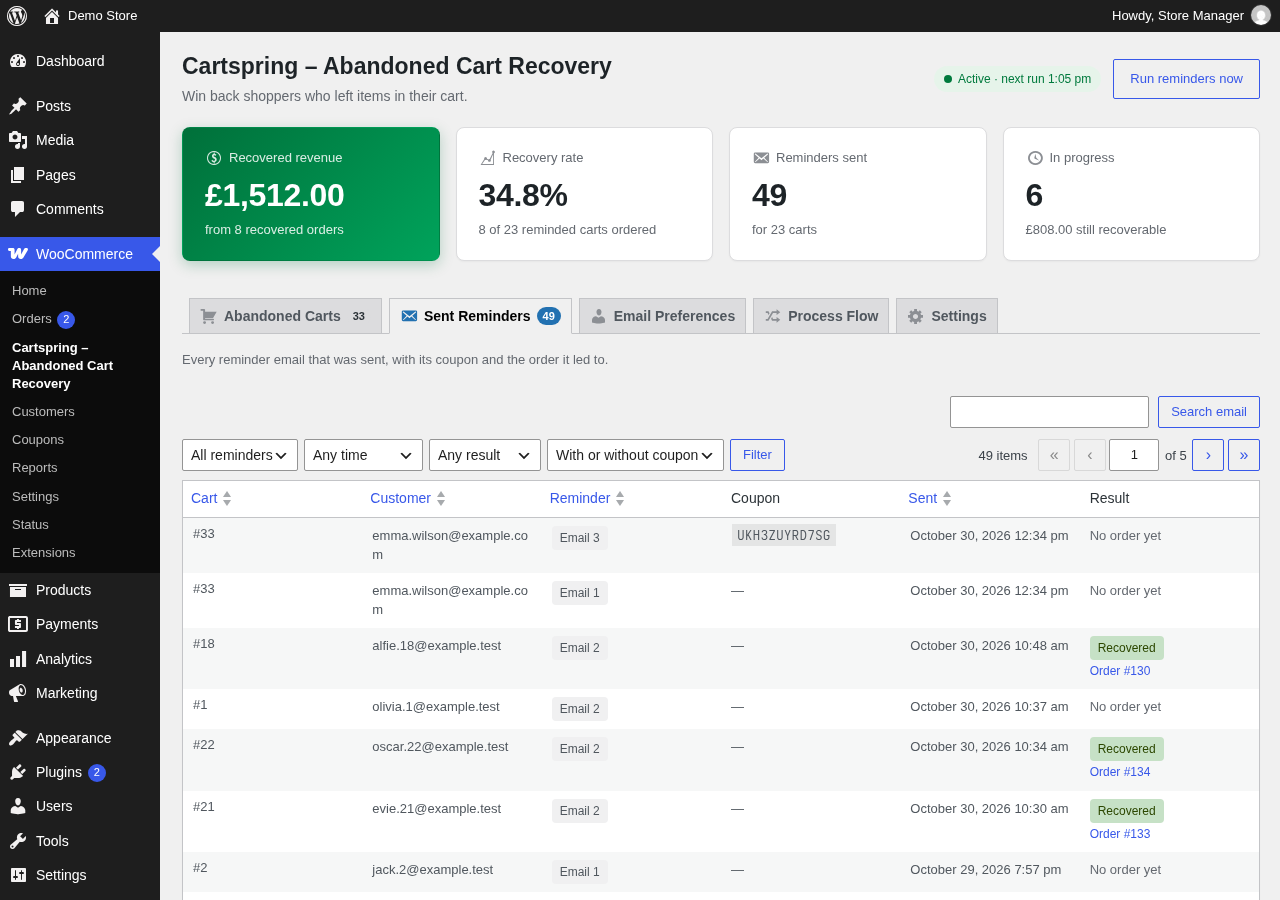
- Review carts, sent reminders, recovered orders, and recovery activity in the WooCommerce admin.
- Use Cartspring with the WooCommerce Checkout Block and High-Performance Order Storage (HPOS).
Requires WooCommerce 9.0 or later. Requires WordPress 6.6 or later and PHP 8.1 or later.
Details



Related plugins
Plugins that also contain the tag abandoned-cart
Booster for WooCommerce – PDF Invoices, Abandoned Cart, Variation Swatches & 100+ Tools

Zoho Campaigns

ShopMagic Abandoned Cart Recovery for WooCommerce

Retainful – WooCommerce Abandoned Cart, Newsletters, Email Marketing, Signup Forms and Automation

Constant Contact + WooCommerce

Abandoned Checkout Recovery & Order Notifications for WooCommerce


About
Plugin for that tries to help you find the WordPress plugin you are looking for.
| Please enjoy an image of Crush (this awesome turtle) and have a lovely day! |  |
We do not own any plugin listed on this site and do not work for or work with WordPress.com or it's associated companies. We simply provide a searchable list of the available WordPress plugins.