

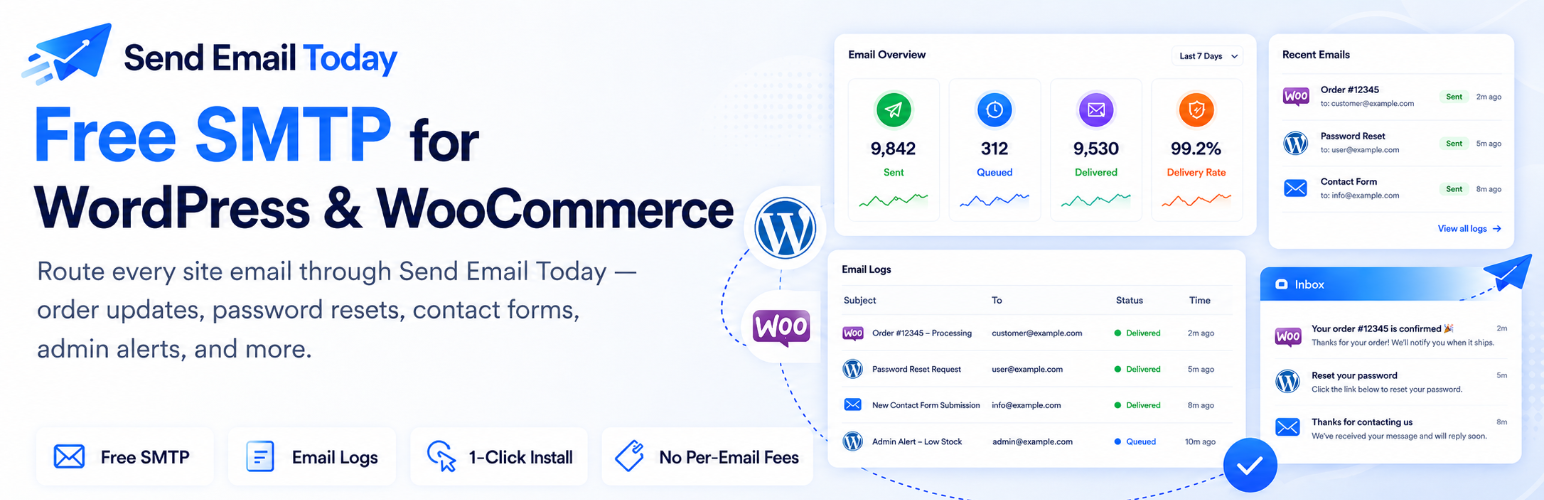

Casa Mail
Casa Mail intercepts wp_mail() and delivers each message through the Casa Mail transactional email service operated by CodeCasa Studios on the OnlineStoreNotifications infrastructure (api.onlinestorenotifications.com).
If your WordPress site doesn’t send emails yet, Casa Mail is the perfect solution to start sending with no technical experience or SMTP API keys. Already send mail? Switch to Casa Mail, save money and improve deliverability.
The plugin is intended for sites that want an easy, hassle free wp_mail setup! Improve deliverability of order confirmations, password resets, account-verification emails, and similar transactional traffic with our built-in SMTP server. It does not change anything about how WordPress queues mail; it only changes how the SMTP step is performed.
How it works
pre_wp_mailis hooked at priority 1. Each call is converted to a JSON payload and POSTed to the gateway.- If the gateway accepts on the first POST,
wp_mail()returns true and the message is durably enqueued upstream. - If the gateway is unreachable on the first POST, the payload is written to a durable outbox table (
<prefix>casamail_outbox) and a cron tick retries with 30s, 2m, 10m backoff. - A separate transmit log table (
<prefix>casamail_sends) records every attempt for visibility on the plugin dashboard. Rows older than 30 days are pruned automatically.
Onboarding
After activation, an in-WordPress wizard collects:
- Site name, site URL, contact email address.
- A 6-digit code emailed by the gateway to confirm the address.
- Plan selection (one free plan today; paid tiers planned).
- Optional: authenticate a sender domain so customer email goes out from your domain with aligned DKIM.
Trademark note
This plugin is not affiliated with or endorsed by WooCommerce, Automattic, or any third party. The WooCommerce name appears only as a compatibility note (when WooCommerce is detected, the plugin’s admin menu attaches under it for convenience; otherwise it lands under Settings).
External services
This plugin transmits data to a third-party SMTP gateway. WordPress.org policy requires this be disclosed.
Endpoints contacted
The plugin makes HTTPS requests to:
https://api.onlinestorenotifications.com/v1/onboard/request— during onboarding, to send your verification email.https://api.onlinestorenotifications.com/v1/onboard/verify— during onboarding, to confirm the code and provision an account.https://api.onlinestorenotifications.com/v1/send— for everywp_mail()call once the plugin is onboarded.https://api.onlinestorenotifications.com/v1/email/domain(GET / add / verify) — when the site administrator interacts with the Sender Domain page.
The gateway is operated by CodeCasa Studios under the Casa Mail brand and runs on the OnlineStoreNotifications infrastructure. Casa Mail and OnlineStoreNotifications are sister brands of the same company; the API hostname reflects the shared backbone rather than a third-party dependency.
Data sent
During onboarding (one-time, before any send): site administrator email address, site name, site URL.
For each wp_mail() call once onboarded: sender email address, sender name, recipient email address(es), subject, message body, message headers (after stripping From/To/Subject/Date/Message-ID/MIME-Version/Content-Type/Content-Transfer-Encoding).
Terms and privacy
- Terms of service: https://sendemailtoday.io/terms.html
- Privacy policy: https://sendemailtoday.io/privacy.html
Privacy
When activated, this plugin transmits email content (recipient, sender, subject, body, headers) to a third-party SMTP gateway for delivery. This is the plugin’s only purpose. The data lifecycle is described above under “External services” and on the linked privacy policy.
The plugin also writes a wp_add_privacy_policy_content() block describing what is transmitted; this lets site administrators include the disclosure in the WordPress-managed privacy policy page (Settings -> Privacy).
Account deletion: a “Request account deletion” button on the plugin’s Settings page emails the gateway operator. Upon confirmation, the tenant record, API key(s), domain-authentication records, and recent sending history are removed from the gateway side. The plugin uninstall additionally removes the plugin’s WordPress-side options + tables.
Details


Related plugins
Plugins that also contain the tag deliverability
WP Mail Logging

Deliverability – pass DKIM, SPF, DMARC & more

Email Essentials

Oderland SMTP & Postal Mailer

Mesh SMTP

Does My Email Work


About
Plugin for that tries to help you find the WordPress plugin you are looking for.
| Please enjoy an image of Crush (this awesome turtle) and have a lovely day! |  |
We do not own any plugin listed on this site and do not work for or work with WordPress.com or it's associated companies. We simply provide a searchable list of the available WordPress plugins.