

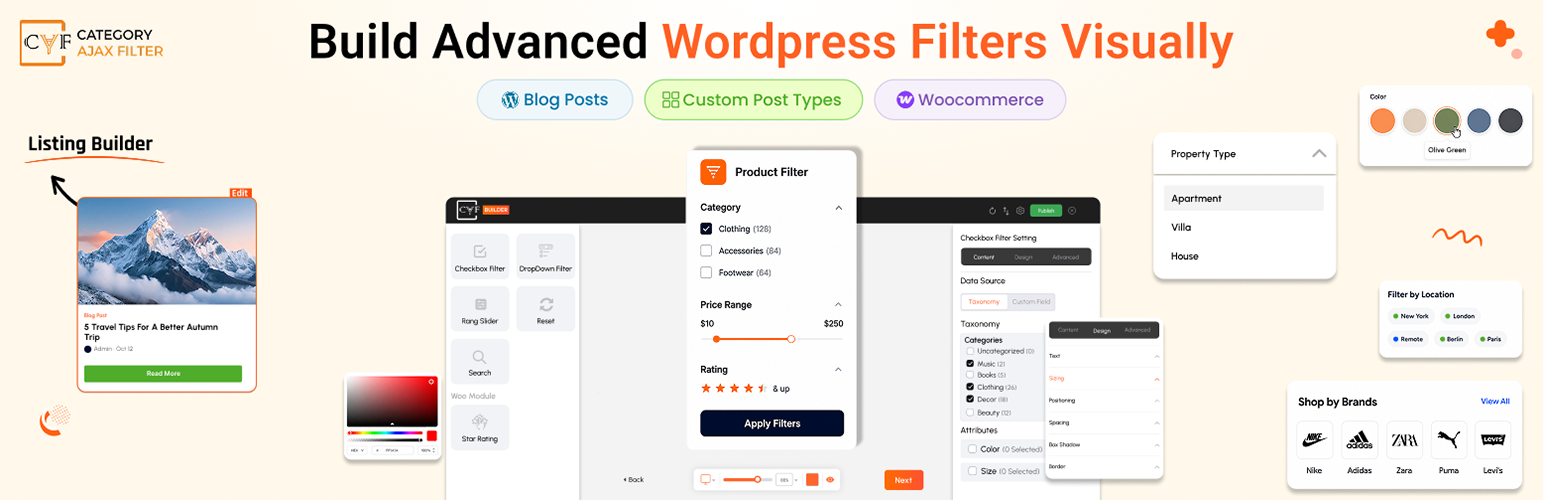

Category AJAX Filter – Advanced Filter for Posts & Custom Post Types
Category AJAX Filter lets you instantly filter WordPress posts and custom post types using categories, taxonomies and tags with AJAX-powered filtering — without reloading the page.
It includes pre-built layouts and an easy-to-use admin panel to manage categories, tags, styling options, pagination and more. Fully compatible with Elementor, Divi, WPBakery and Gutenberg, CAF helps you create powerful WordPress post filters and custom post type filters to organize and display your content in a fast and user-friendly way.
Key Features of Category AJAX Filter (Free)
- Supports Custom Post Types and Taxonomies – Filter content from any post type including blogs, portfolios, directories and more.
- 3 Pre-built Filter Layouts – Quickly create filters using ready-made layouts without complex setup.
- 4 Pre-built Post Layouts – Display filtered results using multiple post layouts for different design styles.
- Flexible Design Options – Customize colors, fonts, sizing, spacing, and layout to match your website design.
- Easy-to-use Admin Panel – Simple controls make it easy to configure filters and manage settings.
- Responsive and Lightweight – Fully optimized for mobile, tablet and desktop with fast performance.
- Regular Updates and Quick Support – Continuous improvements and support to keep your site running smoothly.
Live Demos ( Free ) – See Category AJAX Filter in Action
Check out the live demo to explore AJAX-powered filtering, different layouts and how posts update instantly without reloading the page.
* Simple Blogs
* Boxed Title
* Glossy Look
* Full Width
* Filter in Sidebar
* Dropdown Filter
Perfect For Many Types of WordPress Websites
Category AJAX Filter is ideal for websites with large amounts of content where visitors need a quick way to find relevant posts or listings.
It works great for:
- Blog Category Filtering – Let readers filter blog posts by categories and tags.
- Custom Post Type Websites – Easily filter content from portfolio items, events, listings or any custom post type.
- Portfolio Websites – Display projects and allow visitors to filter them by categories or taxonomies.
- Directory Websites – Organize and filter listings using custom taxonomies.
- Content-heavy Websites – Help users quickly narrow down results and discover relevant content.
With AJAX-powered filtering, visitors can instantly view matching posts without reloading the page, creating a smooth and modern browsing experience.
Supported Post Types & Taxonomies
Category AJAX Filter works with default WordPress content as well as custom content structures.
- Default WordPress Posts – Filter blog posts by categories and tags with instant AJAX results.
- Custom Post Types – Display and filter portfolio items, recipes, events, listings or any custom post type.
- WordPress Categories & Tags – Use built-in categories and tags to refine results and organize content.
- Custom Taxonomies & Terms – Filter posts using custom taxonomies and taxonomy terms created for your custom post types.
Compatible Custom Post Type Plugins
Category AJAX Filter works with plugins used to create custom post types and taxonomies.
The plugin has been tested with:
- Advanced Custom Fields (ACF)
- Custom Post Type UI (CPT UI)
- Custom-coded post types and taxonomies
Compatible With All Major Page Builders
Category AJAX Filter (CAF) is shortcode-based, allowing you to place filters anywhere on your website.
CAF works seamlessly with all major WordPress page builders, including Gutenberg, Elementor, Divi , WPBakery, Oxygen etc.
No matter which builder you use, you can easily add filters to posts, custom post types, categories, and taxonomies without complex setup.
Simply place the shortcode in your page, post, or builder layout and your AJAX-powered filters will start working instantly.
How It Works
Getting started with Category AJAX Filter (CAF) is quick and simple. Watch the video below to see how you can create and display filters for your posts and custom post types.
Category AJAX Filter Pro Features
Upgrade to Category AJAX Filter Pro to unlock advanced filtering capabilities, more layouts, powerful integrations and enhanced user experience for content-heavy websites.
Multiple Taxonomies Support
CAF Pro allows visitors to filter content using multiple taxonomies at the same time, making it easier to narrow down results and discover relevant posts or listings.
For example, users can filter content by Category, Tag and a custom taxonomy together to quickly find the most relevant results.
CAF Pro Demo Layouts (15+ Filter & Post Layout Examples)
CAF Pro gives you access to 15+ additional filter and post layouts to create more engaging filtering experiences. You can use filter styles like Alphabet filters, Voice Search, Checkbox filters with icons and advanced search layouts to make content discovery easier for visitors.
For displaying results, choose from dynamic post layouts such as Timeline, Carousel, Masonry, Grid variations and more, allowing you to present your posts in visually appealing and interactive ways.
- Parent Child Category Filter
- Multiple Taxonomy Filter
- Multiple Taxonomy Horizontal Dropdown Filter (Modern)
- Multiple Taxonomy Filter Dropdown
- Alphabetical Navigation Filter
- Tabs Filter
- Multiple Checkbox Filter
- Multiple Filters on Page
- Simple Timeline
- Full Width Timeline
- Full Rounded Corner
- Carousel Slider
- Masonry Layout
- Gradient Border
- Masonry With Description
Elementor Loop Builder Support
CAF Pro allows you to add powerful filters to layouts created with Elementor Loop Builder.
First, design your post or custom post type layout using Elementor’s Loop Builder. Then apply CAF AJAX filters on top of that layout so visitors can filter the displayed content using categories, tags, or taxonomies.
When a user selects a filter, the results update instantly on the same Elementor layout without reloading the page. This makes your Elementor designs more interactive and helps visitors quickly find the content they need.
Analytics Feature
CAF Pro includes a built-in Analytics feature that helps you understand how visitors interact with your filters.
You can track total filter clicks, see clicks for specific taxonomies, categories and terms, and view statistics based on time such as today’s activity or all-time usage.
This helps you understand which filters are used the most and optimize your content for better user experience.
Search Feature with Voice Search
CAF Pro includes an advanced search filter that allows visitors to quickly find content by typing keywords or using voice search Demo. This makes searching faster and more convenient, especially on mobile devices.
Advanced Pagination Options
CAF Pro provides flexible pagination options to improve content browsing. You can display results using Load More buttons, AJAX pagination or traditional navigation, allowing visitors to explore more content without refreshing the page.
Active Filters Option
CAF Pro can display active filters so users can easily see which filters are currently applied. Visitors can quickly remove individual filters or reset them to explore more results without confusion.
Additional Features in CAF Pro
- Multiple taxonomy & term selection
- Default terms (category) on page load
- Icons for filter terms and categories (in Filters)
- Sorting options for filtered results
- Hide or show meta elements (date, author, comment count, etc.)
- Post animation effects
- Translate default text strings (e.g., “All”, “Read More”)
- Font Awesome icon support
- Google Fonts integration
- Scroll to results container on filter click
- Parent and child category filters
- Template overwrite support (safe during plugin updates)
- Developer hooks for advanced customizations
- Priority support
Import Ready – Made Layouts
Quickly set up ready-made designs by importing layouts directly from our Category AJAX Filter demo page.
- Visit the specific demo page and copy the exported JSON code.
- Paste the code into the Import tab of the plugin’s admin panel.
- Click Import, and your layout will be ready to use.
Coming Soon – CAF Builder
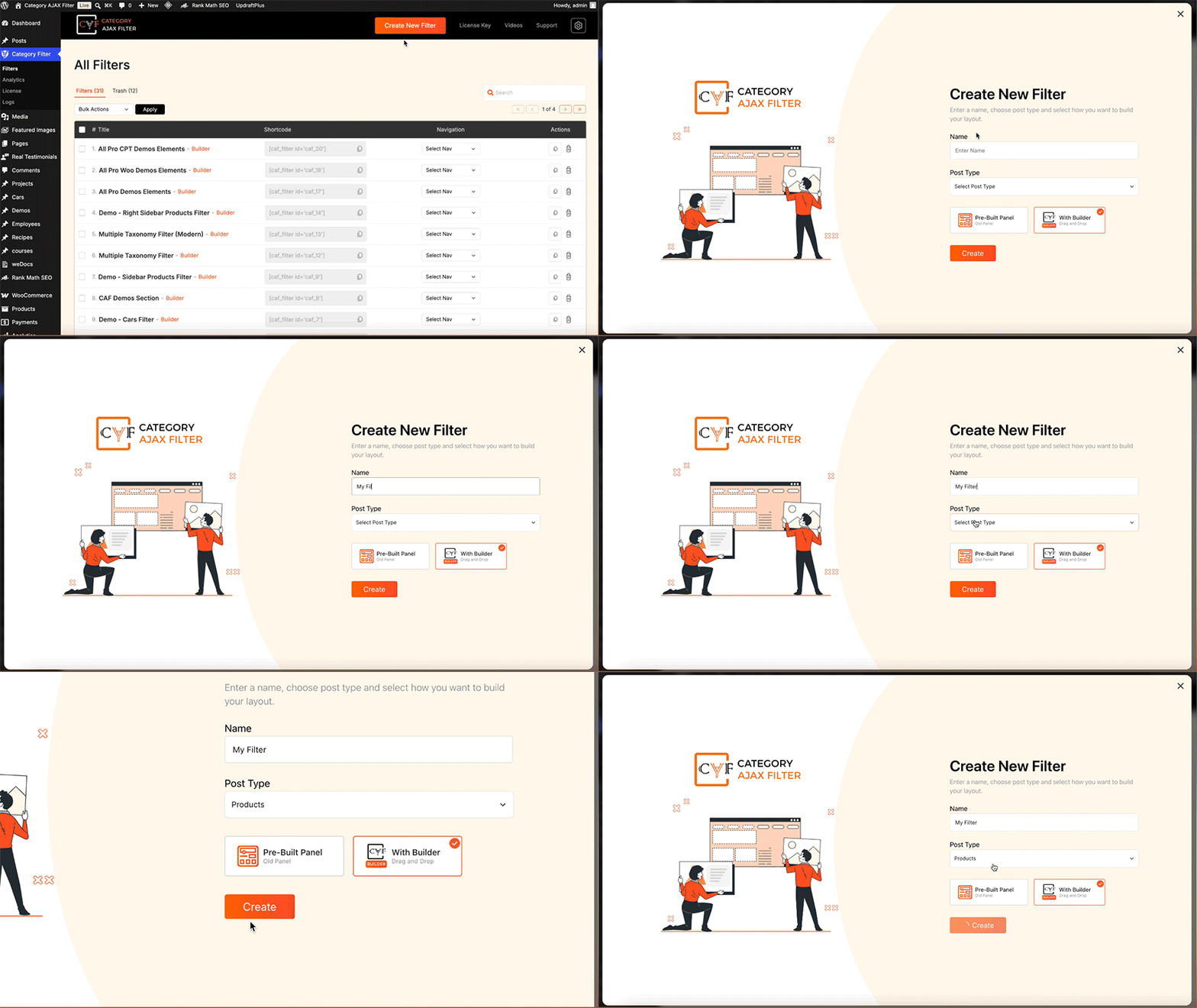
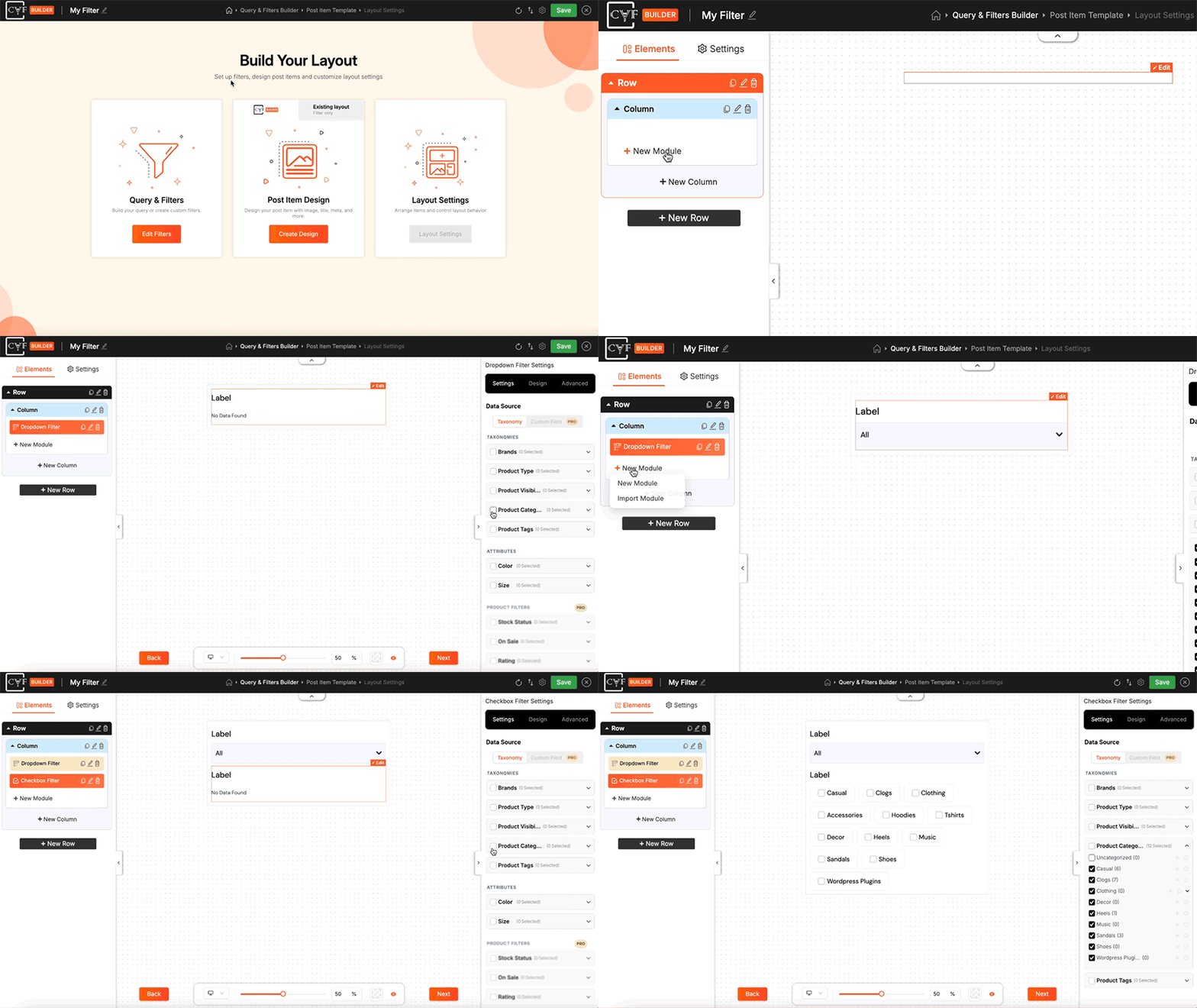
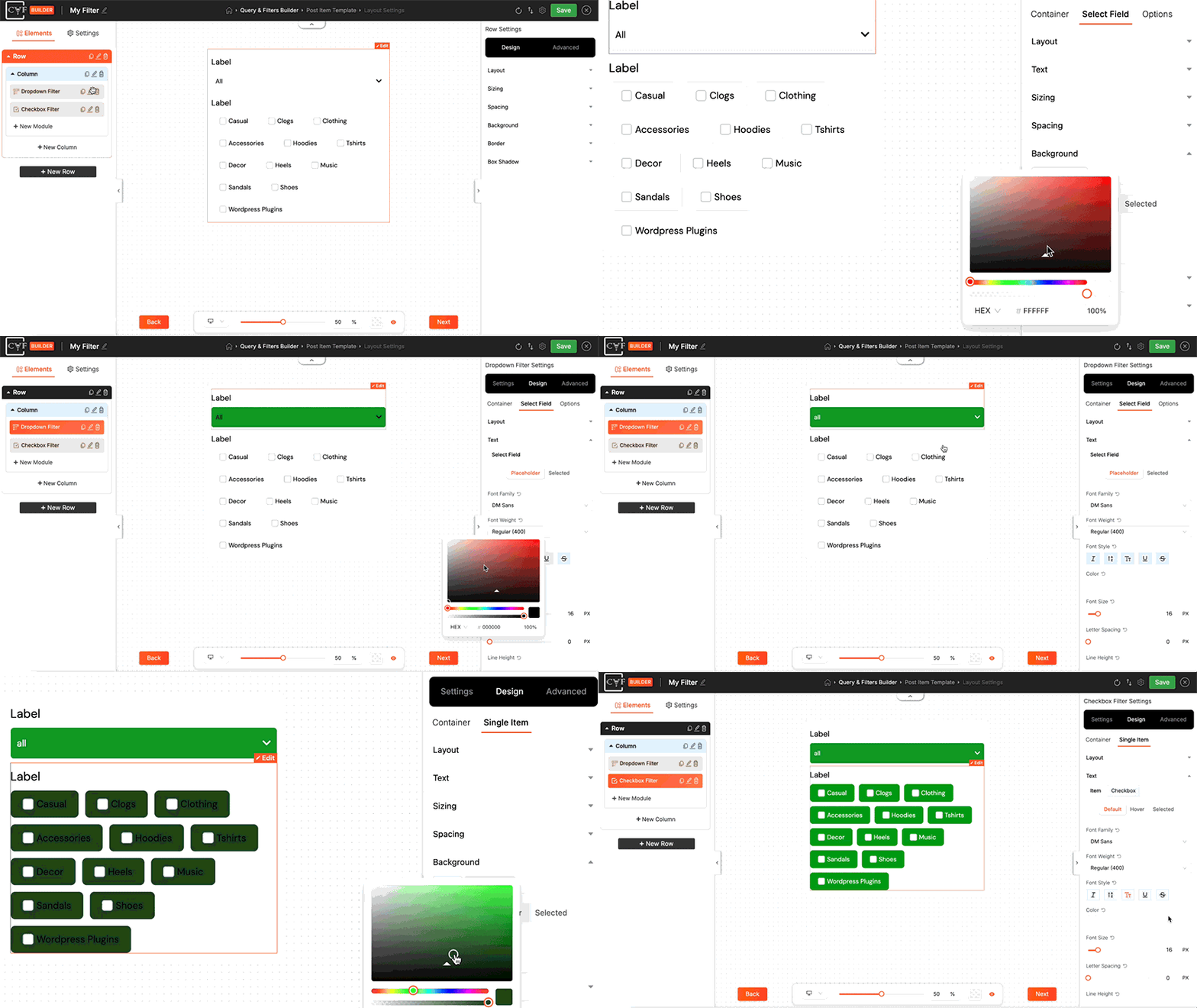
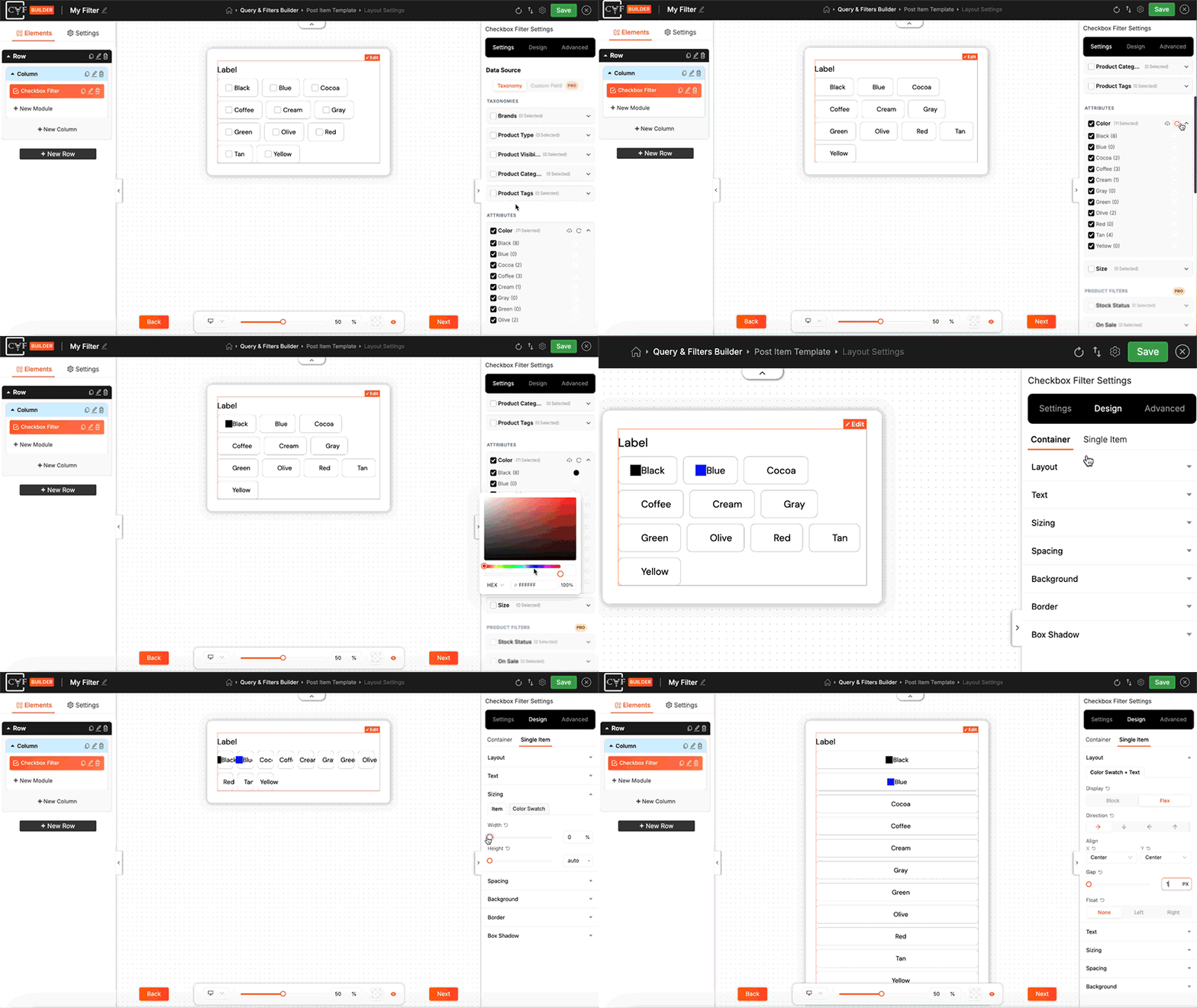
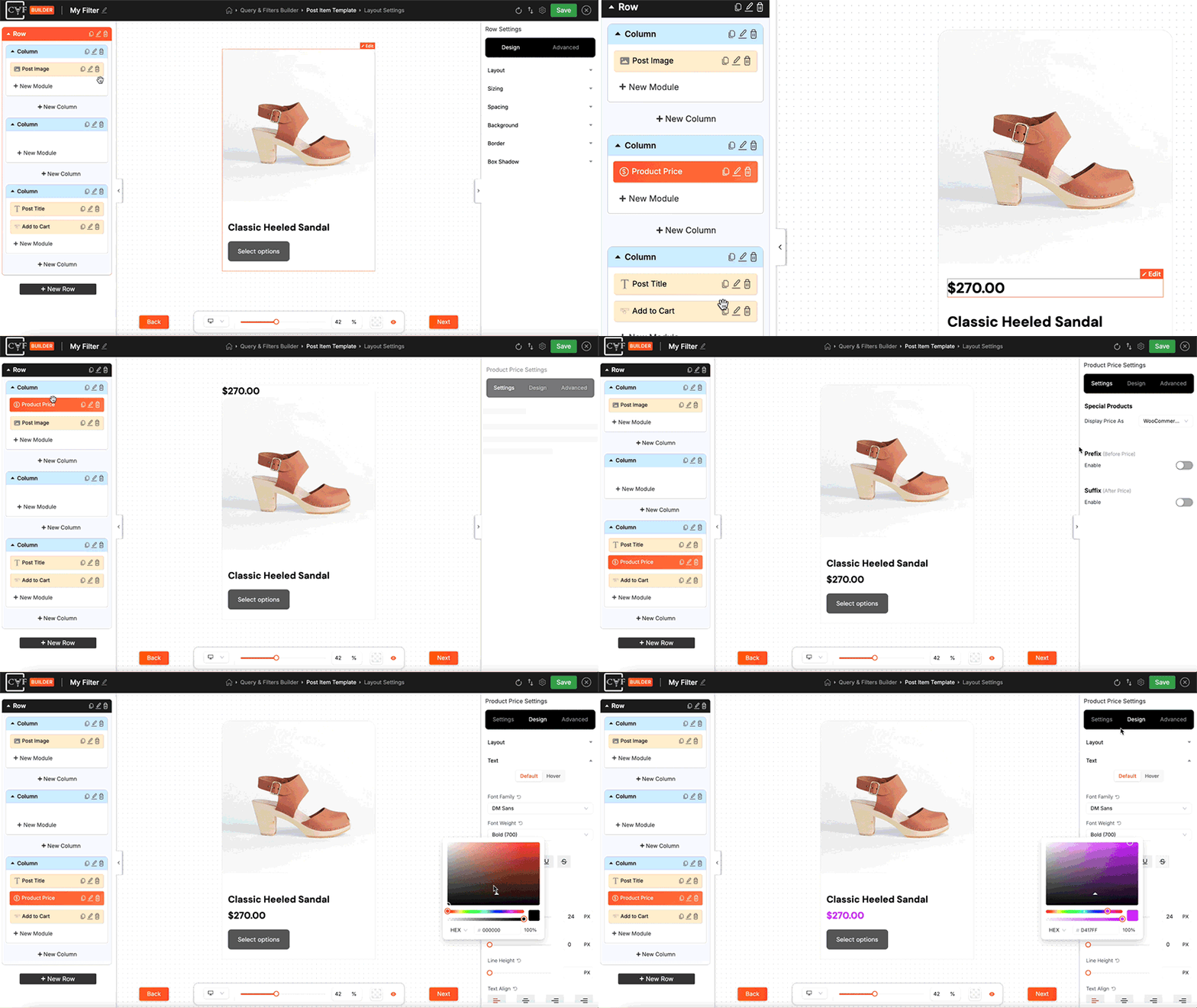
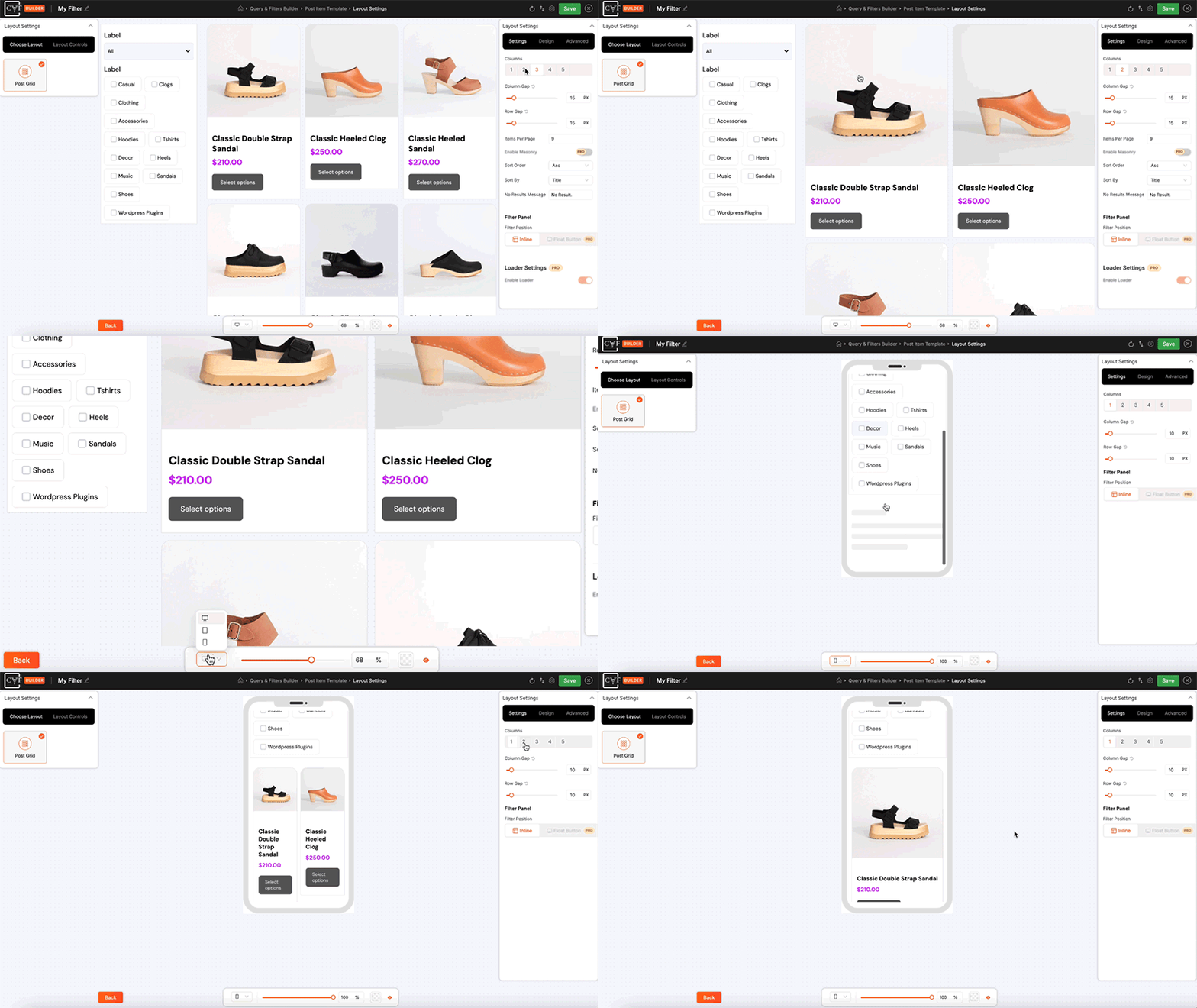
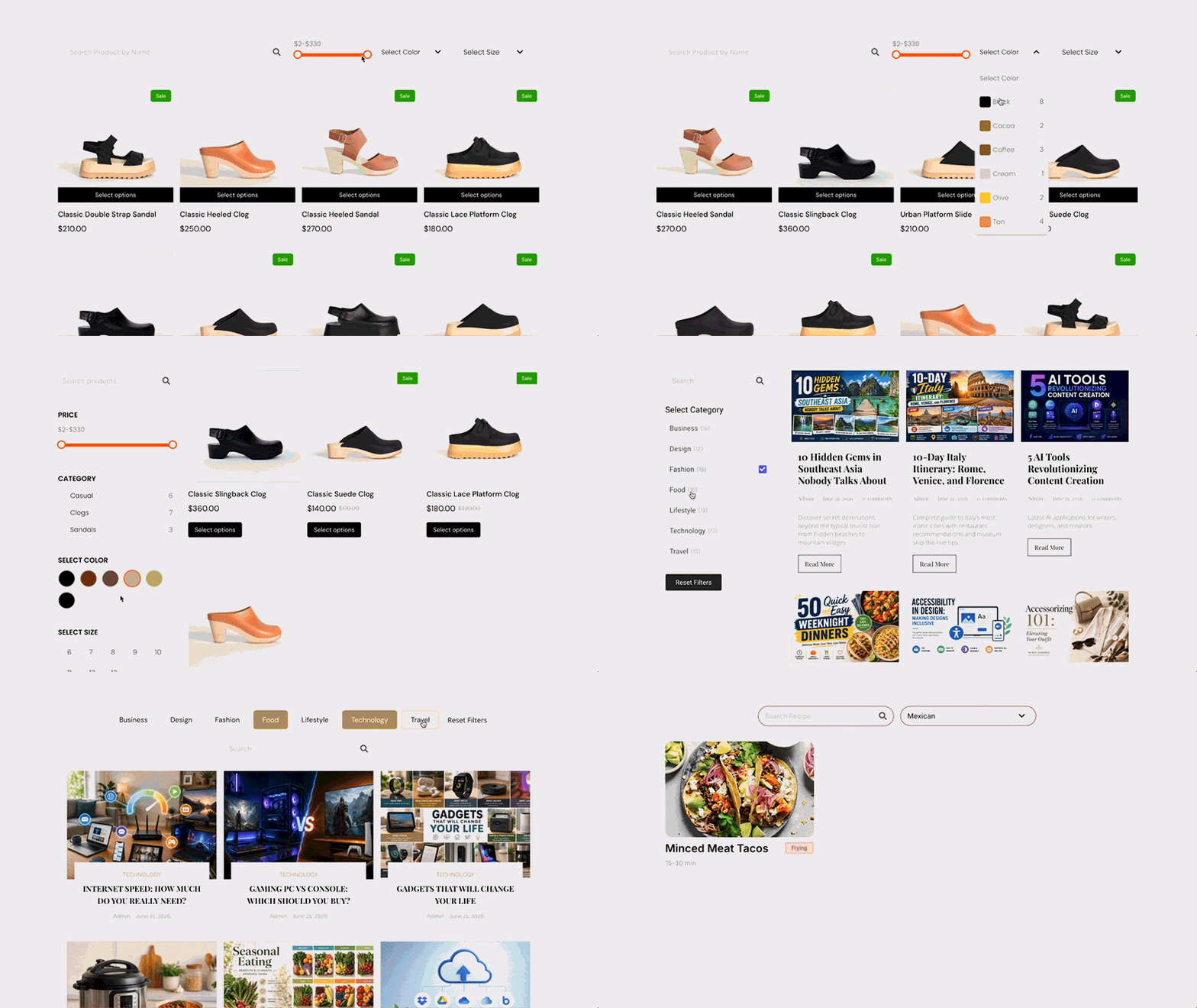
We’re working on CAF Builder, a visual builder that will give you full control over how your filters and layouts are created.
You’ll be able to design the UI of filters and post layouts using built-in design tools, while also controlling the functionality using taxonomies, custom fields, and other content data. This will allow you to build flexible filters and fully customized layouts based on your website content.
CAF Builder is designed to make advanced filtering easier, more flexible, and highly customizable. Stay tuned for upcoming updates.
Details
Related plugins
Plugins that also contain the tag ajax-filter
HUSKY – Products Filter Professional for WooCommerce

Filter Everything — Product Filter & WordPress Filter

Post Grid Gutenberg Blocks for News, Magazines, Blog Websites – PostX

annasta Filters for WooCommerce

Eventful for Elementor – Events Showcase For The Events Calendar

PWF – Products Filter for WooCommerce


About
Plugin for that tries to help you find the WordPress plugin you are looking for.
| Please enjoy an image of Crush (this awesome turtle) and have a lovely day! |  |
We do not own any plugin listed on this site and do not work for or work with WordPress.com or it's associated companies. We simply provide a searchable list of the available WordPress plugins.