

CertiSprout – Certificate QR Verify for LearnDash
An employer, auditor or client holds a LearnDash certificate PDF and wants to know if it is real. They should not have to email you and wait for an answer.
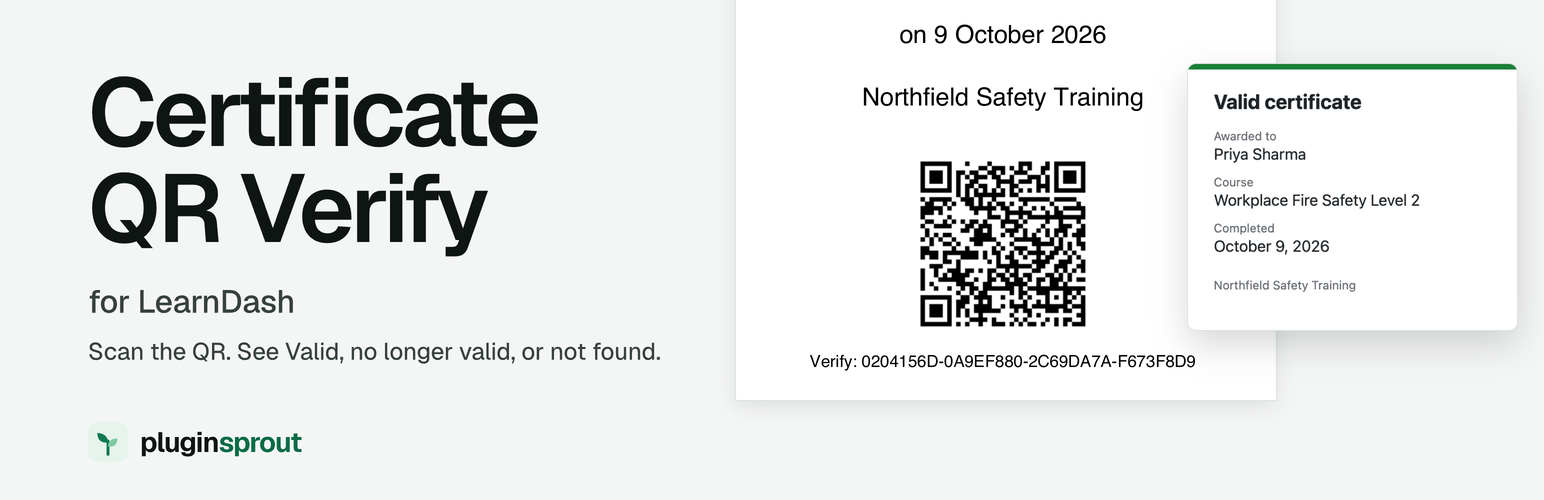
With this plugin they can verify a LearnDash certificate themselves. The certificate carries a QR code and a printed verification code. Scanning the QR code opens a certificate verification page on your own site.
It works with the LearnDash certificates you already have. You add one shortcode to the certificate template. There is no new certificate builder and no settings screen.
What does the person checking see?
One of three answers.
- Valid certificate. The page lists Awarded to (the learner’s name), Course (the course or quiz title) and Completed (the completion date in your site’s date format).
- Certificate not found. The code was never issued, was mistyped, or belongs to a deleted user. Nothing about any learner is shown.
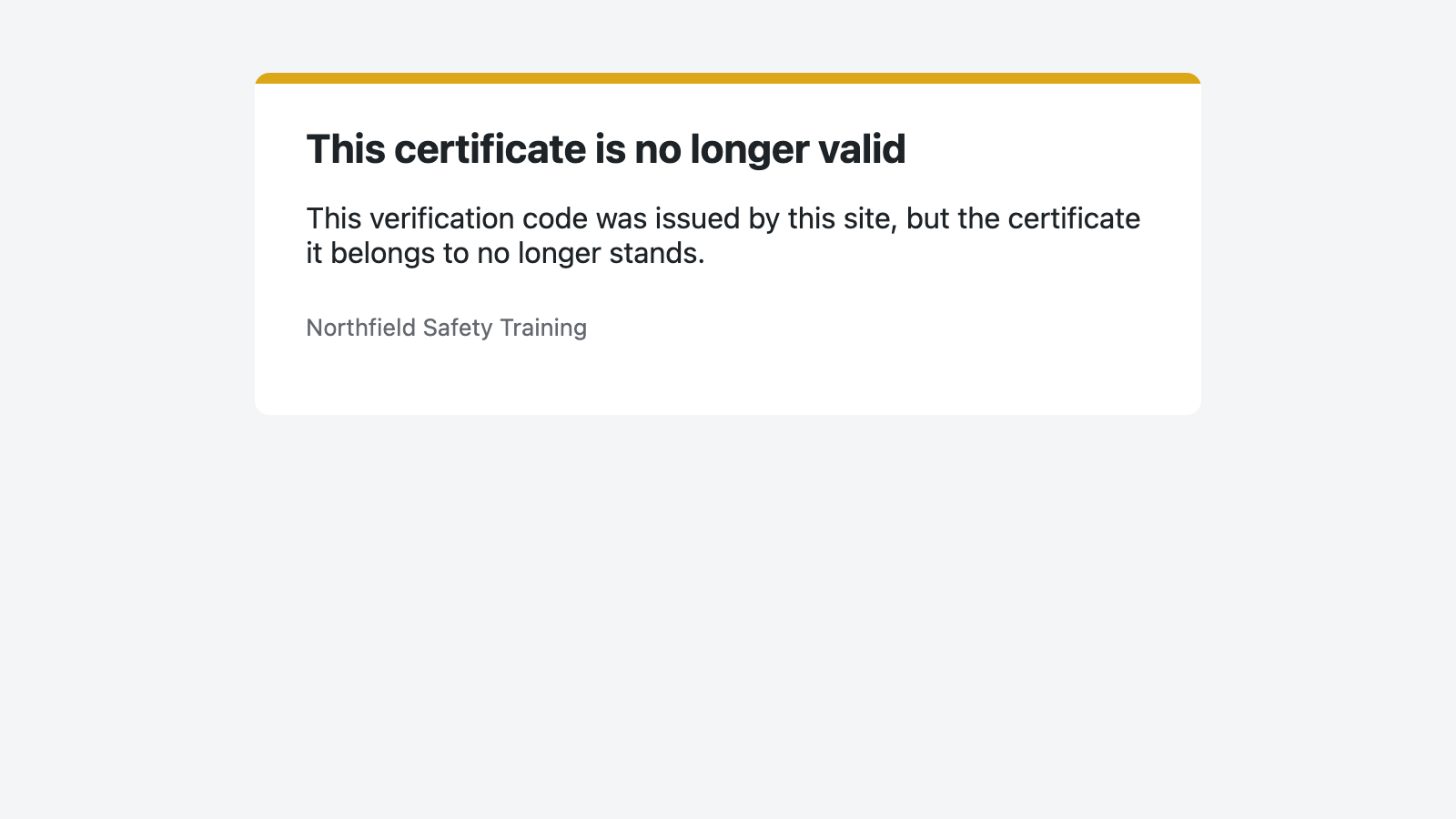
- This certificate is no longer valid. The code was issued, but the certificate no longer stands. That happens when the course or quiz is no longer published or no longer has a certificate assigned, or when the learner no longer has the completion (for example after a progress reset). No name, course or date is shown.
The page returns HTTP 200, 404 or 410 for these three answers, so a script can tell them apart. It is marked noindex as a header and a meta tag, and it is sent with no-cache headers. The only branding on it is your site name.
How does it work?
- A learner completes a course, or passes a quiz, that has a LearnDash certificate assigned.
- The plugin stores a random verification code for that learner and that course or quiz. There is one code per learner per course or quiz.
- You add
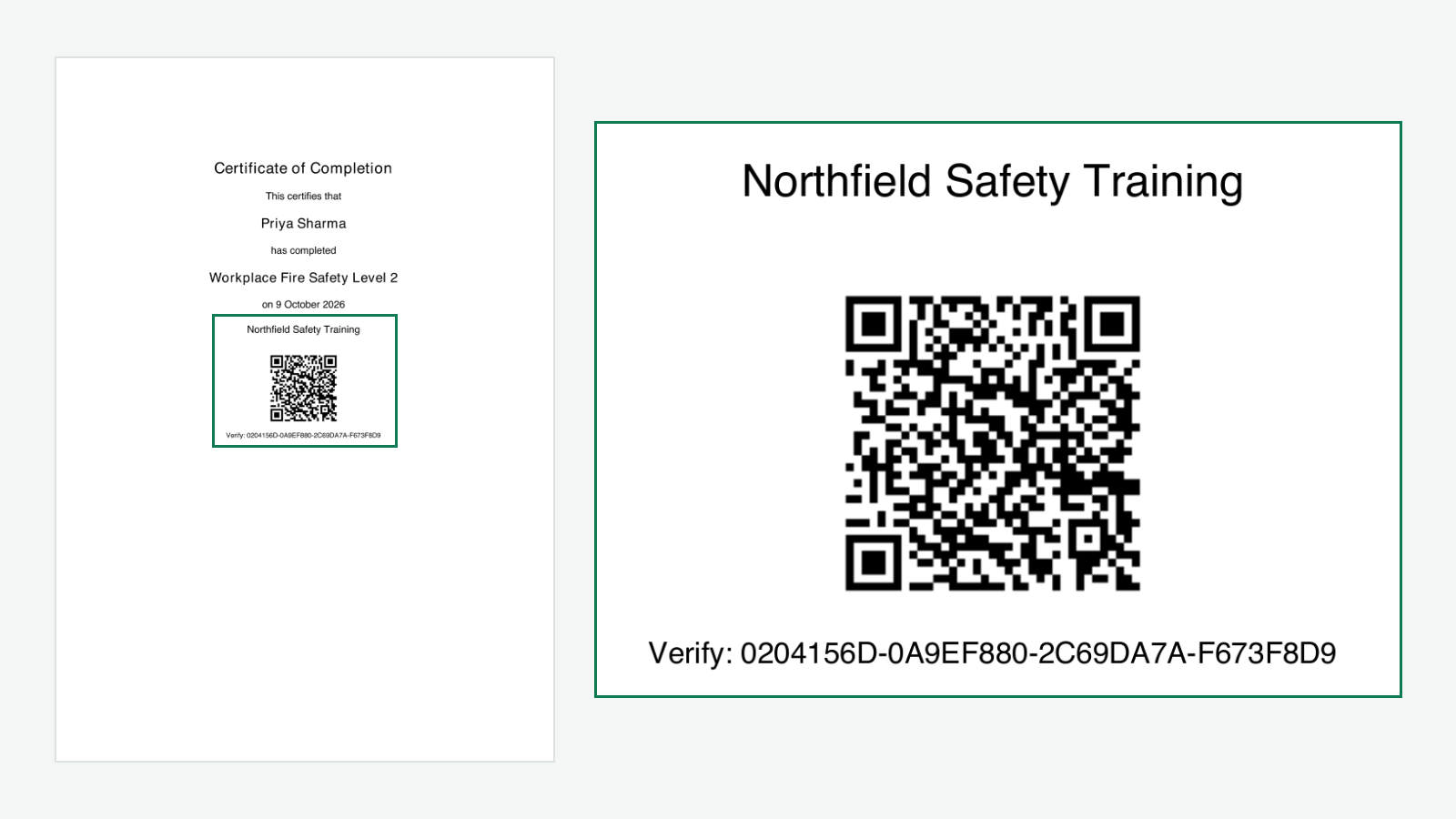
[cert_qr_verify]to your certificate under LearnDash LMS > Certificates. - The certificate PDF shows the QR code with the code printed under it, as
Verify: XXXXXXXX-XXXXXXXX-XXXXXXXX-XXXXXXXX. - The QR code links to
https://your-site/?cert_verify=CODE.
Learners who finished before you installed the plugin get a code the first time they open their certificate. The plugin first asks LearnDash whether the course really is complete, or the quiz really was passed, so the shortcode never creates a code for unfinished work.
What is under the hood?
- Each code is 32 characters from
random_bytes(). Codes cannot be guessed or counted through, and every unknown code gets the same “Certificate not found” reply. - The QR code is drawn on your server by an encoder written for this plugin. No QR service is called and no learner data leaves your site.
- The only admin notice appears on the Plugins screen when LearnDash is not active, and each administrator can dismiss it.
What did we test?
With WordPress 7.1.2 and LearnDash 5.1.10, we logged in as a learner, downloaded her certificate PDF and read its QR code with a standard QR reader. The link opened the page headed “Valid certificate”. The link with the printed code, capitals and dashes included, opened the same page, and a made-up code got “Certificate not found” with a 404.
What does it not do?
- It does not cover LearnDash group certificates in this version.
- It does not add expiry dates, renewal reminders or badges.
- It does not give visitors a search box. The check works through the QR code or the link.
Every feature described here is in this plugin. Nothing is held back for a paid version.
If your certificates also need an expiry date and renewal reminders, we sell a separate plugin for that: Certificate Expiry for LearnDash. This plugin does not need it.
Privacy
Each QR image file holds only the verification link, https://your-site/?cert_verify=CODE, and no name. The files are in wp-content/uploads/cert-qr-verify/ on your own server, one folder per site on a multisite network, and the plugin does not send them anywhere. They are deleted when:
- You run Tools > Erase Personal Data for the learner.
- You delete the user on a single site.
- The daily clean-up finds codes whose user no longer exists, for example after a user was deleted from Network Admin while the plugin was active only on a sub-site. It deletes those codes and their QR files.
- Someone opens the verification link of a revoked certificate (the course is unpublished or loses its certificate, or the learner loses the completion). Its QR file is deleted and the code row is kept.
- The site address changes and the certificate is shown again, which replaces the old file with one for the new address.
- You delete the plugin.
Deleting a user from Network Admin on multisite removes their codes on every site but leaves their QR files until the plugin is deleted. On multisite, Users > Remove on a site only removes the user from that site, so it keeps their codes and QR files.
If you change AUTH_KEY or AUTH_SALT in wp-config.php, the plugin no longer matches the older QR files by name, so they stay until you delete the plugin. A file left behind only encodes a link, and that link shows “Certificate not found” once the code is gone.
Third party code
The QR encoder in includes/class-psr-cqv-qr.php was written for this plugin and is released under GPLv2 or later with the rest of the plugin. It follows the public QR code specification (ISO/IEC 18004). No third party library is bundled.
Details


Related plugins
Plugins that also contain the tag certificate
Certificate customizer for Tutor LMS
Certificate Verification

SSL Certificate Manager

Certify – Certificate Management & Verification
GCheck – WordPress Certificate Plugin & Verification System
Accredible LearnDash Add-on


About
Plugin for that tries to help you find the WordPress plugin you are looking for.
| Please enjoy an image of Crush (this awesome turtle) and have a lovely day! |  |
We do not own any plugin listed on this site and do not work for or work with WordPress.com or it's associated companies. We simply provide a searchable list of the available WordPress plugins.