

This plugin is outdated and might not be supported anymore
Back

Change WordPress Admin Logo
Details
View on WordPress
Back
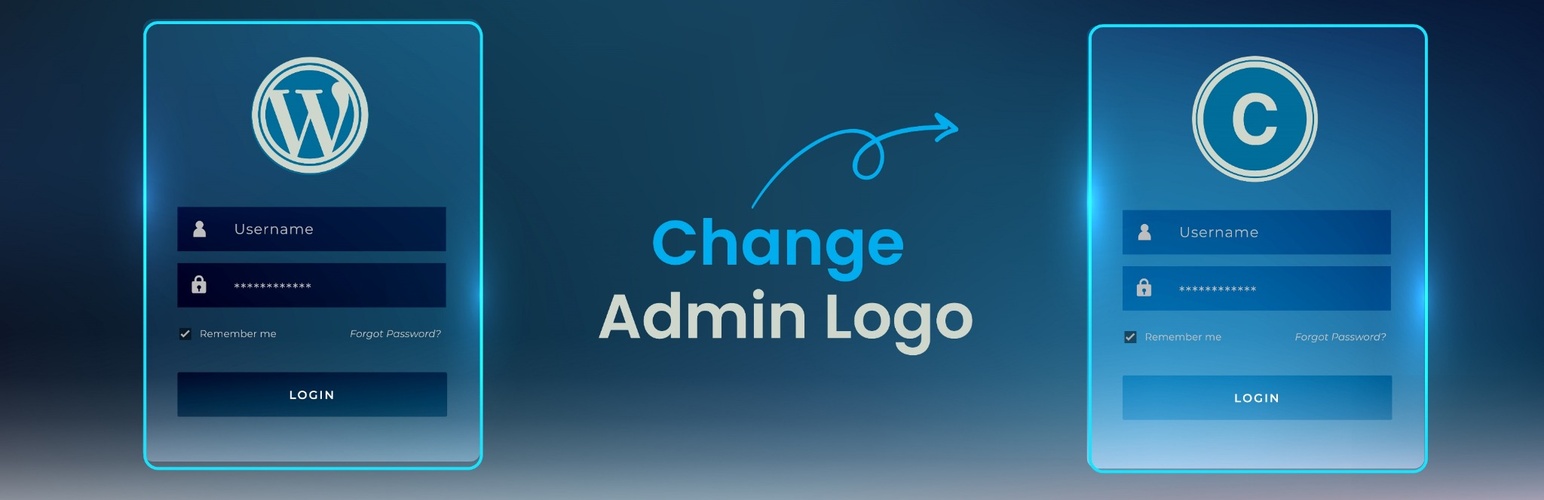
Change WordPress Admin Logo is a lightweight and user-friendly plugin that allows you to replace the default WordPress logo on the login page with a custom logo of your choice. Whether you’re building a site for a client or branding your own website, this plugin provides a quick and simple way to personalize the login experience—no need for CSS tweaks or code editing.
Features
- Upload your own logo for the login screen
- Simple and intuitive interface
- No coding or custom CSS required
- Lightweight and optimized for performance
- Keeps your site looking professional and on-brand
Usage
- After activation, look for the new menu item called Custom Admin Logo in your WordPress admin sidebar.
- Click on it to access the settings page.
- Upload your desired logo image.
- Save your changes. Your login screen will now display the custom logo you uploaded.
Details
Plugin code:
change-admin-logo
Plugin version:
1.3
Author:
Outdated:
Yes
WP version:
5.0 or higher
PHP version:
7.0 or higher
Test up to WP version:
6.9
Total installations:
100
Last updated:
2025-07-18
Rating:
Times rated:
8
admin-logo
change-default-logo
change-logo
login-logo
wp-admin-logo
Related plugins
Plugins that also contain the tag admin-logo
Add Logo to Admin

Login Page Logo Change

GNA Custom Admin Login Page

Login Page Logo


About
Plugin for that tries to help you find the WordPress plugin you are looking for.
| Please enjoy an image of Crush (this awesome turtle) and have a lovely day! |  |
We do not own any plugin listed on this site and do not work for or work with WordPress.com or it's associated companies. We simply provide a searchable list of the available WordPress plugins.