



ChargeForms
ChargeForms is a drag-and-drop form builder for WordPress. Build contact forms, surveys, and lead-capture forms with a fast, modern builder — no page reloads, no bloated front-end scripts slowing your site down.
Free for real form-building:
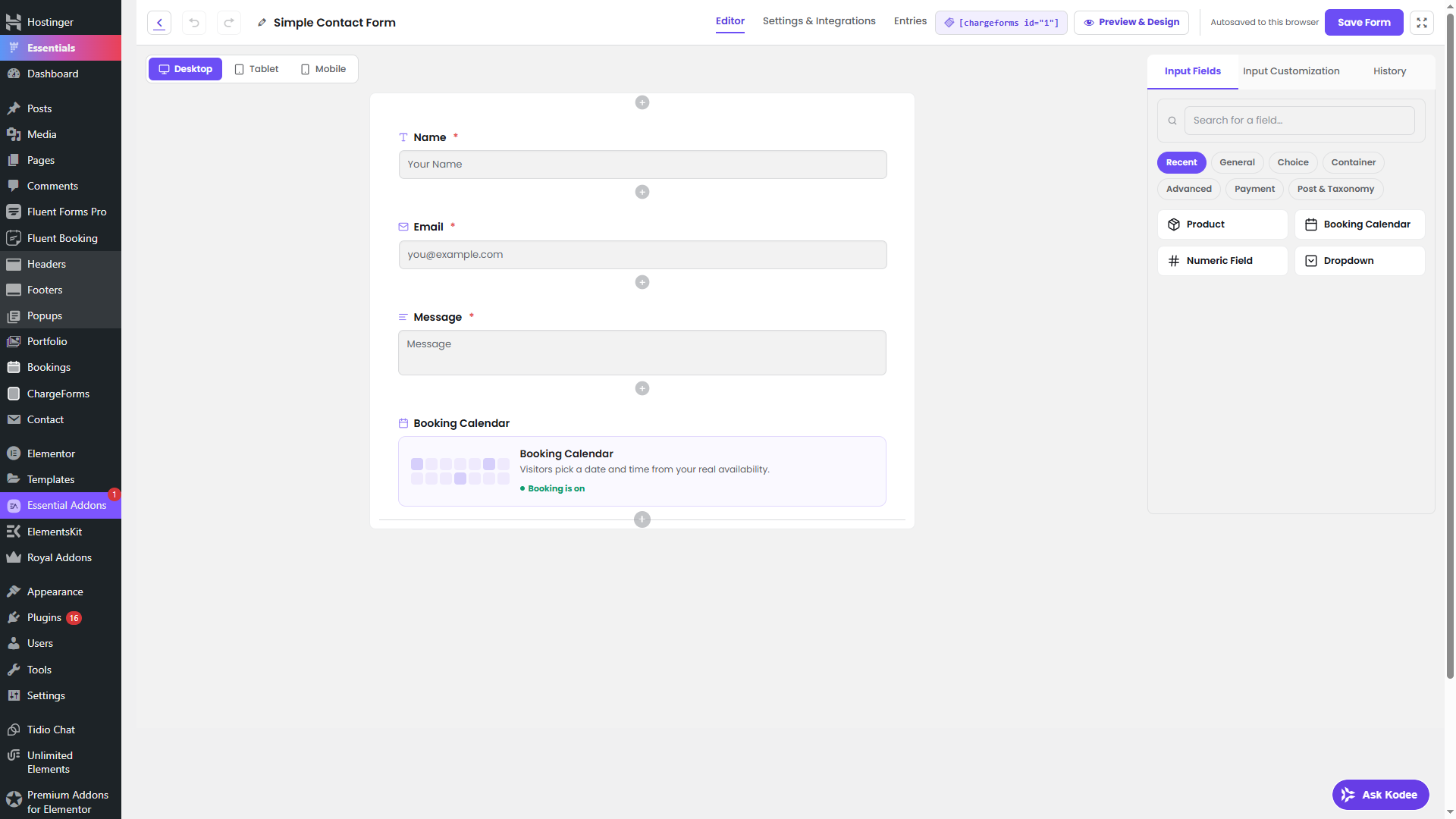
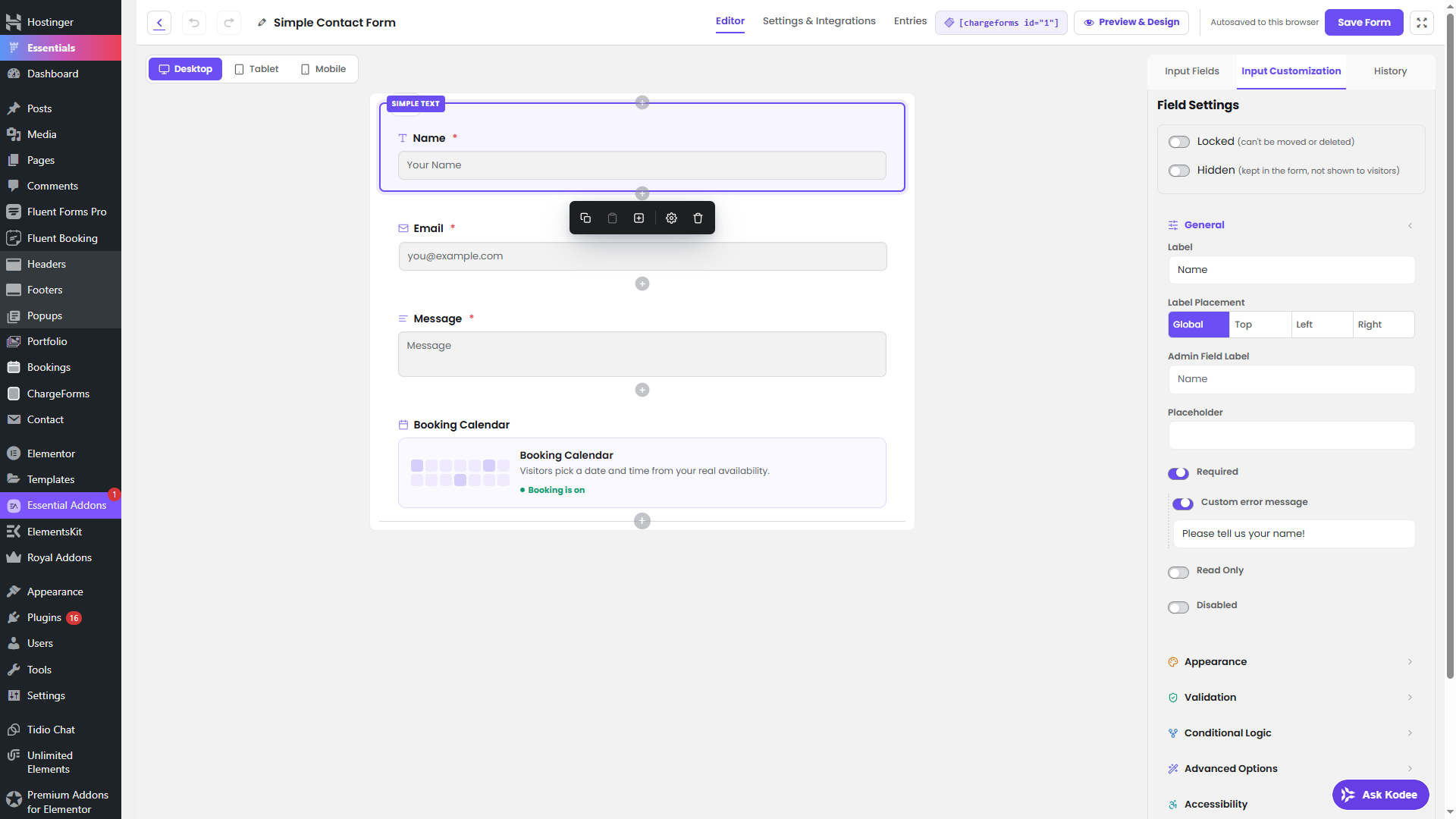
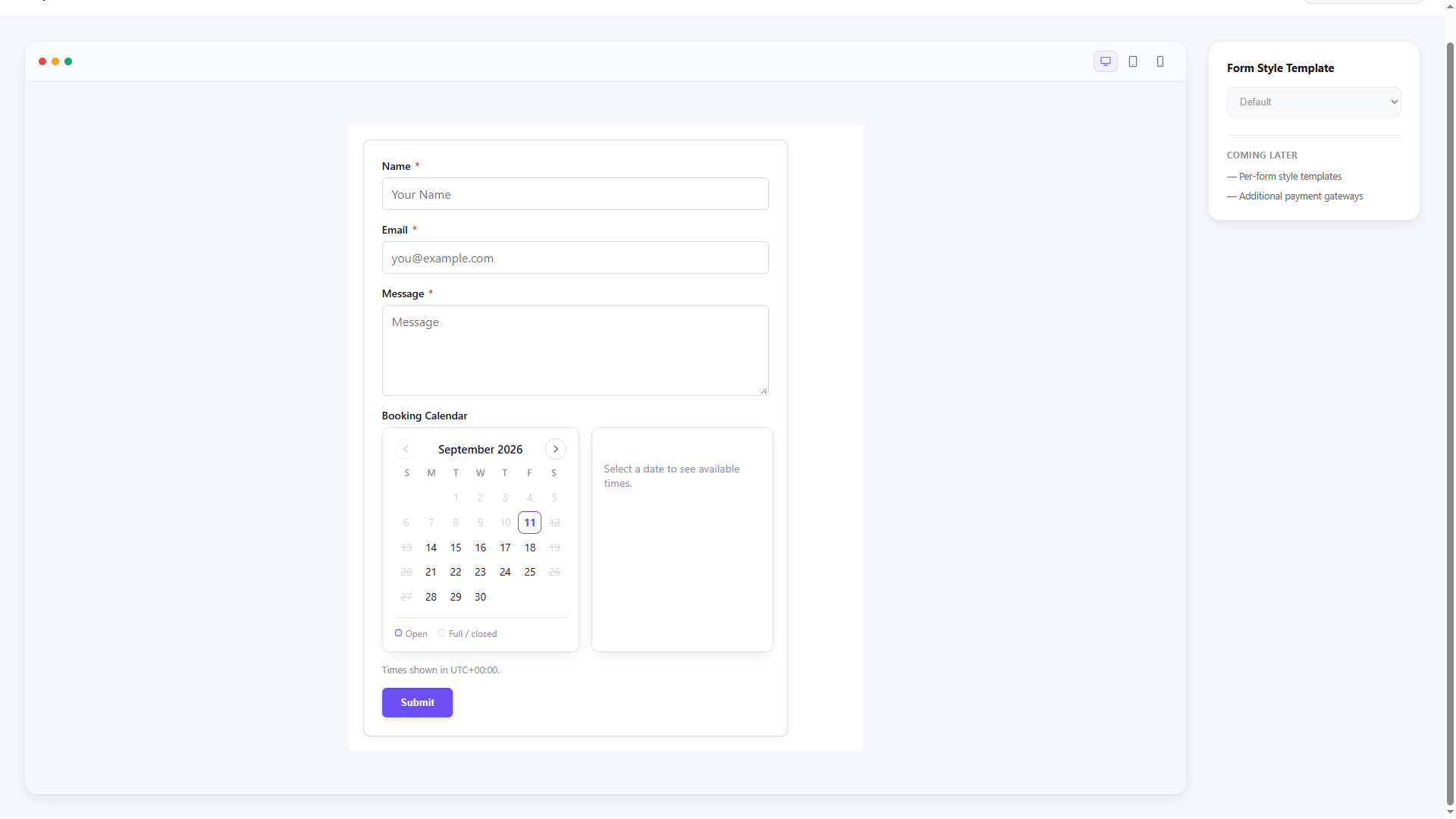
- Drag-and-drop form builder with 30+ field types (text, address, ratings, file upload, and more)
- Conditional logic — show/hide fields based on other answers, with nested AND/OR/NOT groups
- Multi-step forms with a progress bar and per-step validation
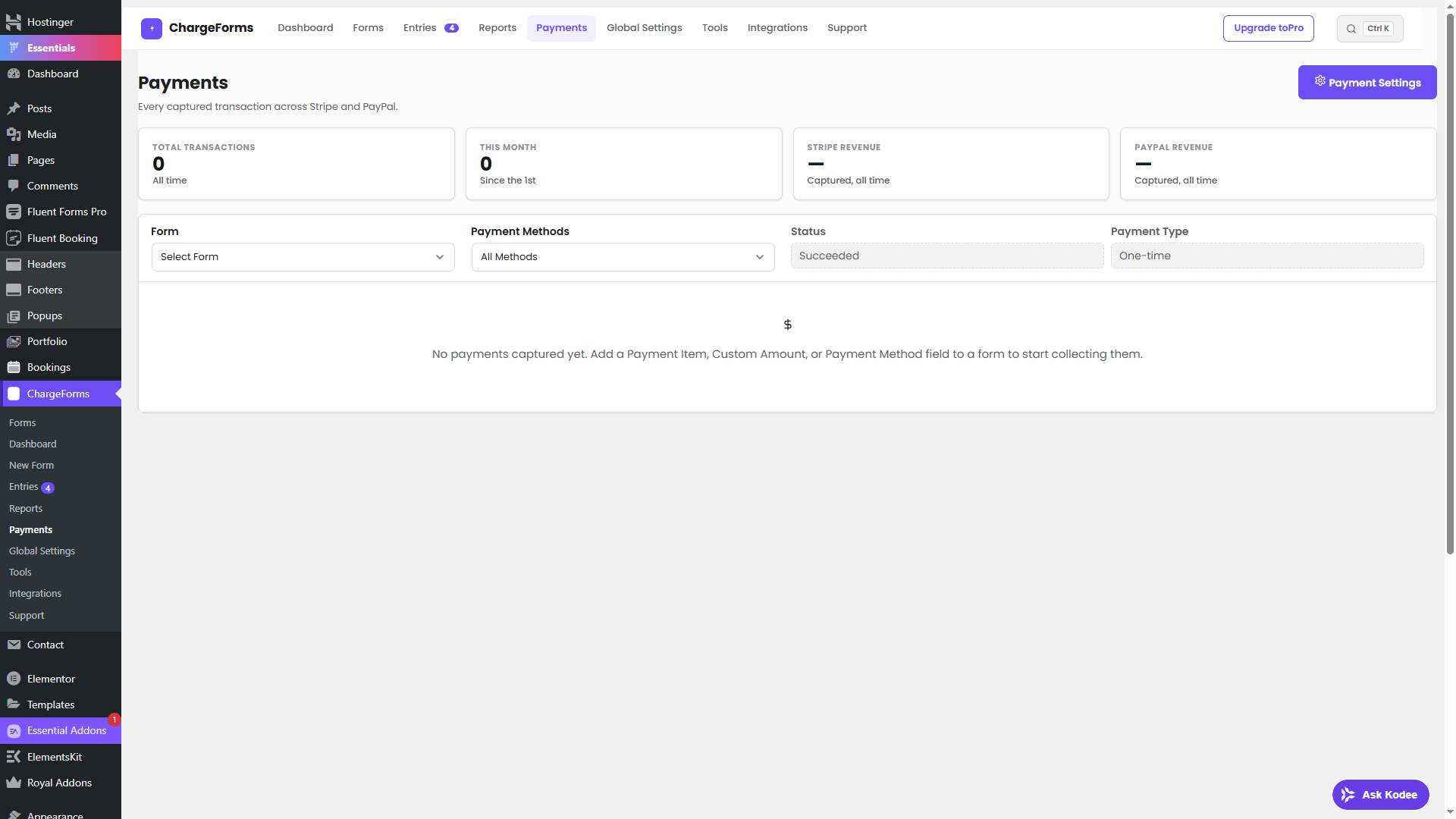
- Stripe and PayPal payments, including Stripe recurring subscriptions (monthly/yearly plans, free trials, cancellation) — Payment Item, Custom Amount, Payment Method, and Payment Summary fields
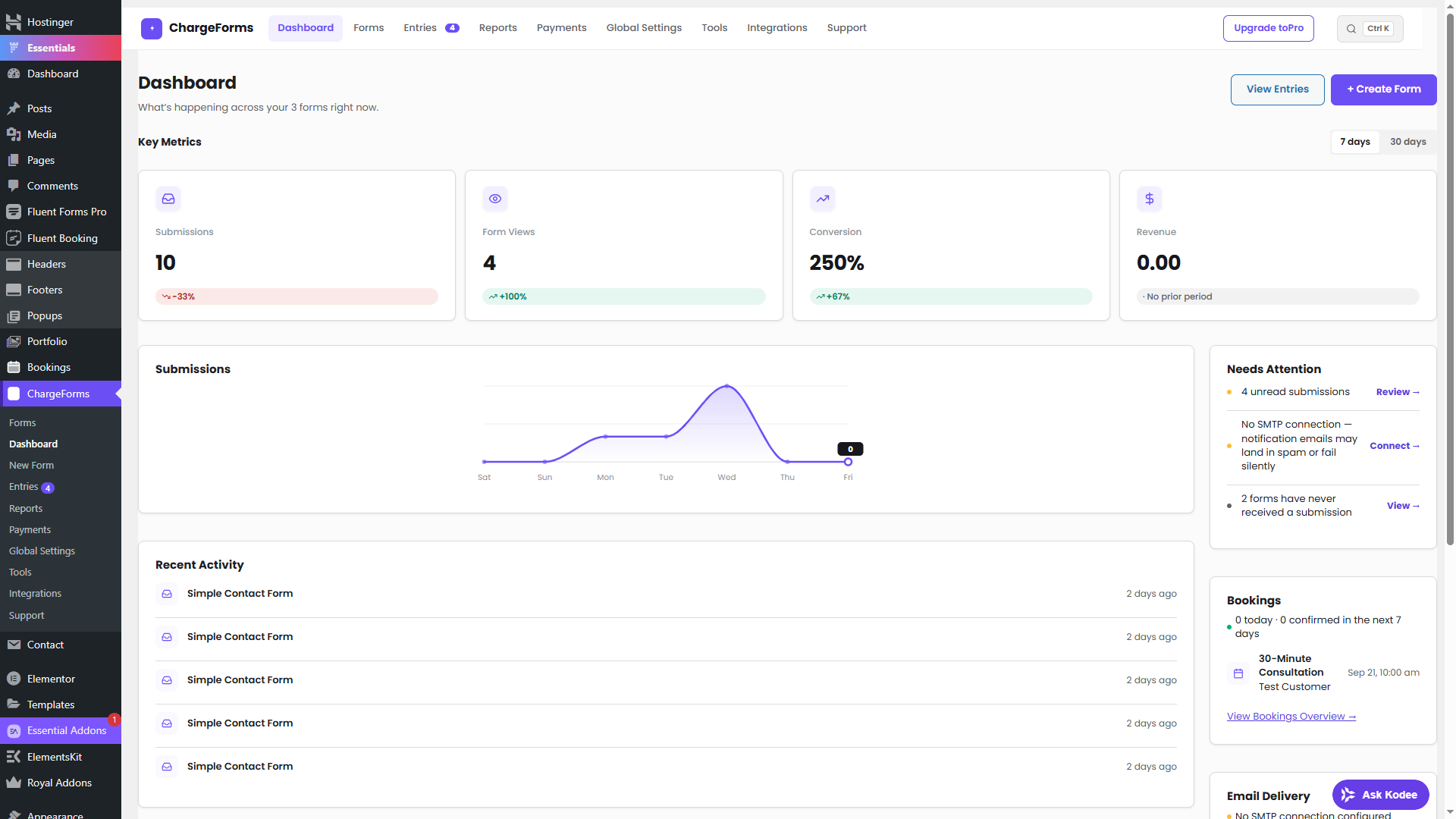
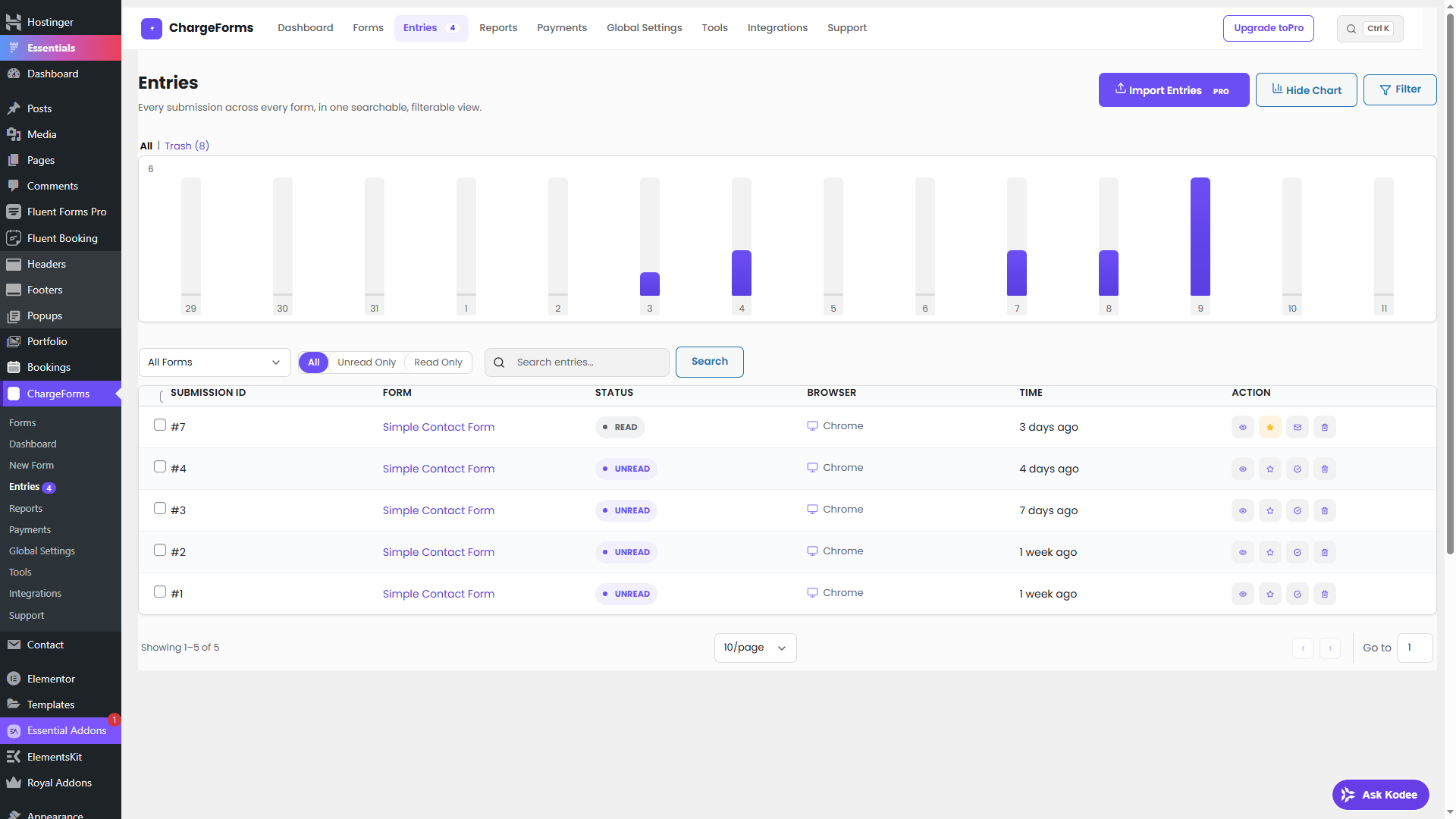
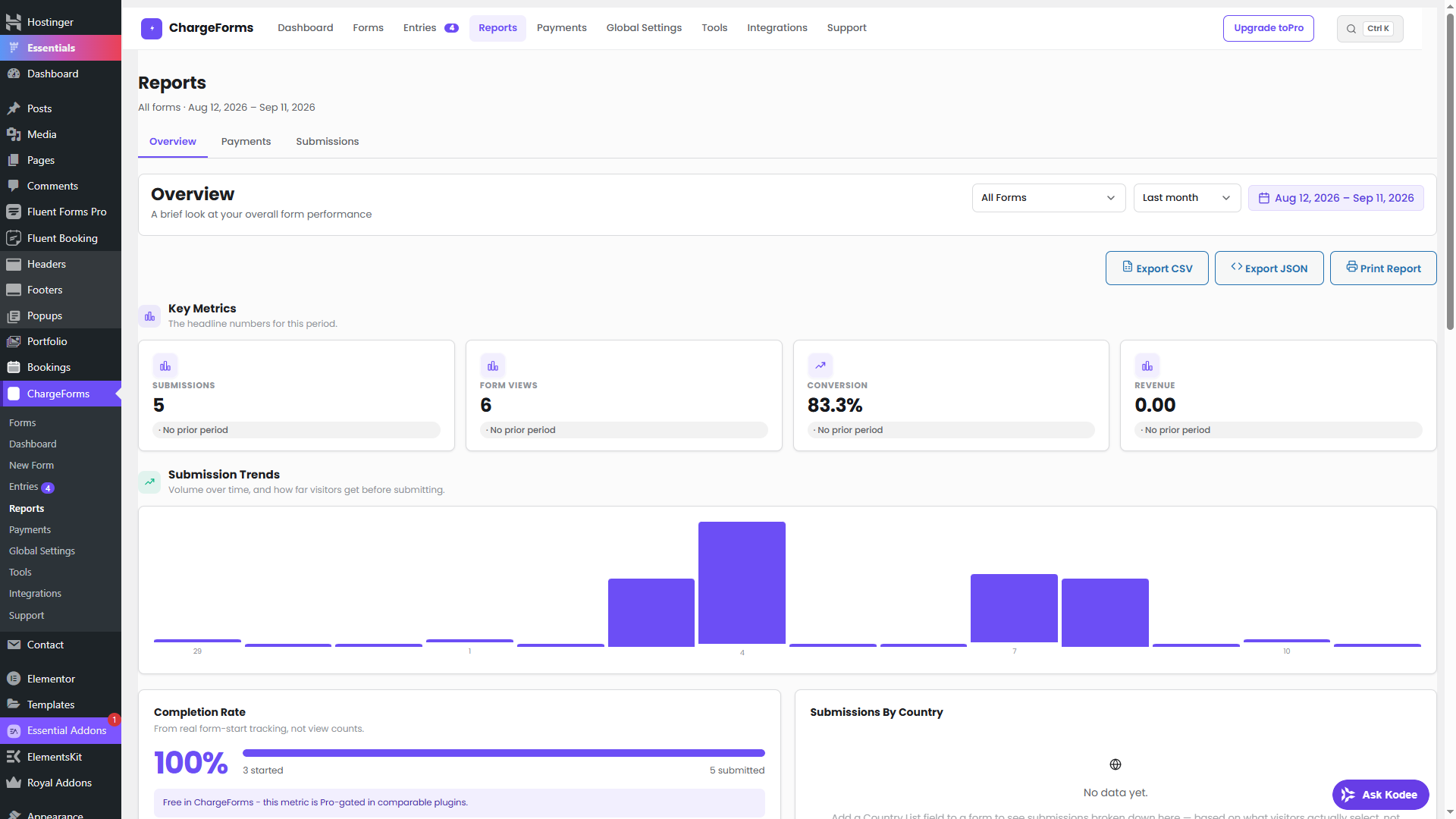
- Entry management dashboard — view, edit, filter, export, and manage every submission from wp-admin
- Email notifications on new submissions, with delivery logging and automatic retry
- Native SMTP email delivery — connect Gmail, Microsoft 365, Amazon SES, SendGrid, Mailgun, Brevo, Postmark, Zoho, or any custom SMTP server; encrypted credentials, multiple connections, real test-email sending, and a full delivery log
- CSV entry import, Save & Resume, and all bundled form templates
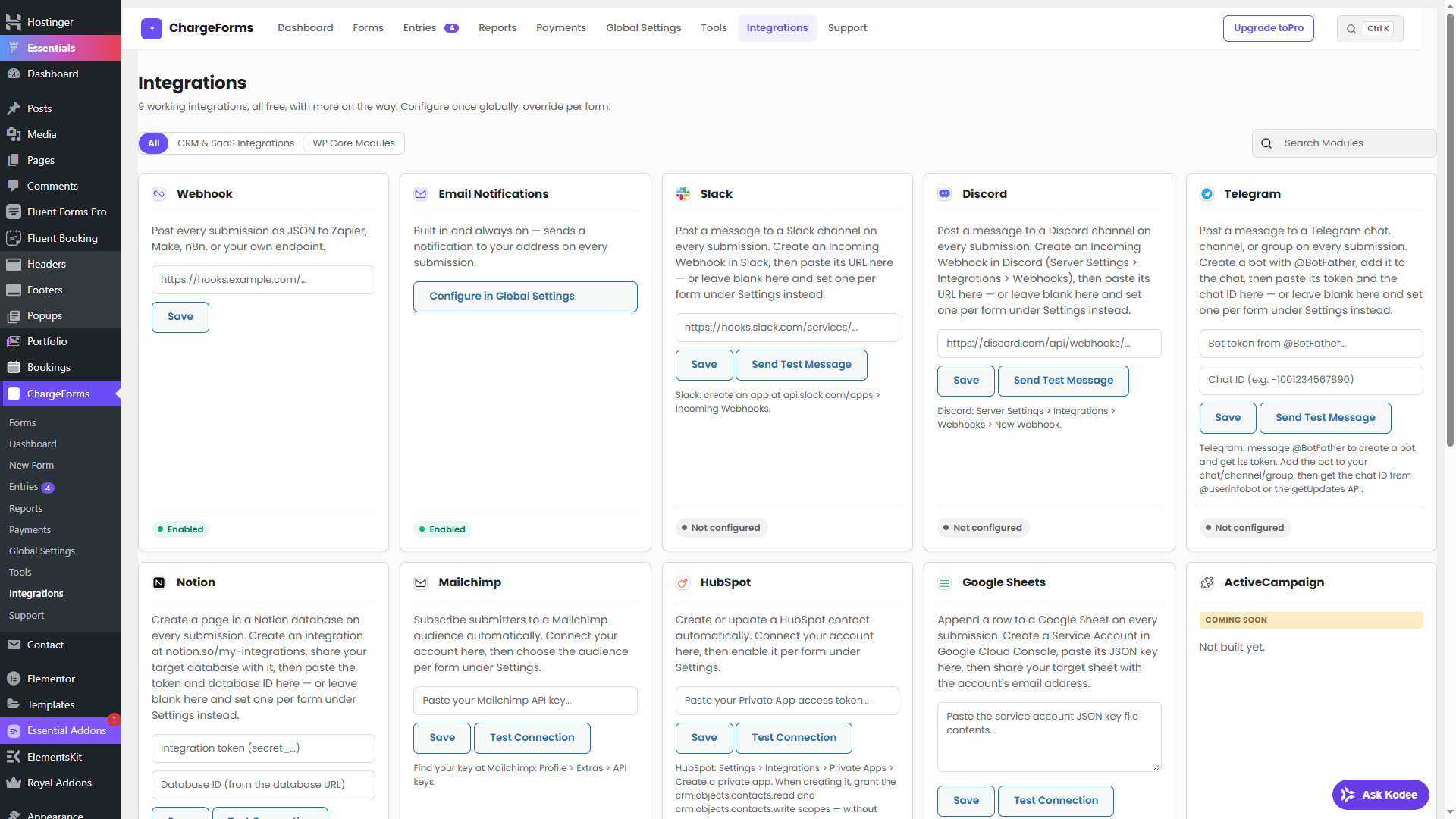
- Webhook integration — send every submission as JSON to Zapier, Make, n8n, or your own endpoint
- Honeypot spam protection, reCAPTCHA/hCaptcha/Turnstile, double opt-in
- Lightweight front-end rendering — your visitors never load an admin-sized JS bundle
Planned for future releases
- Additional integrations beyond generic Webhook (CRM, marketing platforms)
- Conversational (one-question-at-a-time) form mode
- AI form generation
External services
This plugin optionally connects to a number of third-party services, every one of them off by default. Full detail on each is in the “What external services does this plugin use?” FAQ above; summarized here per the WordPress.org guideline:
- Google Fonts — loads the Poppins typeface on ChargeForms’ own wp-admin screens only (never your site’s front end), when enabled under Global Settings. Sends the admin’s IP/browser info to Google on every admin page load while enabled. Terms / Privacy.
- reCAPTCHA, hCaptcha, Cloudflare Turnstile, CleanTalk — optional spam-protection providers; only loaded on a form’s front end if you enable one under Global Settings > Security. Processes the visitor’s IP/browser data when a protected form is viewed/submitted. Google Privacy / hCaptcha Privacy / Cloudflare Privacy / CleanTalk Privacy.
- Stripe, PayPal — only active on a form with a Payment field where you’ve connected your own account. Sends the payment amount and the payer’s entered billing details when a visitor pays. Stripe Privacy / PayPal Privacy.
- Webhook, Mailchimp, Slack, Discord, Telegram, Notion, HubSpot, Google Sheets — only send data if you explicitly connect them yourself under the Integrations screen, to the endpoint/account you configure, at the moment a form is submitted. Mailchimp Terms / Privacy — Notion Terms & Privacy / Privacy — HubSpot Terms / Privacy — Telegram Terms / Privacy.
- Address autocomplete — optional; sends each keystroke in an Address field’s autocomplete box to OpenStreetMap’s Nominatim API. Usage Policy / OSMF Privacy.
- chargeforms.com license API — only contacted if you activate a Pro license key, to verify it. Terms / Privacy.
Details
Related plugins
Plugins that also contain the tag contact-form
Contact Form 7

WPForms – Easy Form Builder for WordPress – Contact Forms, Payment Forms, Surveys, & More

Akismet Anti-spam: Spam Protection

Fluent Forms – Customizable Contact Forms, Survey, Quiz, & Conversational Form Builder

Forminator Forms – Contact Form, Payment Form & Custom Form Builder

Ninja Forms – The Contact Form Builder That Grows With You


About
Plugin for that tries to help you find the WordPress plugin you are looking for.
| Please enjoy an image of Crush (this awesome turtle) and have a lovely day! |  |
We do not own any plugin listed on this site and do not work for or work with WordPress.com or it's associated companies. We simply provide a searchable list of the available WordPress plugins.