

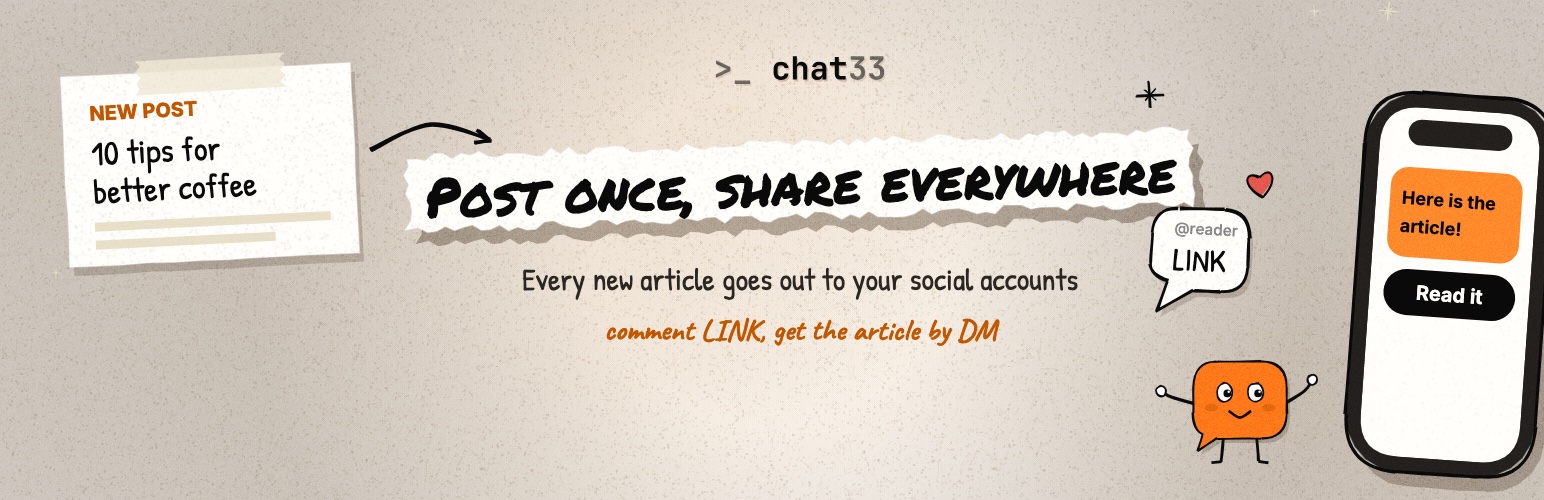

Chat33 – Social Media Auto Post & Comment to DM
Links in Instagram captions are not clickable, and Facebook posts with an outbound link often get less reach. So readers see your article and have no easy way to open it.
Chat33 fixes that. When you publish an article, the plugin shares it to your connected social accounts with a call to action such as “Comment LINK”. Everyone who comments that keyword automatically receives the article link in their direct messages. You write once, in WordPress, and the rest happens in the background.
You need a Chat33 account (https://chat33.io) and an API key. The Chat33 Free plan includes 3 flows and 1 connected account; the Starter plan ($19) has unlimited flows.
Facebook auto post
Every new article is posted to your Facebook Page automatically, with the title, excerpt, link and featured image. Choose the Page per article in the editor, or set defaults once in the plugin settings.
Instagram auto post
Share each article to your Instagram account as soon as it is published. Instagram needs an image, so the article’s featured image is used; an article without a featured image is skipped for Instagram and the editor tells you why. Because Instagram captions cannot hold a clickable link, the post asks readers to comment a keyword and Chat33 sends them the link by DM.
Social media auto post to LinkedIn, X, Threads and Bluesky
The same article can go to LinkedIn, X and Bluesky as well. Threads is rolling out. Pick which connected accounts each article is shared to, or use your defaults. Password-protected posts are never shared.
Comment to DM
For Instagram and Facebook, readers who comment your keyword get the article link in their direct messages. You set the keyword and the message text once, and can change them for any article. Comment to DM works on Instagram and Facebook only.
Your own text per article
By default each post is the article title, the excerpt and the link, shortened to fit each network. Write a “Social caption” in the Chat33 panel to use your own text instead, line breaks included. Posting to X? An optional “Text for X” field shows how much of X’s 280 characters you have used. The link or the “Comment LINK” line is always added for you and never cut.
Facebook first comment
Turn on “Facebook: post the article link as the first comment” and your Page adds the article link as the first comment as soon as the post is live, so the post itself stays free of an outbound link. Chat33 tracks clicks on that link and they show up in the results. Set it once in the plugin settings and change it for any article in the editor.
Results inside WordPress
See what happened without leaving WordPress: a panel in the post editor, a column in the posts list and a dashboard widget show the share status, the number of DMs sent and link clicks for each article. If a share fails, the editor shows the reason and a button to share again.
Articles are shared only the first time they are published, in the background, so saving or updating a post never posts it twice and never slows down the editor.
External services
This plugin connects to Chat33 (https://chat33.io), a social media automation service, to publish your articles and send direct messages. When an article is shared it sends the article title, excerpt, permalink and featured image to Chat33. It reads per-article results from Chat33 when you open the editor, the posts list or the dashboard. It also sends the comment-to-DM keyword and message text and a flow name that contains your site host, and it calls Chat33 to validate the API key and to list your connected accounts and comment flows on the settings and editor screens. The featured image is uploaded to Chat33’s file storage, which is hosted on Vercel Blob (Vercel Inc.), through a short-lived presigned upload URL; Vercel privacy policy: https://vercel.com/legal/privacy-policy. A Chat33 account and API key are required. Terms: https://chat33.io/terms — Privacy: https://chat33.io/privacy
More from Nitrotech
Publitio — image and video storage, optimization and delivery for WordPress, from the same team as Chat33. See the Publitio WordPress plugin.
Details


Related plugins
Plugins that also contain the tag auto-post
Blog2Social: Social Media Auto Post & Scheduler

Revive Social – Social Media Auto Post and Scheduling Automation Plugin

Social Media Auto Poster – Schedule & Publish to Buffer

Nelio Content – Editorial Calendar & Social Media Auto-Posting
Post to Social Media – WordPress to Hootsuite

auto-post.io


About
Plugin for that tries to help you find the WordPress plugin you are looking for.
| Please enjoy an image of Crush (this awesome turtle) and have a lovely day! |  |
We do not own any plugin listed on this site and do not work for or work with WordPress.com or it's associated companies. We simply provide a searchable list of the available WordPress plugins.