

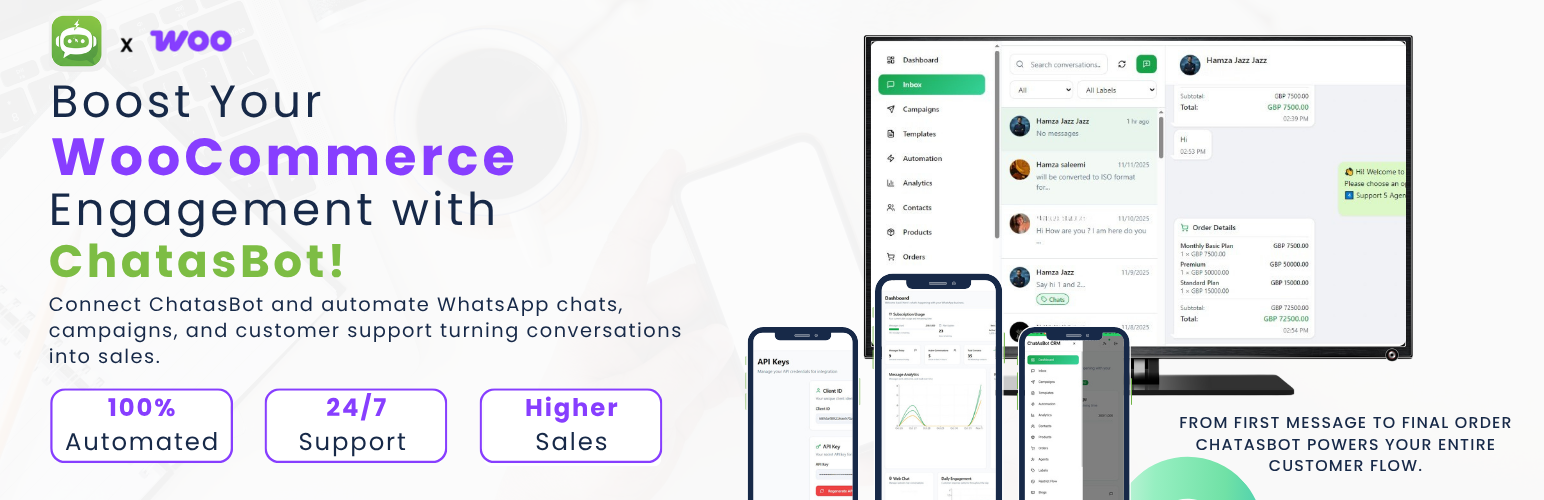

ChatasBot – Smart Order Notifications for WooCommerce
ChatasBot – Smart Order Notifications for WooCommerce allows store owners to send automated WhatsApp-style messages and order alerts directly from WooCommerce.
Connect your store with your ChatasBot account to automate order confirmations, promotions, reminders, and customer communication — all from inside your WordPress dashboard.
✨ Key Features
- 💬 Send instant WhatsApp-style messages to WooCommerce customers.
- ⏰ Schedule messages for promotions, offers, and reminders.
- 📦 Automatically fetch customer phone numbers from WooCommerce orders.
- 🔐 Secure API connection using your ChatasBot credentials.
- 📊 View your subscription details, active plan, and message usage.
- 🧩 Clean, intuitive, and mobile-friendly admin interface.
- 🧠 Ideal for marketing, customer support, and engagement automation.
🧠 How It Works
- Enter your Client ID and API Key in ChatasBot Settings.
- Select phone numbers from WooCommerce orders or add them manually.
- Type your message and send it instantly or schedule it for later.
- Messages are delivered through the secure ChatasBot API.
🚀 Upcoming Features
- Automatic order-status notifications (Processing, Completed, Refunded)
- WhatsApp template and media message support
- Message logs and analytics dashboard
- Multi-agent message management
External Service Disclosure
This plugin connects to the external ChatasBot service for message delivery.
When you send or schedule a message, the plugin may transmit order-related data — such as customer name, phone number, order ID, order status, and order total — to:
This data is used only for generating and delivering WhatsApp-style notifications through your ChatasBot account.
Use of this plugin requires an active ChatasBot account.
- Website: https://www.chatasbot.com
- Privacy Policy: https://www.chatasbot.com/privacy-policy/
Please review these policies to ensure compliance with your local data regulations.
Credits
Developed and maintained by Muhammad Hamza Saleemi
https://www.linkedin.com/in/muhammad-hamza-saleemi/
License
This plugin is licensed under the GPLv2 or later.
Account Creation Instructions
To use the ChatasBot plugin, you must first create an account on ChatasBot. Follow these steps:
- Visit the website https://www.chatasbot.com.
- Click on Sign Up and complete the registration process.
- After registration, log in to your ChatasBot account and obtain your Client ID and API Key.
- Enter these credentials in the ChatasBot Settings section in the WordPress admin panel.
- Start sending automated WhatsApp-style messages to your customers.
Details
Related plugins
Plugins that also contain the tag automation
OttoKit: All-in-One Automation Platform

Zapier for WordPress

Uncanny Automator – Easy Automation, Integration, Webhooks & Workflow Builder Plugin

MailerLite – WooCommerce integration

WP Webhooks – Automate repetitive tasks by creating powerful automation workflows directly within WordPress

Thrive Automator


About
Plugin for that tries to help you find the WordPress plugin you are looking for.
| Please enjoy an image of Crush (this awesome turtle) and have a lovely day! |  |
We do not own any plugin listed on this site and do not work for or work with WordPress.com or it's associated companies. We simply provide a searchable list of the available WordPress plugins.