


CheckShop
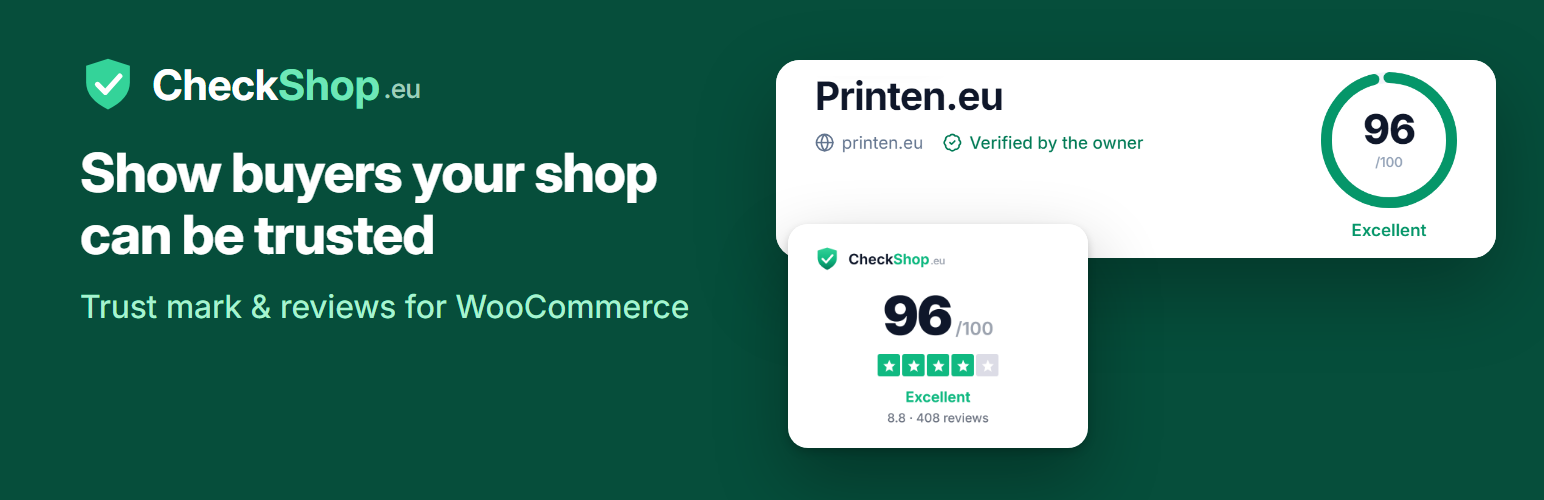
CheckShop checks online shops so buyers can see whether a shop is safe to buy from. Every shop gets a public profile with a score. CheckShop runs 25 checks in four groups: who is behind the shop, safety, buying and returns, and technical details. It looks up the VAT number in the EU VIES register and asks Google Web Risk about malware and phishing. Every shop is checked again each week.
This plugin brings that profile to your WooCommerce store.
Trust mark, free for every shop
- Shows your CheckShop trust mark with your score and reviews. It links to your profile on checkshop.eu.
- Works with only your shop’s domain. You do not need an account or an API key for it.
- Floating in a corner of the page, below the checkout form, or wherever you place it with the “CheckShop trust mark” block, the widget or the
[checkshop_badge]shortcode. - Works with the classic checkout and the block checkout.
- Uses the official CheckShop badge script, so the mark always shows your current score.
- Eleven styles: card, horizontal, slim bar, minimal, round, bubble, sticker, star row, and three page-wide styles: a header strip, a side tab and a bottom bar.
- A live preview on the settings page shows the chosen style, size and theme before you save.
On the Free plan CheckShop shows the default card. With a paid plan (Starter and up) the style, size and dark theme you choose in the settings are applied too. The preview on the settings page shows every style, marked “Preview”, so you can see what a plan would give you.
Latest reviews, free for every shop
- Shows the latest reviews of your shop on CheckShop, with stars, the reviewer’s name and a “Verified” mark for verified purchases, plus links to all reviews and to write one.
- Place it with the “CheckShop reviews” block, the “CheckShop reviews” widget or the
[checkshop_reviews]shortcode. - Choose the number of reviews (1 to 12), the minimum rating, a light or dark theme, your own title and a compact layout.
- The built-in texts follow your site’s language (English, Dutch, German, French, Spanish, Italian, Portuguese, Swedish, Polish, Danish).
Review invitations
- After an order is completed, CheckShop e-mails the customer a link to review your shop.
- Choose how many days to wait, from 0 to 30.
- Each order shows whether the invitation is scheduled, sent or refused, with the reason CheckShop gave.
- A “Send invitation now” button on the order screen.
Review invitations are included from the Starter plan (25 a month) and are unlimited from Pro. This plugin sends them with your shop’s API key, and API access comes with the Pro plan and up. CheckShop’s server decides what your plan allows; if it refuses an invitation, the plugin shows its answer on the order.
Plans
All prices are per month, excluding VAT.
- Free: public profile, score, basic trust mark, latest-reviews widget, dashboard and the weekly check.
- Starter, €4.99: badge designer (styles, sizes, dark theme), 25 review invitations a month.
- Pro, €9.99: everything in Starter, unlimited review invitations, WooCommerce and Shopify integration (invitations from your orders), API.
- Business, €24.99: up to 5 domains, review import, white-label badge, priority support.
- Enterprise, €49.99.
See checkshop.eu/pricing for the current plans.
Privacy
- Adds suggested text to your privacy policy (Settings > Privacy).
- Registers a personal data exporter and eraser for the invitation details stored on orders.
- See “External services” below for exactly what is sent to CheckShop.
External services
This plugin connects to CheckShop (checkshop.eu), run by the makers of this plugin, in four ways.
-
Trust mark. On pages that show the trust mark, the visitor’s browser loads the script https://checkshop.eu/badge/v1/loader.js and then fetches the public badge data (name, score, review count and rating) for your shop’s domain from https://checkshop.eu/api/v1/badge/{your-domain}. This happens on every page view where the mark is shown, so the score is always current. What is sent: your shop’s domain, plus what any browser sends when it loads a file from another website (the visitor’s IP address, browser user agent and the page address as referrer). No order or customer data is sent. Turn off the floating mark and the checkout mark, and do not use the block, widget or shortcode, to stop these requests.
-
Latest-reviews widget. On pages with the “CheckShop reviews” block, widget or
[checkshop_reviews]shortcode, the visitor’s browser loads the script https://checkshop.eu/reviews/v1/loader.js and then fetches your shop’s latest approved reviews (shop name, reviewer names, ratings, titles, texts and dates) from https://checkshop.eu/api/v1/reviews/widget/{your-domain}?limit={number}&minRating={stars}. What is sent: your shop’s domain and the number of reviews and minimum rating you chose, plus what any browser sends when it loads a file from another website (IP address, user agent, referrer). No order or customer data is sent. Remove the block, widget and shortcode to stop these requests. -
Settings preview. When you open WooCommerce > Settings > CheckShop, your browser loads https://checkshop.eu/badge/v1/loader.js and fetches the public badge data for the shop domain from https://checkshop.eu/api/v1/badge/{your-domain}, to show a preview of the trust mark. It sends the same as the trust mark above, from your own browser, and only on that settings page.
-
Review invitations. Only when “Send invitations” is on and an API key is entered: for each completed order, after the delay you choose (or when you click “Send invitation now”), your WordPress site sends the customer’s name, e-mail address and order number, with your API key, to https://checkshop.eu/api/v1/invitations. CheckShop uses them to e-mail the customer a link to review your shop. When you click “Check connection”, your site sends your API key to https://checkshop.eu/api/v1/verify to see which shop and plan it belongs to.
CheckShop terms of service: https://checkshop.eu/terms
CheckShop privacy policy: https://checkshop.eu/privacy
Details


About
Plugin for that tries to help you find the WordPress plugin you are looking for.
| Please enjoy an image of Crush (this awesome turtle) and have a lovely day! |  |
We do not own any plugin listed on this site and do not work for or work with WordPress.com or it's associated companies. We simply provide a searchable list of the available WordPress plugins.