



ClarityGuard
Most security plugins tell you that something is wrong. ClarityGuard tells you what it means and what to do about it.
Free features:
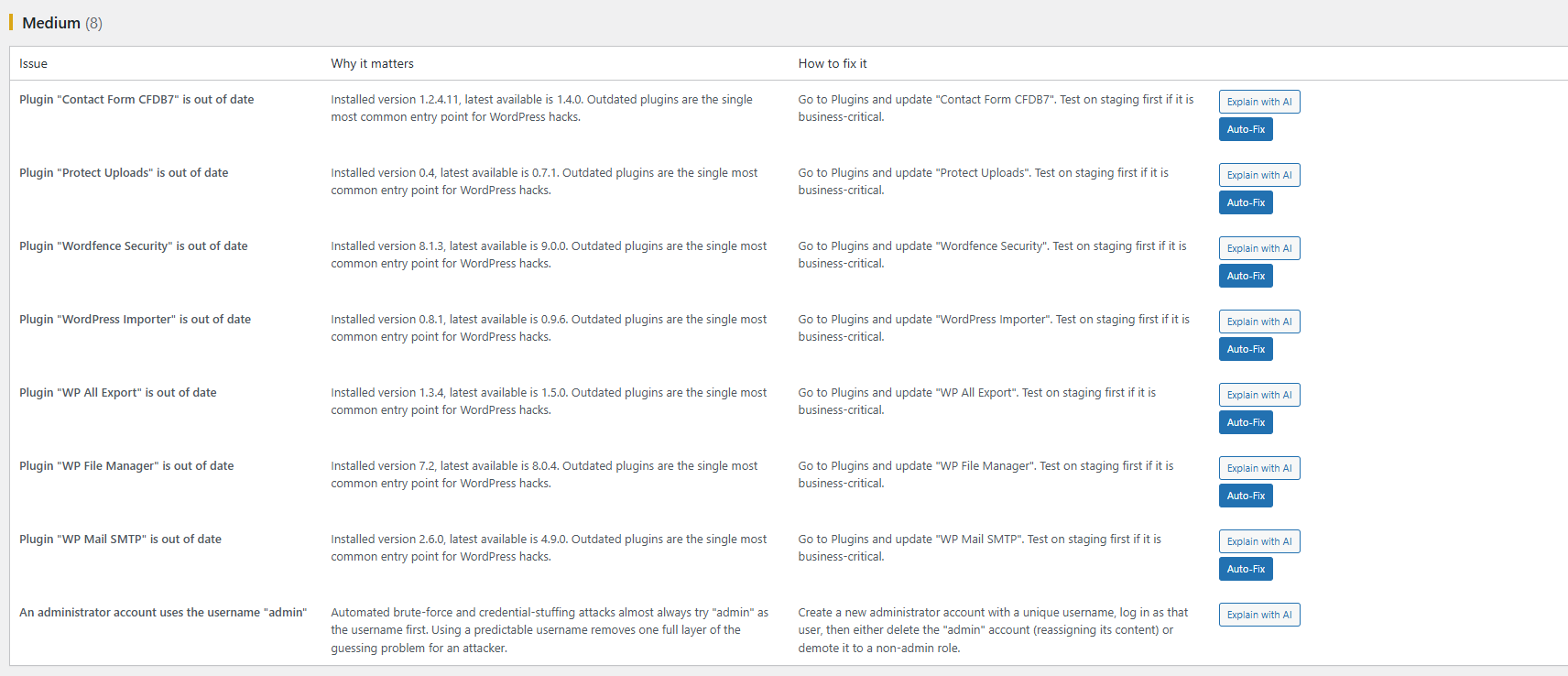
- Outdated WordPress core / plugin detection
- Known-vulnerability lookup (optional, bring your own WPScan API token)
- File permission checks on key WordPress files/folders
- Publicly exposed file detection (debug logs, backup files, .env, etc.)
- Default “admin” username detection
- Weekly automated scan with an email summary
- Plain-English explanation and fix steps for every finding
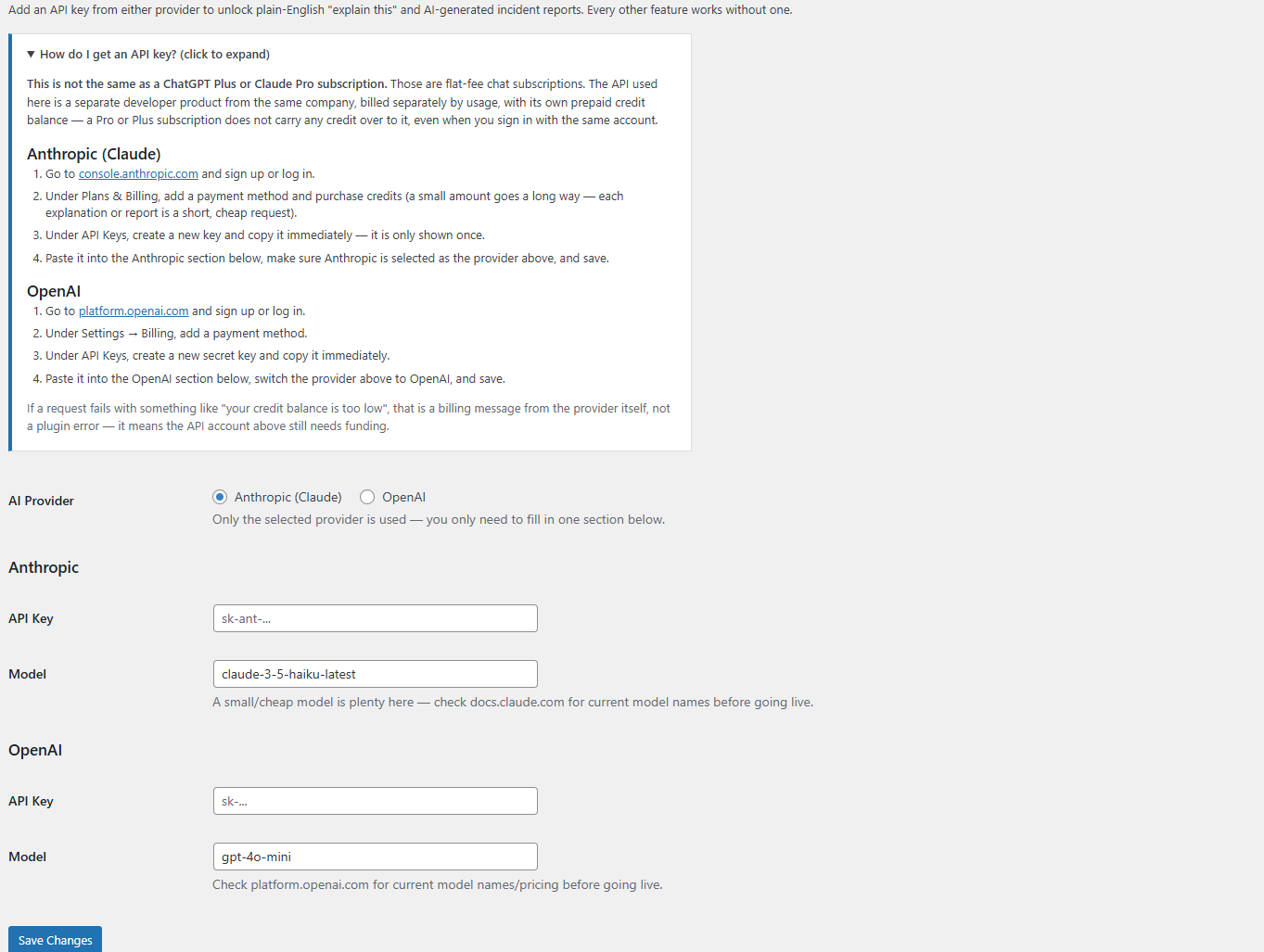
- “Explain with AI” per finding and an AI-generated incident report, once you add your own Anthropic API key under AI Settings (fully optional — everything else works with zero API keys)
Pro:
- One-click, reversible auto-remediation for safe fixes
- AI-generated, client-ready incident reports
- Malware / file-integrity diffing with AI-assisted triage
- Multi-site agency dashboard
External services
This plugin can optionally connect to the following third-party services. None of them are contacted unless you explicitly enable the feature and provide your own API key/token — every free-tier scan and check runs entirely locally with zero external calls.
Anthropic (Claude) — used to generate the plain-English “Explain with AI” text and AI incident reports, if you choose Anthropic as your AI provider under AI Settings and supply your own API key. When you click “Explain with AI” or “Generate AI Incident Report,” the relevant finding text (issue title, description, and site name) is sent to Anthropic’s API to generate the explanation; no data is sent otherwise.
Anthropic Commercial Terms of Service | Anthropic Privacy Policy
OpenAI — used the same way as Anthropic above, if you choose OpenAI as your AI provider under AI Settings and supply your own API key. The same finding text is sent to OpenAI’s API only when you click “Explain with AI” or “Generate AI Incident Report.”
OpenAI Terms of Use | OpenAI Privacy Policy
WPScan — used for the optional known-vulnerability lookup, if you add your own WPScan API token under Settings. When enabled, this plugin sends the slugs of your active plugins to the WPScan API to check them against the WPScan vulnerability database; no other site data is sent.
WPScan Terms of Service | WPScan Privacy Policy (WPScan is an Automattic property)
Details
Related plugins
Plugins that also contain the tag ai
SEOPress – On-site SEO & Analytics

AI Engine – The Chatbot, AI Framework & MCP for WordPress

GetGenie – AI Content Writer with Keyword Research & SEO Tracking Tools

SEO Plugin by Squirrly SEO

Website LLMs.txt

Smartsupp – live chat, AI shopping assistant and chatbots


About
Plugin for that tries to help you find the WordPress plugin you are looking for.
| Please enjoy an image of Crush (this awesome turtle) and have a lovely day! |  |
We do not own any plugin listed on this site and do not work for or work with WordPress.com or it's associated companies. We simply provide a searchable list of the available WordPress plugins.