


CodePen Embedded Pens Shortcode
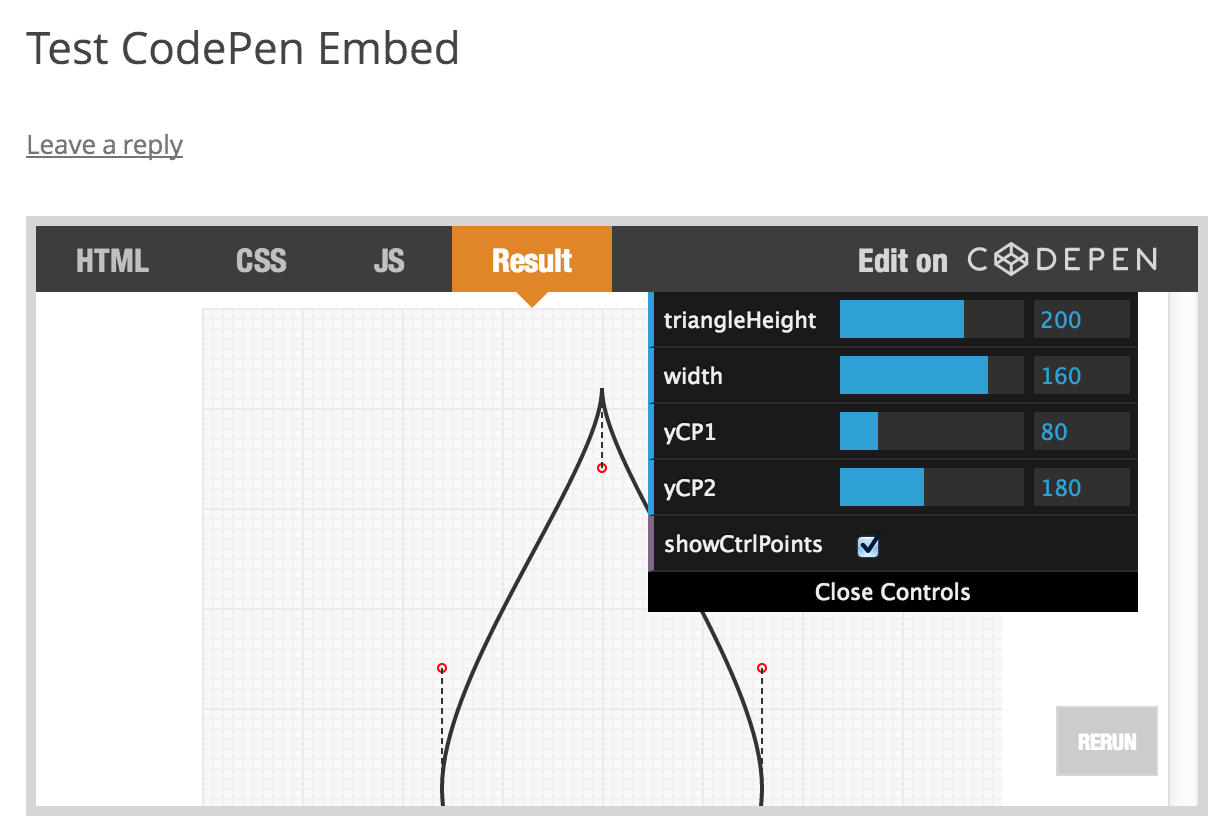
Allows the use of a special shortcode [codepen_embed] for embedding Pens from CodePen.
You can learn more about CodePen here and about this plugin here.
Basic Usage
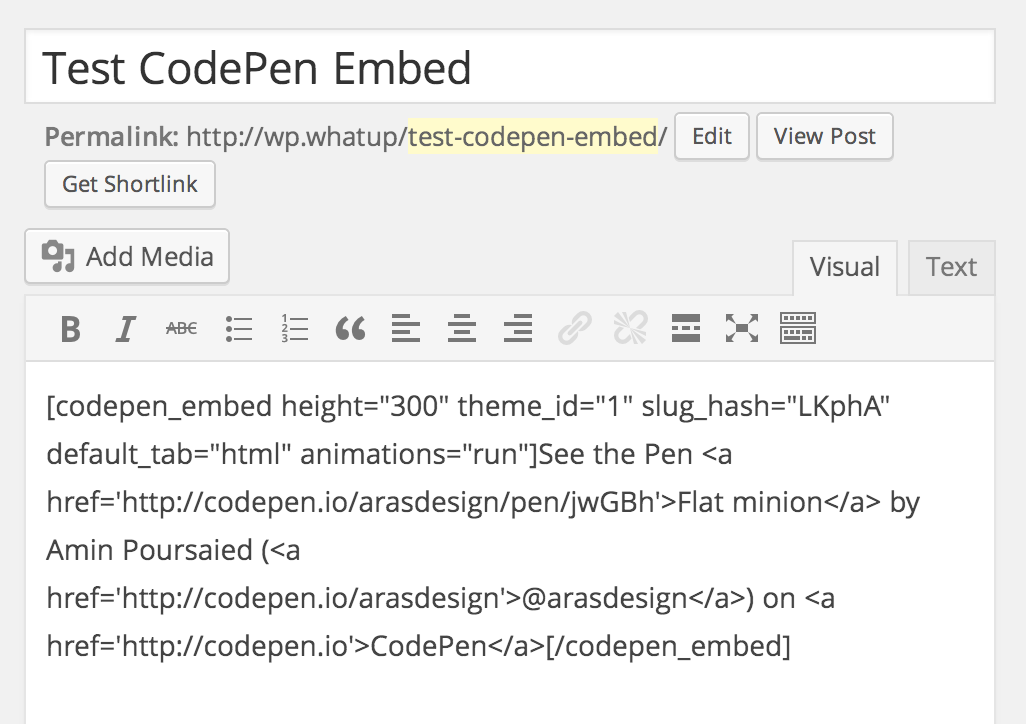
[codepen_embed height=300 theme_id=1 slug_hash='jwGBh' user='arasdesign' default_tab='html' animations='run']
  See the Pen <a href='https://codepen.io/arasdesign/pen/jwGBh'>Flat minion</a> by Amin Poursaied (<a href='https://codepen.io/arasdesign'>@arasdesign</a>) on <a href='https://codepen.io'>CodePen</a>
[/codepen_embed]
The Point
-
You can use shortcodes in the “Visual” editor. CodePen Embeds are copy-and-paste HTML that don’t work when using the editor that way. If you ever use the Visual editor in WordPress, you’ll probably want to use this plugin.
-
You can set a default theme, or override any theme set via Shortcode attribute.
-
Hopefully eventually this plugin will have more functionality. Like have a fancy UI for picking Pens to embed and more control over the HTML output.
Details


About
Plugin for that tries to help you find the WordPress plugin you are looking for.
| Please enjoy an image of Crush (this awesome turtle) and have a lovely day! |  |
We do not own any plugin listed on this site and do not work for or work with WordPress.com or it's associated companies. We simply provide a searchable list of the available WordPress plugins.