

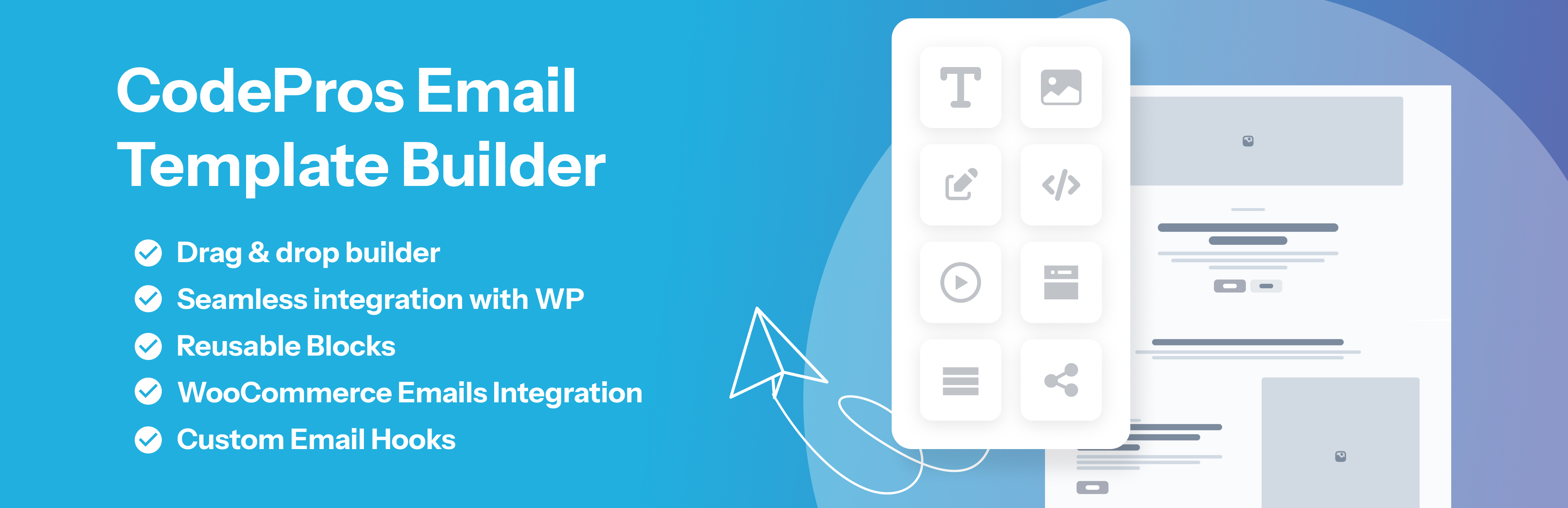

CodePros Email Template Builder
CodePros Email Template Builder replaces the default plain-text WordPress and WooCommerce emails with pixel-perfect, brand-consistent HTML templates built in a visual drag-and-drop editor.
Stop sending ugly default emails. With CodePros Email Template Builder you design once, assign to a hook, and every triggered email looks exactly the way you want — automatically.
Free Features
- Visual drag-and-drop builder — build email layouts with heading, text, button, image, divider, spacer, columns, table, social links, HTML code, footer, and WooCommerce address/order-items blocks
- Social links block — add platform icons (Facebook, Twitter/X, Instagram, LinkedIn, YouTube, Pinterest, TikTok, GitHub, WhatsApp, Telegram) with circular or square shape
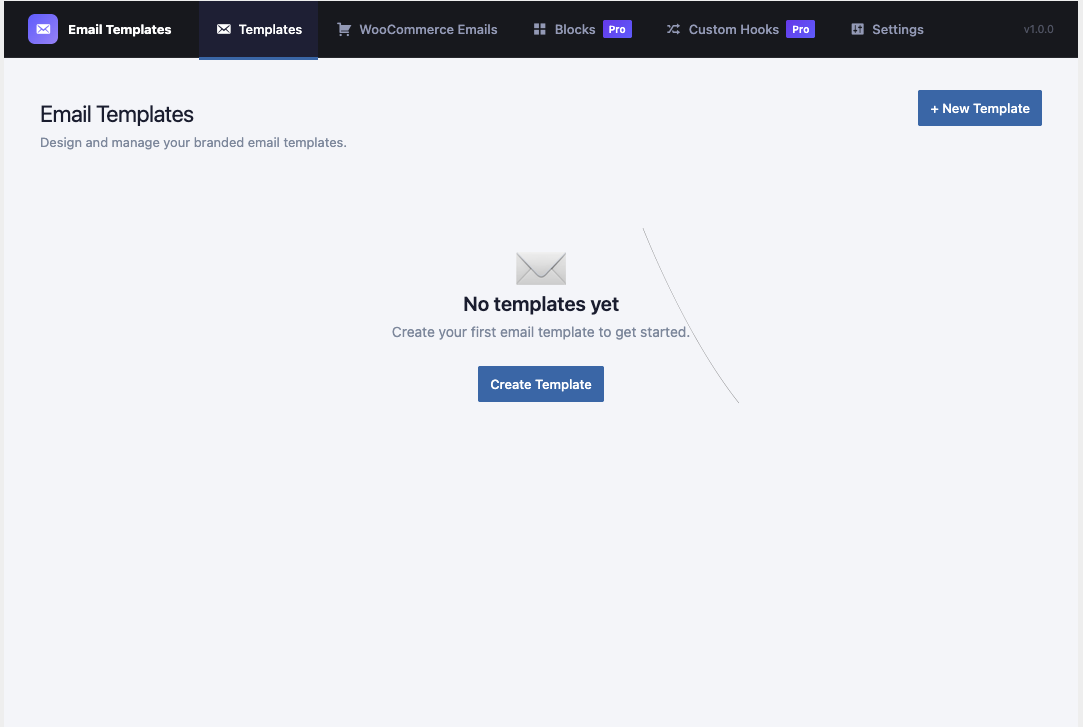
- Template management — create, edit, duplicate, and delete templates from a clean list view
- WordPress core email hooks — assign templates to built-in WP emails: new user notification, password reset, admin new user, email change, and password change
- Dynamic variables — insert
{{variable}}tokens (first name, site name, login URL, and more) that resolve automatically at send time - Live preview — preview rendered templates directly in the admin before assigning
- Send test email — send a test message to any address to verify layout in a real inbox
- CSS inlining — inline all CSS automatically for maximum email client compatibility
- Custom From name & email — override the default WordPress sender details per template or globally
- Duplicate templates — clone any template as a starting point for a new design
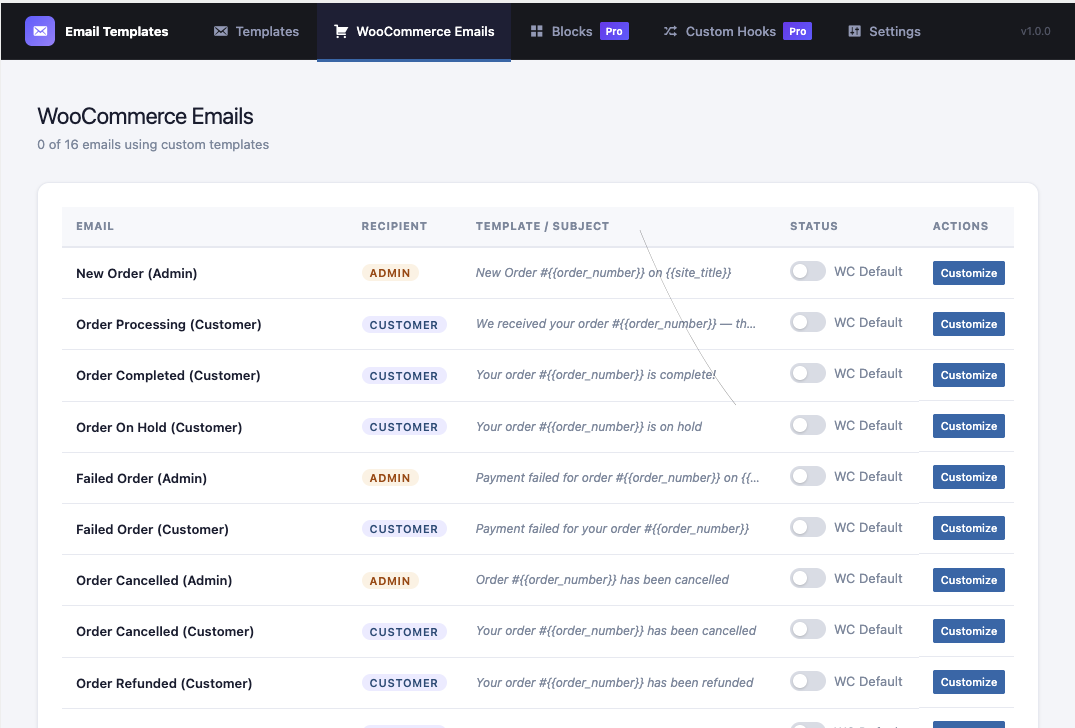
- WooCommerce Emails — assign templates to all 16+ WooCommerce transactional hooks (new order, order status changes, invoice, password reset, and more). Includes per-email active/inactive toggle so you can revert to the default WC email instantly without deleting your template
- WooCommerce order items table — render a full order summary inside your template using
{{order_items_table}}or{{order_items_table_with_images}}
Pro Features
Upgrade to CodePros Email Template Builder Pro to unlock:
- Custom Hooks — register your own PHP action/filter hooks, define custom
{{variables}}passed from your code, assign templates directly in the UI, and get a copy-ready PHP snippet for your theme or plugin - Reusable Blocks — create saved block sections and insert them into any template with a single click; update once to reflect the change everywhere
- WooCommerce Products block — drop a live product grid (recent or featured) directly into any email template; configurable columns, count, image, price, and call-to-action button
- WordPress Posts block — embed a recent-posts grid with thumbnail, title, excerpt, date, and read-more button — ideal for newsletters and digest emails
How It Works
- Go to Email Templates in the WordPress admin sidebar.
- Click Add Template and build your layout in the visual editor.
- Use
{{variable}}tokens to personalise the content dynamically. - Click Preview or Send Test to verify it looks right.
- Go to WooCommerce Emails or the assignment panel to map the template to an email hook.
- Done — every email fired on that hook now uses your template.
Variable Tokens
The following tokens are available in templates and resolve at send time:
WordPress core: {{site_name}}, {{site_url}}, {{first_name}}, {{last_name}}, {{user_email}}, {{user_login}}, {{reset_link}}, {{login_url}}
WooCommerce email: {{order_id}}, {{order_total}}, {{order_date}}, {{billing_first_name}}, {{billing_last_name}}, {{billing_email}}, {{shipping_address}}, {{payment_method}}, {{order_items_table}}, {{order_items_table_with_images}}
Custom Hooks (Pro): any variables you define when registering a custom hook
External Services
This plugin connects to the CodePros AI Licensing API (https://api.wp-plugins.codepros.ai)
when a Pro license key is entered and activated. The following data is transmitted:
- Your WordPress site name
- Your WordPress site URL
- Your license key
This data is used solely to validate your Pro license. No data is collected or transmitted
on free (unlicensed) installations.
Service privacy policy: https://codepros.ai/privacy-policy
Service terms of use: https://codepros.ai/terms
Source Code & Build Process
The compiled and minified JavaScript files in the build/ directory are generated from the human-readable source files located in the src/ directory, which is included in this plugin package.
Build Tools
- Node.js (16 or higher) and npm
- @wordpress/scripts
^27.9.0— provides the webpack configuration optimised for WordPress block development
Dependencies
@tanstack/react-query^5.0.0— server-state management for REST API callsbootstrap-icons^1.13.1— icon set used in the admin UI
Steps to Regenerate Compiled Files
- Ensure Node.js 16+ and npm are installed.
- From the plugin root directory, install dependencies:
npm install - Build production assets (output goes to
build/):
npm run build - For development (watch mode with source maps):
npm run start
Third-Party PHP Libraries
- tijsverkoyen/css-to-inline-styles — CSS inlining; source: https://github.com/tijsverkoyen/CssToInlineStyles (MIT License)
- WordPress Coding Standards (WPCS) — used for PHP linting only; not shipped with the plugin
Details


Related plugins
Plugins that also contain the tag email-builder
YayMail – WooCommerce Email Customizer

Email Customizer for Contact Form 7
Email Customizer for Elementor Forms
Easy Newsletter Builder


About
Plugin for that tries to help you find the WordPress plugin you are looking for.
| Please enjoy an image of Crush (this awesome turtle) and have a lovely day! |  |
We do not own any plugin listed on this site and do not work for or work with WordPress.com or it's associated companies. We simply provide a searchable list of the available WordPress plugins.