


CoffeeCode – Checkout Stripe Pix for WooCommerce
CoffeeCode – Checkout Stripe Pix for WooCommerce. Built with development best practices, providing more agility, security and sales conversion.
Support Coffee Code.
Requirements
- PHP version 7.4 or higher.
- WooCommerce version 7.0.x or higher.
Payment Methods
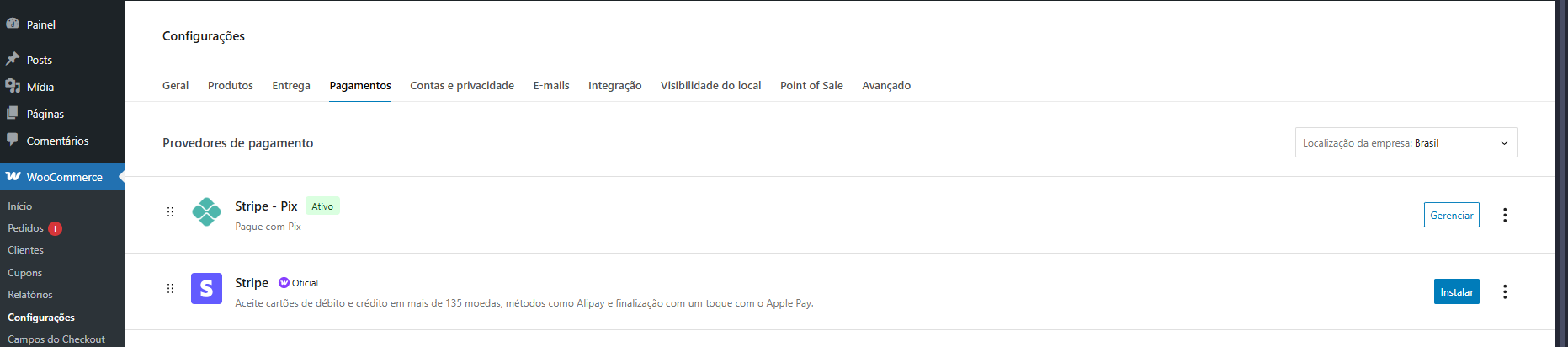
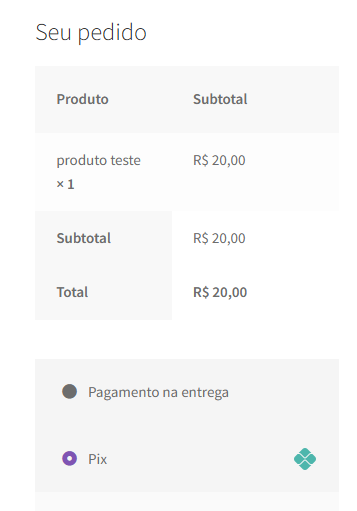
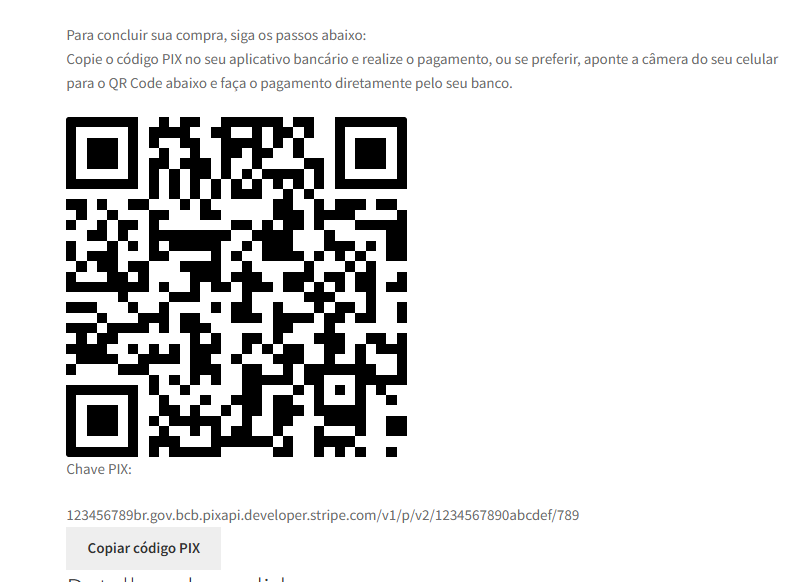
- PIX.
Features
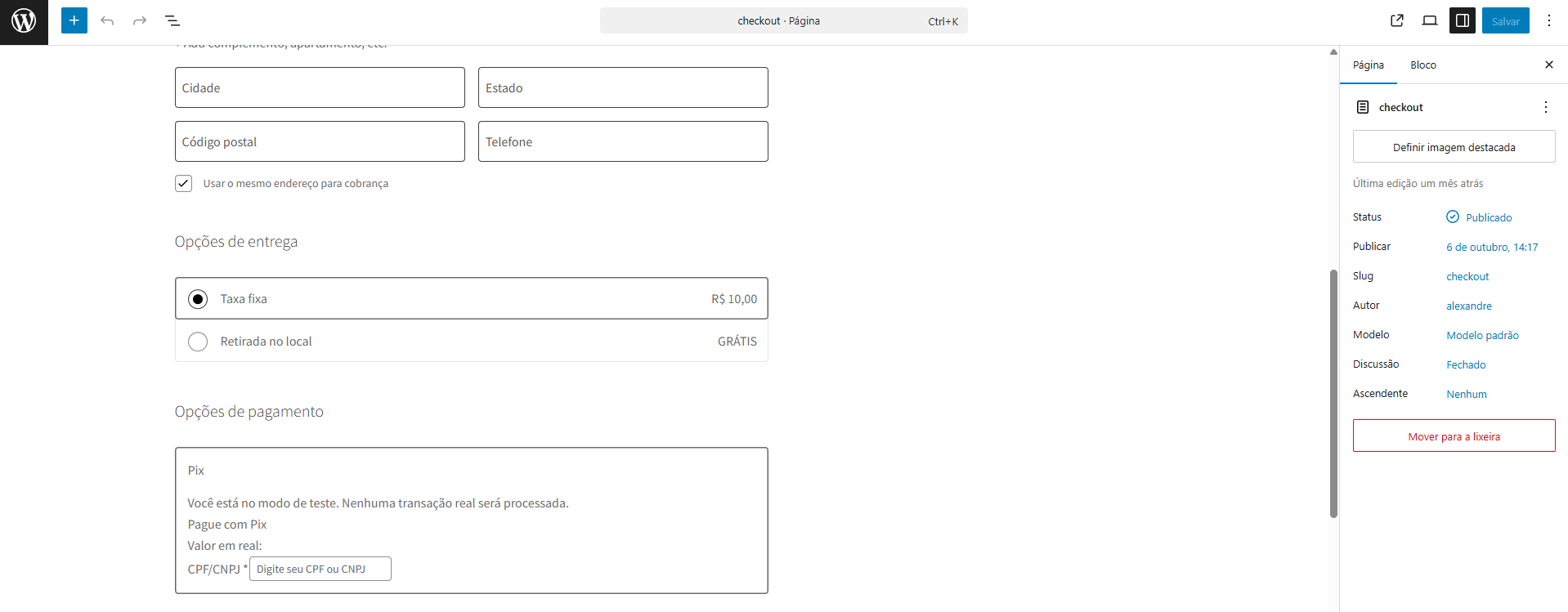
- Payment with Pix.
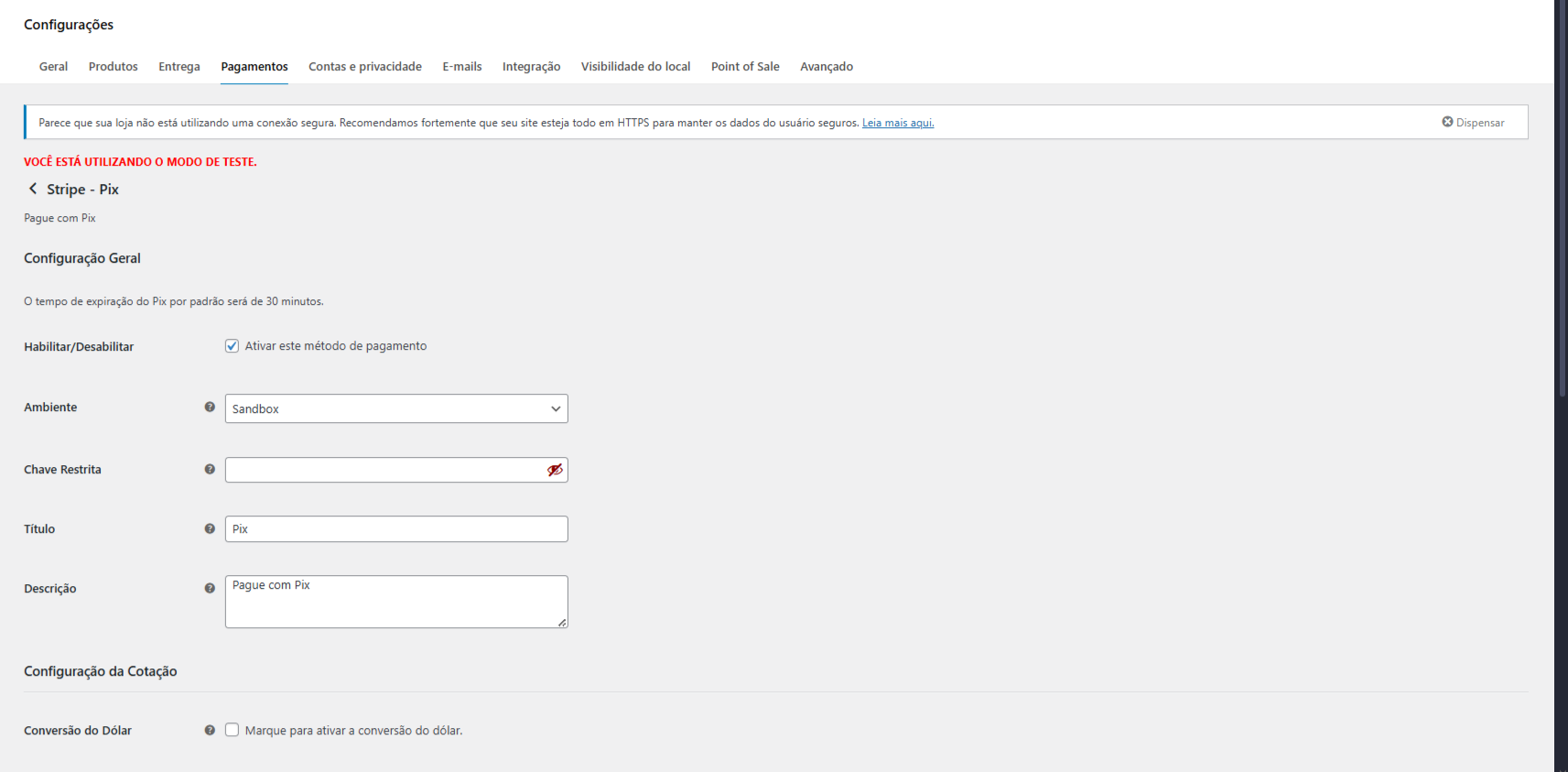
- Dollar conversion via API (daily exchange rate).
- Manual dollar conversion (administration).
- Extra fees (optional):
- Fixed fee.
- IOF (Tax on Financial Operations).
External services
This plugin connects to two external services to operate:
-
Stripe API: The plugin uses the official Stripe API to process Pix payments. This is essential for the plugin to create and manage transactions, and for secure communication between your store and Stripe. No sensitive user data (such as credit card numbers) is sent, as Pix is a QR Code-based payment method. For more information, see Stripe Privacy Policy and Terms of Service.
-
Central Bank of Brazil (BCB) API: The plugin connects to the public API of the Central Bank of Brazil (OLINDA) to get the daily dollar exchange rate. This information is used to convert foreign currency values to Brazilian Reais and ensure that payments are processed with the correct exchange rate. No user data is sent to this API. For more information, see BCB Open Data Catalog.
Details
Related plugins
Plugins that also contain the tag checkout
Brazilian Market on WooCommerce

reCAPTCHA for WooCommerce

Fluid Checkout for WooCommerce – Lite

Amazon Pay for WooCommerce

PayTR Sanal POS WooCommerce – iFrame API

Kustom Checkout for WooCommerce


About
Plugin for that tries to help you find the WordPress plugin you are looking for.
| Please enjoy an image of Crush (this awesome turtle) and have a lovely day! |  |
We do not own any plugin listed on this site and do not work for or work with WordPress.com or it's associated companies. We simply provide a searchable list of the available WordPress plugins.