


Coldstash – Archive Old Orders for WooCommerce
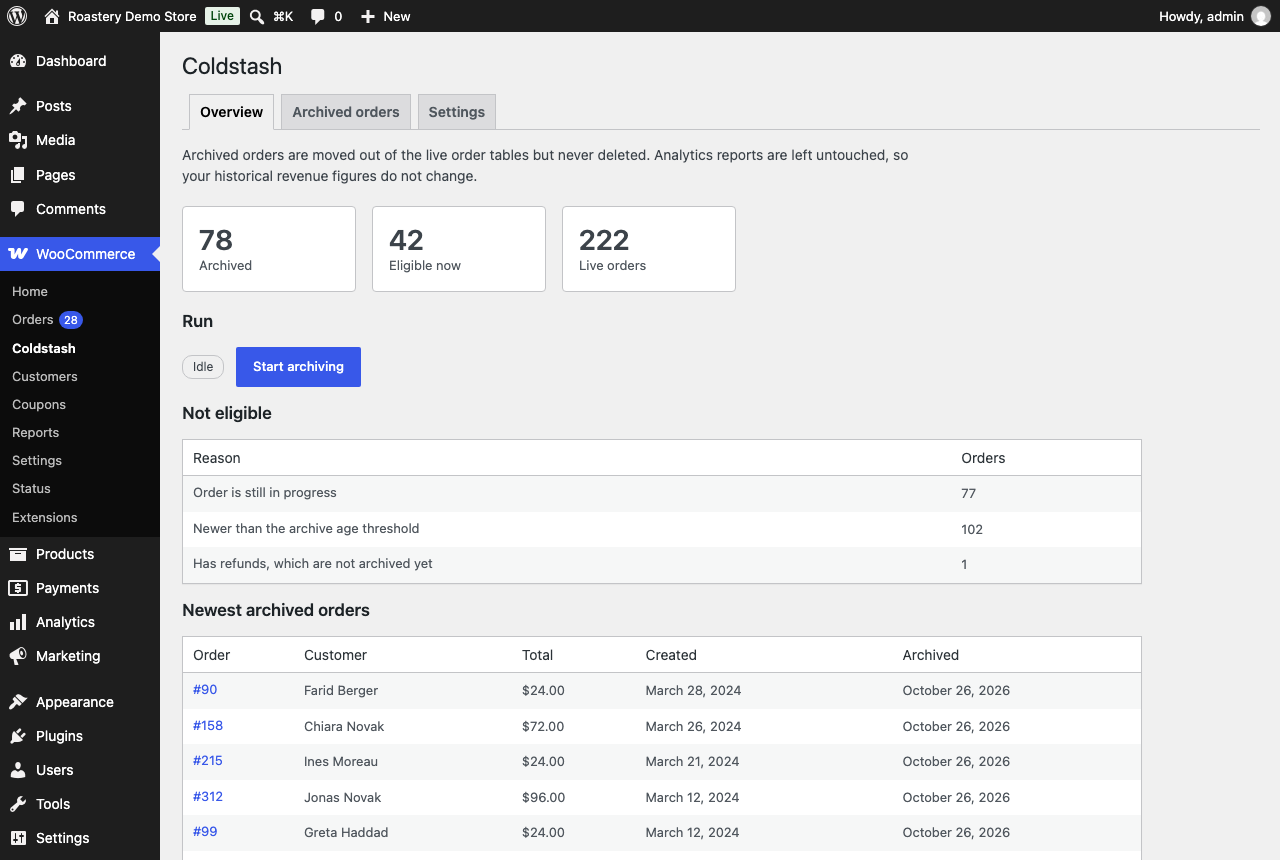
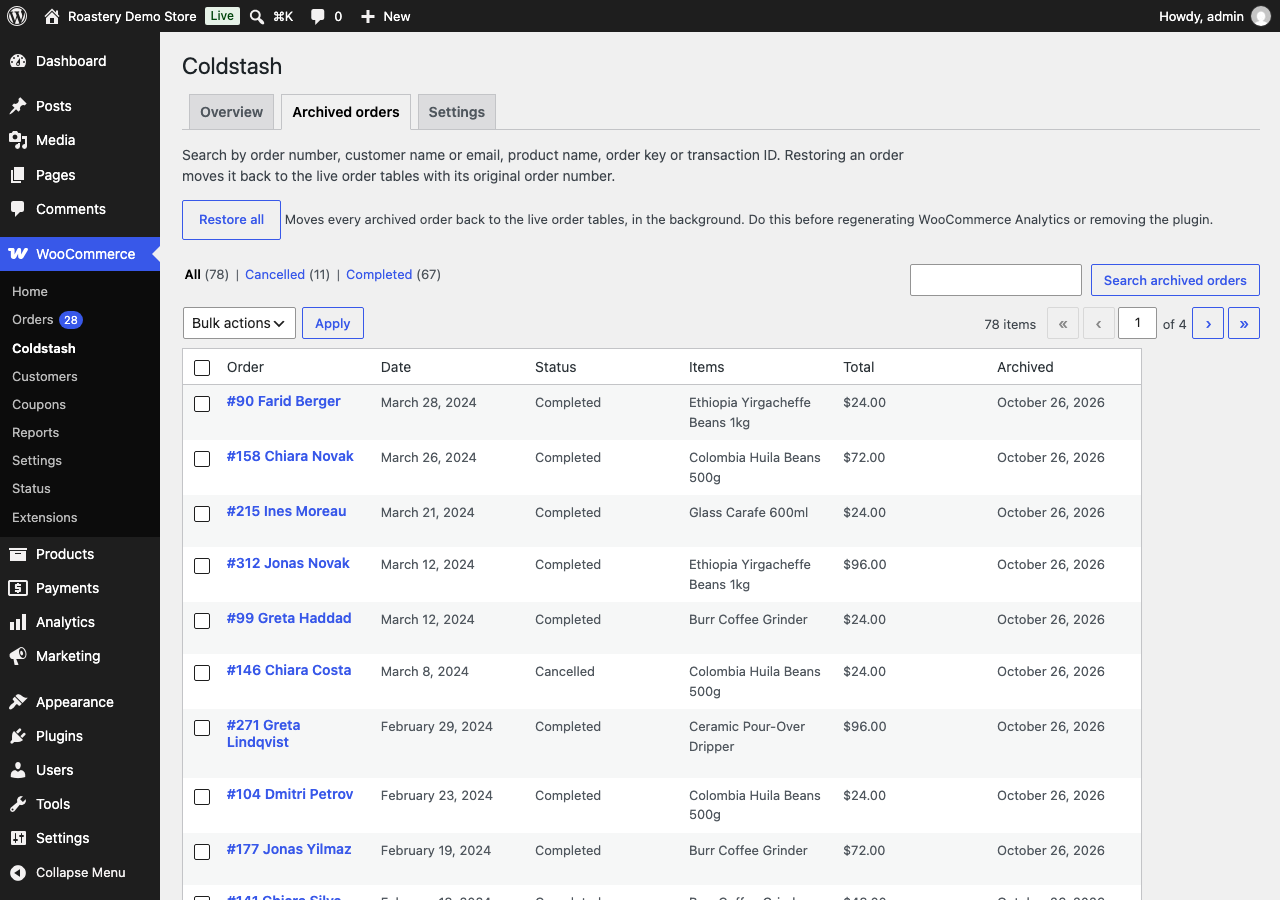
Coldstash archives old WooCommerce orders without deleting them. Completed orders from years ago move out of the live order tables into archive tables in the same database. You can still search them, open them read-only, and restore any of them with its original order number.
Orders are the fastest-growing data in a WooCommerce store. Every sale adds order rows, line items, item meta and order notes, and years of history make the live order tables large, which is what every order query, order screen and migration has to work through. Deleting old orders is the usual cleanup advice, but it loses history your accounting, customers and support may still need. Coldstash is the middle ground: a smaller set of live orders, and the old ones safely kept. If you came here looking for a way to bulk delete old WooCommerce orders, archiving gets you the cleanup without the risk.
Who it is for
- Established WooCommerce stores with years of order history and large order tables.
- Agencies and developers who look after those stores and want a reversible cleanup.
- Merchants who need to keep old orders for accounting or legal reasons, but not in the live tables.
What makes it safe
- Your reports do not change. WooCommerce Analytics reads its own lookup tables, and this plugin never touches them. Archive 2019 and your 2019 revenue is still there.
- Verify before delete. An order’s live rows are only removed after its archived copy has been read back out of MySQL and its checksum confirmed. A failed archive costs you nothing.
- Original order numbers. Restored orders come back with the same ID they had, because order numbers appear in your accounting and shipping history.
- Nothing is deleted, ever. Not on archive, not on deactivation, not on uninstall: the archive tables can only be removed once they are empty and you opt in.
What it skips, on purpose
Orders that are still in progress, orders newer than your age threshold (24 months by default, at least 12), orders with refunds, orders with active download permissions, and anything attached to WooCommerce Subscriptions, Bookings or Memberships. Every exclusion is shown with its reason before you run anything.
WP-CLI
wp coldstash preview, `run`, `status`, `restore <id>` / `restore --all` and `verify` give you full control from the command line.
Requirements
Requires High-Performance Order Storage (HPOS) with compatibility-mode sync turned off. Stores on legacy post-based order storage are not supported; the plugin stays idle and tells you why.
Privacy
Coldstash stores archived orders, including the customer’s personal data in them (name, email, addresses, phone, IP address), in your site’s own database. It sends no data to any external service and contains no tracking or analytics.
Details


Related plugins
Plugins that also contain the tag archive-orders
Nextial Order Archive – Archive Old Orders for WooCommerce (HPOS)

Clicks Order Archiver

About
Plugin for that tries to help you find the WordPress plugin you are looking for.
| Please enjoy an image of Crush (this awesome turtle) and have a lovely day! |  |
We do not own any plugin listed on this site and do not work for or work with WordPress.com or it's associated companies. We simply provide a searchable list of the available WordPress plugins.