

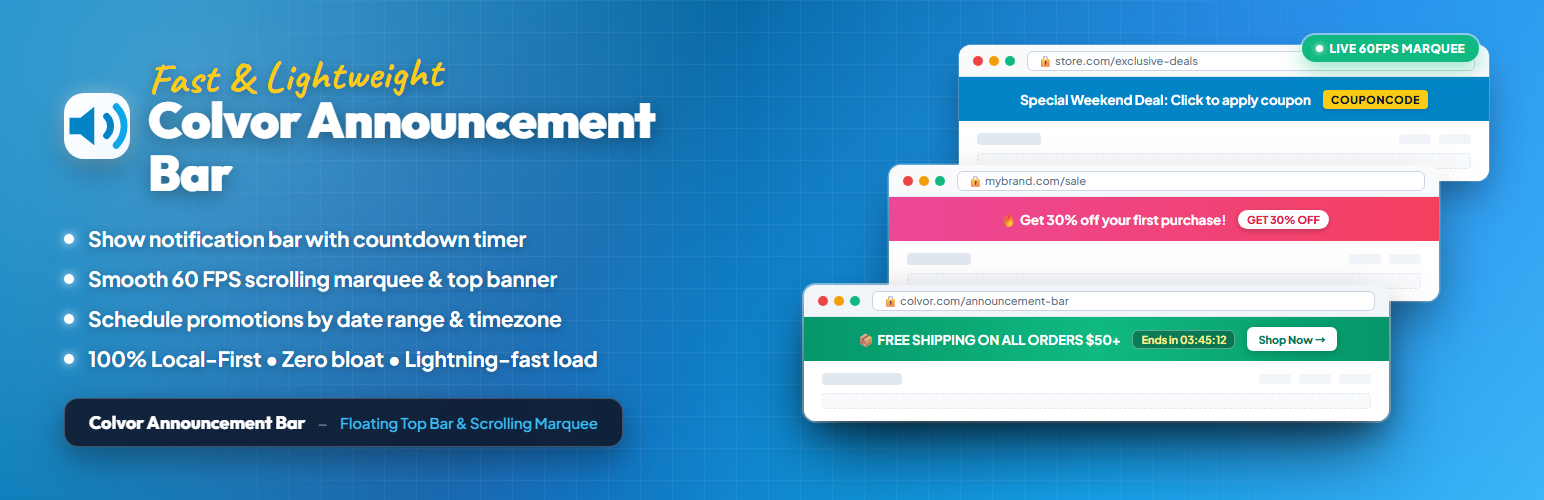

Colvor Announcement Bar
Colvor Announcement Bar adds a site-wide announcement bar above your content. It safely renders a cloud-managed message and optional link, caches the last valid configuration locally, and keeps the front end working if the remote service is temporarily unavailable.
Connect the plugin through a browser authorization flow to manage the announcement from the Colvor dashboard. Free sites receive a seamless scrolling marquee, can edit the announcement text, and can control whether it is shown. Custom links and visual styles require the Pro plan.
If the site credential is revoked in Colvor, the connector marks the site as disconnected, stops configuration sync, and keeps the last valid local configuration until the site is connected again.
The announcement can be hidden from the WordPress settings page at any time. This local display setting does not change the configuration stored in Colvor.
Setup
- Install and activate this plugin.
- Open Settings > Colvor Announcement Bar.
- Click Connect Colvor and follow the browser approval flow.
- Return to WordPress and click Verify connection if needed.
- Click Sync cloud configuration after changing the announcement in the Colvor Dashboard.
Connection credentials are provisioned and stored automatically and are never rendered into the public page.
Subscription access and capabilities are calculated by Colvor’s server; the connector only consumes the returned effective configuration and plan capability.
External services
This plugin connects to Colvor at https://colvor.com.
When you click the connection button, the plugin sends the site URL and plugin version to create a short-lived browser authorization request. After you approve the request, the plugin stores the site credential in WordPress and uses it for a twice-daily health check and configuration synchronization. The health check sends the plugin version and an authenticated site credential. Configuration responses can include the current plan, feature capabilities, and announcement settings.
The plugin does not send visitor activity, page content, WooCommerce orders, or payment details to Colvor. You can disconnect the site from the Colvor dashboard. Deactivating the plugin stops scheduled health checks, and uninstalling it removes the locally stored connection data.
For details, see the Colvor Privacy Policy.
Details


About
Plugin for that tries to help you find the WordPress plugin you are looking for.
| Please enjoy an image of Crush (this awesome turtle) and have a lovely day! |  |
We do not own any plugin listed on this site and do not work for or work with WordPress.com or it's associated companies. We simply provide a searchable list of the available WordPress plugins.