

This plugin is outdated and might not be supported anymore
Back

Comment Emojis for WP
Details
View on WordPress
Back
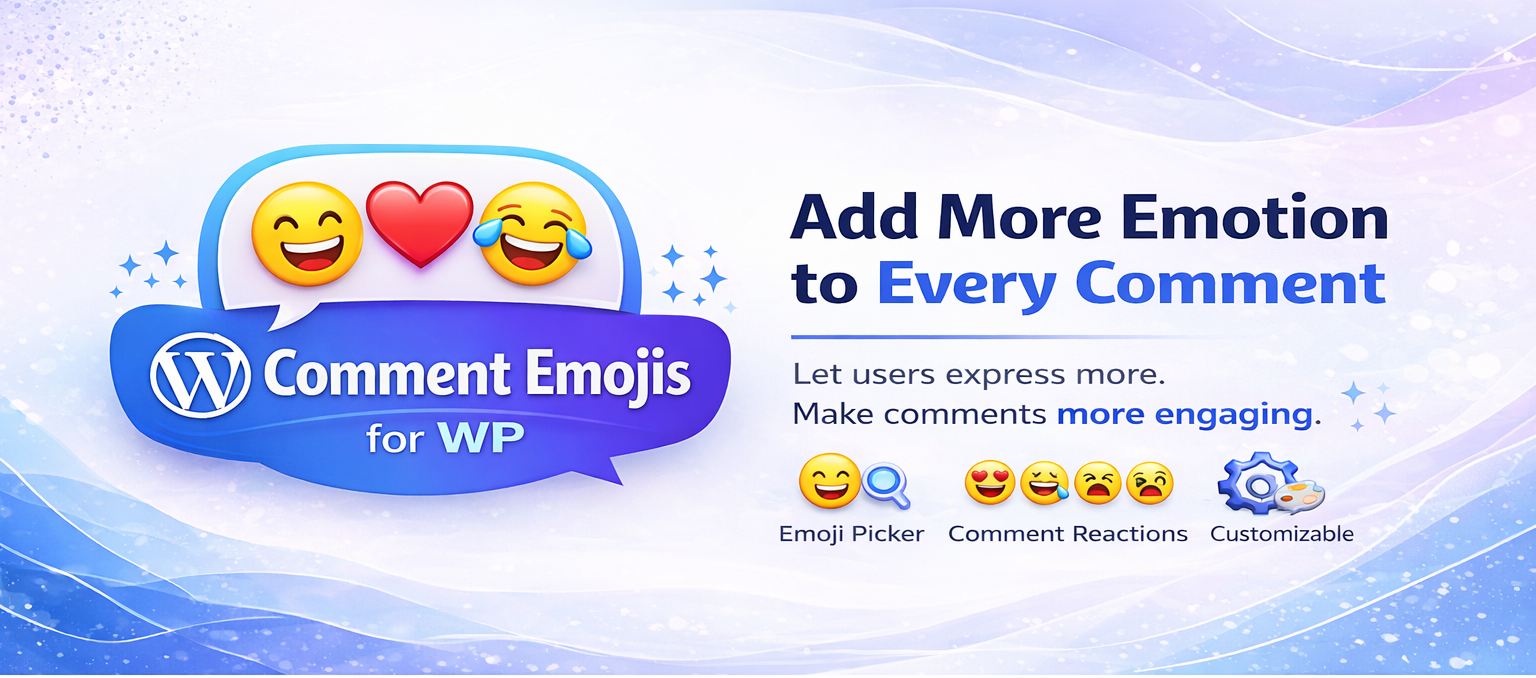
Comment Emojis for WordPress – Reactive emoji and provides a Lighweight Emoji box to the Comment textarea of your site, and your users will be able to add these emojis inside their comments with just one touch.
Allow visitors to add emoji on reactions to it’s comments.
Basic Features
- React with emojis to any post or comment.
- Allow guests reaction or logged-in user reaction on comments.
- User will see recent react emojis in the picker.
- Search emojis in the picker with standalone emojis name.
- User will filter emojis in the picker with diffrent category emojis and also using scroll on picker box.
- User allow to add multiple emojis on comments textarea to submit post comment.
Automatic Installation
- Go to your plugin browser inside your wordpress installation and search
Comment Emojis for WPby keyword. Then choose “Comment Emojis for WP” and click install. It will be installed shortly. - Activate the plugin from
Pluginsmenu after installation
Manual Installation
- Download the latest version and extract the folder to the
/wp-content/plugins/directory - The plugin will appear as inactive in your
Pluginsmenu - Activate the plugin through the
Pluginsmenu in WordPress
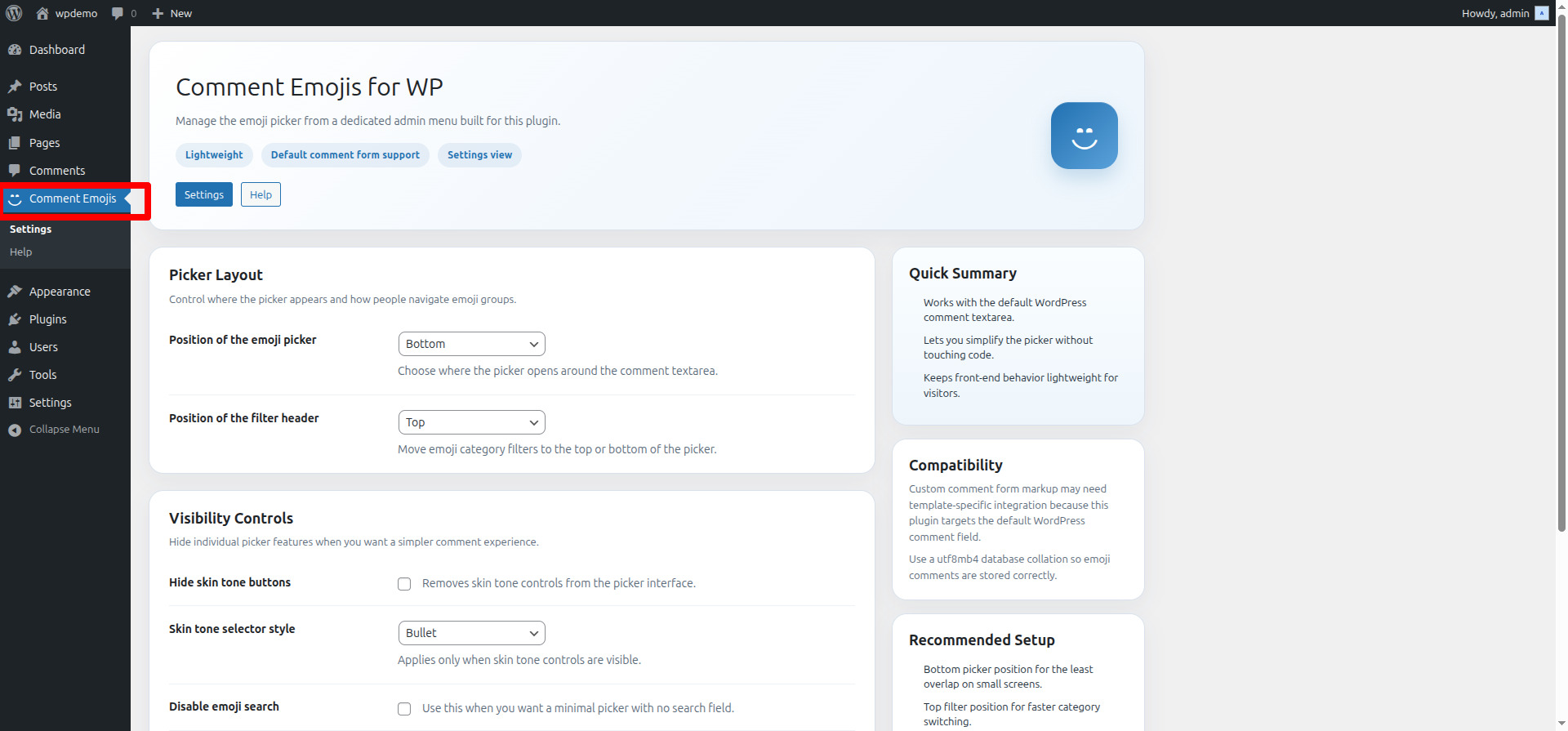
Setup and Configuration
Go to: Settings > Comment Emojis
Tick the checkbox to configure a setting.
Save changes
Details
Plugin code:
comment-emojis-for-wp
Plugin version:
1.0.0
Author:
Outdated:
Yes
WP version:
4.7 or higher
PHP version:
7.0 or higher
Test up to WP version:
6.4.5
Total installations:
100
Last updated:
2024-05-07
Rating:
Times rated:
2
comment
comment-emojis
emoji
insert-emoji
post-comment-emojis


Related plugins
Plugins that also contain the tag comment
Comments – wpDiscuz

Honeypot Anti-Spam

DCO Comment Attachment

Comments Like Dislike

One Click Close Comments
Bulk Delete Comments


About
Plugin for that tries to help you find the WordPress plugin you are looking for.
| Please enjoy an image of Crush (this awesome turtle) and have a lovely day! |  |
We do not own any plugin listed on this site and do not work for or work with WordPress.com or it's associated companies. We simply provide a searchable list of the available WordPress plugins.