


Content Protection and Disable Right Click
PROTECT YOUR CONTENT FROM STEALERS
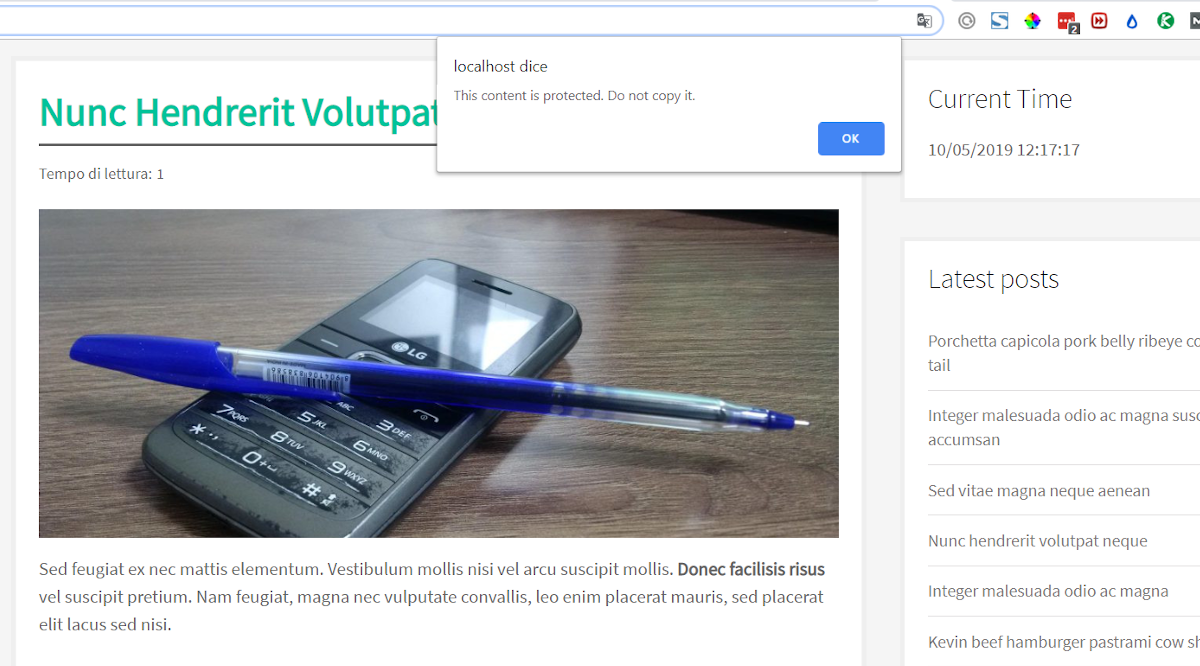
Are you worried by users that steal your content? Activate this plugin and forget all your nightmares, because visitors won’t be able to copy, select, or save your text.
SEO-friendly and lightweight code
This plugin contains lightweight code to be very fast to load, SEO-friendly, and it is developed to have full compatibility with WordPress 3.1 (2011) up to WordPress 5+ (2019), from PHP 5.6 up to PHP 7.3.
FEATURES:
- Choose what protection feature to activate
- Disable right click
- Disable text selection
- Disable F12 to inspect source code
- Lightweight code to quickly load the page and keep a good pagespeed score
- No cookies are set by this plugin to visitors
- Compatible with all resolutions: desktop, tablet, and smartphones
Explore the premium version with additional features designed to safeguard your content from copycats.
HOW TO USE:
In order to protect your content, you just activate this plugin, select what type of protection you want to activate, and that’s it. Enjoy!
Details

Related plugins
Plugins that also contain the tag content-protection
WP Content Copy Protection & No Right Click

Secure Copy Content Protection and Content Locking

WP Content Copy Protection

Disabled Source, Disabled Right Click and Content Protection

WP-Copyright-Protection

ContentProtector – password protect your page, post or text


About
Plugin for that tries to help you find the WordPress plugin you are looking for.
| Please enjoy an image of Crush (this awesome turtle) and have a lovely day! |  |
We do not own any plugin listed on this site and do not work for or work with WordPress.com or it's associated companies. We simply provide a searchable list of the available WordPress plugins.