

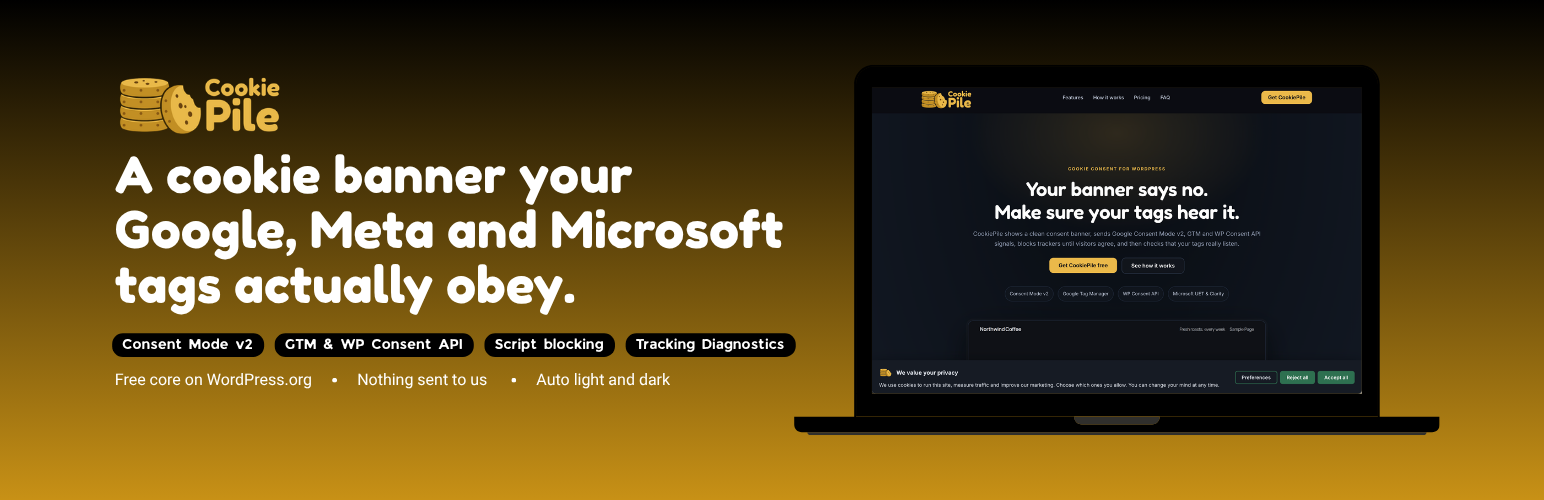

CookiePile – Cookie Consent & Consent Mode v2
Most cookie banners stop at the banner. CookiePile also checks that your tags respect it.
Tracking Diagnostics loads any page of your site the way a visitor sees it (before a choice, after “Reject all”, after “Accept all”) and shows you, in plain language:
- tracking requests or cookies that happen before the visitor agrees,
- Google tags that report consent as granted when it was not,
- a consent default that loads after your tags, or that a speed plugin delays,
- duplicate GA4 ids, Tag Manager containers and Meta pixels,
- a second consent tool fighting the first one.
Everything runs on your own site and in your own browser. Nothing is sent to CookiePile or anyone else.
Consent signals
- Google Consent Mode v2, all seven consent types, printed at the very top of
<head>before any Google tag. Basic or Advanced mode,wait_for_update,ads_data_redaction,url_passthrough. - Google Tag Manager: a
cookiepile_consent_updatedataLayer event with the category choices, ready to use as a trigger. - WP Consent API: when the free WP Consent API plugin is active, Site Kit, WooCommerce and other plugins that read it follow the visitor’s choice automatically.
- Microsoft Advertising (UET) and Microsoft Clarity (ConsentV2) consent.
Blocking
- Known tracking scripts (about 45 services: Meta Pixel, TikTok, LinkedIn, Pinterest, Hotjar, HubSpot, X, Snap and more) wait until the visitor allows their category.
- Scripts added later by tag managers and page builders are caught too.
- YouTube, Vimeo, Google Maps and other embeds become a click-to-load placeholder.
- Add your own services through a simple form (a name, a category and part of the script address).
Banner
- Bar, corner box or center dialog. Colors, radius and font size from the settings, no code needed.
- “Reject all” has the same weight as “Accept all” by default.
- A small floating button (or the
[cookiepile_preferences]shortcode) lets visitors change their mind. - Keyboard and screen reader friendly.
- Full right-to-left support. Hebrew included.
Also included
- Cookie scanner and a
[cookiepile_cookie_list]shortcode for your cookie policy page. - Consent log on your own site: random consent ID, choice, version, date and a salted hash of a shortened IP address. Search by consent ID.
- Export and import settings.
- Works with page caching: the banner is decided in the browser.
CookiePile helps you work toward compliance. It is not legal advice, and no plugin can make a site compliant on its own.
CookiePile Pro
A separate paid version adds pixel consent APIs (Meta and TikTok load with consent revoked and switch on after consent), region rules with Global Privacy Control, weekly monitoring with email alerts and a client-ready report, consent log export and statistics, and your own image as the banner logo. Learn more at cookiepile.com.
External services
Freemius (the only service this plugin connects to)
This plugin includes the Freemius SDK (https://freemius.com), the service that handles licensing and updates for the paid version and, if you allow it, opt-in usage data.
What is sent and when: on activation the SDK shows an opt-in screen. If you say yes, it sends your site address, the WordPress and PHP versions, your active plugin and theme list, and your name and admin email address to Freemius, and it checks for plugin updates from there afterwards. If you skip the opt-in, none of that is sent. If you activate a paid license, the SDK sends the license key and your site address to Freemius so the license can be validated and renewed, and it checks for updates.
Freemius terms of service: https://freemius.com/terms/ Freemius privacy policy: https://freemius.com/privacy/
What CookiePile itself does NOT send anywhere
Nothing. The banner and the visitor’s choice, script and embed blocking, the cookie scanner, the consent log and Tracking Diagnostics all run on your own site and in your own browser, and no part of them contacts CookiePile or any other server.
Tracking Diagnostics deserves a word, because it deals with third-party tags: it opens pages of YOUR OWN site in YOUR OWN browser (before a choice, after “Reject all”, after “Accept all”) and reports which requests those pages make. Any outside address it names is a request your own tags make, never one this plugin makes.
The plugin’s code contains the addresses of about 45 tracking services (for example googletagmanager.com, google-analytics.com, clarity.ms, bat.bing.com, analytics.tiktok.com and connect.facebook.net). They are text patterns used to recognize those services in your own page and hold them back until the visitor allows their category, and to recognize them in a diagnostics run. CookiePile never requests them, and it does not load any script, font, image or stylesheet from an outside server.
Details


Related plugins
Plugins that also contain the tag consent-mode
Tracking and Consent Manager – WP Full Picture

Tag Pilot FREE – Google Tag Manager Integration for WooCommerce

Lightweight Google Analytics

Consent Mode Banner

Simple Consent Mode

CookieStart – CMP Banner & Cookie Consent


About
Plugin for that tries to help you find the WordPress plugin you are looking for.
| Please enjoy an image of Crush (this awesome turtle) and have a lovely day! |  |
We do not own any plugin listed on this site and do not work for or work with WordPress.com or it's associated companies. We simply provide a searchable list of the available WordPress plugins.