

This plugin is outdated and might not be supported anymore
Back

Wicker Wings DabKrabe – Before After Image Comparison Block
Details
View on WordPress
Back
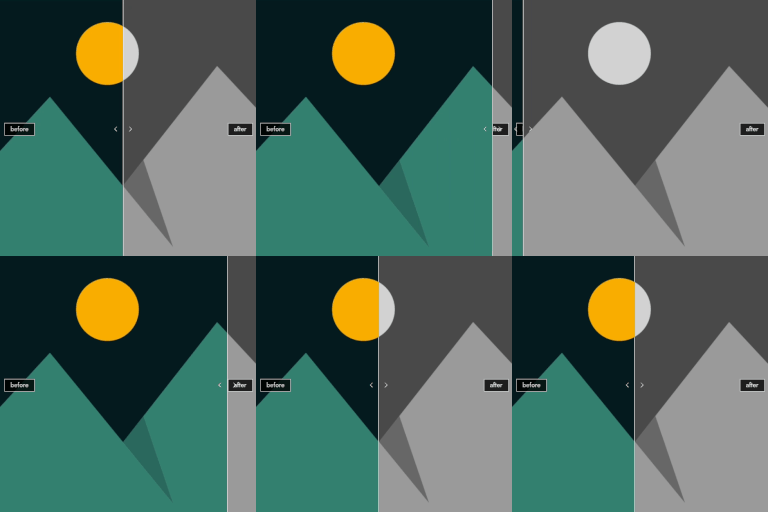
You can easily create a block that allows visitors to compare and view two images using a slide bar. You can view it in fullscreen and see a larger image for comparison.
Feature
- Image display size can be specified
- Changing the slider movement direction vertically and horizontally
- Edit border style
- Edit slidebar color
- Fill in the captions
- Fill in the description
- Fullscreen display
Notes
- Editing slidebar color is not supported on WordPress 6.1
- If the browser does not support fullscreen, the image will be displayed in the full window. At that time, a fixed menu specific to the WordPress theme may be displayed.
Usage
- Choose the left and right images from the image select buttons.
- You can change preview mode and edit mode from the icon on the editing toolbar.
- Some styles while editing are only applied in the preview mode.
Details
Plugin code:
dabkrabe
Plugin version:
1.0.3
Author:
Outdated:
Yes
WP version:
6.1 or higher
PHP version:
7.0 or higher
Test up to WP version:
6.6.2
Total installations:
0
Last updated:
2024-07-24
Rating:
Times rated:
0
before-after
compare
comparison
image
photo
Related plugins
Plugins that also contain the tag before-after
Ultimate Before After Image Slider & Gallery – BEAF

WP Before After Image Slider – Advanced Image and Video Comparison Plugin for WordPress

Advanced WpBakery Page Builder Addons
Before After Slider for WooCommerce – eBEAF

Simple Before After Image Slider
Medical Before After Gallery


About
Plugin for that tries to help you find the WordPress plugin you are looking for.
| Please enjoy an image of Crush (this awesome turtle) and have a lovely day! |  |
We do not own any plugin listed on this site and do not work for or work with WordPress.com or it's associated companies. We simply provide a searchable list of the available WordPress plugins.