


Dashboard Navigator
In modern operating systems you can press a Start or Spotlight key, type a few letters of the operation you need, and choose it. There’s no need to waste time clicking around in the menus looking for your command. This plugin gives you the same capability for WordPress’s dashboard and its features.
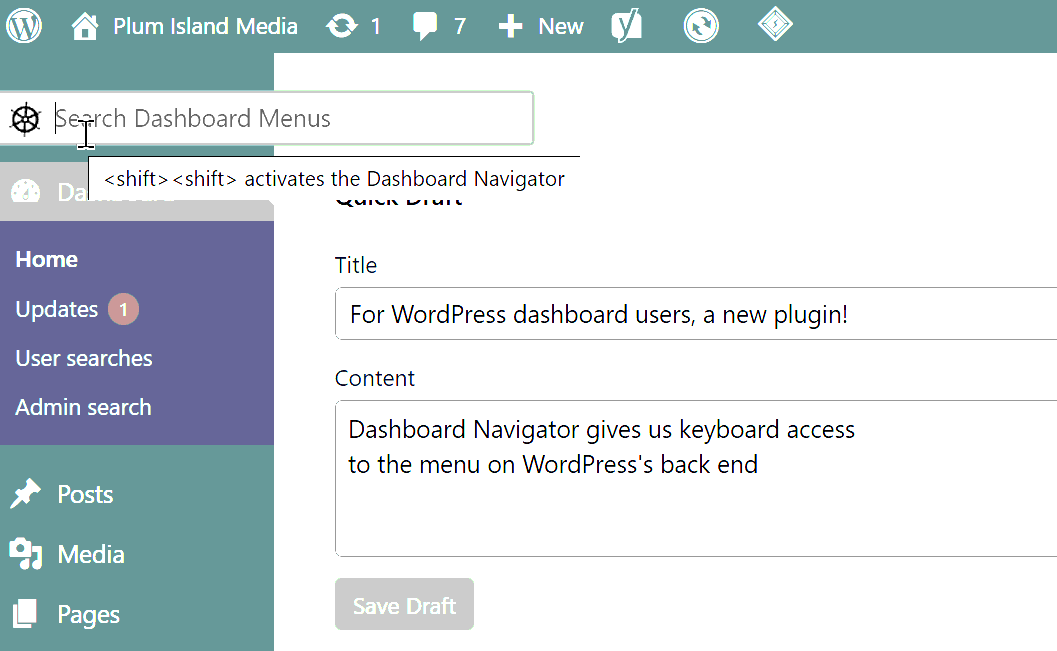
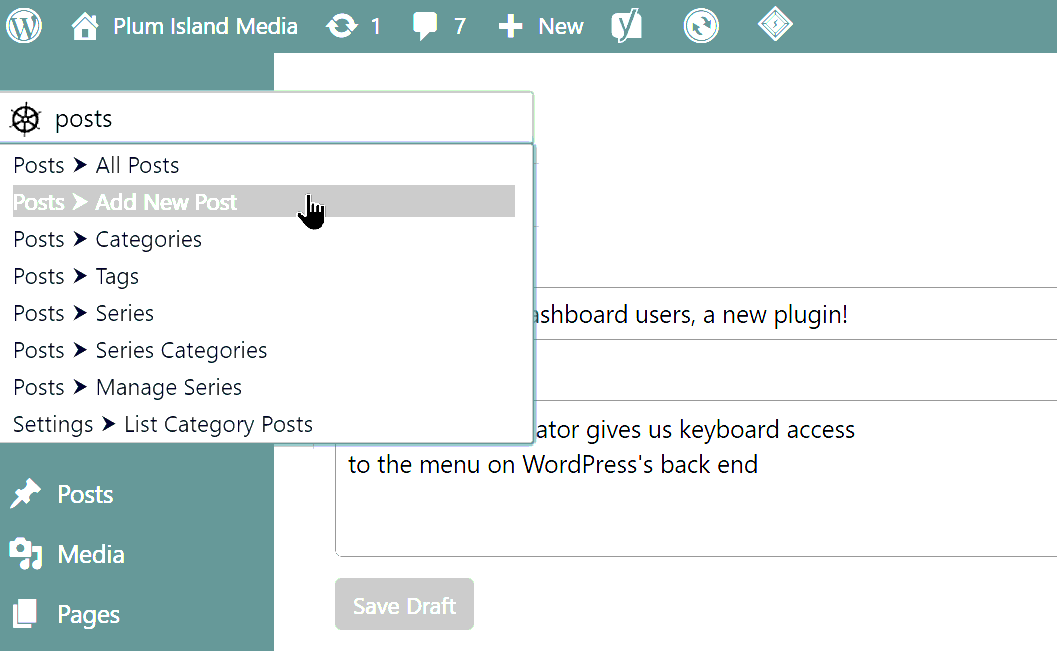
The plugin places a search box at the top of the menu at the top left of WordPress’s dashboard. (That menu is at the top right if you use a right-to-left language such as Rohingya or Arabic.) Click in that menu and type a few letters. You’ll see a drop-down list of matching commands. Use arrow keys to select the command you want, and press Enter or Tab.
You can press Shift twice rapidly instead of clicking in the search box. So, for example, to go to your orders in your WooCommerce store, type this.
Shift Shift o r d e r s Enter
Tnat’s it.
How does this plugin work? It is lightweight. It sends its small JavaScript file to your browser for every dashboard page. That JavaScript analyzes the WordPress menus and prepares the dropdown list.
Credits
Props to herchen for his Admin Menu Search plugin. This is, I hope, worthwhile improvement on it.
Details
Related plugins
Plugins that also contain the tag administration
LightStart – Maintenance Mode, Coming Soon and Landing Page Builder

Adminimize

InfiniteWP Client

Remove Dashboard Access

Error Log Monitor

Automatic Domain Changer


About
Plugin for that tries to help you find the WordPress plugin you are looking for.
| Please enjoy an image of Crush (this awesome turtle) and have a lovely day! |  |
We do not own any plugin listed on this site and do not work for or work with WordPress.com or it's associated companies. We simply provide a searchable list of the available WordPress plugins.