

This plugin is outdated and might not be supported anymore
Back

Debug Bar Custom Info
Details
View on WordPress
Back
This plugin adds an extra panel to Debug Bar plugin that allows developers to output custom debug info.
Developers can log any variable to see its value when running PHP in WordPress. This helps developers see the real-time values of variables. It works exactly like console.log() in browsers.
How to add custom debug info
Add the following code wherever you want to debug a variable:
do_action( 'add_debug_info', $var, $label );
where $var can has any data type.
- If
$varis a string or any simple value, the value is outputted directly. - If
$varis an array or object, the output is the same asprint_r( $var ).
And $label is the description label (optional).
How to view debug info
- Click on Debug Bar in the top right of the admin bar
- Select Custom Info panel (see screenshots)
Details
Plugin code:
debug-bar-custom-info
Plugin version:
1.0.2
Author:
Outdated:
Yes
WP version:
3.8 or higher
PHP version:
or higher
Test up to WP version:
3.9.40
Total installations:
10
Last updated:
2014-07-01
Rating:
Times rated:
1
debug

Related plugins
Plugins that also contain the tag debug
WP Crontrol

Query Monitor – The developer tools panel for WordPress

Debug Bar

Debug Log Manager – Conveniently Monitor and Inspect Errors

WP Debugging
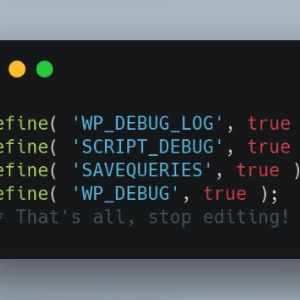
Code Profiler – WordPress Performance Profiling and Debugging Made Easy

About
Plugin for that tries to help you find the WordPress plugin you are looking for.
| Please enjoy an image of Crush (this awesome turtle) and have a lovely day! |  |
We do not own any plugin listed on this site and do not work for or work with WordPress.com or it's associated companies. We simply provide a searchable list of the available WordPress plugins.