

This plugin is outdated and might not be supported anymore
Back

Debug Bar Toggle
Details
View on WordPress
Back
The Debug Bar plugin is great, but sometimes I want to turn it off for a short time. This plugin lets you do that with a keystroke (ctrl + d).
Each time you press the keystroke, it toggles the Debug Bar’s setting for your next request. For example, if the Debug Bar is on and you press ctrl + d, then reload the page, it will not be loaded on the next pageview. Press ctrl + d again, refresh, and it’s back.
Details
Plugin code:
debug-bar-toggle
Plugin version:
1.01
Author:
Outdated:
Yes
WP version:
3.5 or higher
PHP version:
or higher
Test up to WP version:
3.5.2
Total installations:
10
Last updated:
2013-03-13
Rating:
Times rated:
1
debug-bar
Related plugins
Plugins that also contain the tag debug-bar
Query Monitor – The developer tools panel for WordPress

ElasticPress Debugging Add-On

Debug Bar Rewrite Rules

Black Bar
Debug Bar Cron

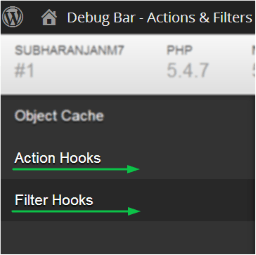
Debug Bar Actions and Filters Addon

About
Plugin for that tries to help you find the WordPress plugin you are looking for.
| Please enjoy an image of Crush (this awesome turtle) and have a lovely day! |  |
We do not own any plugin listed on this site and do not work for or work with WordPress.com or it's associated companies. We simply provide a searchable list of the available WordPress plugins.