


Dev Favicon Switcher
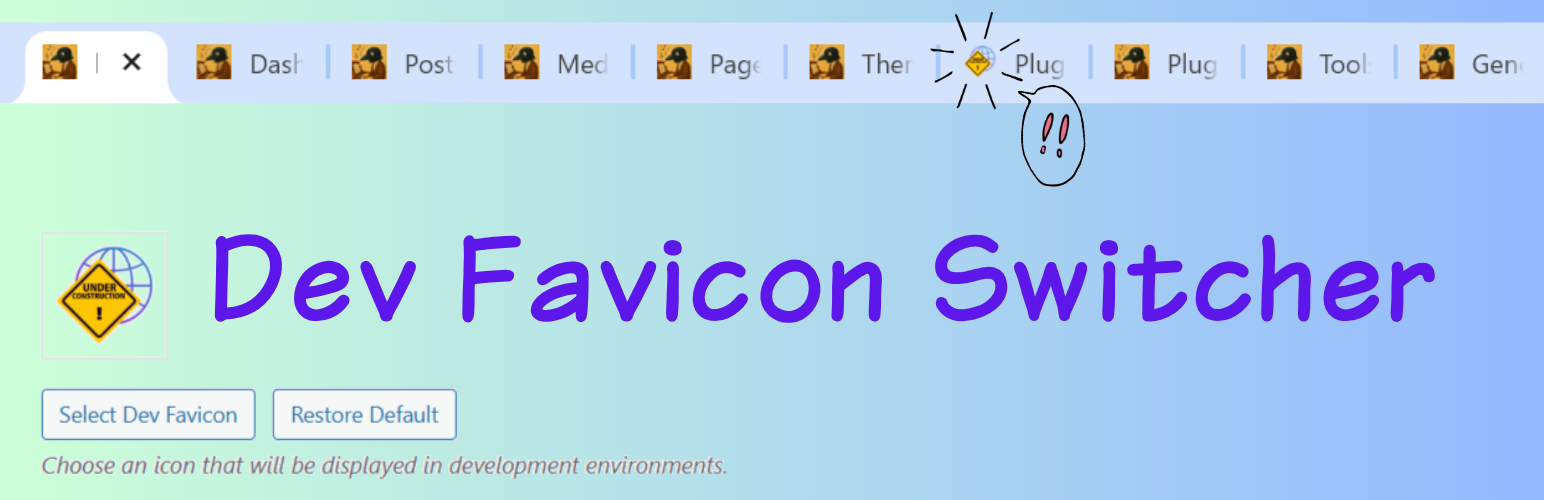
Dev Favicon Switcher helps you easily distinguish between your production and development environments. It automatically displays a different favicon based on the current URL, avoiding mistakes where you might accidentally edit the live site thinking it’s the development environment.
Key Features:
- Automatic Environment Detection: Automatically applies the development favicon on common local domains (
.local,.test,.dev). - Custom Development URLs: Specify exact URLs where the development favicon should appear (supports multiple URLs).
- Easy Icon Management: Upload your own dev favicon using the WordPress media uploader, complete with built-in image cropping.
- Restore Default Icon: Don’t have an icon handy? Easily apply our unified default development favicon with a single click.
- Automatic Size Generation: Automatically generates all standard WordPress site icon sizes (32×32, 180×180, 192×192, 270×270) to ensure compatibility across all devices and browsers.
- No Frontend Bloat: Everything works efficiently via standard WordPress filters without adding unnecessary frontend scripts.
Perfect for developers working with local environments, staging servers, and migration tools like All-in-One WP Migration.
Development Source:
This plugin is developed using npm and webpack. You can find the human-readable source code and build tools in our public repository: https://github.com/karasunouta/dev-favicon-switcher
Details


Related plugins
Plugins that also contain the tag development
Query Monitor – The developer tools panel for WordPress

Yoast Test Helper

What The File

Prevent Browser Caching

Stop Emails

Monkeyman Rewrite Analyzer


About
Plugin for that tries to help you find the WordPress plugin you are looking for.
| Please enjoy an image of Crush (this awesome turtle) and have a lovely day! |  |
We do not own any plugin listed on this site and do not work for or work with WordPress.com or it's associated companies. We simply provide a searchable list of the available WordPress plugins.