

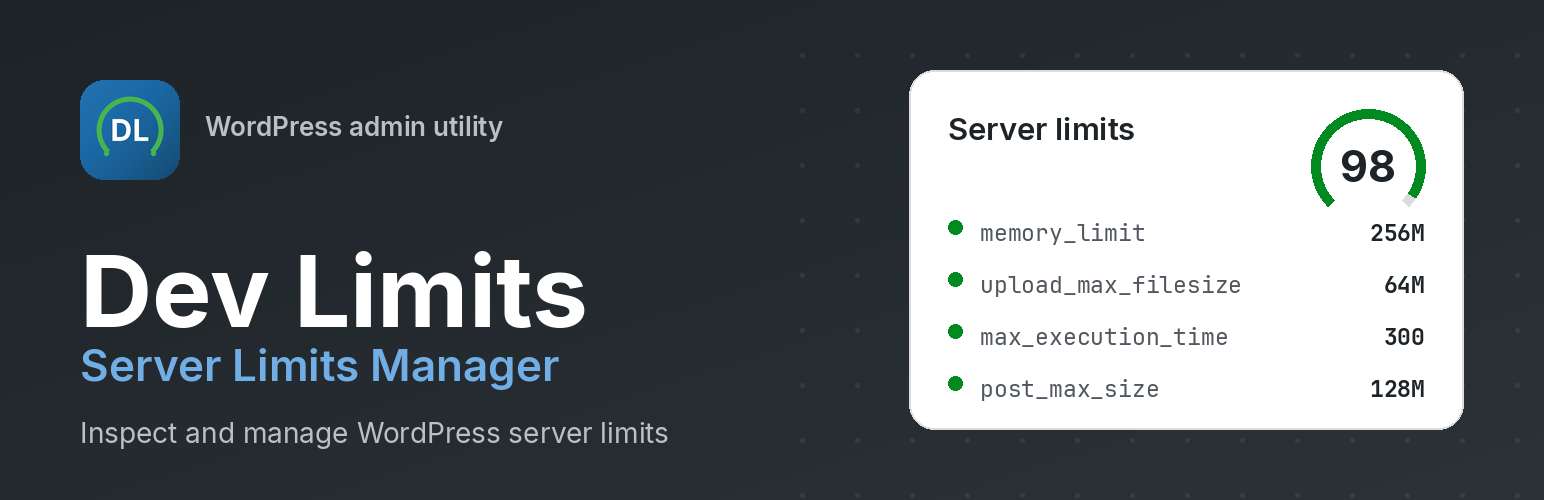

Dev Limits – Server Limits Manager
Dev Limits helps you view PHP and WordPress server limits in one admin dashboard, score them against a workload profile, detect your hosting stack, and apply changes safely — or copy the exact snippet for your server.
The plugin is read-only by default. Nothing on your server changes until you opt in to Configure (write) mode, which adds automatic backups, validation, verification, and rollback when you apply changes from the admin.
Key features
- Read-only by default. Nothing changes on your server until you opt in to Configure mode.
- Health score engine. A 0–100 score with recommendations tuned to your workload profile.
- Hosting detection. Identifies Cloudways, Kinsta, WP Engine, SiteGround, Hostinger, cPanel, Plesk, Apache, Nginx, LiteSpeed, OpenLiteSpeed, and CloudLinux — and shows which configuration methods work on your stack.
- Eight workload profiles. Blog, Agency, WooCommerce, Elementor, Membership, LMS, Large Media, and Custom — with profile comparison and one-click activation.
- Analyzer. PHP modules,
ini_get(), WP constants, server variables, environment detection, and warnings. - Snippets for every stack. Auto-generated
wp-config.php,.htaccess,.user.ini,php.ini,nginx.conf, and Apache snippets — only compatible formats are highlighted. - Configure with safety. Read/write modes, automatic backups, verification engine, rollback, and safe apply.
- Debug Center. Manage
WP_DEBUG,WP_DEBUG_LOG,SCRIPT_DEBUG,SAVEQUERIES, andWP_DEBUG_DISPLAYwith safe presets. - Diagnostics export. Full TXT and JSON reports with system information, warnings, and recommendations.
- Site Health integration. Adds limit checks and a debug-information section to Tools Site Health.
- Local analysis only. No telemetry. GPL compatible. Multisite ready. Translation ready.
Admin pages
- Dashboard — Health score, recommendations, quick stats, recent changes, backup status, quick actions
- Analyzer — Limit analysis with warnings
- Profiles — Workload profiles with comparison and activation
- Configure — Safe read/write limit configuration with backups and rollback
- Debug Center — Debug constants with safe presets
- Snippets — Hosting-aware configuration snippets with copy and download
- Diagnostics — Exportable system reports (TXT / JSON)
- Hosting Detection — Provider, web server, SAPI, and method compatibility
- Settings — Plugin preferences and custom profile targets
- Help Center — FAQ, search, and hosting guides
- About — Version, credits, license, and privacy
What it shows you
- Upload Max Filesize, Post Max Size, PHP Memory Limit, WordPress Memory Limit
- Max Execution Time, Max Input Vars, Max Input Time
- PHP, WordPress, and database versions
- Web server, operating system, and architecture
- OPcache, cURL, GD, and Imagick status
- Hosting provider and compatible configuration methods
Privacy
Dev Limits does not collect, store, or transmit personal data, and it does not make external or remote requests. All limit analysis and report generation happens on your server. The diagnostics report is created only when you generate it.
Details


Related plugins
Plugins that also contain the tag diagnostics
Performance Lab

Multisite Usage Scanner

Print Basic Facts

CC-Sentry

atec 404 Tracker

Health Radar


About
Plugin for that tries to help you find the WordPress plugin you are looking for.
| Please enjoy an image of Crush (this awesome turtle) and have a lovely day! |  |
We do not own any plugin listed on this site and do not work for or work with WordPress.com or it's associated companies. We simply provide a searchable list of the available WordPress plugins.