


DFUX White Label Lite
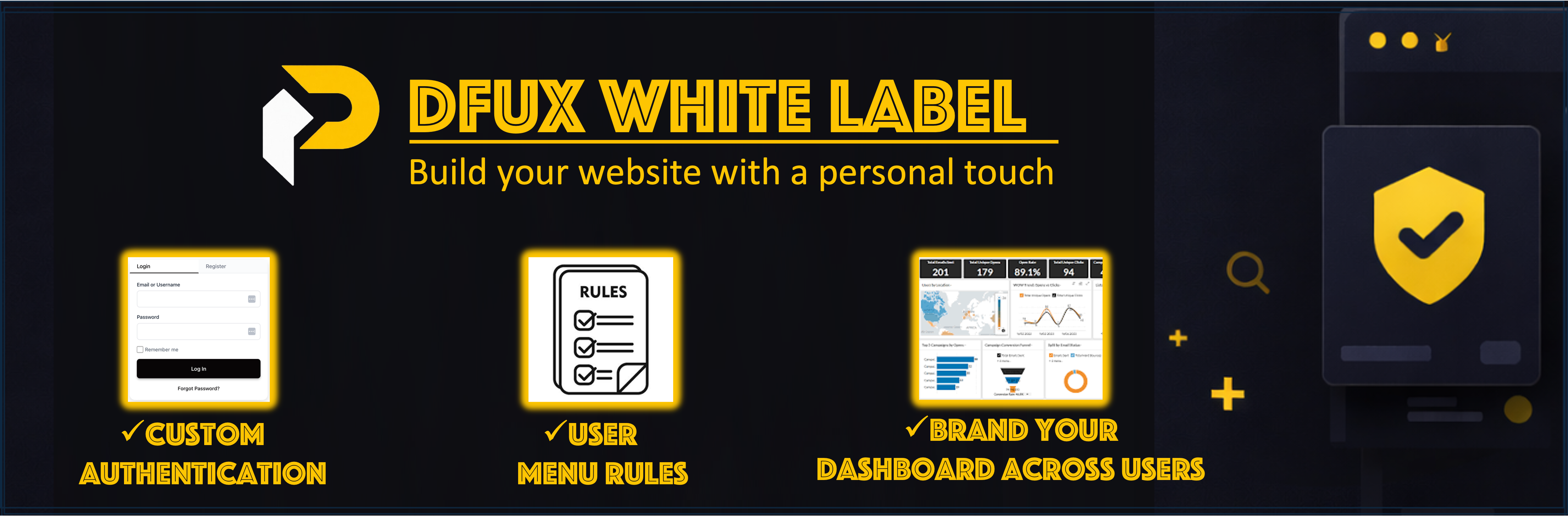
DFUX White Label Lite is a WordPress plugin that provides custom login and registration forms, role-based dashboards, and admin menu visibility control. Create custom authentication pages, assign dashboard pages to user roles, and control which admin menu items are visible to each role.
Features
-
Custom Authentication Forms
- Custom login and registration form shortcode
- Password reset functionality
- Modern, customizable UI
-
Role-Based Dashboards
- Map custom dashboard pages to user roles
- Non-admin users with assigned dashboard pages are automatically redirected to their dashboard when accessing wp-admin
- Dashboard pages display user information and account details using the dashboard shortcode
-
Admin Menu Visibility Control
- Hide specific wp-admin menu items by user role
- Control which menu items each role can access
- Administrators are never restricted
-
Admin Access Control
- Automatically block wp-admin access for non-admin users (redirects to role-based dashboard)
- Hide WordPress admin bar for specific user roles (defaults to subscribers)
- Administrators are never restricted
-
Additional Features
- Force redirect wp-login.php GET requests to custom login page
- Authentication logging for security monitoring
Configuration
General Settings
-
Custom Login Page: Create a page (e.g.,
/login-signup/) and add the[dfuxwhla_login_form]shortcode. Select this page in General Settings > Login Page. -
Force replace wp-login.php (GET only): Enable this option to redirect wp-login.php GET requests to your custom login page.
-
Block wp-admin for non-admins: This feature is enabled by default. Non-admin users with assigned dashboard pages will be automatically redirected to their role-based dashboard when attempting to access wp-admin. This helps create a more secure and streamlined experience for non-admin users.
Dashboards
- Navigate to General Settings > Dashboards tab.
- Map each user role to a dashboard page.
- Ensure each dashboard page contains the
[dfuxwhla_user_dashboard]shortcode.
Admin Menu Rules
- Navigate to General Settings > Admin Menu Rules tab.
- Select which menu items to hide for each role.
- Save your rules.
Shortcodes
-
[dfuxwhla_login_form]– Displays a complete login/registration form- Usage: Add to your login page (e.g.,
/login-signup/) - Features: Login, registration, and password reset
- Usage: Add to your login page (e.g.,
-
[dfuxwhla_register_form]– Alias for[dfuxwhla_login_form](same functionality) -
[dfuxwhla_logout_link]– Displays a logout link- Attributes:
label– Custom label text (default: “Logout”)redirect– Redirect URL after logout (default: home page)
-
[dfuxwhla_user_dashboard]– Displays user dashboard content- Usage: Add to dashboard pages mapped to roles
- Features: User information, account details, and logout option
Support
If you encounter any issues or have questions about plugin functionality, please:
- Visit the Support Forum
- Check the Plugin Documentation
- Visit our website: https://petafusion.com/
Before reporting an issue, please ensure:
* Your WordPress version is up to date
* Your PHP version meets the requirements (7.4 or higher)
* You’ve tested with other plugins deactivated to check for conflicts
* You’ve reviewed existing support forum topics for similar issues
Details
Related plugins
Plugins that also contain the tag admin-menu
Admin Menu Search
My Wp Brand – Hide menu & Hide Plugin

Wider Admin Menu
Easy Hide Admin Menu Items
Reusable Blocks Admin Menu Option
Hide Admin Menu Items

About
Plugin for that tries to help you find the WordPress plugin you are looking for.
| Please enjoy an image of Crush (this awesome turtle) and have a lovely day! |  |
We do not own any plugin listed on this site and do not work for or work with WordPress.com or it's associated companies. We simply provide a searchable list of the available WordPress plugins.